

















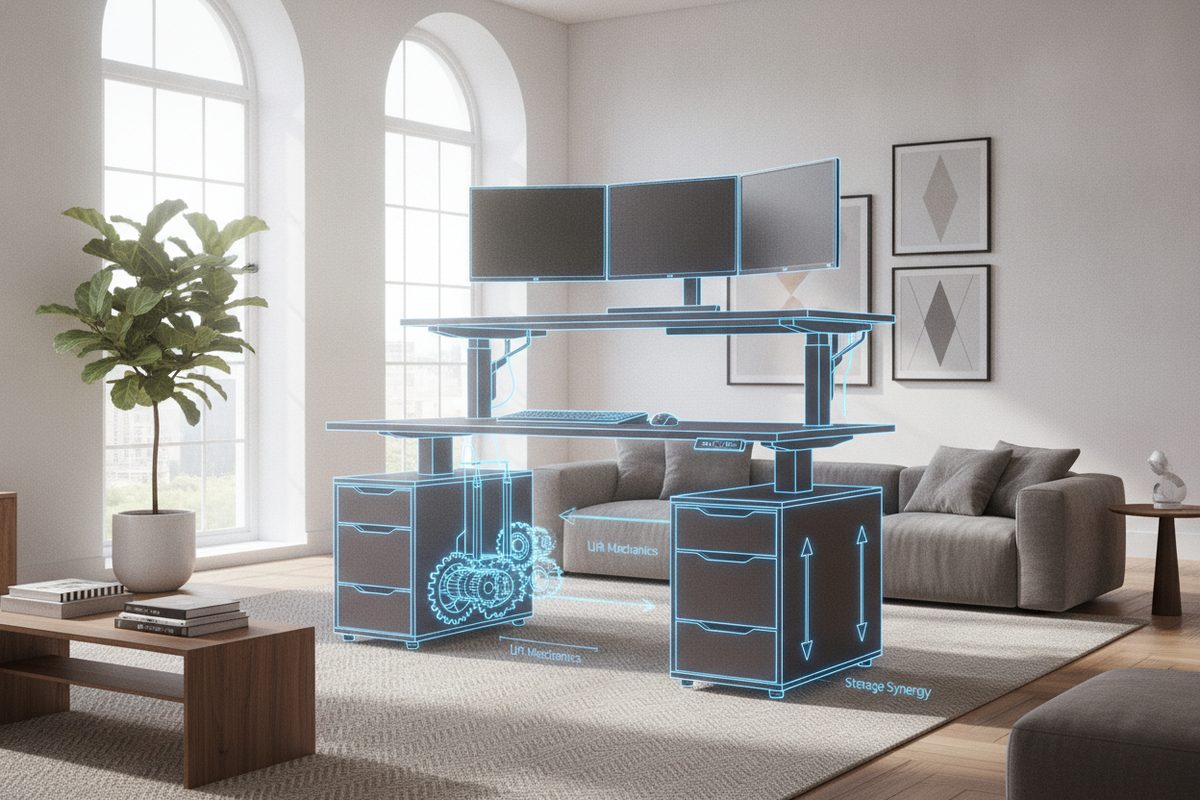
Understanding the Two Tier Standing Desk Architecture
The modern workspace requires an adaptable balance between visual display technology and physical input zones. A two tier standing desk introduces a stepped architectural approach to workstation design, dividing the traditional flat tabletop into dedicated functional strata. Rather than placing monitors, keyboards, writing materials, and peripheral equipment on a single plane, a two-tier adjustable desk elevates the display zone while maintaining an accessible lower surface for typing, mousing, and tactile tasks.
Anatomy of Split-Level Sit-Stand Workstations
At its core, a 2 tier standing desk consists of two distinct horizontal surfaces joined by a rigid riser system or integrated structural framework. The upper shelf functions primarily as a viewing terrace, positioned to host single or multi-monitor setups, compact desk lamps, and audio monitors. The lower tier serves as the primary task deck, offering an unobstructed surface for mechanical keyboards, precision mice, notebooks, and interface controllers.
This structural separation helps delineate task zones, preventing peripheral hardware from crowding the direct working area. By elevating screens above the main desktop, users maintain open surface real estate beneath the upper platform, creating natural storage alcoves for audio interfaces, external drives, notebook docks, or stationery caddies.
Single-Surface vs. Integrated Two-Tier Configurations
Traditional flat desks often rely on aftermarket clamp-on monitor risers or desktop converter units to achieve a multi-level layout. While aftermarket add-ons provide a temporary retrofit, an integrated two level standing desk delivers greater frame cohesion, structural balance, and aesthetic uniformity. Integrated split-level desks align the center of gravity directly over the frame legs and motor lifting columns, reducing mechanical wobble during height adjustments.
For broader aesthetics and spatial harmony across your entire home office, consult our standing desk guide to balance functional tech gear with clean visual lines.
Ergonomic Geometry: Screen Heights and Forearm Positioning
Ergonomic workstation planning focuses on supporting neutral joint alignment throughout extended working sessions. A two tier standing desk provides distinct physical advantages by decoupling the visual field from the arm support deck, allowing independent physical alignment for the eyes, neck, wrists, and shoulders.
Upper Tier Display Alignment Framework
When positioning screens on the upper shelf of a two-tier adjustable desk, the goal is to align the upper third of the display with natural eye level when looking straight ahead. This orientation encourages a neutral cervical spine posture, minimizing the inclination to tilt the head forward or hunch the shoulders during reading-intensive tasks.
Multi-monitor users can arrange dual screens in a gentle inward arc along the upper platform. Because the upper shelf provides a dedicated elevated foundation, monitor stands sit firmly without encroaching on the lower surface where wrists and forearms rest during typing.
Lower Tier Input Deck Dynamics
The lower platform on a 2 tier standing desk functions as the physical interaction zone. When seated or standing, the lower deck should sit at a height that allows the elbows to rest comfortably near an open right angle, with forearms resting parallel to the floor.
Those managing expansive peripheral spreads alongside tiered surfaces can explore an adjustable standing desk product designed to accommodate extensive desk footprints.
Spatial Clearances, Room Footprints, and Dynamic Movement
Integrating an adjustable multi-tier desk requires careful spatial evaluation of room dimensions, perimeter clearance zones, and kinetic transit paths.
Footprint Categories and Spatial Planning
Workstations generally fall into compact, standard, and wide profile envelopes. Compact two-tier setups fit comfortably in bedroom alcoves or multi-use study corners, prioritizing vertical storage over horizontal width. Standard and expansive tiered desks require dedicated wall space and ample perimeter clearance to allow free movement around the chair perimeter and side furniture.
To see how tiered surfaces optimize vertical zoning in shared living quarters, read our two tier guide on balancing layered storage and surface area.
Kinetic Lift Clearances and Dynamic Stability
Because a two tier standing desk travels vertically through repeated transitions, the elevation envelope must remain clear of physical obstructions. Key environmental factors to assess include:
- Window sill projections and low-hanging window treatments.
- Floating wall shelves or overhead storage cabinets mounted directly above the desk.
- Wall art, framed certificates, or acoustic wall panels positioned within the lift path.
- Pendant lighting or angled architectural ceiling beams.
Maintaining clear perimeter spacing around the desk edges prevents accidental contact between moving surfaces and fixed room elements during automated lift cycles.
Load Balancing, Lift Mechanics, and Structural Integrity
The mechanical longevity and operational smoothness of an adjustable multi-tier desk depend heavily on sensible weight distribution and orderly cable integration.
Weight Distribution Between Upper and Lower Decks
A balanced weight profile keeps the motor drive system operating smoothly and reduces structural torque on the lifting columns. Heavy items—such as large monitors, metal riser hardware, and studio speakers—should be centered evenly across the upper shelf rather than concentrated on one edge.
Similarly, the lower task deck should avoid asymmetric loading from oversized desktop towers or heavy peripheral equipment. Placing primary computing hardware on dedicated floor pedestals or balanced frame mounts ensures that dynamic lifting columns bear balanced vertical forces across both sides.
For workspaces that prioritize automated transitional routines, pairing your hardware with an adjustable standing desk product featuring programmable presets simplifies elevation shifts.
Cable Management Geometry Across Tiered Elevations
Dynamic movement creates shifting distances between wall outlets, desktop peripherals, and upper-tier displays. Implementing structured cable pathways prevents wire pinching and tension snagging during transit:
- Group upper-shelf monitor display cables and power cords into flexible spine organizers that travel smoothly behind the riser columns.
- Route keyboard, mouse, and charging leads through under-tier grommets directly to lower cable trays.
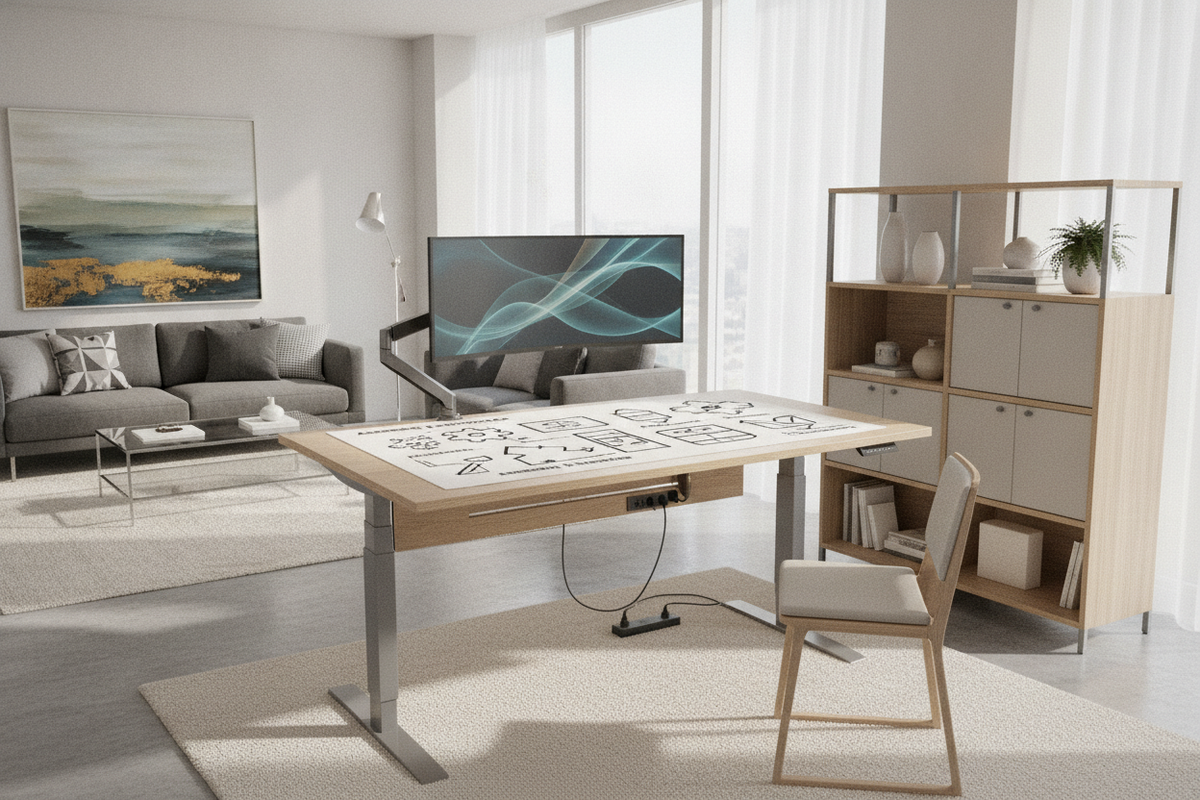
- Anchor surge protectors and power distribution blocks firmly beneath the main frame so that only a single main umbilical cord travels between the moving desk and the wall receptacle.
- Provide sufficient service loops in all wires to accommodate the full range of vertical travel without strain.
Integrated Storage Synergy and Workspace Organization
A high-performance workstation balances active task space with organized secondary storage. Coordinating a two tier standing desk with complementary cabinetry creates a functional ecosystem that keeps desktops tidy and productive.
Under-Deck Storage and Mobile Credenzas
The open space beneath a two-tier sit-stand frame offers prime real estate for mobile pedestal units, slim filing carts, or low credenzas. When planning under-desk storage, ensure that mobile cabinets sit lower than the lowest planned seated height setting. This prevents the underside of the task surface from colliding with cabinet tops when lowering the workstation.
Positioning rolling storage units just outside the primary knee-well maintains open legroom while keeping essential files, reference manuals, and spare accessories within easy arm's reach.
Modular Wall Shelving and Vertical Organization
Complementing split-level desktop surfaces with perimeter wall cabinets or adjustable side shelving establishes a cohesive organizational hierarchy. Daily input tools remain on the lower deck, primary displays rest on the upper shelf, and long-term reference materials or decorative greenery occupy adjacent shelving units.
Complement your split-level workstation with adaptable side storage from our adjustable collection to house reference materials and desktop peripherals neatly.
Two Tier Standing Desk Decision Framework
Selecting the right multi-tier desk configuration requires evaluating individual workflow habits, computing gear profiles, and maintenance expectations.
Assessing User Workflow and Equipment Profiles
Consider the following workstation criteria when selecting your setup:
- Display Configuration: Determine whether single, dual, or ultrawide monitors will rest on the upper platform, verifying that the shelf depth and width accommodate the display stands without overhang.
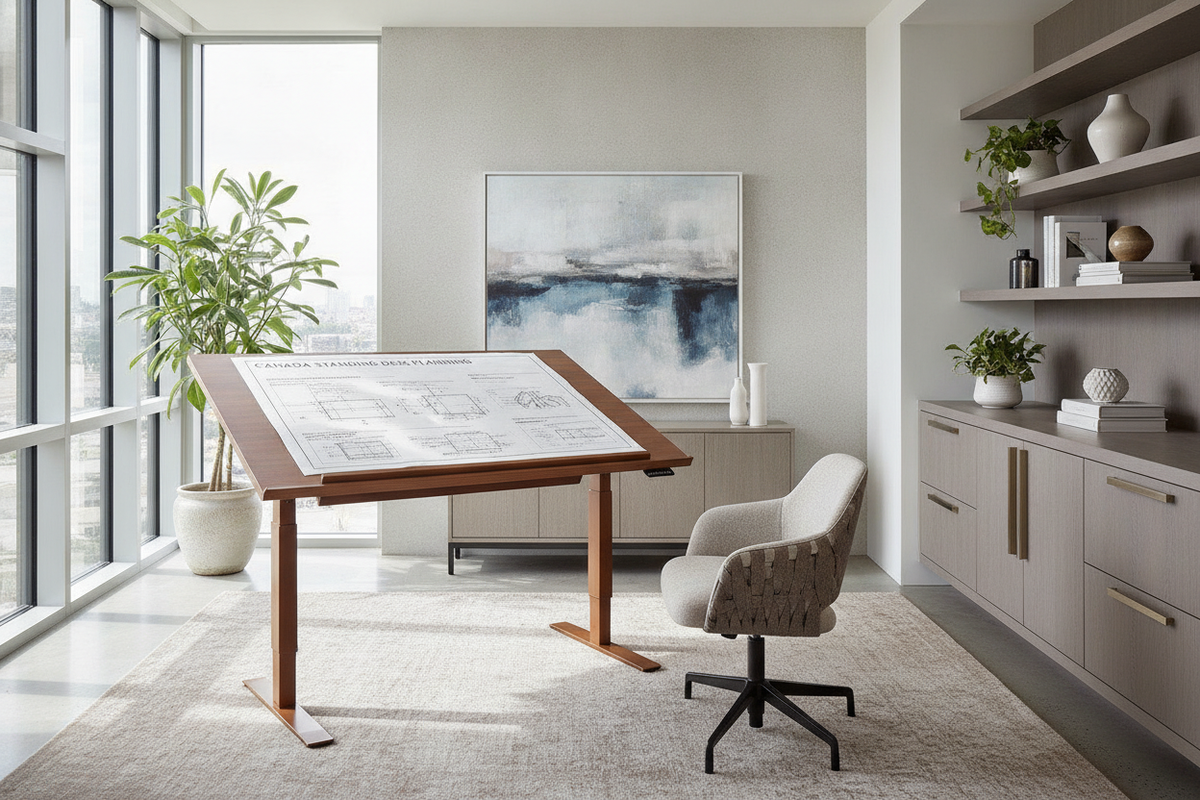
- Input Surface Demands: Evaluate the lower deck surface area needed for specialized input devices, graphics tablets, writing materials, or audio mixing controllers.
- Spatial Layout: Measure your home office room envelope, accounting for walkway clearance, seated chair roll-back space, and full vertical extension clearance.
Long-Term Maintenance and Structural Care
To preserve structural rigidity and smooth operation over time, establish a regular desk care routine. Periodically inspect hardware fasteners connecting the upper tier risers to the main frame, ensuring bolts remain snug. Wipe down laminated or wood-veneer desktop surfaces with a soft, slightly damp cloth, avoiding harsh abrasive cleaners that could dull the protective finish. Finally, verify that cable conduits remain free of tension, allowing your two tier standing desk to transition seamlessly between seated and standing workflows for years to come.

Leave a comment
This site is protected by hCaptcha and the hCaptcha Privacy Policy and Terms of Service apply.