

















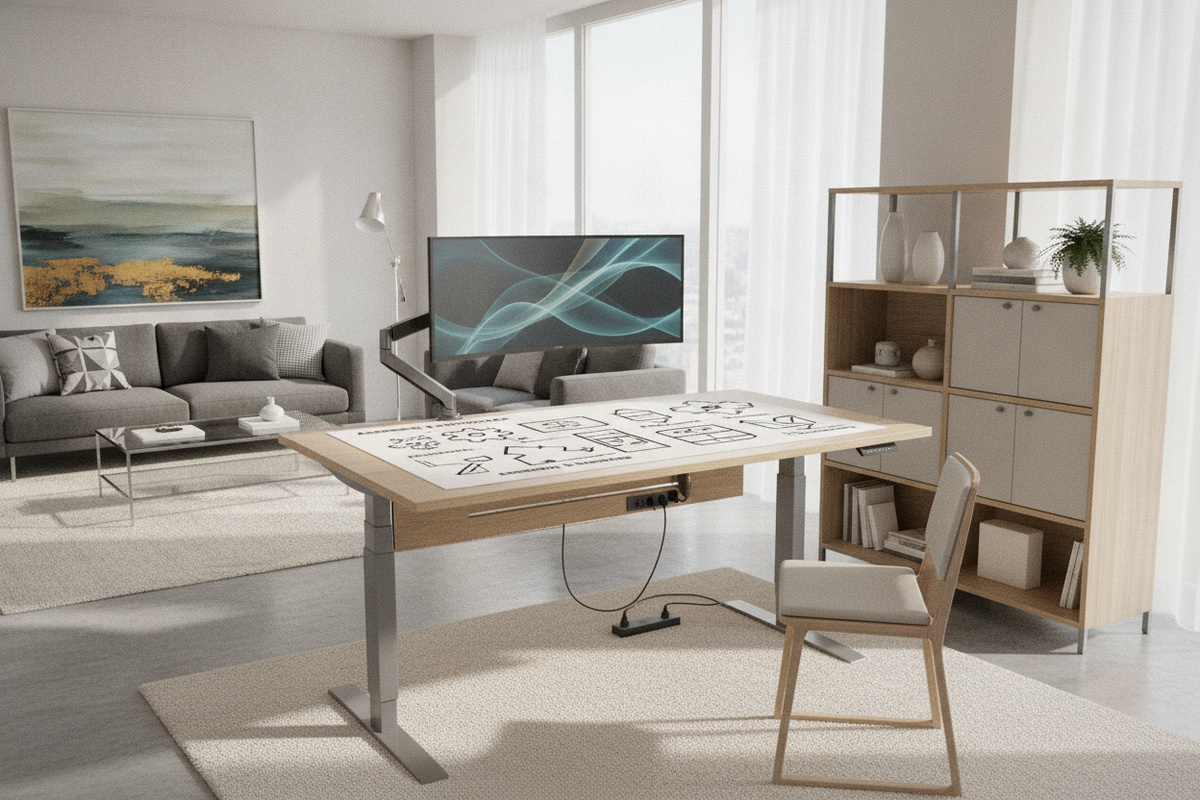
Understanding Standing Desk Assembly Archetypes
Choosing a height-adjustable workstation involves balancing delivery logistics, assembly effort, and structural rigidity. While traditional office desks rely on static joinery, dynamic workstations introduce motorized lift columns, drive shafts, and electronic control units that alter how components connect. When searching for a standing desk assembled for rapid deployment, understanding the spectrum of available assembly tiers helps align your expectations with your available tools and workspace layout.
At one end of the spectrum is the fully assembled standing desk, which arrives with the lift columns, crossbeam structure, and desktop pre-secured as a single unit. These designs eliminate tool requirements entirely upon delivery but introduce distinct logistical demands, such as wide entryways, stairwell clearance, and dedicated freight handling. In contrast, modular flat-pack builds require complete assembly of the motorized legs, telescopic beams, and surface brackets piece by piece. Between these extremes lie semi-assembled systems, which utilize folding frames, pre-attached motor housings, or slide-and-lock rails to streamline setup without the bulk of a fully fixed silhouette.
Anatomy of Quick-Setup Lifting Mechanisms
The speed and stability of any adjustable desk setup depend on how its mechanical and electrical elements integrate with the frame. Modern height-adjustable frames feature structural innovations designed to reduce mechanical friction and eliminate complex bolt configurations during installation. In my experience, paying attention to how the frame supports its drive components simplifies both the initial setup and long-term maintenance.
Key structural components found in streamlined lifting systems include:
- Pre-Integrated Drive Columns: Motor housings nested inside the top bracket or leg column, avoiding external drive rod alignments.
- Telescoping Center Rails: Adjustable crossbars that expand to accommodate multiple desktop widths while maintaining structural rigidity across the central span.
- Toolless Snap-Lock Channels: Quick-release locking levers or slide-in brackets that seat the lifting legs securely against the frame.
- Pre-Wired Control Junctions: Color-coded plugs and organized clip channels that simplify connections between the power supply, control box, and user handsets.
For workspaces where rapid implementation is a priority, exploring an adjustable height standing desk with electric lift system provides a clear look at how cohesive frame engineering pairs with intuitive electronic controls to simplify daily use.
Desktop Construction and Structural Integrity
The desktop serves as both the functional work plane and the primary stabilizing diaphragm connecting the two lifting columns. Desktop designs generally divide into continuous single-slab tops and segmented multi-piece configurations. Each approach influences packaging density, shipping convenience, and assembly alignment.
Continuous single-piece surfaces provide uninterrupted plane uniformity, eliminating central seams and optimizing resistance against surface deflection. For broader operational zones requiring extensive workspace, models like the 71-inch height adjustable standing desk offer an expansive horizontal area that anchors securely across heavy-duty support brackets. Because these tops arrive as one piece, they require ample room during the initial inverted assembly step.
Conversely, segmented surfaces divide the desktop into multiple interlocking boards connected by dowels, mending plates, or tongue-and-groove joints. A standing desk with a multi-piece desktop enables compact packaging while maintaining a substantial work surface once assembled. When fastening segmented tops, aligning the connecting plates gradually before final tightening prevents uneven seams and ensures a flat, uniform surface across the entire frame.
Spatial Geometry and Workstation Footprint Tiers
Integrating an adjustable workstation into a home or commercial office requires evaluating spatial geometry beyond static width and depth. Because the desktop moves vertically, the entire volume through which it travels must remain clear of architectural obstructions, shelving, and wall hangings. Planning these spatial boundaries ensures safe and seamless vertical movement throughout the day.
Consider these structural clearance envelopes during setup planning:
- Vertical Travel Envelope: Verify that overhead cabinets, task lights, and window sills do not encroach on the upper threshold of the desktop path.
- Perimeter Wall Gap: Maintain a small spacing gap between the rear edge of the desktop and adjacent walls to prevent surface scuffing and avoid pinching cables during height transitions.
- Knee-Well and Base Clearance: Ensure floor-level crossbars and leveling glides fit cleanly around floor vents, baseboards, and under-desk cable raceways.
Reviewing comprehensive designer ideas for standing desk layouts can help you visualize how dynamic movement envelopes interact with natural light, corner placements, and room traffic.
Pre-Assembly and Post-Setup Workflow Protocols
Proper staging and assembly practices safeguard the desk's mechanical components and help establish a stable, wobble-free foundation. Whether setting up a nearly complete assembly or building from a flat-pack kit, adhering to a systematic workflow reduces installation time and minimizes physical strain.
- Floor Staging: Clear a clean workspace and lay down a soft blanket or cardboard buffer to protect both the desktop finish and the floor during inverted construction.
- Loose Fastener Engagement: Thread all structural bolts into their pre-machined inserts loosely by hand before tightening, ensuring the crossbars, column brackets, and surface mounts seat naturally without cross-threading.
- Controlled Inversion: Once the frame and desktop are secured together, flip the assembly upright using two people to avoid placing lateral shear stress on the lifting columns.
- Leveling Glide Calibration: Place the desk in its final position and adjust each foot glide until the frame sits level on uneven floors, eliminating micro-wobble during vertical adjustment.
- Slack-Aware Cable Routing: Secure all power cords, monitor cables, and peripheral wires within clips or trays while leaving sufficient loop slack to accommodate the desk's maximum upper height without tension.
Integrating Storage Cabinets and Ergonomic Accessories
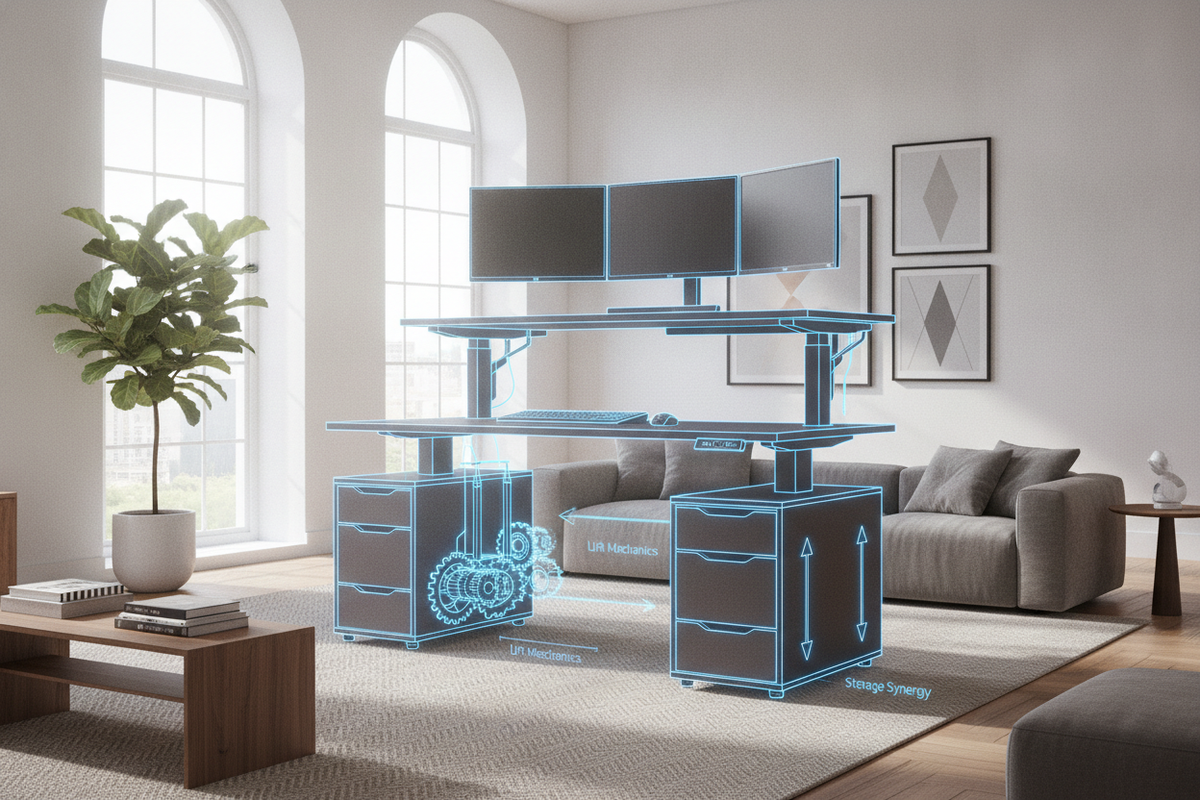
Because dynamic desks lack the built-in pedestal drawers of conventional desks, maintaining an organized and visually cohesive environment requires thoughtful storage planning. Incorporating modular, freestanding, or mobile storage solutions helps preserve clean floor space while keeping essential documents and tools within arm's reach.
Low-profile mobile file cabinets slide neatly beneath the frame during sitting height, provided there is adequate clearance between the lower tabletop support brackets and the top of the cabinet. Alternatively, pairing the desk with complementary credenzas, modular sideboards, or tall bookcases maintains organizational balance across the room. For broader aesthetic concepts on combining functional storage with dynamic desks, explore our guide to designing a cohesive standing desk setup to build a refined, productive workspace.

Leave a comment
This site is protected by hCaptcha and the hCaptcha Privacy Policy and Terms of Service apply.