

















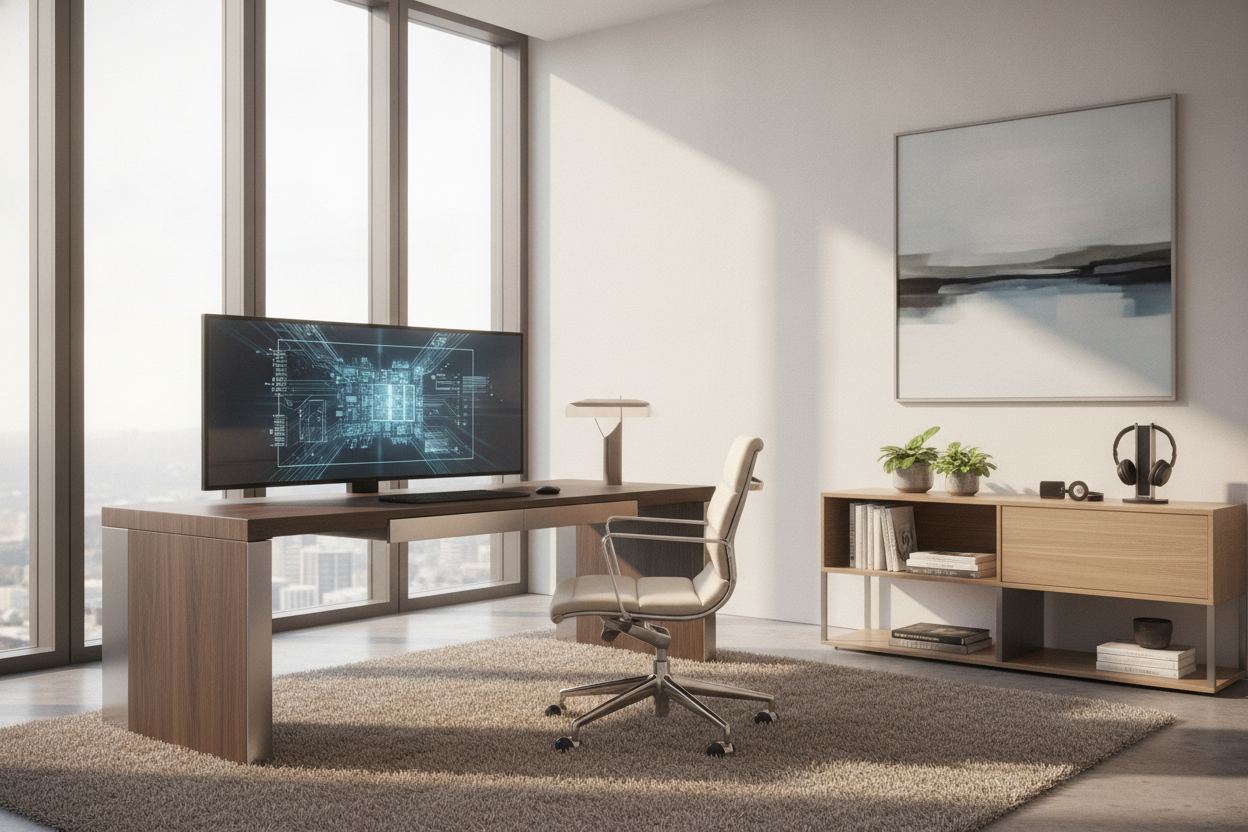
I spent three hours last night staring at a 47-inch ultra-wide monitor that had developed a single, flickering vertical line of purple pixels right down the center. It was infuriating, but at least I could just unplug it, shove it back in the box, and send it for repair. If that screen had been physically glued, screwed, and wired into the frame of my desk, I wouldn’t just have a broken monitor; I’d have a 150-pound piece of useless furniture clogging up my office.
We have all seen those sleek, minimalist setups on Pinterest where a desk with screen built in looks like a prop from a high-budget sci-fi film. It is the ultimate siren song for productivity nerds who hate cable clutter. But after years of testing furniture that tries to be 'smart,' I have learned one expensive lesson: furniture should stay dumb, and tech should stay modular.
Quick Takeaways
- Tech ages in dog years; furniture should last decades.
- Integrated screens usually lack the ergonomic adjustments necessary for long-term neck health.
- Repairing a built-in display often requires dismantling the entire desk.
- You can achieve the same 'clean' look with VESA mounts and clever cable management for half the price.
The Sci-Fi Dream vs. The IT Reality
The allure is obvious. You want to walk into your room, sit down at a slab of walnut or polished glass, and have a high-resolution display rise out of the wood like a secret agent’s gadget. No messy HDMI cables, no bulky plastic stands, just pure, unadulterated pixels. It feels like the future. But the reality is that the furniture industry and the consumer electronics industry operate on completely different timelines.
A good solid wood desk can easily last thirty years. In that same thirty-year span, we have gone from beige CRT monitors to flat-panel LCDs, to 4K OLEDs, and now toward high-refresh-rate curved displays. If you bought a high-end desk with a built-in screen in 2015, you would likely be staring at a 1080p panel with terrible color accuracy today, while the rest of the world has moved on to HDR and 144Hz. You are essentially anchoring a beautiful piece of craftsmanship to a piece of technology that is destined for a landfill in five years.
What Happens When the Tech Dies?
Here is the nightmare scenario: the internal power supply of the integrated monitor pops. In a standard setup, you spend $300 on a new screen, swap the VESA plate, and you are back to work in ten minutes. With a built-in setup, you are now a furniture restorer. You are unscrewing custom brackets, hunting for proprietary replacement panels that might not even be manufactured anymore, and praying you don't scratch the finish of the desk while you're at it.
I once tested a 'smart table' that had a touchscreen embedded in the surface. Six months in, the touch digitizer started ghost-clicking. Every time I put a coffee mug down, the desk thought I was trying to open my email. Because the screen was part of the structural integrity of the tabletop, I couldn't just 'remove' it. I ended up covering a $1,200 desk with a giant mousepad just to make it usable again. It was a humiliating reminder that marrying electronics to wood is a recipe for heartbreak.
Ergonomic Nightmares Disguised as Innovation
Beyond the tech failure, there is the literal pain in your neck. Most desks with screens built in prioritize the 'flush' look over your actual posture. These screens are often fixed at a specific height or tilt to maintain the aesthetic of the furniture. But unless you are exactly the height the designer envisioned, you will likely find yourself hunching forward or straining your eyes.
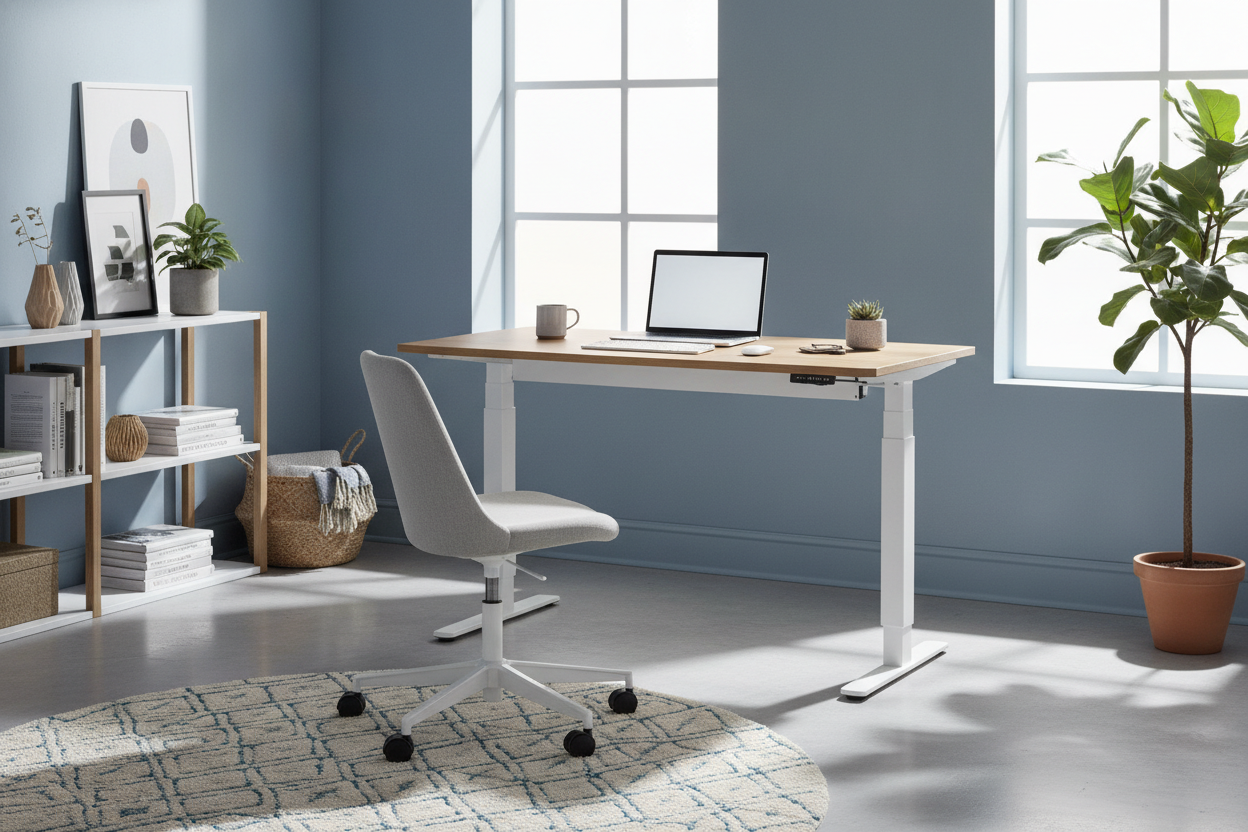
Compare that rigid, locked-in posture to the flexibility of a modern ergonomic home office sit stand up desk. When you use a separate desk and a high-quality monitor arm, you can adjust the screen to the millimeter. You can move it closer when you are squinting at spreadsheets and push it back when you are watching a movie. Built-in screens rob you of that movement, forcing your body to adapt to the furniture rather than the other way around. My physical therapist has a field day every time one of these 'innovative' desks hits the market.
How to Get the Seamless Look Without the Risk
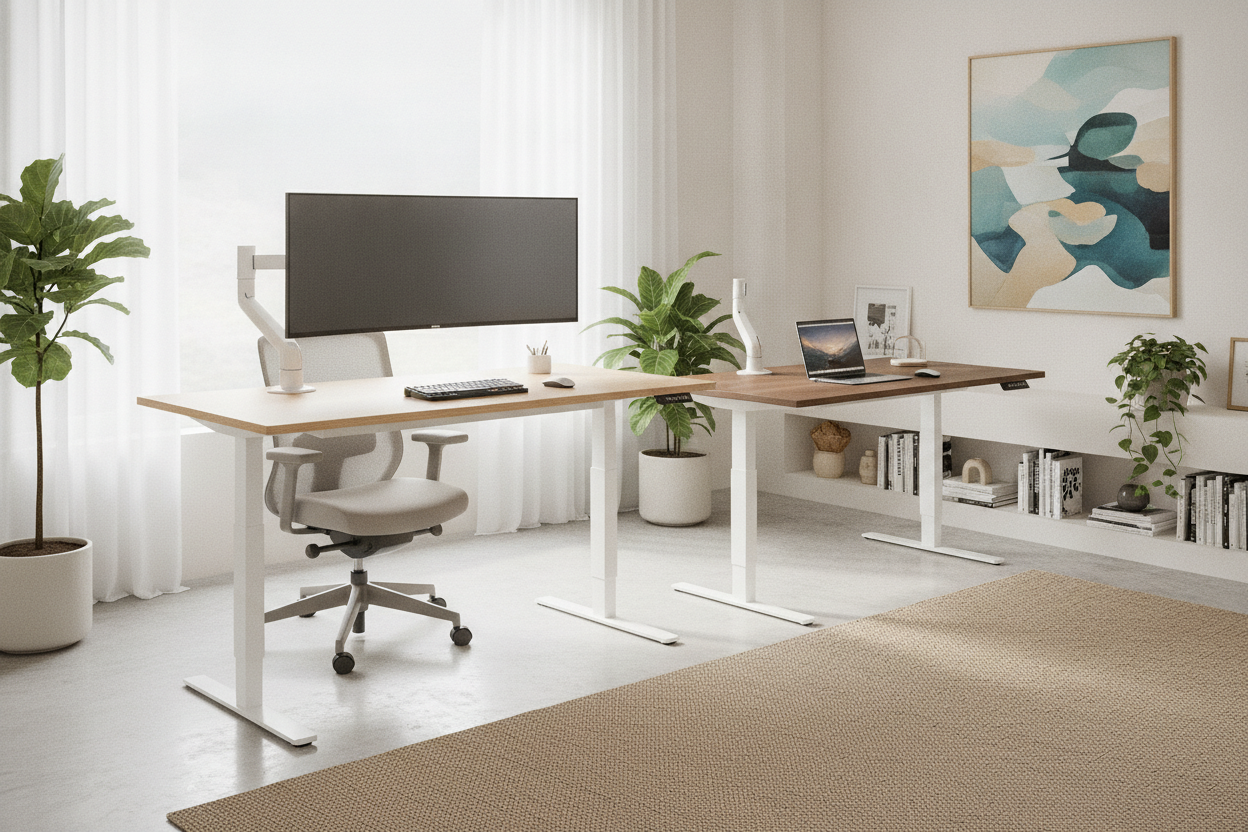
If you still crave that ultra-clean, futuristic aesthetic, you don't need a built-in screen. You need better cable management. You can start with a high-quality, minimal writing computer desk that offers a clean surface and zero distractions. The secret to the 'built-in' look is actually a combination of a ultra-thin bezel monitor, a white or black monitor arm that matches your wall color, and under-desk cable raceways.
For those who want to go even further, you can create a custom built in look by using recessed wall mounts or cabinetry that hides the monitor's edges. This gives you the visual satisfaction of a screen that feels 'part of the room' without the mechanical nightmare of it being part of the desk. I always tell people: hide the wires, don't hide the hardware. When your monitor eventually dies—and it will—you want to be able to replace it without needing a circular saw and a degree in electrical engineering.
The Verdict: Who Are These Actually For?
Are there people who should actually buy a desk with a screen built in? Sure. If you are designing a high-traffic retail kiosk, a museum exhibit, or a recording studio where specific rack-mounted gear needs to be flush, go for it. In those environments, the furniture is a tool with a specific, short-term ROI. But for a home office where you live, work, and pay the bills? It is a hard pass.
Stick to the classics. Buy a desk that will still look good in ten years, and buy a monitor that you can throw away when the next big resolution jump happens. Your neck, your wallet, and your future self will thank you.
My Personal Lesson in Smart Furniture
A few years ago, I fell for a 'smart' nightstand. It had built-in wireless charging pads under the wood veneer and integrated Bluetooth speakers. It was cool for exactly three months. Then, my new phone used a different charging standard that didn't align with the internal coils, and the Bluetooth version became so outdated that the lag made watching videos impossible. Now, I have a nightstand with a permanent power cord coming out of the leg that does absolutely nothing. I keep it as a monument to my own hubris. Don't let your desk become a monument to yours.
FAQ
Can I upgrade the screen in a built-in desk later?
Usually, no. Most of these designs use custom mounting brackets or specific cutouts that only fit one model of display. Even if the size matches, the port placement often changes between monitor generations.
Are built-in screens better for cable management?
They look better on the surface, but the 'management' usually just means the cables are trapped inside the desk frame. If a cable frays or a port breaks, you might have to take the whole desk apart to fix a $5 cord.
What is the best way to hide monitor cables?
Use a monitor arm with internal cable channels and a mesh cable sleeve that runs down the back of the desk leg. It gives you 95% of the 'built-in' look with 100% of the flexibility.

Leave a comment
This site is protected by hCaptcha and the hCaptcha Privacy Policy and Terms of Service apply.