

















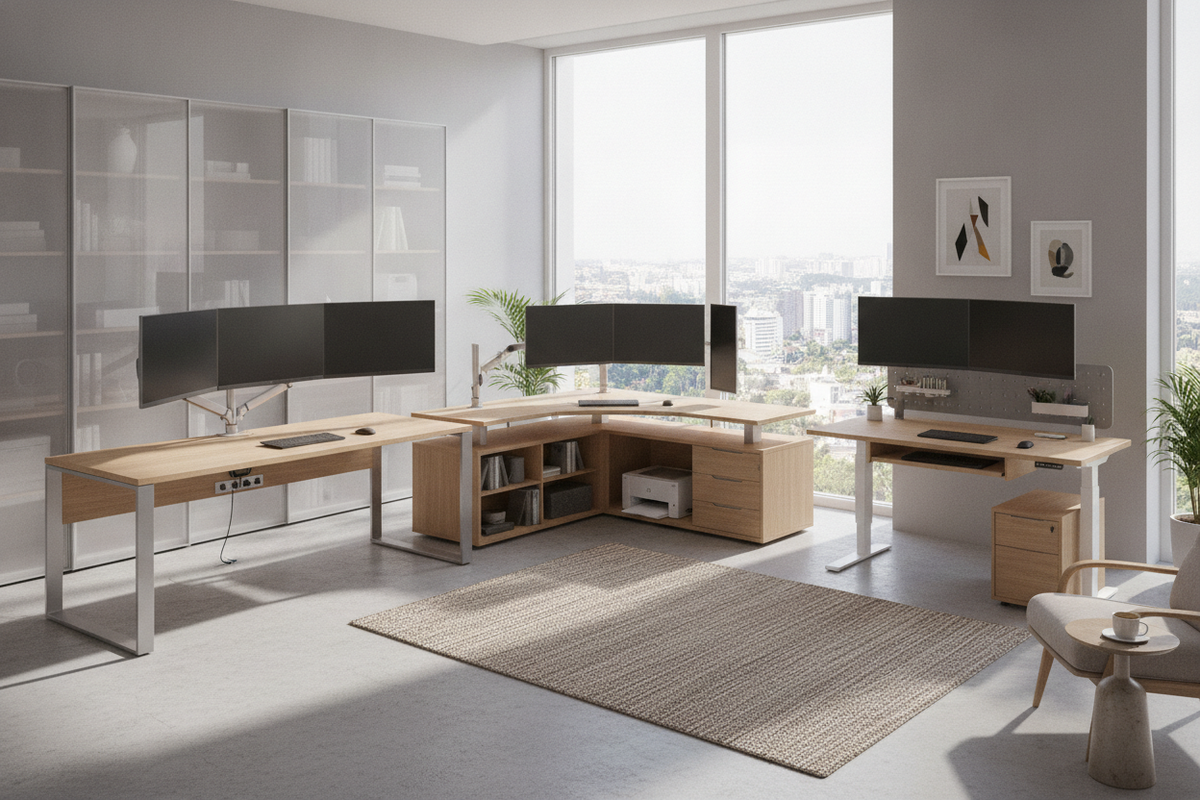
Setting up a productive multi-display workspace requires balancing physical screen dimensions, viewing comfort, structural stability, and desktop storage. Whether you are arranging dual displays for remote office work, managing multiple computers, or configuring an expansive multi-panel array, selecting among the best computer desks for multiple monitors depends on how well the furniture accommodates your hardware footprint without crowding your room.
Multi-Monitor Workstation Architecture: The Core Planning Framework
A dependable computer workstation multiple monitors setup involves more than surface area alone. When evaluating a best multi monitor computer desk, you need to account for monitor stand footprints, clamp-arm attachment clearances, viewing angles, and the spatial depth needed for comfortable peripheral placement. As screen real estate expands horizontally, standard straight desks can push side displays beyond your natural peripheral vision, making overall geometry and depth critical considerations.
Dimensional Sizing Tiers: Matching Desk Width and Depth to Screen Configurations
Determining your target desk size for dual monitors or larger display arrays begins with assessing screen spans and peripheral accessories. Knowing how much desk space for 2 monitors requires factoring in whether the screens stand side by side, angle inward, or mount on articulated monitor arms.
Compact Dual-Display Sizing Tiers
For smaller home offices or dedicated study corners, users often ask, is a 47 inch desk big enough? A compact surface can support two smaller screens or a single screen alongside an open laptop. However, when placing larger displays, such as a desk size for dual 27 inch monitor arrangement, a standard compact surface may leave minimal room for external desktop speakers or a full-size desktop tower. Choosing dedicated small space collection solutions designed with vertical risers or slim profile frames can maximize surface efficiency when configuring a dual monitor setup on small desk layouts.
Mid-to-Large Multi-Screen Sizing Tiers
When planning for wider spans—such as a dedicated desk for two 27 inch monitors or a setup that functions as a desk for 2 monitors and pc—wider surfaces spanning mid-to-large dimensions are generally preferred. A wider desk width for 2 monitors provides comfortable buffer space between the edge of the monitor bezel and the desk perimeter. If your workflow requires the best desk for 4 monitors or a quad-screen grid, a deeper desktop surface prevents the lower row of screens from sitting uncomfortably close to your primary seating position.
Desk Geometries: Straight, L-Shaped, Corner, and Armoire Layouts
The overall silhouette of your desk plays a decisive role in organizing multiple displays while managing the perimeter of your room.
- Straight Desks: Ideal for inline dual-screen arrangements and streamlined wall placements. Straight surfaces offer straightforward cable drop paths and easy monitor arm clamping along the rear edge.
- L-Shaped and Corner Desks: An L-shaped footprint is often regarded as the best l shaped desk for dual monitors and triple-screen setups. Corner wings allow you to place primary monitors along one side while dedicating the adjacent wing to secondary laptops, reference tablets, or writing space. Utilizing a office computer corner product enables an efficient focal arc without consuming excess floor area.
- Enclosed Armoires: When a home office shares space with a living room or bedroom, a specialized armoire computer desk guide highlights how folding or sliding cabinetry doors can fully conceal dual monitors and peripheral wiring when the workday concludes.
Structural Integrity, Frame Stability, and Weight Distribution
Dual and triple monitor setups concentrate substantial mass on the desktop, especially when utilizing heavy-duty monitor clamp arms that focus downward pressure on a narrow surface zone. Selecting a sturdy computer table dual monitor platform prevents common issues such as surface deflection or wobbling during typing.
Workstations designed as a heavy-duty computer desk for multiple computers feature reinforced crossbeams, thick engineered wood tops, or robust corner brackets. Integrating a stable workstation, such as a dedicated office computer desk product, ensures that dual screens, audio gear, and desktop towers remain secure without flexing the main work surface.
Integrated Storage Architecture for Multi-Screen Setups
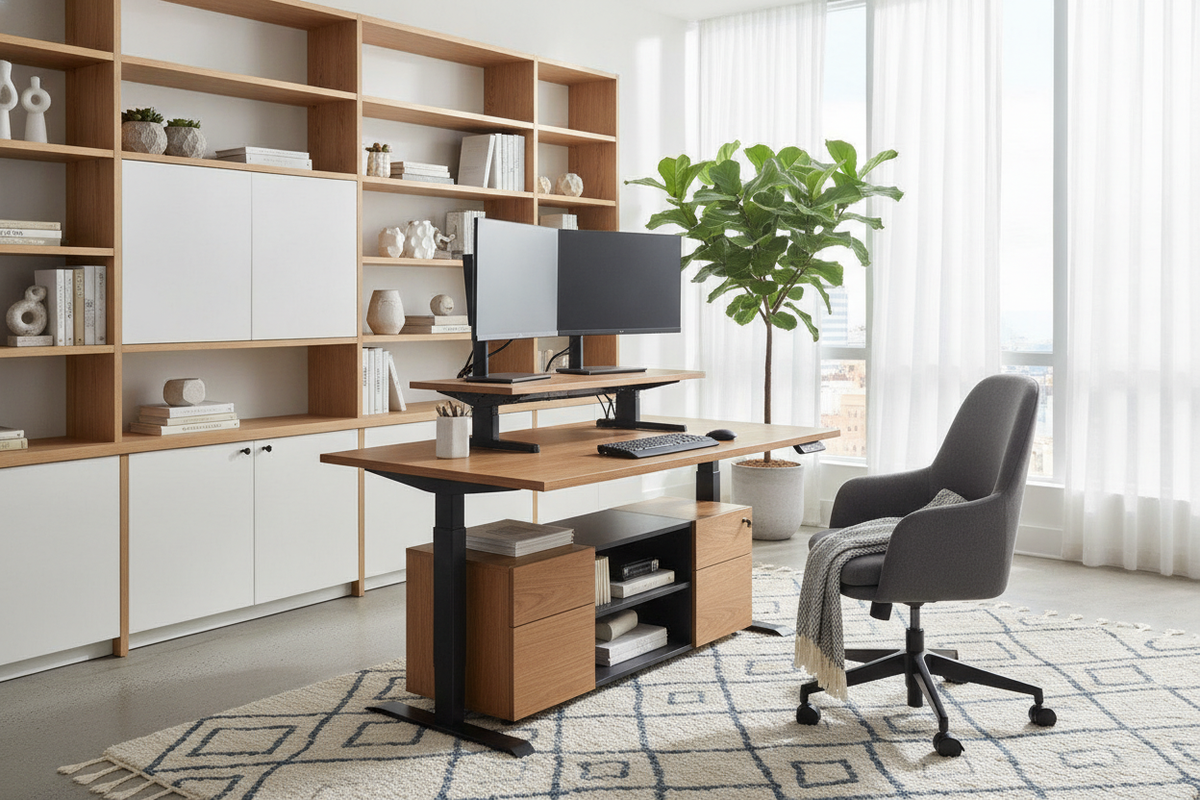
Because multiple display stands and docking stations occupy significant desktop area, built-in storage helps preserve open workspace. A dual monitor computer desk with drawers keeps reference documents, charging cables, and daily stationery neatly tucked away. Coordinating your main work surface with supplemental organization from an office setup desk guide allows multi-device users to store secondary electronics, backup hard drives, and office supplies off the primary desktop.
Cable Management and Multi-Device Organization Tactics
Operating a home computer desk for two monitors or a multi-device setup involves an array of power cords, display cables, and USB hubs. Implementing systematic wire routing ensures both visual clarity and hardware safety:
- Rear Cable Grommets: Positioned pass-through holes route display cables directly below the work surface rather than draping over the back edge.
- Under-Desk Cable Trays: Hanging trays or modesty panels hold power strips and power bricks securely off the floor, preventing accidental kicks or snagged cords.
- Dedicated Docking Hub Shelves: Stashing docking stations on lower shelves or side compartments keeps the main monitor viewing area clean.
Multi-Monitor Desk Selection Decision Matrix
To choose the best home office desk for dual monitors or complex multi-screen systems, evaluate your daily workflow needs against available room dimensions:
- Dual Standard Displays (Compact Footprint): Select a straight or compact corner desk with built-in cable management to preserve room flow.
- Dual Large Displays + Desktop PC: Opt for an extended straight desk or an L-shaped corner layout with a dedicated lower tower shelf.
- Triple/Quad Screen Configurations: Choose an expansive corner workstation or wide deep frame that supports multi-arm mounting clamps and heavy distributed loads.
- Multi-Computer Workstations: Prioritize desks with integrated pedestals or matching storage credenzas to comfortably house multiple CPU towers and peripherals.


Leave a comment
This site is protected by hCaptcha and the hCaptcha Privacy Policy and Terms of Service apply.