

















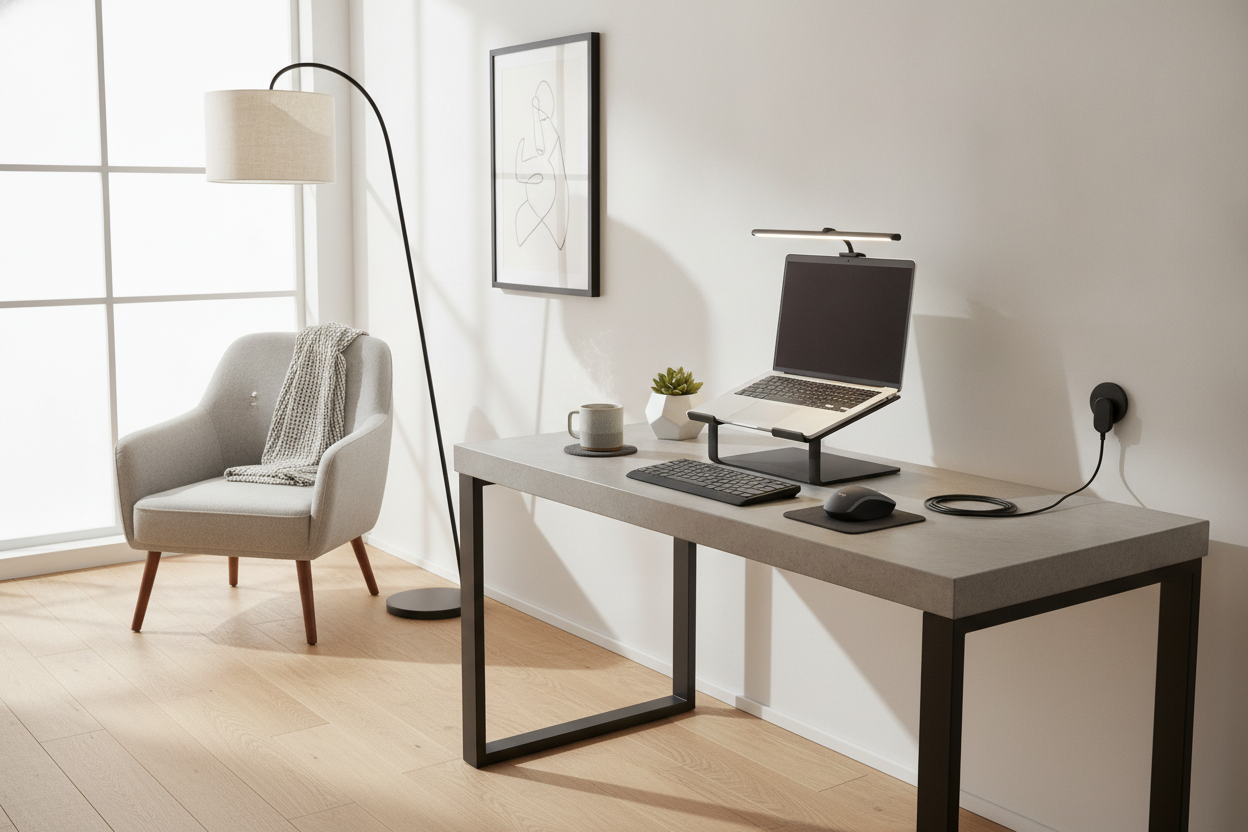
I remember sitting at my desk three years ago, surrounded by three different types of cable clips, a custom-engraved headphone stand, and a glowing RGB mousepad that was large enough to serve as a yoga mat. I felt like I was sitting in the cockpit of a spaceship, but I was getting absolutely zero work done. Every new gadget was another thing to dust, another cable to manage, and another distraction pulling my eyes away from the screen.
I finally hit a breaking point when I realized I spent more time 'optimizing' my laptop accessories desk than I did actually typing. I cleared everything off—and I mean everything—and started from scratch. What I discovered is that focus doesn't come from having the most advanced tech; it comes from having the least amount of friction between your brain and your work.
Quick Takeaways
- Visual clutter is mental clutter; if a gadget doesn't solve a physical pain point, it's a distraction.
- Ergonomics are non-negotiable—your laptop screen should never be your primary viewing angle.
- Cable management is easier when you have fewer cables to manage in the first place.
- The physical desk is your foundation; a cheap, wobbly table can't be fixed by expensive accessories.
The Trap of the Tech-Influencer Workspace
We've all seen those 'Study with Me' videos or Instagram-perfect setups with the pristine white desks and the tiny succulent plants. It’s easy to fall into the trap of thinking that if you just buy that specific desk mat or that minimalist light bar, you’ll suddenly become a productivity machine. In reality, most of those setups are designed for photos, not for eight-hour workdays. When you're curating a high-end desktop look, the goal should be intentionality, not accumulation.
Visual clutter secretly drains your mental energy. Every object in your peripheral vision is something your brain has to process. When I had a mountain of plastic gadgets on my desk, I found myself fidgeting with them during every Zoom call. I’d adjust the brightness on my clock or move my phone stand three inches to the left. By stripping the desk down to the bare essentials, I forced my brain to focus on the only thing left: the screen. You don't need a gadget for every possible scenario; you need a space that feels calm and purposeful.
The Only 4 Gadgets That Survived My Purge
After testing dozens of peripherals, I’ve whittled my 'must-haves' down to four items. First is a rock-solid laptop stand. If your laptop is sitting flat on your desk, you’re essentially begging for neck pain. You need your screen at eye level. Second is a dedicated 27-inch 4K monitor. Trying to do complex work on a 13-inch laptop screen is like trying to paint a mural through a keyhole. Having a proper setup for your laptop and monitor ensures you aren't hunching over like a gargoyle by 3:00 PM.
The third essential is a high-quality mechanical keyboard. I'm not talking about the ones that sound like a hailstorm on a tin roof, but something with tactile feedback that makes typing feel deliberate. Finally, I kept a reliable, ergonomic mouse. Trackpads are great for scrolling through Netflix, but for precision work, they’re a recipe for wrist strain. These four items are the only things that actually improve my workflow. Everything else—the macro pads, the stream decks, the dedicated zoom-mute buttons—went into a drawer. I realized that if I have to spend ten minutes learning how to use a 'productivity' tool, it’s not actually making me more productive.
The Stuff I Sent Straight to the Donation Bin
Let’s talk about the 'junk' that social media tells you is essential. First on the list: the electric mug warmer. Unless you enjoy the smell of scorched coffee and a constant fear of burning your papers, just buy a decent insulated tumbler. It keeps your coffee hot for three hours without needing a dedicated power outlet. Next, the oversized felt desk mats. They look great for about a week until you spill one drop of water on them, and then they become a pilled, scratchy mess that makes your mouse sensor skip.
I also ditched the 'smart' desk lamps that connect to Wi-Fi. Why does my light need an app? A simple, high-CRI LED lamp with a physical switch is superior in every way. And don't even get me started on the 'ambient' backlighting. Unless you’re a professional gamer streaming to Twitch, those purple and blue LEDs are just giving you a headache and making your office look like a teenager’s bedroom. If it requires a driver update or a cloud subscription to function, it doesn't belong on my desk.
How to Hide the Cords Without Losing Your Mind
Cable management is the bane of my existence. I used to buy those little adhesive clips that stick to the top of the desk, but they always peel off after a month, leaving a sticky residue. The real secret to a clean aesthetic isn't hiding the cables—it's routing them. I stopped using zip-ties because they make it a nightmare to move anything. Instead, I switched to a simple under-desk cable tray (a 'J-channel') that hides the power strip and all the excess slack.
If you can't see the power strip, 90% of the visual mess is gone. I also moved to using a single USB-C docking station. Now, instead of five cables plugging into my laptop, there’s just one. It handles the power, the monitor, the keyboard, and the mouse. When I want to take my laptop to the couch, I unplug one cord and I’m free. It’s a low-effort solution that makes the whole setup feel wireless without the lag and battery anxiety of actual Bluetooth peripherals.
Why Your Actual Table Matters More Than the Tech
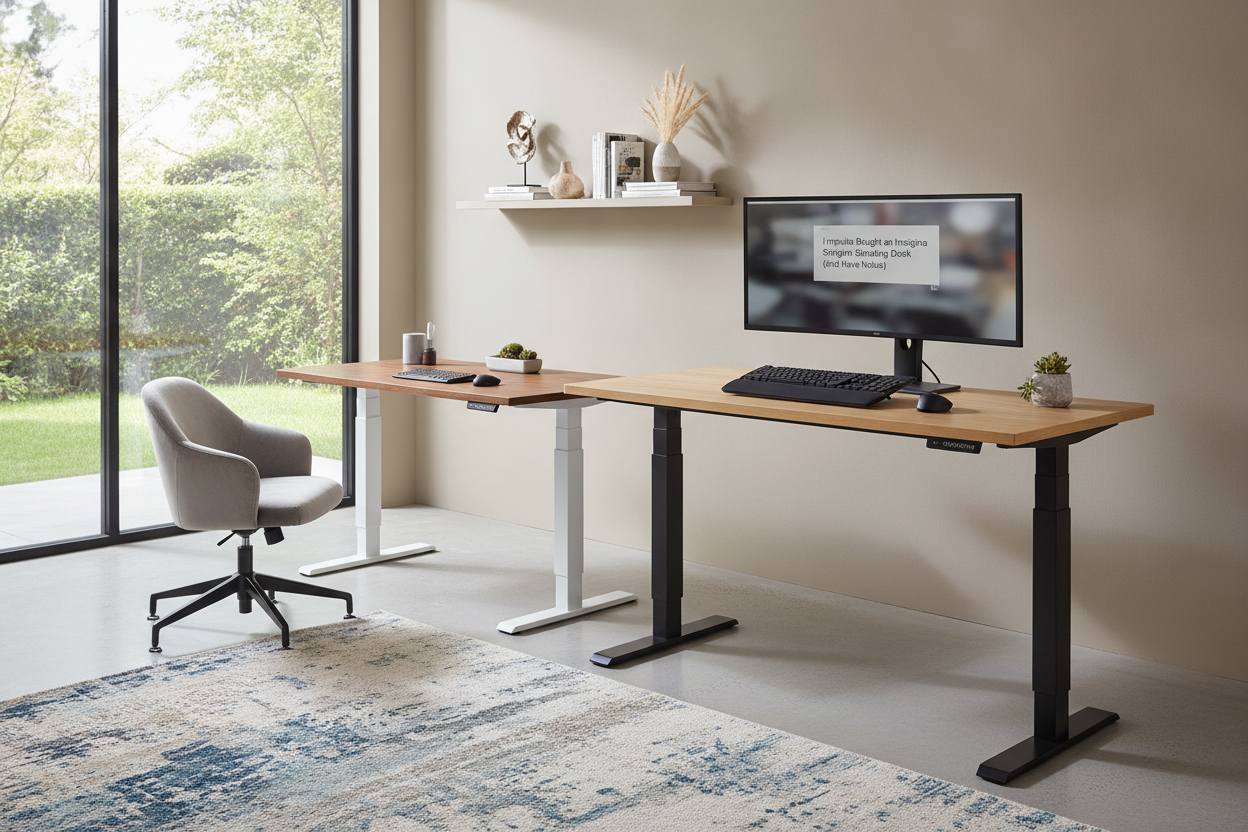
You can buy the most expensive monitor arm in the world, but if you’re clamping it onto a $40 particle-board table from a big-box store, it’s going to wobble every time you type. I learned the hard way that a flimsy desk ruins the experience of even the best tech. Investing in a dedicated computer writing desk with a solid wood top or a heavy-duty steel frame is the single best thing you can do for your focus. A stable surface means no monitor shake and no creaking sounds when you lean on it.
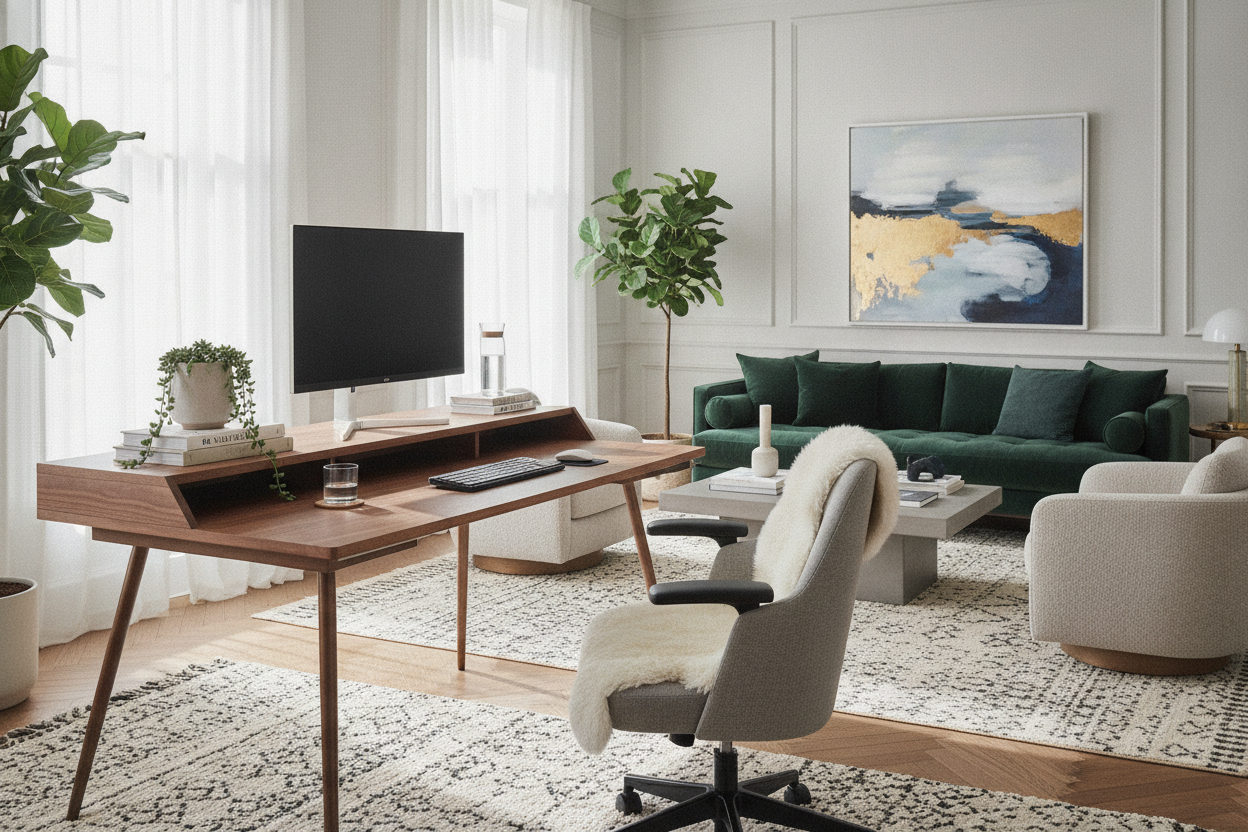
If you’re tight on space, look for furniture that does the heavy lifting for you. A computer desk with a built-in hutch can hide your printer, your router, and your backup drives, keeping them off your primary workspace. When your desk has integrated cable management or built-in sockets, you don't need to buy a dozen plastic 'solutions' to fix a poorly designed table. Start with a piece of furniture that was actually built for a computer, and you'll find you need far fewer accessories to make it work.
My Personal Experience: The 'Productivity Cube' Mistake
I once spent $50 on a 'productivity cube'—a little gravity-based timer that was supposed to help me do Pomodoro sessions. It was sleek, white, and looked great next to my laptop. The problem? The ticking sound drove me insane, and the alarm was so loud it startled me out of my flow every 25 minutes. It was a gadget designed to solve a problem that a free app on my phone (or a $5 kitchen timer) could have solved better. It sat on my desk for six months, doing nothing but taking up space, before I finally admitted it was a waste. Now, if an item doesn't have a clear, daily utility, it doesn't get past the 'Add to Cart' stage.
FAQ
Do I really need an external monitor for a laptop setup?
Yes. Your neck will thank you. Laptops are designed for portability, not long-term ergonomics. Even a cheap 24-inch monitor is better than staring down at a 13-inch screen all day.
What is the best way to manage cables on a budget?
Skip the fancy kits. Buy a pack of Velcro strips and an under-desk basket or tray. It’s much more flexible than zip-ties or adhesive clips and keeps everything off the floor.
Should I use a wireless or wired keyboard?
If you never move your keyboard, go wired. You’ll never have to worry about batteries or latency. If you like to clear your desk completely at the end of the day, wireless is worth the extra cost.

Leave a comment
This site is protected by hCaptcha and the hCaptcha Privacy Policy and Terms of Service apply.