

















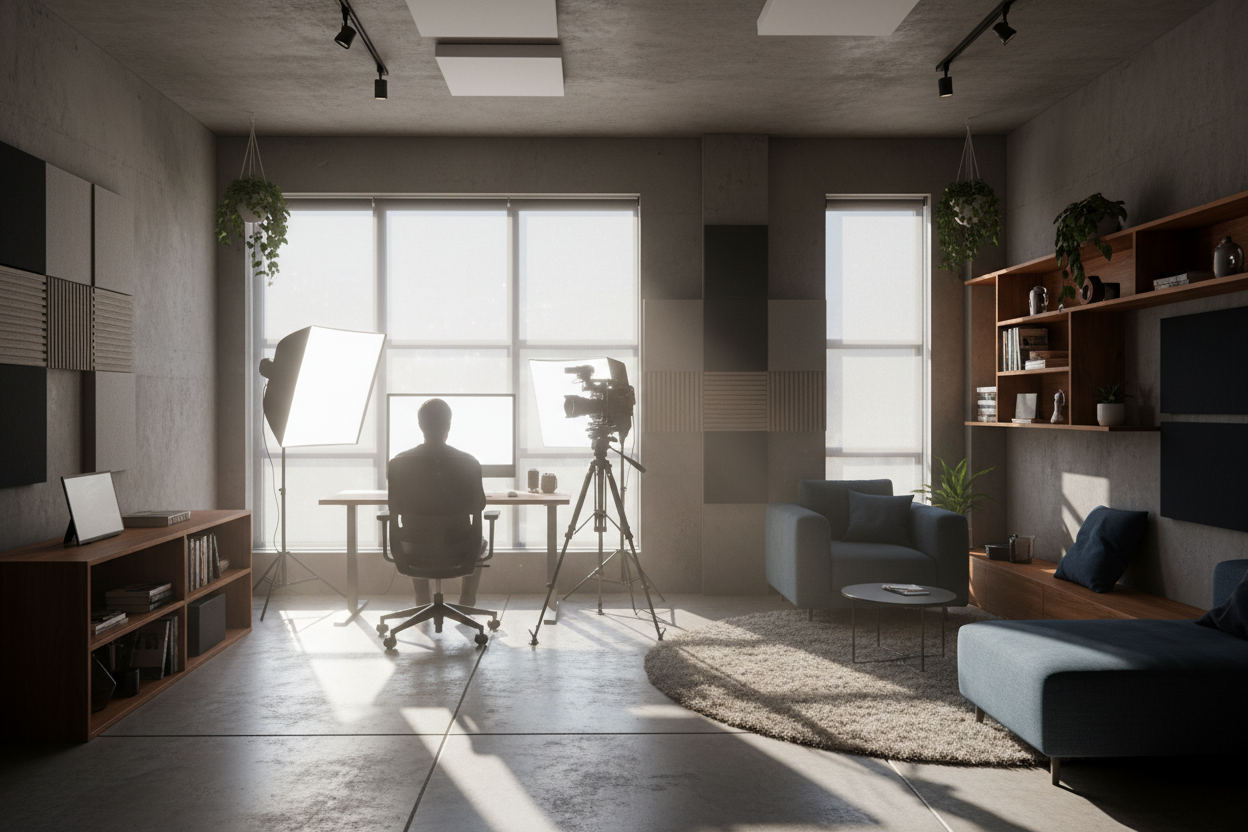
One of the most frequent dilemmas I encounter when consulting for creative professionals is the tension between a functional workspace and a camera-ready background. You need a desk that handles the daily grind, but you also require a polished look for Zoom calls or content creation. The problem is that most people push their furniture against the walls to maximize floor space, creating a flat, uninspiring visual depth. In this guide, I will walk you through the interior design principles required to create a professional office studio setup that balances high-end aesthetics with genuine acoustic and ergonomic performance.
Key Features to Look For
- Depth of Field: Ability to position the desk at least 3-5 feet away from the background wall.
- Matte Finishes: Furniture surfaces that absorb light rather than reflecting glare into the lens.
- Acoustic Softness: Inclusion of rugs, upholstered chairs, or heavy drapes to dampen echo.
- Visual Hierarchy: A clear focal point (usually you) with a curated, non-distracting background.
- Cable Management: Integrated channels in desks to hide the inevitable wiring mess.
Zoning and Spatial Planning
The most successful layouts separate the room into two distinct zones: the command center (your desk) and the backdrop. For a functional office video studio, you must resist the urge to face the wall. Floating your desk in the center of the room, or at least pulling it off the wall, creates "visual breathing room."
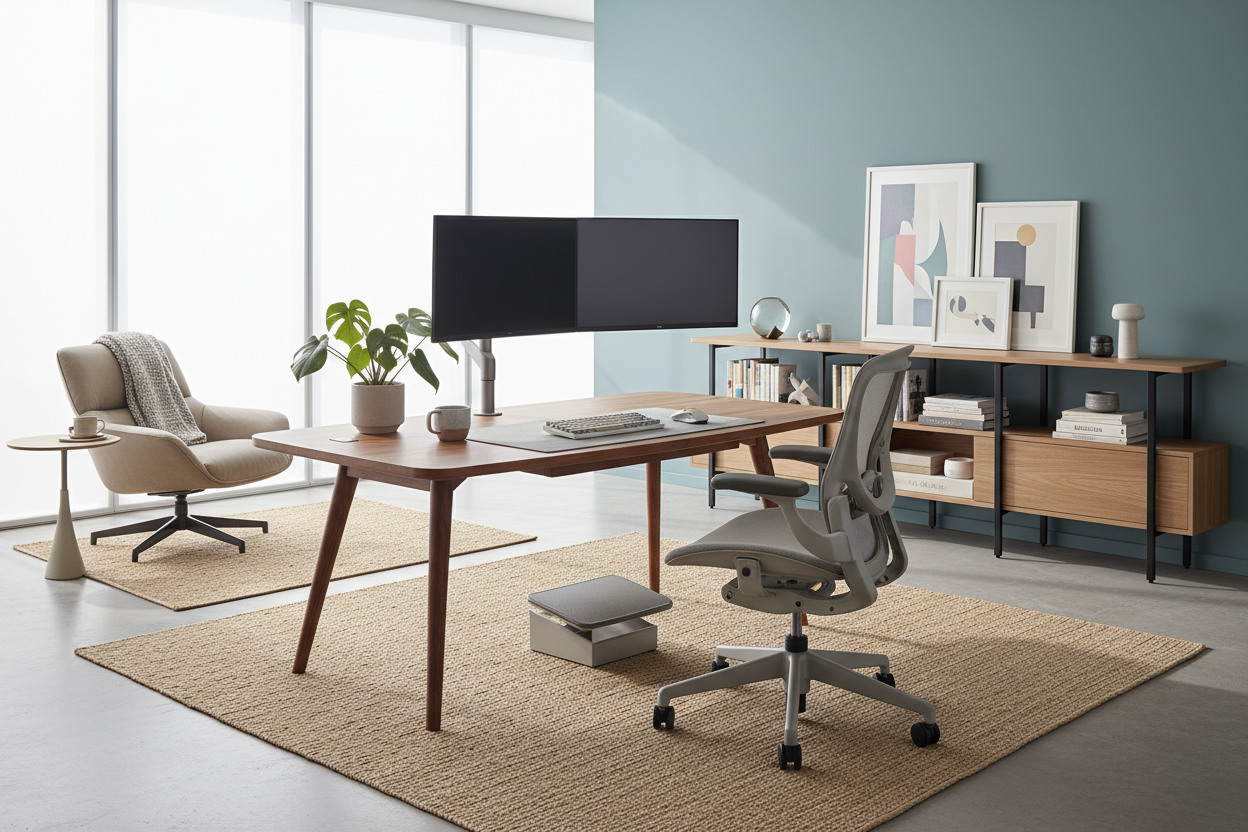
From a furniture perspective, this means your desk needs to look good from all angles. A modesty panel or a solid wood desk with a finished back is non-negotiable here. You don't want cables or the underside of a particleboard desk visible on camera.
Material Selection: Managing Light and Sound
The Surface Texture
When selecting a desk or shelving units, the finish is critical. While high-gloss lacquer or glass tops look stunning in a showroom, they are a nightmare for video. They act as mirrors, reflecting your key lights and creating harsh hotspots in your footage. I always recommend solid wood with a satin oil finish, or high-pressure laminates with a matte texture. These materials ground the space and absorb excess light.
Acoustics via Soft Furnishings
Hard surfaces create echo, which ruins audio quality. Instead of sticking ugly foam squares on your wall, solve this through interior design. Introduce a high-pile wool rug to anchor the desk. Use floor-to-ceiling velvet or heavy linen curtains. Even adding an upholstered accent chair in the corner can significantly trap bouncing sound waves, merging function with acoustic treatment.
Background Curation and Storage
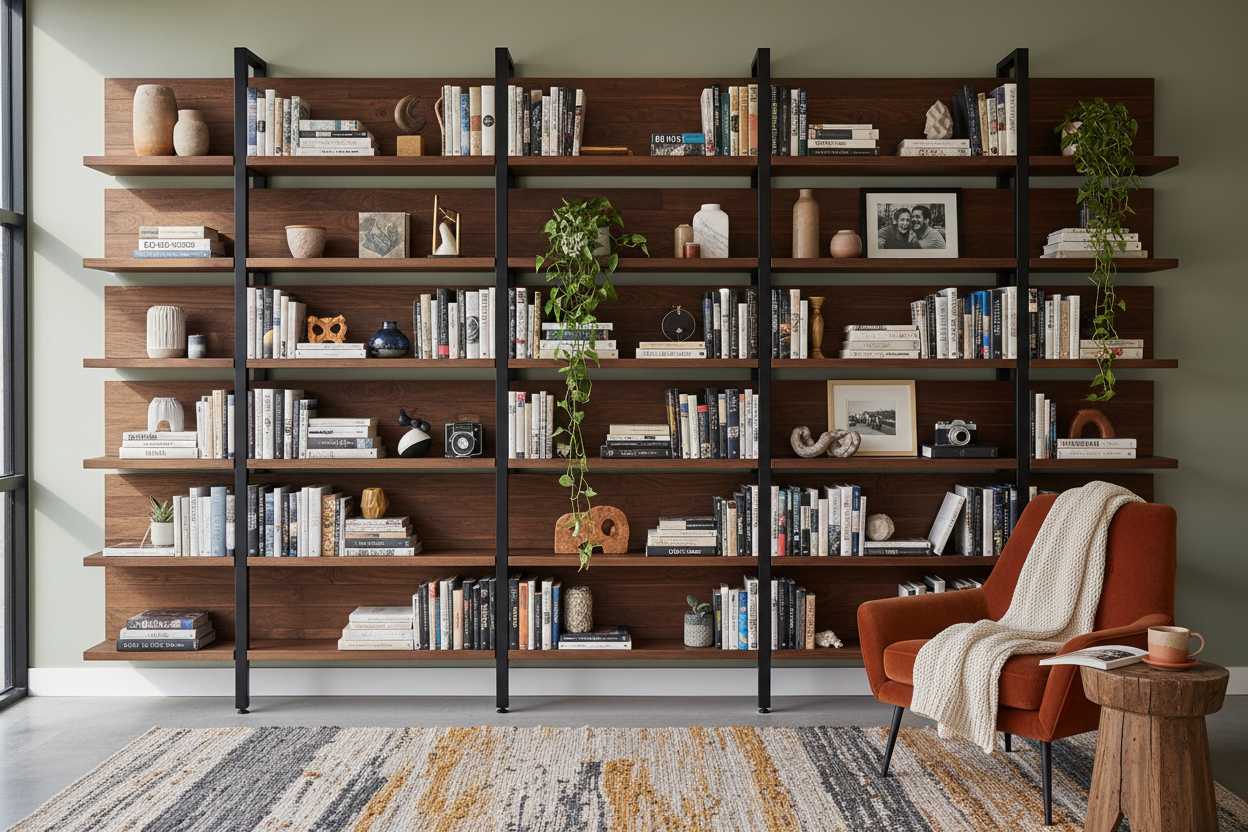
Your background should tell a story without shouting. Open shelving is a popular choice, but it requires discipline. Use the "rule of thirds" when styling shelves: one-third books, one-third decor (sculptural objects, plants), and one-third negative space. Avoid overcrowding.
If you prefer a cleaner look, consider a credenza behind the desk. This provides a low horizon line that doesn't compete with your face on camera, while offering essential storage for tech gear that you want hidden away.
My Personal Take on Office Studio Setup
I learned a hard lesson about lighting and surfaces during a project for a tech YouTuber a few years ago. We installed a stunning, custom walnut desk with a semi-gloss polyurethane finish. It looked incredible to the naked eye. However, the moment he turned on his ring light, a harsh, white glare bounced off the desktop right into his glasses, and then into the camera lens. It was distracting and looked amateurish.
We had to have the entire desktop refinished on-site to a dull, hand-rubbed wax finish. Since then, I always bring a flashlight to furniture showrooms. I shine it directly on the surface I'm considering; if I can see the bulb's reflection clearly, I know it's going to cause issues in a video studio environment. It’s a small, unpolished detail, but it saves massive headaches later.
Conclusion
Designing a dual-purpose space doesn't mean sacrificing style for gear. By choosing matte finishes, prioritizing acoustic-friendly textiles, and floating your furniture to create depth, you can build a workspace that inspires your daily workflow and looks impeccable on screen.
Frequently Asked Questions
How much space do I need behind me for a good background?
Ideally, you want at least 4 to 6 feet between your chair and the bookshelf or wall behind you. This allows the camera to blur the background slightly (bokeh effect), which separates you from the environment and looks much more professional.
What is the best desk color for video?
Neutral mid-tones are best. Very white desks can blow out the exposure on a camera, while jet-black desks can suck up too much light and hide details. Warm wood tones like oak or walnut, or muted greys and greens, generally read best on camera.
Can I set up a studio in a small room?
Absolutely. If you can't float the desk, shoot into a corner rather than a flat wall. This adds artificial depth. Use a smaller writing desk to save space, and rely on vertical shelving to draw the eye upward.

Leave a comment
This site is protected by hCaptcha and the hCaptcha Privacy Policy and Terms of Service apply.