


















I spent $600 on a motorized desk only to find myself leaning like a confused stork within twenty minutes of every shift. If you think standing at a desk is just about getting off your butt, your lower back is about to give you a very loud reality check. I learned the hard way that standing poorly is actually worse than sitting well.
- Don't lock your knees; keep a micro-bend to save your joints.
- Your elbows should always hit a 90-degree angle.
- Monitor height is usually the first thing people get wrong.
- Memory presets aren't a luxury—they are an ergonomic necessity.
The 'Flamingo Lean' and Other Terrible Form Habits
We all do it. After an hour of emails, you start shifting all your weight to your left hip, cocking your leg like a bird in a swamp. This 'flamingo lean' wreaks havoc on your SI joint. Instead of an active workstation, you've created a recipe for chronic hip pain. It's one of the most common mistakes in stand up desk ergonomics.
Then there is the 'elbow lean.' This happens when your desk is too high, and you end up putting all your upper body weight onto your forearms. You aren't standing anymore; you're just propping yourself up like a tired bartender. This kills your standing desk posture because it forces your shoulders into a permanent shrug, leading to tension headaches that no amount of Ibuprofen can fix.
How to Dial In Your Standing Desk Ergonomics
Setting up a standing desk correctly starts with your feet and ends with your eyes. First, wear supportive shoes or use an anti-fatigue mat. Bare feet on hardwood will destroy your heels in three days flat. When it comes to standing desk adjustment, the height of the surface should allow your elbows to rest at a crisp 90-degree angle while your wrists remain neutral on the keys.
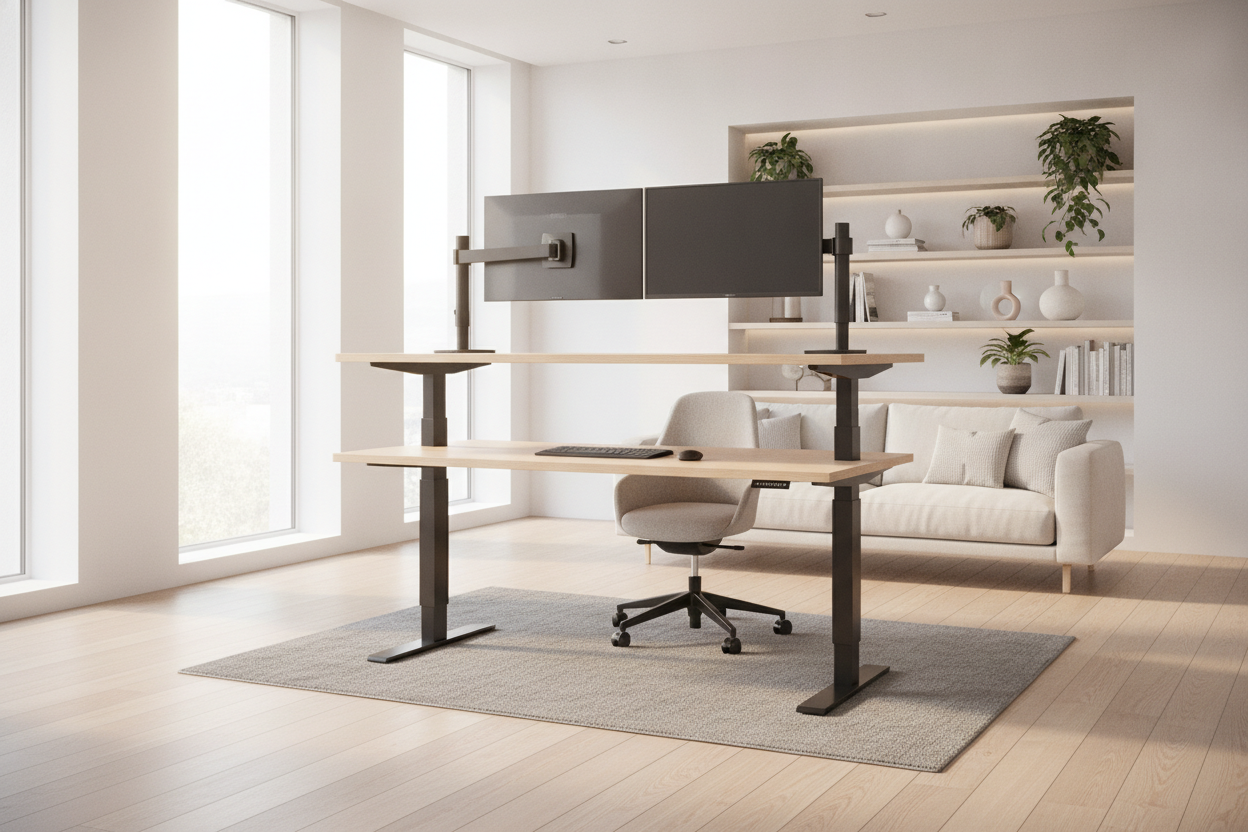
Your monitor is the next culprit. If you are looking down at your screen, you are craning your neck and inviting 'tech neck' into your life. The top third of your monitor should be at eye level. This is the foundational logic for the best standing desk set up. If you can't get the monitor high enough, buy a monitor arm or a stack of sturdy books.
Why Memory Presets Are Your Posture's Best Friend
I used to have a desk with a simple up/down toggle. Every time I transitioned from sitting to standing, I'd spend five minutes fiddling with the height, never quite hitting the same spot twice. Guessing leads to inconsistent ergonomics for standing desk setups. You’ll end up slightly too high or too low, and your body will compensate by slouching.
Investing in a standing desk with electric lift system changed my workflow. Being able to hit a single button and know the desk is exactly 44.2 inches high—my specific ergonomic 'sweet spot'—means I don't have to think about my posture. It just happens. It removes the friction of moving, which is the whole point of a sit-stand desk.
Giving Your Arms Enough Real Estate
If your desk is only 24 inches deep, you're probably crowding yourself. When you don't have enough depth, your elbows hang off the edge, forcing your traps to hold up the weight of your arms all day. This is why proper standing desk configuration often requires a larger surface area than people realize.
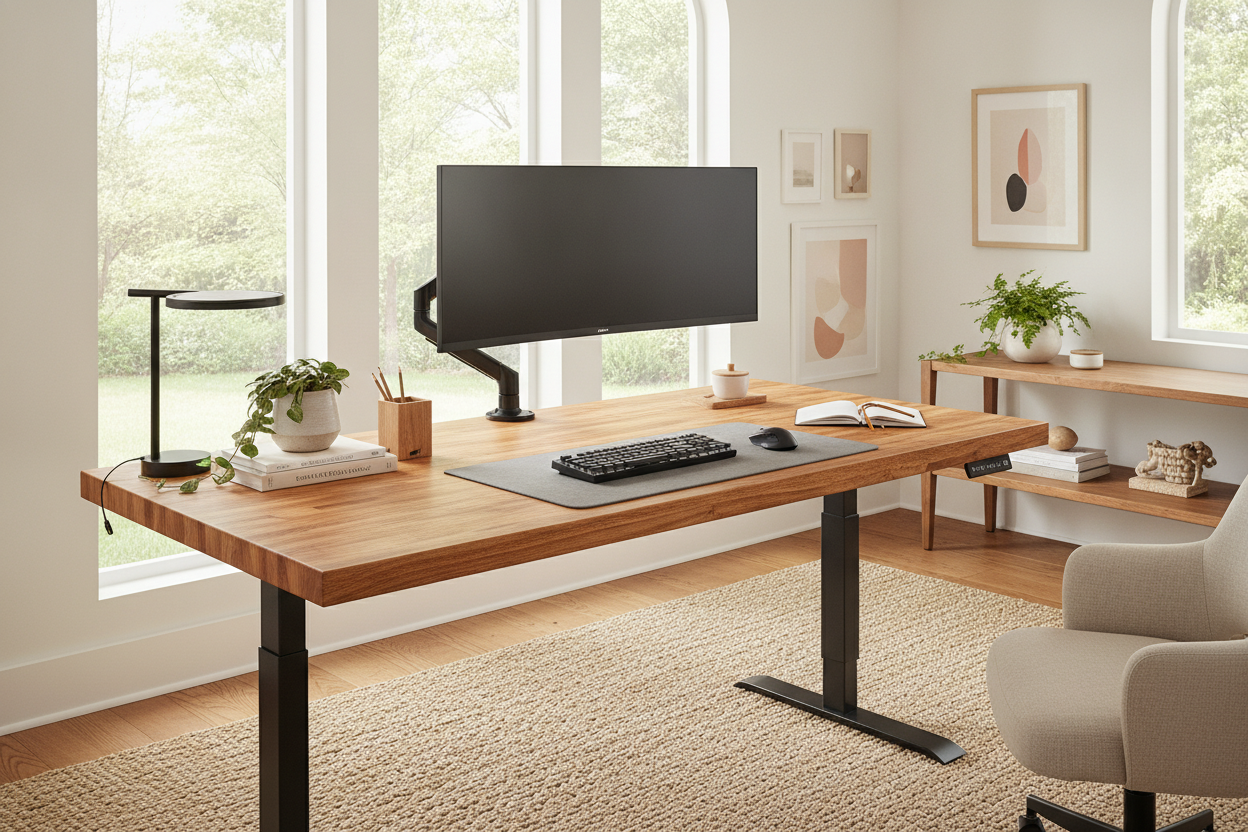
I eventually swapped my cramped setup for a super sized standing desk. Having that 31-inch depth meant I could pull my keyboard forward and actually rest my forearms on the desktop. This small change in my standing desk office set up stopped the burning sensation in my shoulder blades almost overnight. More surface area equals more support.
How to Actually Stand Properly (Without Getting Exhausted)
The best way to stand at standing desk stations is to stay mobile. You aren't a statue. Keep a slight micro-bend in your knees—never lock them out. Engage your core just a tiny bit, like someone is about to poke you in the stomach. This protects your lumbar spine from taking the full brunt of your body weight. Proper standing posture at desk work is about active alignment, not rigid stillness.
Try the 'glute squeeze' every twenty minutes. It sounds weird, but it resets your pelvis and prevents that anterior pelvic tilt that makes your lower back ache. If you find yourself leaning on the desk, it’s a sign your muscles are fatigued. That is your cue to change position, not to push through the pain with bad form.
Please, Just Sit Down When You're Tired
There is a weird flex in the remote work world about standing for eight hours straight. Don't do that. The best standing desk tips always emphasize the 'sit-stand-move' cycle. Standing all day is just as hard on your circulatory system as sitting all day. Use a timer and aim for a 3:1 ratio—stand for 45 minutes, sit for 15.
When your legs get heavy and your form starts to slip into that flamingo lean, just drop the desk back down. Treat it like a traditional writing computer desk for an hour while you tackle a deep-focus task. Using a stand up desk effectively means knowing when your body has had enough. Ergonomics is about comfort, not an endurance test.
Personal Experience: My 6-Hour Mistake
When I first got my standing workstation, I decided to stand for an entire six-hour shift to 'break it in.' By hour four, I was leaning so hard on my right hip I looked like a crooked tower. The next morning, I woke up with a pinched nerve in my lower back that took a week of stretching to fix. Now, I use my memory presets religiously and never stand for more than an hour at a time. Listen to your hamstrings—they don't lie.
FAQ
How high should a standing desk be?
It should be at elbow height. With your shoulders relaxed, bend your arms at a 90-degree angle; the desk surface should meet your forearms right there. No shrugging allowed.
Is it better to stand or sit at a desk?
Both. The magic is in the movement. Static positions are the enemy. Switching between sitting and standing every 30 to 60 minutes is the gold standard for office ergonomics.
Do I need an anti-fatigue mat?
If you have hard floors, yes. It’s not a gimmick. A good mat encourages 'micro-movements' in your calves and feet, which keeps blood flowing and prevents your legs from feeling like lead weights.

Leave a comment
This site is protected by hCaptcha and the hCaptcha Privacy Policy and Terms of Service apply.