

















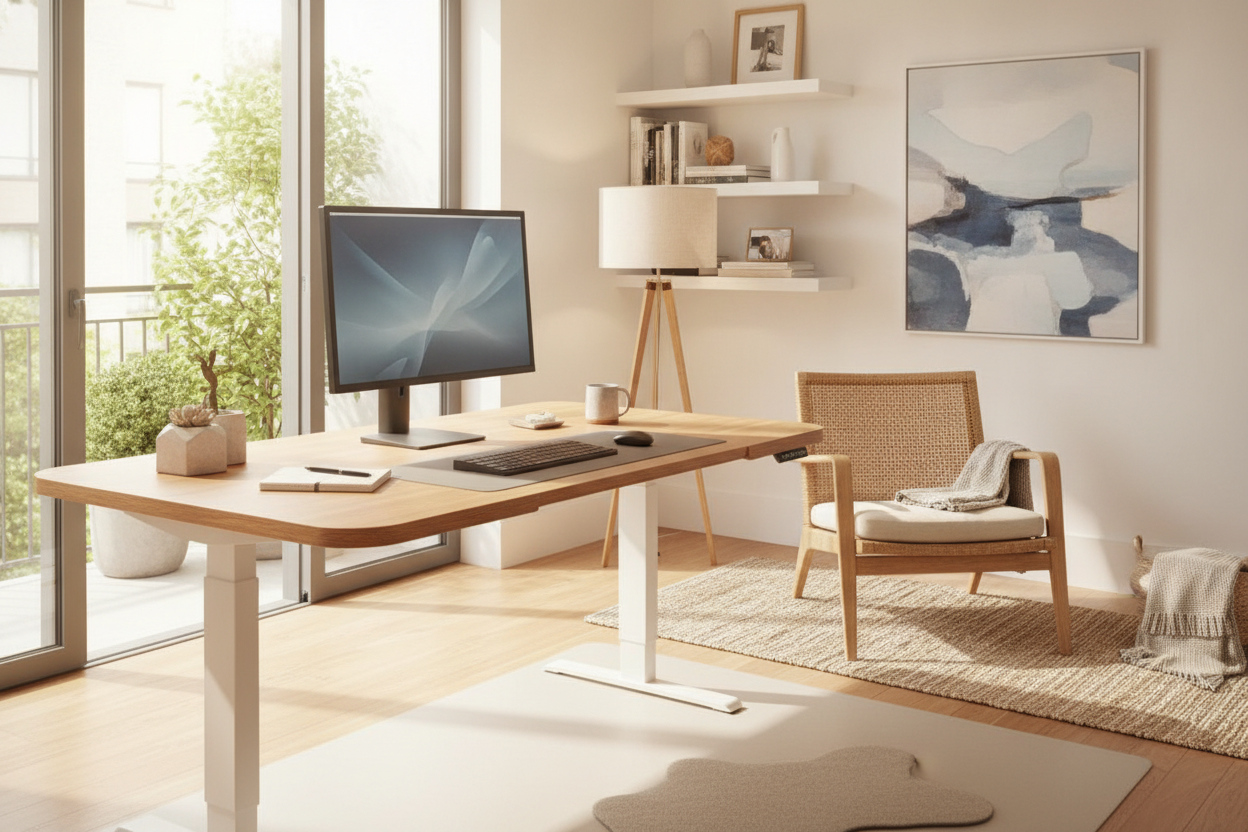
I spent years leaning my forearms against a slab of MDF that felt like a blunt knife. By 3 PM, I’d have these deep red ridges on my skin that looked like I’d been in a minor scuffle with a radiator. I tried to fix it with posture, but let’s be real—I’m a chronic leaner. If you’re like me, you probably didn't realize that your comfort edge standing desk (or lack thereof) is the primary reason your wrists feel like they’ve been through a meat grinder.
Quick Takeaways
- Standard 90-degree desk edges create localized pressure points that restrict blood flow.
- A comfort edge features a sloped, waterfall design that mimics the natural angle of your arms.
- Built-in ergonomic edges are cleaner and more durable than sticky gel wrist rests.
- Pairing a contoured edge with height presets allows for precise ergonomic alignment.
Why I Started Hating My Perfectly Good Standard Desk
I used to think those red marks on my forearms were just a badge of a hard day’s work. I was wrong. It turns out I was just slowly crushing my soft tissue against a sharp 90-degree angle. We spend hundreds on high-end chairs and monitor arms, yet we completely ignore the one physical contact point that actually supports our weight all day.
Ignoring the desk edge is one of the most common home office setup mistakes. When you lean forward to type, that sharp corner acts like a wedge, cutting off circulation and putting unnecessary stress on the ulnar nerve. It’s not just uncomfortable; it’s a recipe for long-term wrist fatigue that no amount of expensive coffee can fix.
Enter the Comfort Edge: What It Actually Does
The mechanics here aren't rocket science, but the relief is immediate. A comfort edge isn't just a slightly rounded corner; it’s a deliberate, downward slope—often called a waterfall edge—built into the front of the workstation. Instead of your arm hitting a hard stop, the desk surface rolls away from you.
This slope increases the surface area where your arm meets the desk. By spreading that pressure across more skin, you eliminate the ‘guillotine effect’ of a standard edge. It naturally supports your arms at a more relaxed angle, which is especially vital when you’re standing and your center of gravity shifts forward.
My Thoughts on the Vari ComfortEdge Hype
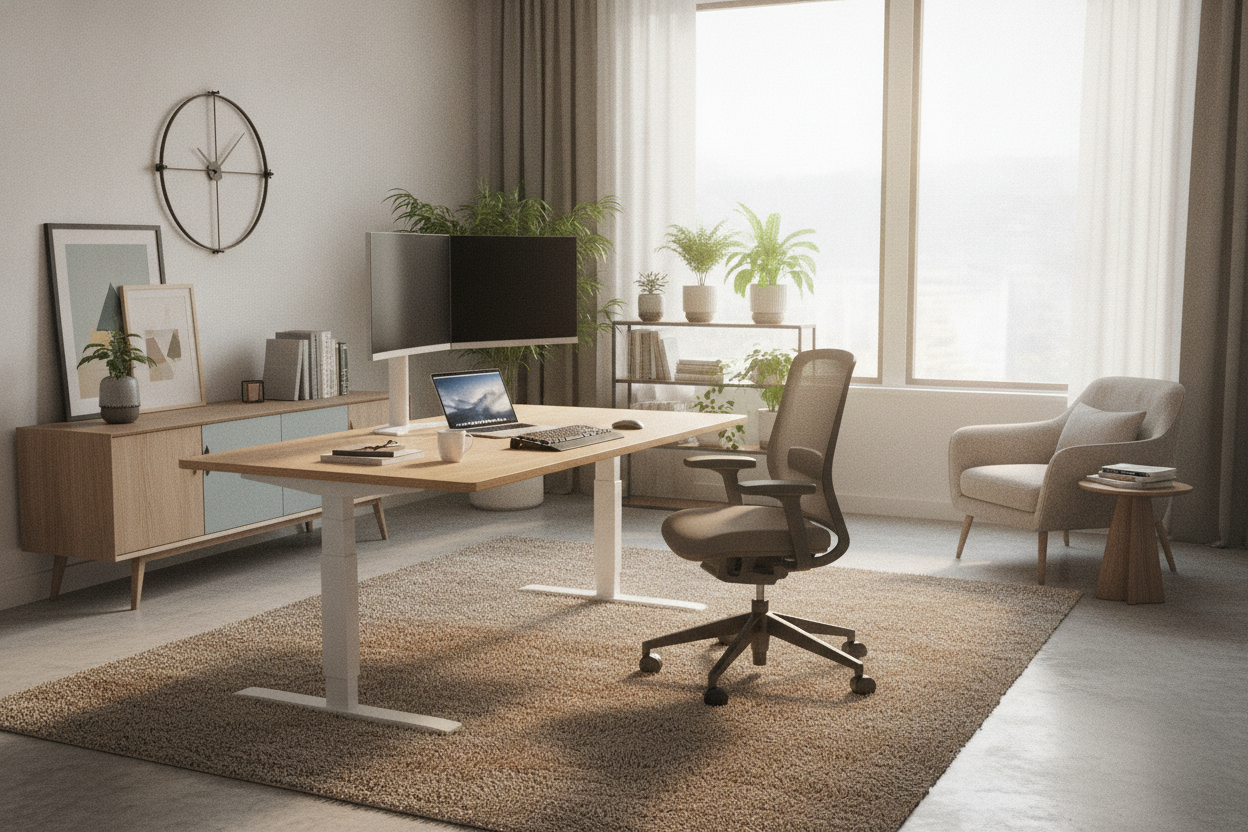
If you’ve been shopping for an ergonomic upgrade, you’ve definitely seen the vari comfortedge standing desk. Vari basically took the concept of a contoured front and made it the gold standard for WFH setups. I’ve spent time with the vari comfort edge and the chamfered slope is deep enough that you actually feel the support without it feeling like the desk is disappearing under your keyboard.
Does the vari electric standing desk with comfortedge justify the price jump? When you compare it to traditional writing and computer desks, the difference is night and day. Standard desks are built for aesthetics first, often leaving you with sharp veneers that peel and dig into your skin. The vari comfortedge is a molded piece, meaning there’s no sharp seam to catch your sweater or your skin. It’s a specialized tool, and for heavy typists, it’s worth the investment.
Why I Refuse to Go Back to Padded Wrist Rests
I’ve tried the gel pads. I’ve tried the foam strips. They are, quite frankly, gross. Within six months, those add-on pads become magnets for dust, hair, and mystery stickiness. Plus, they never stay put. You’re constantly adjusting them like a loose rug, and they absolutely ruin any designer ideas for standing desk layouts you might have had.
A built-in slope is permanent, easy to clean, and looks like it actually belongs in a professional office. It maintains the clean lines of your workspace while doing the heavy lifting of protecting your nerves. If you care about the visual flow of your room, a contoured desk is the only way to get ergonomics without the clutter.
What to Look for When Upgrading Your Workstation
Don’t just buy the first 'curved' desk you see. Look for a slope that starts at least an inch or two back from the edge. You also want to ensure the material is durable—molded polyurethane or high-quality thermofoil usually holds up better than a simple sanded-down wood edge which can splinter over time.
The ultimate setup involves pairing that sloped edge with an electric standing desk with memory presets. This is the 'cheat code' because it allows you to find the exact millimeter where your elbows are at a 90-degree angle and the comfort edge is perfectly supporting your forearms. Once you find that sweet spot, you save it and never look back.
FAQ
Does a comfort edge make the desk surface smaller?
Technically, you lose about an inch of 'flat' surface at the very front, but you gain usable ergonomic space. You shouldn't be keeping your monitor or coffee mug on the very edge anyway.
Can I use a mouse on the sloped part?
Most mouse sensors today are fine with a slight incline, but for the best experience, keep your mouse pad slightly back from the slope. The comfort edge is for your arm, not your hardware.
Is it harder to assembly than a standard desk?
Not usually. The comfort edge is part of the desktop itself. If you're getting a Vari model, they are famous for being some of the easiest desks to put together—usually under 15 minutes.

Leave a comment
This site is protected by hCaptcha and the hCaptcha Privacy Policy and Terms of Service apply.