

















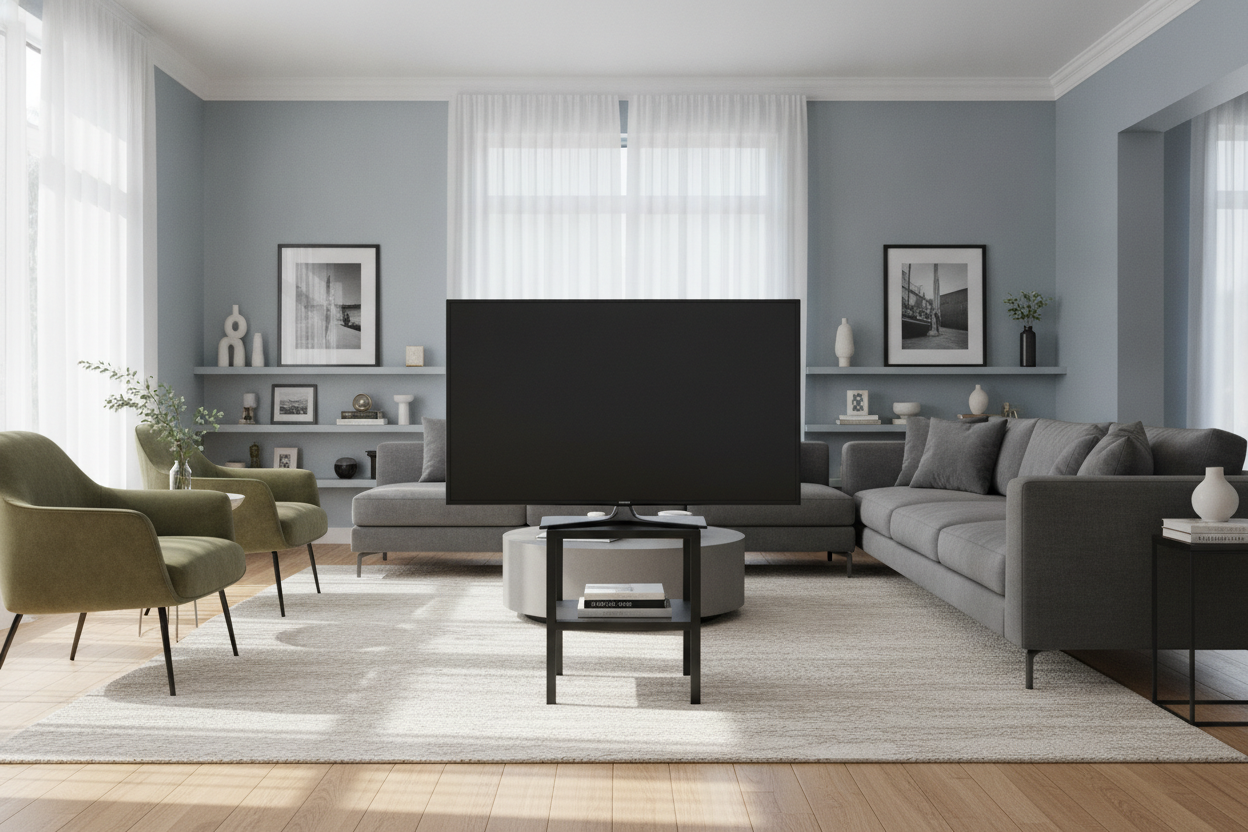
I’ve spent way too many Tuesday nights staring at my living room wall, wondering why everything looks slightly... wrong. It’s usually not the rug or the paint. It’s the fact that we’ve all been lied to about furniture scale. You buy a new screen, you search for walmart tv stands 50 inch, and you end up with a setup that looks like a bobblehead. It’s a classic case of the furniture being physically capable of holding the weight, but visually incapable of holding the room.
Quick Takeaways
- A 50-inch TV is actually about 44 inches wide; your stand needs to be at least 54-60 inches to look balanced.
- Avoid the 'Bowling Pin Effect' by ensuring the stand is significantly wider than the screen.
- If you are tight on wall space, use a corner unit or a taller console to add grounding height.
- Visual weight matters—a thin, leggy stand will always look flimsy under a modern mid-sized TV.
The Bowling Pin Effect: Why Your Setup Looks Top-Heavy
We’ve all seen it. You find a console that is exactly 44 inches wide because that’s the width of your TV, and you think you’ve won. Then you set it up, and the whole thing looks like a bowling pin waiting to be knocked over. When the edges of your TV line up perfectly with the edges of your stand, it creates visual anxiety. There is no 'breathing room' for the eye to rest.
I once helped a friend set up a 50-inch screen on a stand that was the exact same width. We spent two hours leveling it, only for her to realize it looked like a giant head on a tiny body. It makes the room feel smaller because the vertical lines are too cramped. You want your furniture to act as an anchor, not a pedestal for a balancing act.
The 'Plus 10' Rule for Mid-Sized Screens
Here is the math that furniture stores won't tell you: the '50-inch' label on your TV is a diagonal measurement. The actual horizontal width is roughly 44 inches. To find a browse full media console collections that actually looks intentional, you need to add at least 10 inches to that horizontal width. This gives you a 5-inch 'buffer' on either side of the screen.
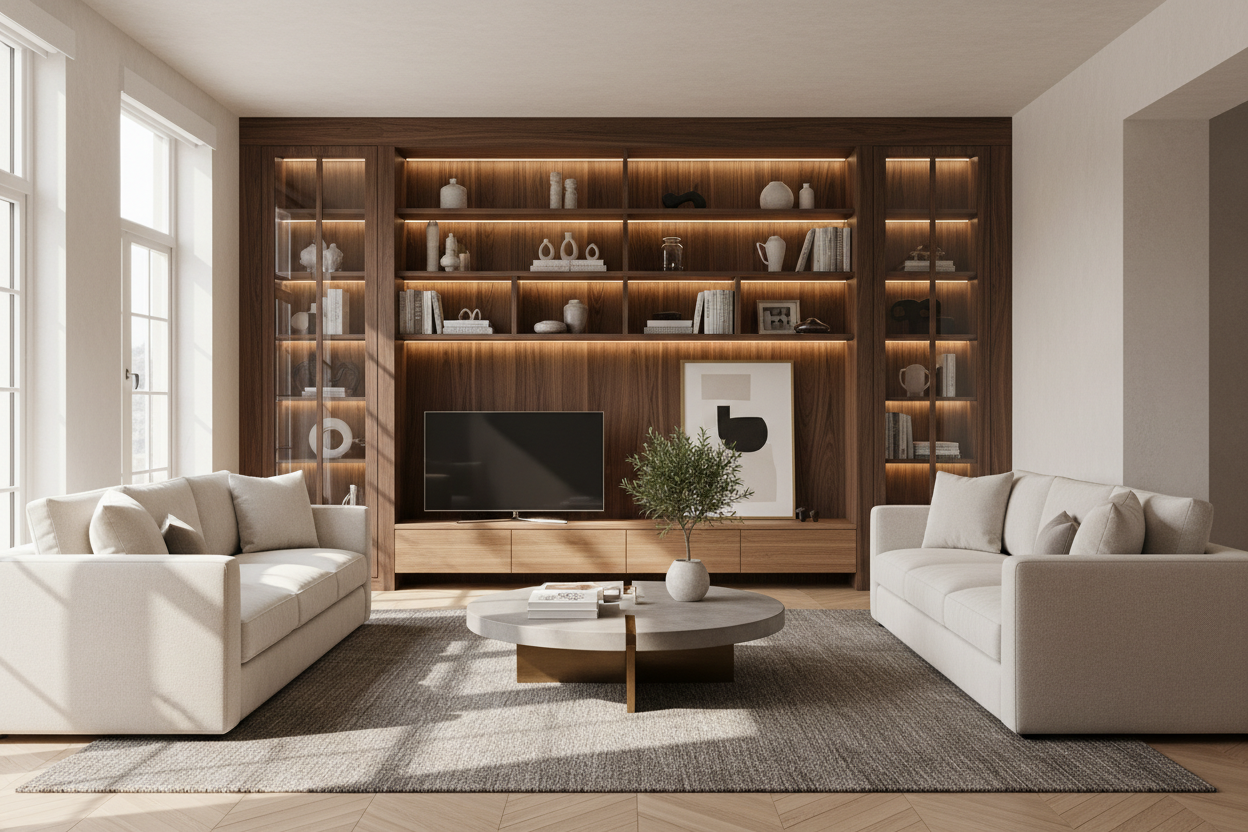
Searching for a tv stand for 50 inch tv walmart shoppers often settle for is usually a search for 48-inch units. Stop doing that. Look for the 58-inch or 60-inch models. That extra width allows you to place a small plant or a couple of decorative books on the ends, which bridges the gap between the electronics and the rest of your decor. It turns a 'tech setup' into a 'living space.'
What If You Genuinely Don't Have the Wall Space?
I get it—not everyone has a massive open floor plan. If you’re in a studio or a cramped apartment, a 60-inch console might block a doorway. In these cases, you have to play with geometry. A corner unit can be a total lifesaver because it utilizes depth rather than just width. You can read more about styling a corner TV stand 50 inch to see how to make that awkward angle work for you.
Another option is to go for a piece that has more vertical presence. Sometimes a specific model defies the rules because it has a chunky frame or an integrated hutch. If you're curious, here is why this specific 50 inch model works perfectly despite being narrower than my usual recommendations. It's all about how much visual space the piece occupies.
Two Clever Ways to Add Visual Weight
If you already bought a stand that feels a bit too small, don't panic. You can 'fake' width. Place a tall floor plant on one side and a stack of oversized floor pillows or a basket of blankets on the other. This extends the horizontal line of the furniture without you having to buy a whole new console. You’re essentially tricking the eye into seeing the entire grouping as one large unit.
Another pro move is to choose a piece with a solid base. A media console with a built-in fireplace is the ultimate cheat code here. Because the center is filled with the 'weight' of the fireplace insert, it feels much more substantial and grounded than a piece with thin, mid-century legs. It anchors the 50-inch screen by providing a heavy, dark focal point at the bottom.
The Ultimate Minimalist Hack for Tight Spaces
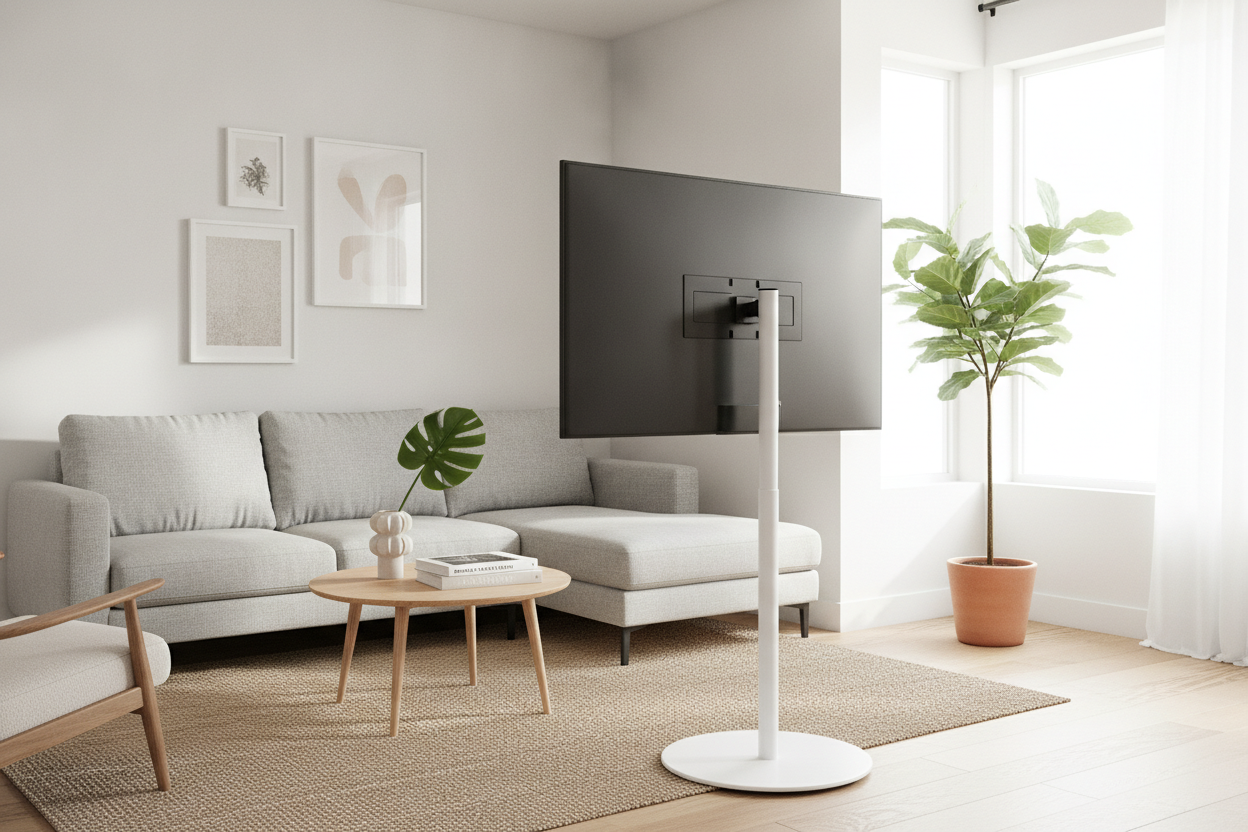
Sometimes the best TV stand is no stand at all—or at least, not one that stays out all the time. If your room is so small that a console feels like a giant obstacle, consider a hidden solution. A motorized lift console allows you to keep the screen tucked away when you aren't using it. It’s the ultimate way to keep a room feeling airy while still having a dedicated spot for your 50-inch display.
FAQ
Does a 50-inch TV fit on a 40-inch stand?
Physically, maybe—if the legs are centered. Visually, no. It will look terrible and likely be a tipping hazard. Always ensure the stand is wider than the TV's total width.
How high should a 50-inch TV stand be?
Your eyes should be level with the bottom third of the screen when sitting. Usually, this means a stand height of 22 to 28 inches.
Can I use a dresser as a TV stand?
Absolutely, as long as it's wide enough. Dressers are great because they offer extra storage and usually have the 'heft' needed to balance a 50-inch screen.

Leave a comment
This site is protected by hCaptcha and the hCaptcha Privacy Policy and Terms of Service apply.