

















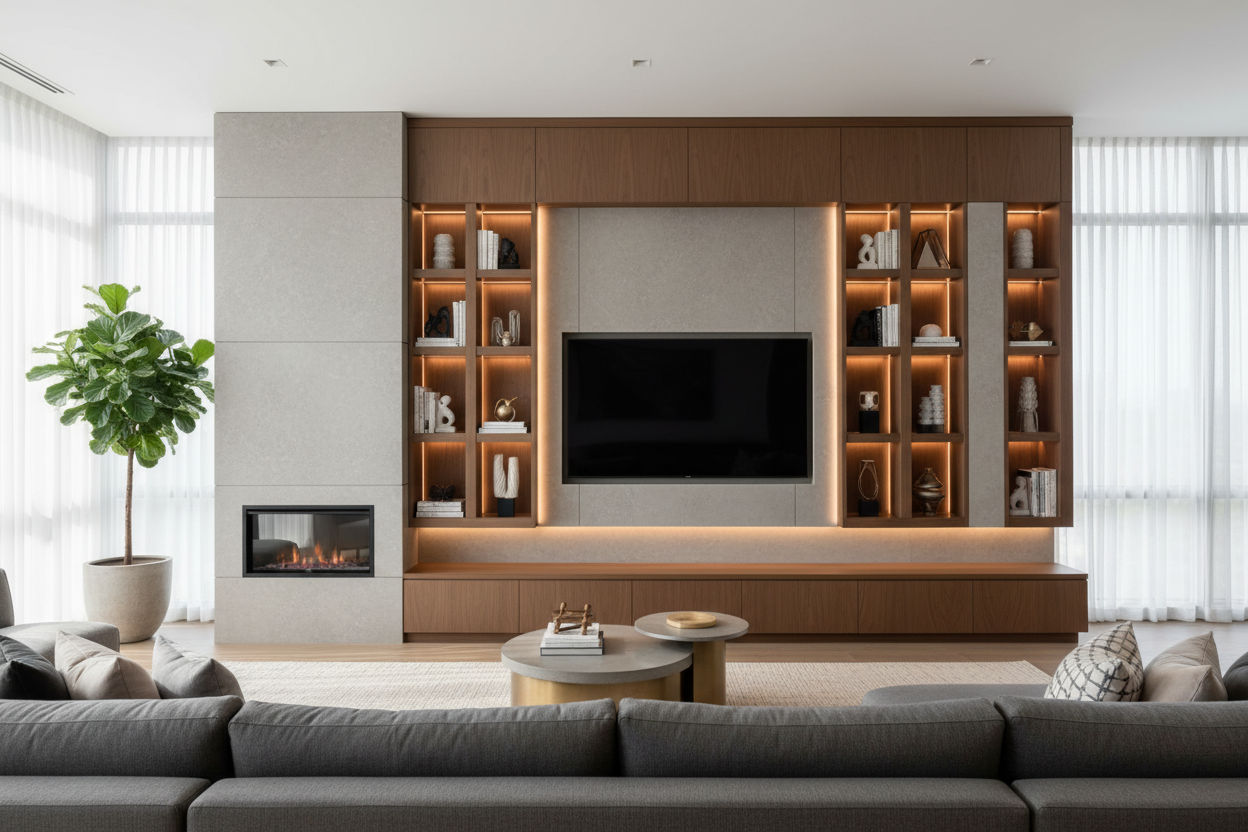
I remember walking into a client's living room last year. They had just moved into a new apartment, excited about the open floor plan. But their entertainment setup was a mess: a TV on a wobbly stand, gaming consoles stacked on the floor, cables snaking everywhere, and zero storage for books or decor. The room felt chaotic instead of calm. That's when we talked about a modern entertainment center wall unit. It wasn't just furniture—it was the solution that pulled everything together.
Quick Takeaways
- A modern wall unit integrates your TV, media components, and storage into one cohesive design, saving floor space.
- Look for clean lines, mixed materials like wood and metal, and built-in cable management to hide wires.
- Measure your wall carefully: for a 65-inch TV, plan a unit at least 70 inches wide with 15-18 inches of depth for components.
- Modular units offer flexibility; you can add or rearrange shelves as your needs change.
- Style with a mix of decor: books, a few plants, and personal items to break up the tech-heavy look.
What Makes a Modern Entertainment Wall Unit Different?
Traditional TV stands sit on the floor, taking up valuable square footage. A contemporary entertainment wall unit mounts to the wall or stands flush against it, creating a built-in look. I've seen this work in small apartments where every inch counts. The key difference is integration. Instead of separate pieces—a stand here, a bookshelf there—everything connects. You get designated spots for your soundbar, media players, and games, plus closed cabinets for hiding remotes and charging cables. The aesthetic impact is immediate: clean, intentional, and spacious. If you're exploring options, you'll find variety in our Entertainment Center Collection, from minimalist floating designs to larger statement pieces.
Key Design Elements to Look For
When I select units for clients, I focus on a few non-negotiables. Clean, straight lines without ornate details keep the look modern. Integrated lighting, like LED strips hidden under shelves, adds ambiance without glare. Modular components let you customize; maybe you want more open shelving for display now, but can add doors later. Cable management is crucial—I'll get to that in a moment. And material choices matter for both durability and style. For example, our Stylish Black TV Stand with Ample Storage uses a matte black finish over engineered wood, which resists fingerprints and blends with most color schemes.
Material Mix: Wood, Metal, and Glass
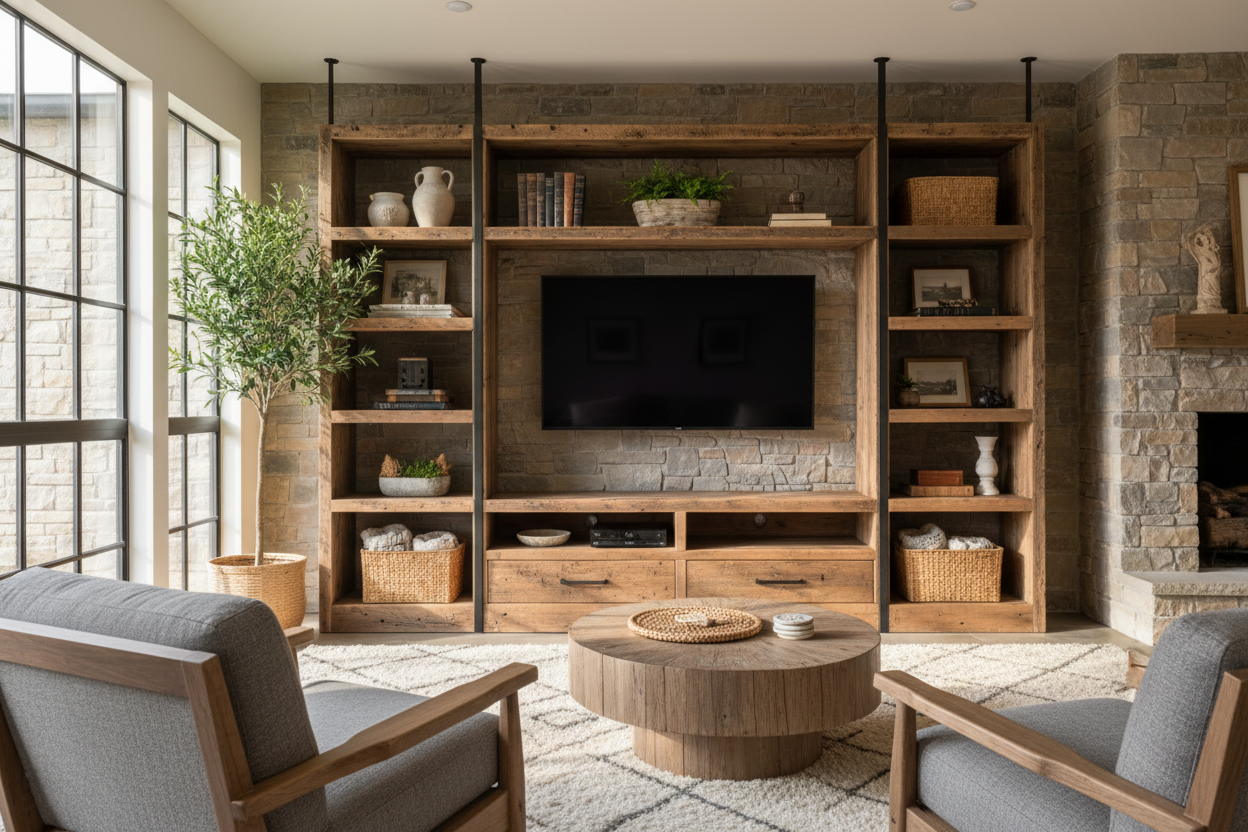
I love combining materials. A kiln-dried hardwood frame provides stability, while metal accents—like slender black steel legs or brass handles—add contrast. Glass shelves, usually tempered for safety, keep the unit feeling light and airy. In one project, we used a walnut veneer with matte black metal brackets; it warmed up a room with cool gray walls. Avoid cheap particle board that sags over time. Look for plywood or medium-density fiberboard (MDF) with a thick laminate, especially for shelves holding heavy items like books or a sound system.
The Cable Management Secret
Nothing ruins a sleek design faster than tangled wires. The best modern entertainment walls have built-in solutions: channels routed into the back panel, grommets to thread cables through, or a false back that creates a hidden compartment. I recommend leaving a 2-inch gap between the unit and the wall for cables to drop down neatly. Use velcro straps inside cabinets to bundle cords, and consider a power strip with a long cord that you can plug into an outlet discreetly. It takes an extra hour during installation, but you'll never see those wires again.
Planning Your Perfect Wall Unit Layout
Start by measuring your wall width and height. For a standard 12x14 living room, a unit spanning 8 to 10 feet wide balances the space without overwhelming it. Account for your TV size: leave 4-6 inches of breathing room on each side. Depth is critical—if you have a soundbar or gaming console, you'll need at least 15 inches of shelf depth. I sketch layouts with clients, marking where components go. Balance open shelving with closed storage; maybe 60% closed to hide clutter, 40% open for display. Wall-mounted designs save floor space, which is why I often suggest reading about Why Wall Mounted Units Are Smart for smaller homes.
From Installation to Styling
Installation varies. Some units come as one piece; others are modular, like our Modern 3-Piece Entertainment Center, which lets you arrange sections to fit your wall. Always anchor to studs if wall-mounting—I use a stud finder and level. For freestanding units, ensure the floor is even; shims can help. Once installed, styling makes it yours. Layer items: place a stack of books horizontally, add a small potted plant (like a snake plant that needs low light), and maybe a ceramic vase. Leave some empty space to avoid clutter. For design inspiration, compare modern styles with Mid-Century Modern Entertainment Center Insights to see what resonates with your taste.
Personal Experience: The Honest Downside
In my 200+ projects, I've learned that modern entertainment walls aren't perfect for everyone. In one home, a client loved the look but regretted not getting adjustable shelves—their new gaming console was half an inch too tall. We solved it by modifying a shelf, but it was a hassle. Also, if you rent, wall-mounted units might require landlord approval. And while they organize tech well, they can feel too 'techie' if not styled with warm textures. I always advise adding a woven basket or wood bowl to soften the effect.
FAQ
How much weight can these units hold? It depends on materials. Solid wood shelves support 50-75 pounds each; engineered wood holds 30-50 pounds. Check manufacturer specs for your TV weight plus components.
Can I install it myself? Yes, if you're handy. Modular units often come with instructions and basic tools. For wall-mounted heavy units, I recommend a helper or professional to ensure safety.
What's the ideal height for the TV shelf? Eye level when seated—usually 42-48 inches from the floor to the center of the screen. Measure from your sofa to avoid neck strain.
How do I clean and maintain it? Dust regularly with a microfiber cloth. For wood veneers, use a damp cloth; avoid harsh chemicals. Glass shelves can be cleaned with a vinegar-water solution.

Leave a comment
This site is protected by hCaptcha and the hCaptcha Privacy Policy and Terms of Service apply.