

















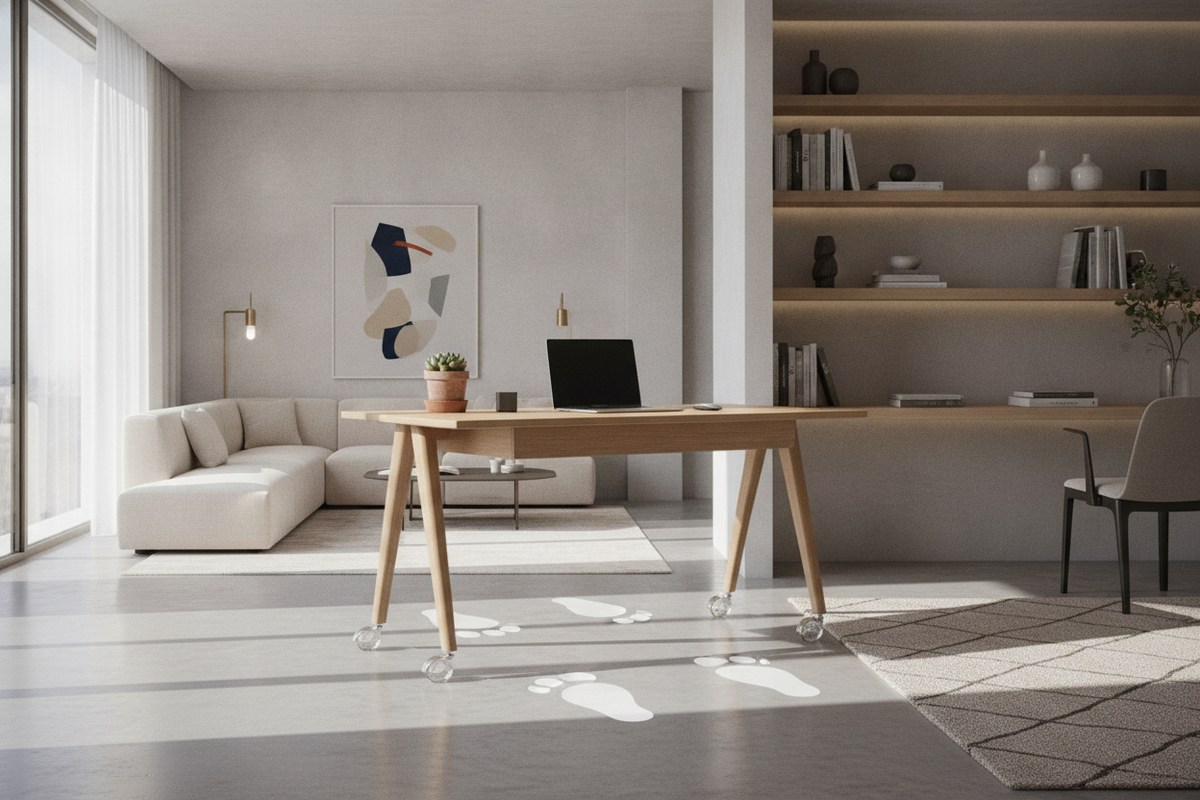
The Evolution of the Mobile Computer Desk: Mobility Meets Ergonomics
Working from home rarely stays confined to a single corner. Modern daily routines often call for flexible furniture that shifts seamlessly between a sunny living room alcove, a quiet guest bedroom, or a shared dining space. A well-designed computer desk mobile setup bridges the divide between portable convenience and healthy typing postures. Rather than forcing users to hunch over a coffee table or balance a laptop on soft upholstery, a rollable workstation maintains proper screen heights, elbow angles, and foot clearance wherever work takes place.
Historically, mobile furniture felt utilitarian and insubstantial, resembling light utility carts rather than polished home furnishings. Contemporary designs have evolved significantly. A thoughtfully crafted mobile office workstation now integrates rigid structural supports, refined finishes, and intentional storage tiers that blend with residential interior design while providing the freedom to relocate throughout the day.
Dimensional Categories: Choosing the Right Mobile Workstation Footprint
Selecting the right size begins with understanding how hardware requirements intersect with home walkways. Mobile platforms generally align with three primary spatial footprints:
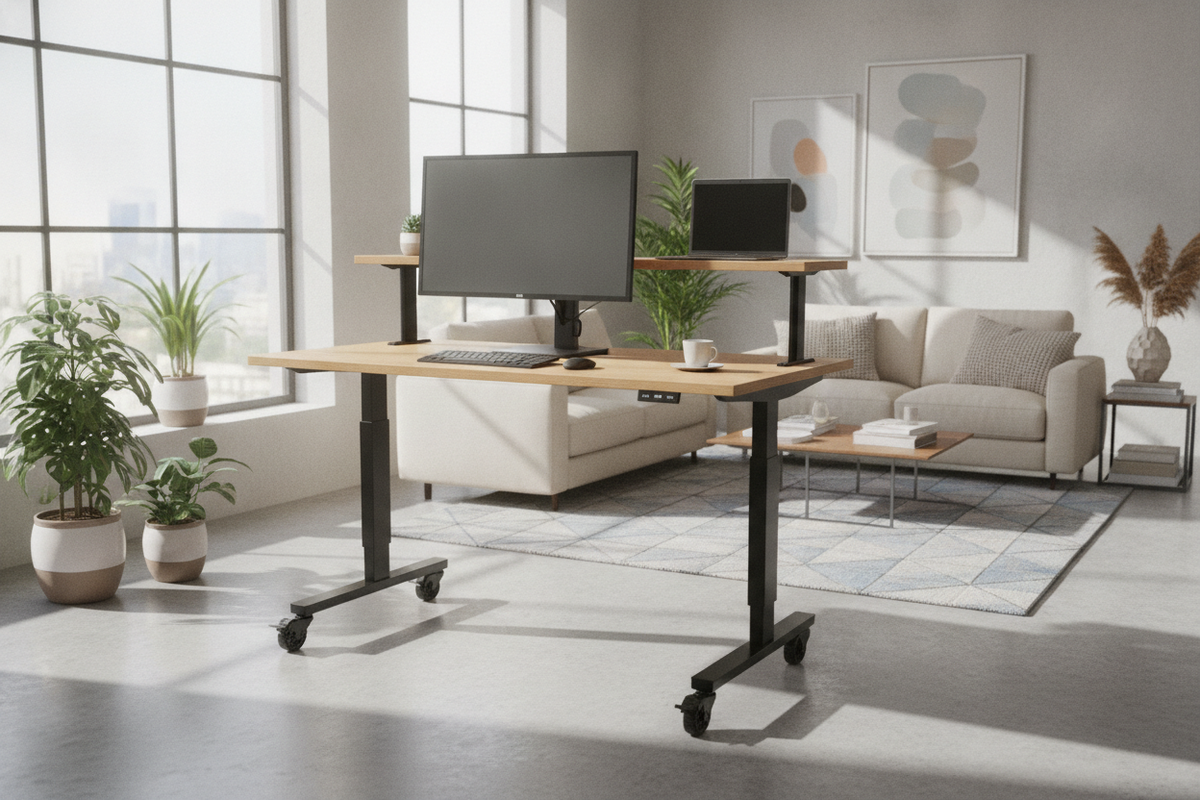
- Compact Vertical Tier Desks: These prioritize minimal floor footprints by stacking hardware upward. A narrow main worktop pairs with an elevated monitor riser and a low platform for peripheral storage. This profile suits laptop users or compact single-monitor setups maneuvering through narrow apartments.
- Mid-Scale Workstation Tables: Offering broader horizontal desktop surfaces, these designs resemble streamlined writing desks mounted on wheels. They supply ample clearance for paperwork alongside a screen, providing a balance between mobility and workspace breadth. Those evaluating open surface options often browse a broader computer desk collection to contrast stationary formats against wheeled utility.
- Multi-Level Tower Stations: Engineered to carry full desktop towers, external audio units, and printing hardware, these robust units function as fully self-contained computing hubs on wheels.
When selecting a mobile workstation desk, verify that doorways, corridor angles, and bedside spaces provide clear passage so rolling the furniture does not require awkward lifting or shifting surrounding decor.
Caster Engineering and Frame Stability: Preventing Wobble on the Move
The primary concern for any rolling furniture is horizontal sway. Fast typing, handwriting, or resting forearms on the desktop can introduce vibration if the base is not properly anchored. For a mobile pc desk, stability depends heavily on caster construction, attachment points, and overall frame geometry.
Caster wheels generally feature either hard nylon or softer polyurethane coatings. Harder compounds roll smoothly across plush carpets but can transmit floor noise or mark delicate timber surfaces. Softer wheels offer quiet, cushioned rolling over hardwood, laminate, or tile. Wheel locking mechanisms represent another critical structural element. Front-wheel locks or four-corner engagement points prevent the desk from drifting during intensive work sessions.
Beyond the wheels themselves, wide base leg spreads and reinforced crossbars help distribute downward force evenly. A mobile desk for computer use performs best when its structural center of gravity remains low, counterbalancing the elevated mass of screens and elevated shelves.
Tier Architecture and Storage: CPU Towers, Keyboard Trays, and Peripherals
Effective storage architecture makes the difference between a cluttered rolling cart and a streamlined computing environment. A purposeful mobile computer workstation desk employs strategic zoning to keep equipment accessible yet secure while rolling:
- Retractable Keyboard Trays: Sliding platforms position typing accessories at relaxed forearm height while freeing top surface area for notepads or reference materials. Smooth guide rails prevent sudden shifts when transitioning between seated tasks.
- Dedicated Lower Shelving: Positioning heavier hardware—such as computer towers, uninterruptible power supplies, or book stacks—near the caster base grounds the overall frame, significantly dampening top-heavy wobble.
- Upper Monitor Risers: Raising screens to natural eye level encourages upright head posture without requiring bulky monitor arms clamped to the main table edge.
Dynamic Cable Management and Power Routing for Rolling Desks
Managing cords is essential when operating rolling furniture. Loose wires running across the floor pose tripping risks and can easily catch under rolling casters. Achieving clean, dynamic power distribution requires anchoring electrical accessories directly to the rolling desk frame.
Mounting a grounded power strip to the underside of the main worktop or along a rear privacy rail allows all monitors, chargers, and task lamps to plug directly into the desk itself. As detailed in our mobile office guide, consolidating hardware connections into a single centralized path reduces visual clutter and simplifies daily movement. This approach leaves only one main extension cord extending from the desk to the wall outlet, allowing the workstation to be unplugged and relocated with minimal effort.
Split sleeving, hook-and-loop ties, and adhesive wire channels keep individual hardware cables tucked close to vertical metal legs, ensuring cords never dangle low enough to become pinched beneath rolling wheels.
Room Integration Strategies: From Bedroom Nooks to Living Area Transits
Transitioning a mobile unit across mixed-use residential zones demands clear floor planning. Unlike an expansive stationary office computer desk product anchored against a dedicated study wall, a rolling setup thrives on fluid reconfigurability.
To maintain seamless room flow, establish designated parking zones. In the morning, roll the desk toward natural window lighting for focused daylight sessions; during social evenings, guide the unit into an unused bedroom recess or alongside a bookshelf to reopen living space. Pay attention to transition thresholds between varying flooring surfaces, such as hardwood to high-pile area rugs. Ensuring smooth transitions keeps computer screens and desk accessories securely seated while in transit.
Assembly, Hardware Checks, and Ongoing Maintenance
Regular maintenance ensures lasting stability for any mobile workspace. Dynamic motion introduces repeated micro-vibrations that can gradually loosen assembly fasteners over time. Periodically inspecting structural hardware keeps the frame rigid and quiet:
- Check Caster Thread Tightness: Periodically ensure the threaded stems or mounting plates securing casters to the lower legs remain fully tightened.
- Inspect Wheel Bearings: Clear away accumulated carpet fibers, pet hair, or dust from wheel axles to maintain smooth, unrestricted rotation.
- Tighten Structural Fasteners: Gently check crossbeam bolts and desktop support brackets every few months to eliminate frame play.
- Clean Surfaces with Mild Cleansers: Wipe laminate or veneer tops with damp microfiber cloths, avoiding abrasive pads that could scratch protective top coats.
By pairing thoughtful frame proportions with disciplined cable routing and regular caster maintenance, a versatile mobile desk delivers dependable, ergonomic performance across every room of the home.

Leave a comment
This site is protected by hCaptcha and the hCaptcha Privacy Policy and Terms of Service apply.