

















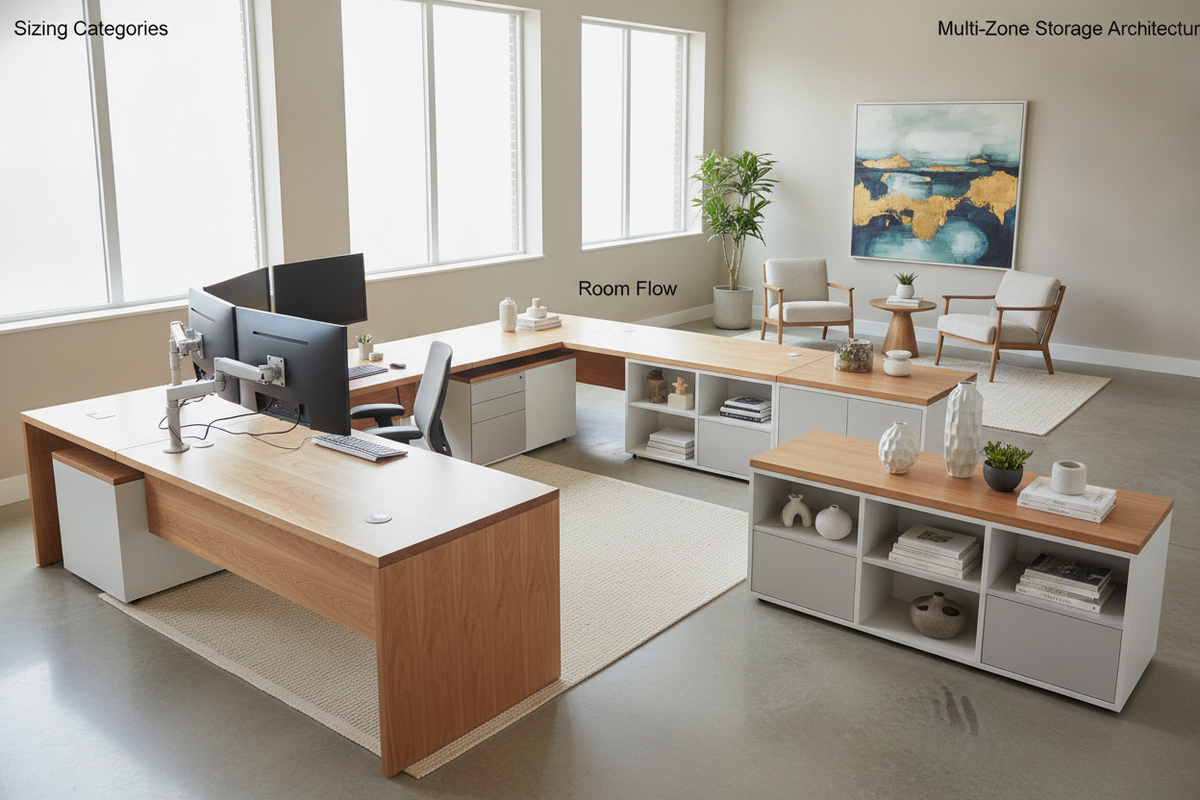
An elongated workstation transforms how a workspace functions, whether supporting an expansive multi-monitor rig, accommodating two creative collaborators, or organizing distinct project zones on a single continuous plane. Selecting a long desk office setup requires looking beyond surface dimensions alone. True functional success depends on understanding structural span support, deliberate walking clearances, and integrated storage architecture that preserves comfortable legroom across the entire span.
1. Sizing and Dimension Categories for Extended Desks
Extended work surfaces generally fall into distinct architectural categories based on span width and functional intent. A moderately extended horizontal setup offers plenty of space for a primary screen setup alongside open space for paper handling. Broad, continuous spans expand usability further, bridging the gap between single-operator executive stations and collaborative workbench formats. For larger footprints, continuous wall-spanning surfaces provide generous territory for complex workflows.
Evaluating Surface Depth Alongside Horizontal Span
When expanding horizontal length, surface depth requires proportional balance. A narrow surface stretched over a long span can feel cramped, bringing monitors uncomfortably close to seating positions and leaving little room for keyboards and paperwork. Adequate depth ensures natural sightlines, prevents visual crowding, and allows equipment to sit back without intruding into primary typing and writing zones.
Single-User vs. Dual-User Functional Categories
Planning for a single operator differs substantially from building a shared hub. A single professional often benefits from dedicated activity zones: a central computer cockpit flanked by analog writing surfaces or peripheral gear. When configuring long desks for home office dual-occupancy, the surface must be divided into balanced work zones, ensuring both individuals have independent elbow room and chair travel space. For broader buying considerations across workspace furniture, reviewing an office desk guide can help clarify sizing frameworks.
2. Room Planning and Clearance Architecture
A large flat desk commands attention and reshapes traffic paths. Positioning an elongated piece without thoughtful perimeter planning can choke doorways, block natural window light, and disrupt movement throughout the room.
Perimeter Wall Placement vs. Room-Dividing Layouts
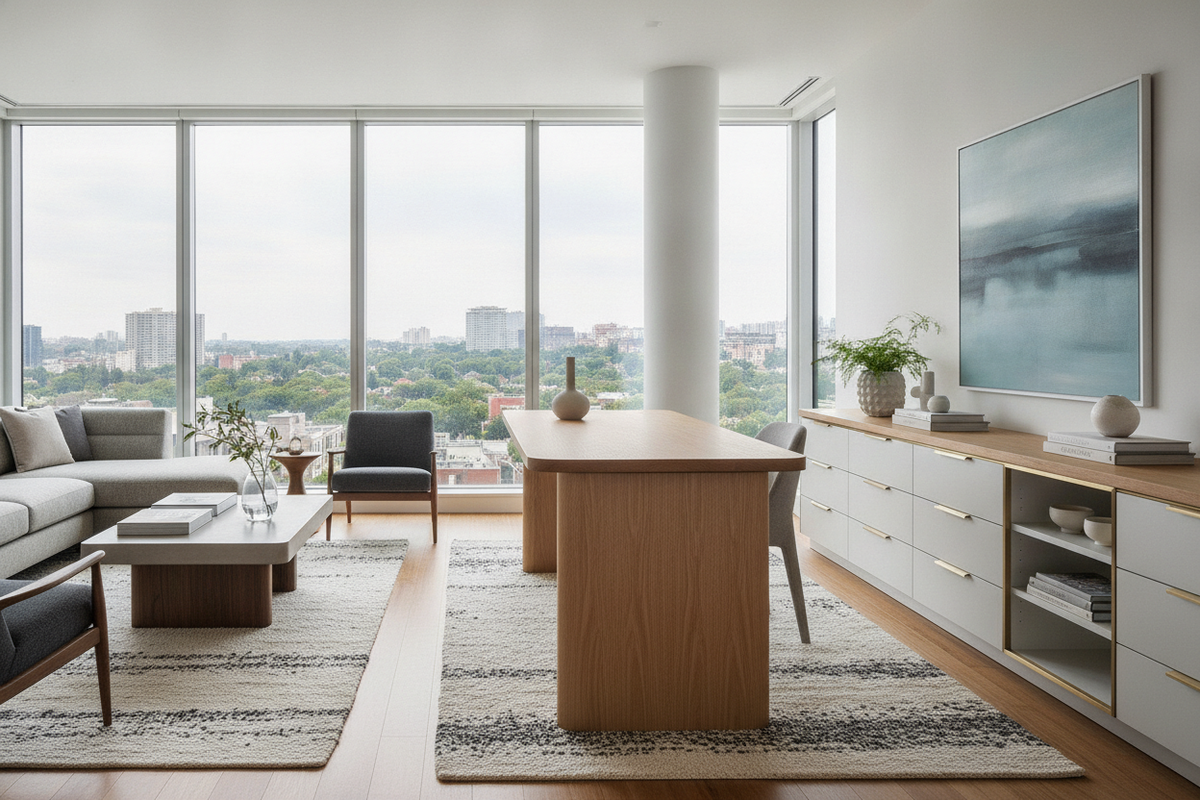
Running a long surface along a primary structural wall is the most space-efficient choice. It anchors the piece, simplifies perimeter wall power management, and keeps walkways clear. In contrast, positioning an elongated table outward into the open room creates an architectural room divider, separating a dedicated study from adjacent living spaces. In larger rooms where standard linear surfaces feel limiting, exploring an office desk large product provides an alternative configuration that wraps functional workspace into corners while preserving open floor area.
Doorway, Window, and Walkway Thresholds
Every extended surface requires comfortable buffers around its perimeter. Allow ample clearance behind task chairs to permit smooth pushback without striking walls or side credenzas. In shared rooms, verify that the desk edges do not intrude into natural door swing arcs or crowd window access. Maintaining generous open floor space along the front edge keeps movement through the room natural and unhindered.
3. Storage Integration and Under-Desk Ergonomics
Without intentional organization, long flat planes easily collect miscellaneous clutter. The key challenge lies in incorporating adequate filing cabinets and utility drawers without boxing in user legroom.
Pedestal Modules and Lateral Drawer Towers
Drawer pedestals can be placed symmetrically beneath the outer ends of the work surface, creating a balanced visual base while leaving the central span open for chair movement. When planning a shared two-person layout, a central low drawer unit can serve as a functional divider that gives each worker designated storage without compromising outer leg clearance. Complete setups like an integrated office desk product combine essential utility drawers and side cabinets into a unified silhouette, preventing the need for mismatched add-on units.
Overhead Credenzas and Adjacent Cabinets
To keep wide desk surfaces clean, heavy paper archives and peripheral equipment are often best housed in secondary wall cabinetry or freestanding credenzas. Mounting storage above or positioning low credenzas behind the primary desk leaves the desktop uncluttered, dedicating the expansive horizontal area to active daily tasks rather than long-term filing.
4. Material Selection and Structural Span Support
The structural demands on a wide desk differ significantly from those on standard compact tables. As the distance between end legs increases, the risk of center sagging under the weight of computers, mounts, and books grows accordingly.
Managing Center Sag and Frame Rigidity
To resist surface deflection across broad spans, furniture designs frequently employ longitudinal steel sub-frames, under-desk aprons, or discreet center support legs. When assessing an extended surface, check for rigid crossbeams or reinforced bracing underneath. These structural supports distribute downward pressure toward the exterior legs and prevent tabletop bowing over time.
Balancing Cost and Durability for Budget-Conscious Builds
Those looking for a cheap long desk or exploring an accessible long desk for sale often turn to engineered wood surfaces with durable laminate or melamine finishes. In my view, high-quality composite surfaces with well-engineered edge banding provide an exceptional balance of daily scratch resistance and manageable overall weight. Solid woods and heavy veneers offer warm aesthetics, but composite constructions backed by rigid metal understructures provide dependable stability across wide footprints without inflated costs.
5. Multi-Zone Surface Organization and Cable Discipline
Dividing a broad desktop into clearly demarcated activity zones helps maintain productive order across the entire length of the workstation.
Routing Extended Wire Runs and Power Hubs
Managing equipment across a wide plane requires deliberate cable paths. A single digital setup may include multiple monitors, charging cables, task lamps, and external drives spread across several feet. Installing under-desk wire trays, horizontal raceways, and desktop grommet pass-throughs prevents cords from dangling. Consolidating power into an under-mounted surge strip keeps power connections orderly and ensures clean sightlines beneath the desk.
Curating Balanced Desktop Decor and Lighting
Expansive flat surfaces look best when styled with measured visual balance. Placing a single task lamp in the middle can leave the outer wings dim and shadowy. Instead, consider distributing balanced lighting through paired task lamps or wide-dispersion architectural bar lighting. Group desktop items into functional clusters—such as a dedicated paper tray zone, a central digital cockpit, and a minimalist greenery display—to keep the layout purposeful. For ideas on balancing functional pieces with refined styling, consult an office desk guide on intentional desktop decor.
6. Assembly Logistics, Delivery Checks, and Final Inspection
Bringing a large, heavy workstation into a home or business requires thoughtful preparation before assembly begins. Because large desktops arrive in elongated, substantial boxes, ensure clear access paths through hallways, stairwells, and doorways prior to unboxing.
Before assembling the frame, lay out all panels on a soft, protective blanket to prevent surface scuffs. Inspect the structural framework for true alignment, and confirm all connecting hardware, cam locks, and bracket screws are accounted for. Once the structure is standing in its permanent location, adjust the leveling feet to compensate for subtle floor variations. A precisely leveled, structurally reinforced surface ensures that your wide workstation remains stable, quiet, and comfortable through years of focused daily use.

Leave a comment
This site is protected by hCaptcha and the hCaptcha Privacy Policy and Terms of Service apply.