

















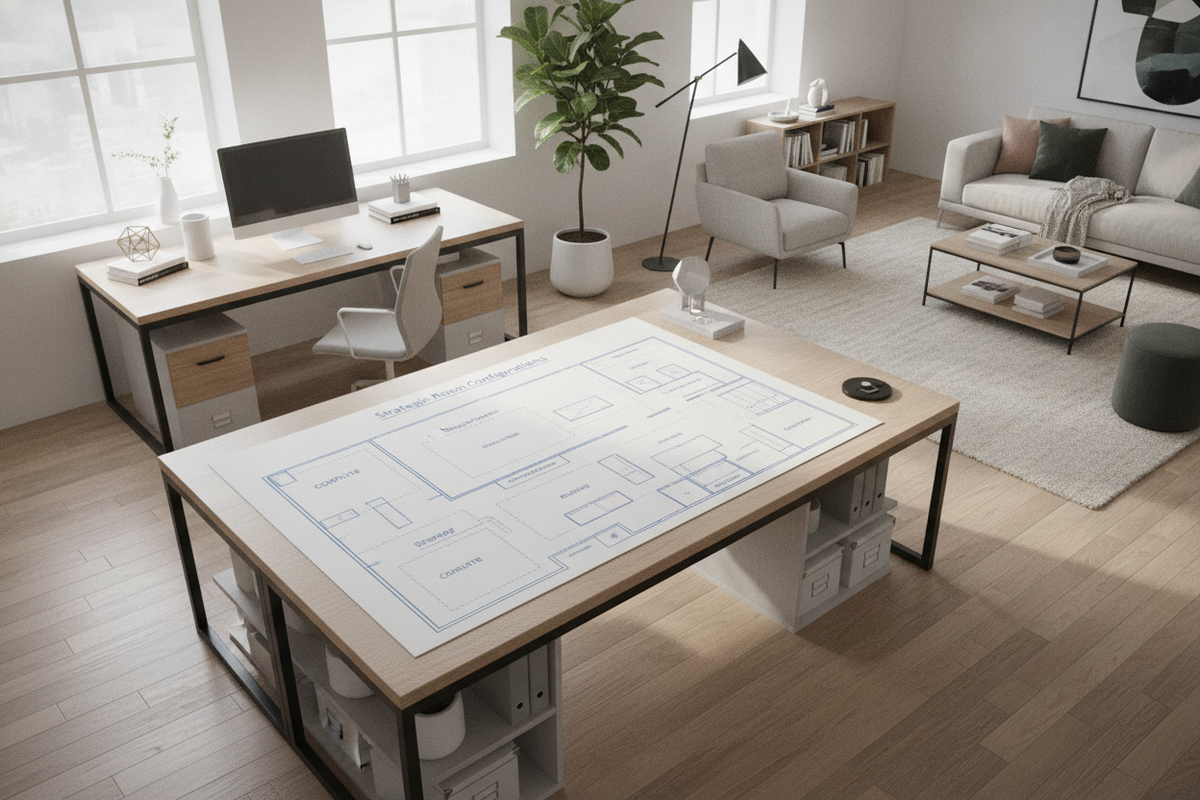
Spatial Geometry & Core Configurations for L-Shaped Desks
Arranging a multi-surface workstation requires understanding how two intersecting planes interact with room geometry. An effective l-shaped desk layout combines a primary work surface with a perpendicular return wing, creating a natural cockpit that expands accessible workspace without requiring excessive physical reach. When planning your layout, the relationship between these two desk sections determines how movement occurs within the room.
Standard structural options include symmetrical configurations—where both sides share identical depths and lengths—and asymmetrical profiles featuring a dominant primary desk paired with a narrower side return. Depending on room architecture, aligning the desk against structural walls anchors the workspace firmly, while angling or extending one side into the open room creates an intuitive physical boundary. For a comprehensive look at spatial orientation, reviewing our shaped desk office guide offers valuable perspective on maintaining effortless everyday movement.
Four Foundational L-Desk Office Setup Models
Selecting the right l shaped desk configuration depends on door placement, natural light angles, and how frequently guests or collaborators enter the room. Four primary models serve as foundational blueprints for residential and professional workspaces:
- The Corner Nest: Both the main desk and the return run flush against adjacent perimeter walls. This model maximizes open central floor area, making it ideal for compact spaces, guest bedrooms, or dedicated study nooks where preserving open circulation is essential.
- The Room-Dividing Peninsula: One side of the desk rests against a wall while the return extends outward into the center of the room. This layout functions as a natural partition, defining distinct zones within open-concept living rooms or studio apartments.
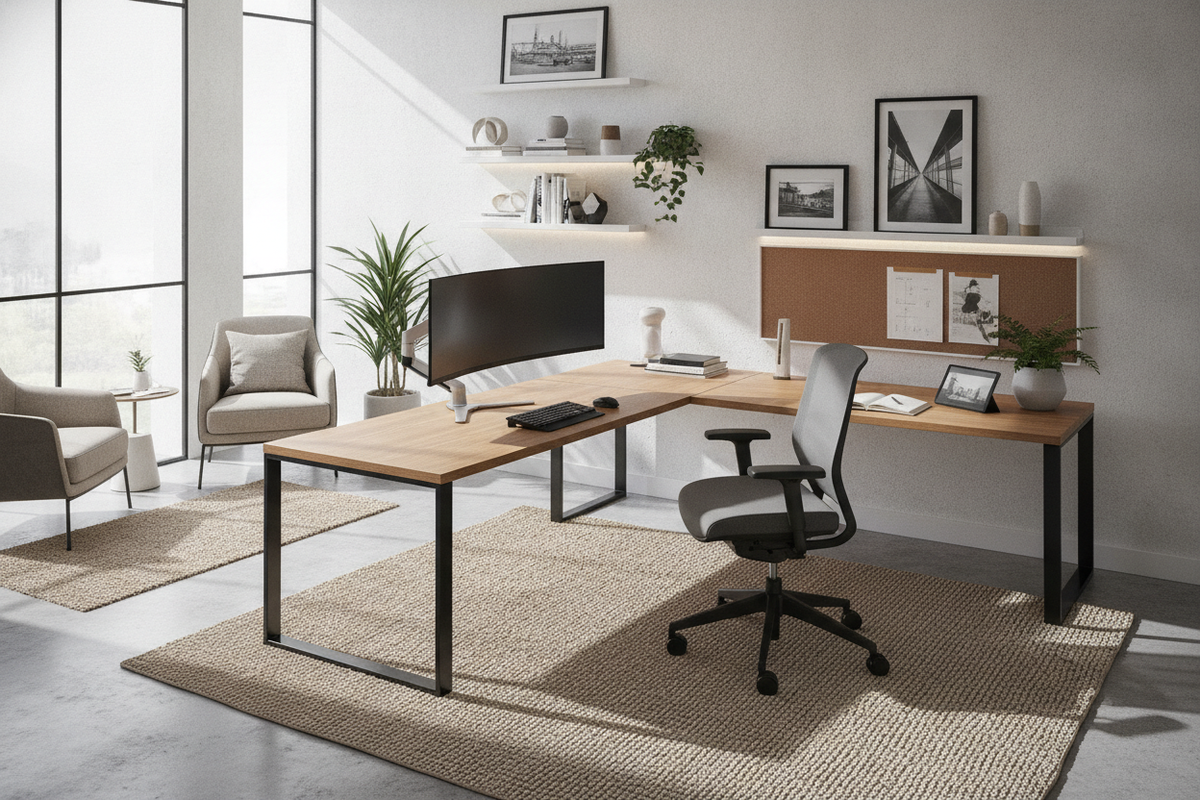
- The Perimeter Window Vista: Positioned with one side facing or running parallel to a window, this arrangement provides natural daylight and expansive views while orienting screens perpendicular to the glass to minimize visual glare.
- The Open Command Center: Both desk surfaces float away from the walls, positioning the chair with a solid wall behind it and an unobstructed view of the entry door. Larger offices benefit from substantial options like a desk shaped office product to establish an authoritative, welcoming presence.
Each l desk office setup establishes a distinct visual flow, altering how spacious or structured a room feels from the threshold.
Two-Zone Surface Architecture: Computing vs. Auxiliary Tasks
The core advantage of an l-shaped office desk setup is the ability to maintain two distinct functional work zones without cross-contaminating tasks. Rather than overcrowding a single rectangular surface, dividing activities across perpendicular planes creates structural organization.
The Primary Digital Zone
The primary desk surface functions best as your high-intensity digital hub. Position core monitors, laptop docking stations, external keyboards, and webcams directly along this line of sight. By keeping primary display screens aligned straight ahead, your neck and spine maintain neutral posture during extended screen sessions. Cable drop points and desktop power access should cluster closely along this section to support heavy electronics.
The Auxiliary Analog Zone
The return wing operates as a dedicated auxiliary surface for lower-profile or non-computing tasks. Reserve this plane for physical paperwork review, sketchpads, reading materials, desktop reference books, or secondary hardware such as flatbed scanners and compact label printers. Keeping this wing clear of loose peripheral clutter lets you swivel smoothly between digital typing and analog writing without shifting hardware around.
Clearance Dimensions and Room Flow Decision Categories
Even the most capable workstation can feel cramped if spatial clearances are overlooked. Establishing proper perimeter boundaries around your l-shaped desk placement ensures that daily movement remains smooth and unobstructed.
- Chair Swivel and Pushback Radius: Ensure ample open floor depth behind the central seating vertex. Users must be able to push back from either desk surface and rotate freely without colliding with rear walls, bookcases, or credenzas.
- Walkway Pathways: Maintain clear passage between the floating desk edges and adjacent architectural elements such as doors, closets, and heating registers to prevent spatial bottlenecks.
- Door and Window Swings: Check that room entry doors, wardrobe panels, and window shutters can swing to their full range without striking the desktop corners.
- Lighting and Glare Angles: Angle primary computer monitors perpendicular to direct window exposures. Placing screens directly opposite unshaded windows leads to harsh reflections and eye fatigue.
For additional strategies on resolving spatial conflicts and maintaining concentration, our desk layout office guide provides practical methods for aligning workstations with room architecture.
Under-Desk Architecture & Storage Cabinet Synergy
Surface organization depends heavily on what sits beneath and adjacent to the desktop. An efficient l shaped desk office setup balances accessible storage with open knee clearance so that legroom is never compromised.
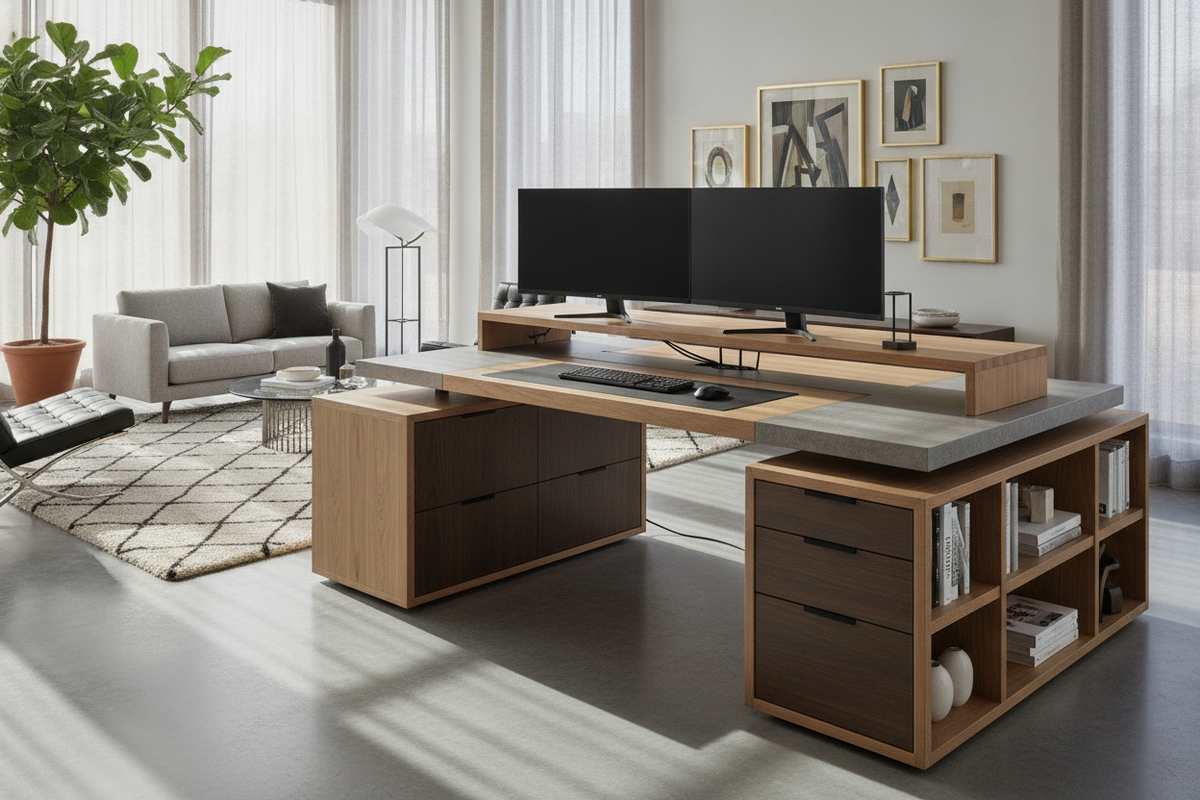
When incorporating credenzas, modular shelving, or rolling drawer pedestals, position storage units beneath the return wing rather than the main typing zone. Placing dense filing cabinets under the auxiliary side protects the primary leg well, allowing uninhibited swivel movement between the two desk sections. Integrated units, such as an office desk product, combine closed cabinetry with accessible surfaces to keep frequently used items nearby.
To explore additional cabinet arrangements that keep horizontal work planes clear, read our office setup desk guide for practical containment systems.
Material Durability, Frame Stability, and Cable Routing Logistics
Structural stability is vital for long-term satisfaction with any multi-surface desk configuration. Because L-shaped desks join two distinct panels, the interior corner joint requires robust framing to eliminate desktop wobble.
Desks featuring corner support legs or reinforced steel brace brackets provide consistent rigidity across the entire span. When selecting desktop materials, durable laminate finishes offer excellent resistance to everyday surface scuffs and liquid rings, while solid timber or veneered surfaces introduce rich tactile character that complements refined interior decor.
Cable management requires deliberate routing along the inner structural frame. Utilize under-desk channel raceways, hook-and-loop ties, and adhesive mounting brackets along the underside of both desk returns. Channeling power strips and peripheral wiring along the desk frame prevents tangled cords from dangling into the leg well, preserving a clean profile across the entire workspace.

Leave a comment
This site is protected by hCaptcha and the hCaptcha Privacy Policy and Terms of Service apply.