

















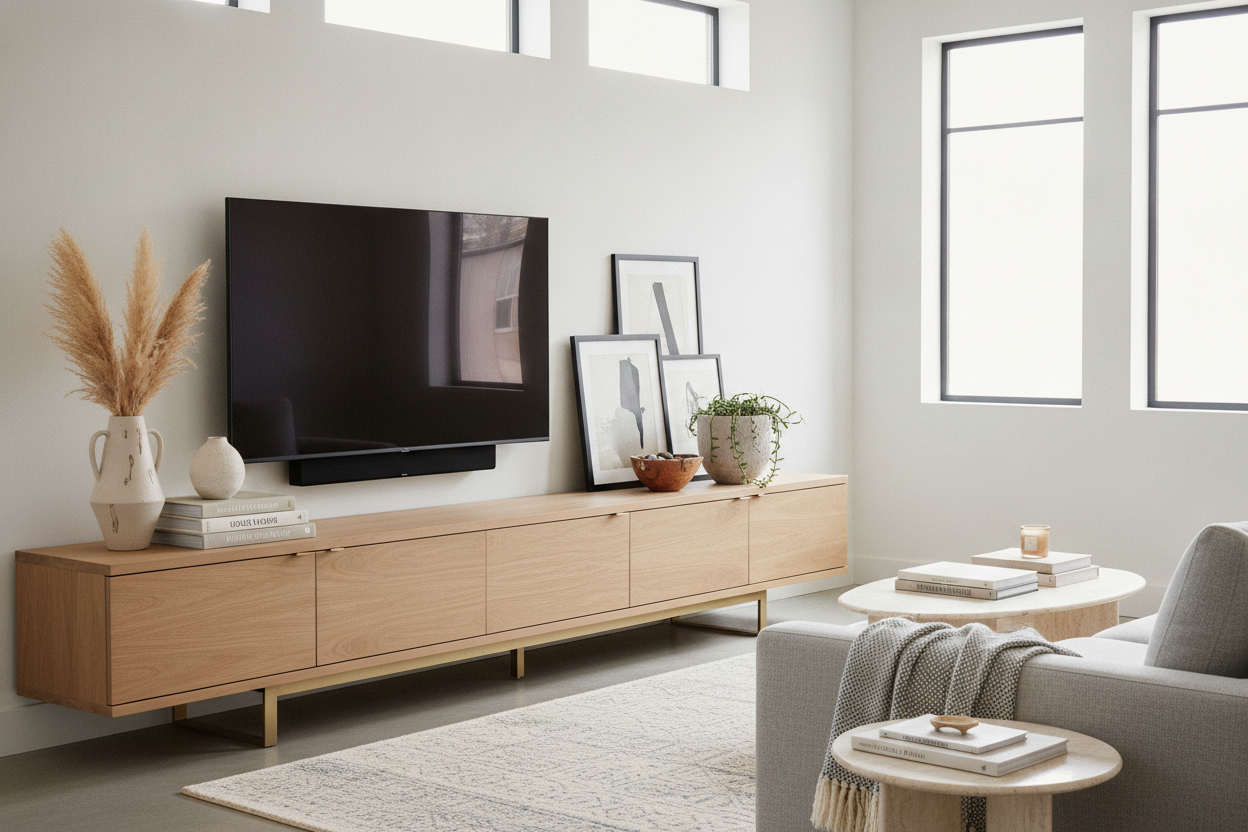
I spent three weeks staring at a 65-inch OLED and the sad, empty walnut shelf beneath it. It felt like a museum exhibit that forgot to arrive. Every time I tried to put something there, it looked like I was trying too hard or not trying at all. I’d buy a expensive ceramic knot, place it dead center, and realize it looked like a tiny island in a sea of wood grain. The tv stand display is the hardest part of the living room to get right because you're competing with a giant, glowing rectangle that demands all the attention.
- Use organic shapes (round vases, bowls) to offset the hard lines of the TV.
- Enclosed glass doors are the best way to show off items without the weekly dusting chore.
- The 60/40 rule keeps your tech functional but your aesthetic intact.
- Cable management is the difference between a curated look and a dorm room vibe.
The 'Black Hole' Problem in Modern Living Rooms
Most people buy a TV, mount it or set it down, and then stop. They browse standard tv stands looking for something that fits the width of their screen, but they don't think about the visual void created by that massive black screen. When the TV is off, it's just a giant dark hole on your wall. If the space beneath it is empty, the whole room feels bottom-heavy and unfinished.
I remember my first 'adult' apartment where I had a 55-inch Vizio sitting on a $40 particle board bench. It looked like a temporary setup that lasted three years. The problem wasn't just the cheap materials; it was the lack of intention. You need something that anchors the screen to the floor. Without decor, the TV just floats awkwardly, making the room feel cold. I’ve seen 80-inch screens paired with tiny consoles that look like they're about to buckle under the weight. It’s not just about size; it’s about creating a composition that draws the eye away from the plastic frame of the television.
Why I Swore Off Minimalism (And Embraced Glass)
I used to think minimalism was the answer. I wanted a totally clean surface—no books, no vases, no nothing. But unless you live in a concrete bunker in Switzerland, that doesn't work. Dust shows up on dark wood surfaces within 24 hours. My 'clean' look just looked like I hadn't moved in yet. I eventually realized I was swapping out my minimalist console because I missed the personality that comes with a lived-in home. I needed a place for my 1970s film cameras and my collection of design books, but I didn't want them to look like clutter.
The breakthrough was finding a credenza with sliding glass doors. Glass is the ultimate cheat code for a media display. It provides a physical barrier against dust—which is the enemy of electronics—while still letting you see the 'soul' of the room. I tried the open-shelf thing for a year and I swear I spent more time with a microfiber cloth than I did watching Netflix. With glass doors, I can display a stack of high-end art books and a vintage brass bowl without them looking like they’re just sitting out in the elements. It feels intentional, not accidental.
The 60/40 Rule for Media Furniture Styling
Here is the formula I finally landed on after moving my decor around so many times I scratched the finish on my floor. I call it the 60/40 rule. 60% of your console's footprint should be dedicated to the stuff that actually makes the TV work: the soundbar, the game console, and the remote tray. The other 40% is for the purely aesthetic. This prevents the stand from looking like a Best Buy shelf while also ensuring you don't have a vase blocking the IR sensor on your TV.
To style a display cabinet tv stand that actually looks like a designer did it, you have to layer. Don't just line things up in a row. I like to take three books of varying thickness, stack them horizontally, and place a small piece of pottery on top. This creates height and texture. If you have a soundbar, don't just center it and leave the sides empty. Place a low, wide bowl on one side to balance the visual weight. I once tried to put a tall lamp next to my TV, and it was a disaster—the light reflected off the screen and drove me crazy during every movie. Keep your height to the outer edges and keep it lower than the bottom third of the screen.
What Actually Looks Good Next to a Screen?
The TV is a rigid, sharp-edged rectangle. If you fill your display with more rectangles—like picture frames or square boxes—the whole setup feels stiff. You need organic shapes to break it up. Think round, think textured, think 'imperfect.' A gnarled piece of driftwood, a circular travertine tray, or a round ceramic vase will do wonders for softening the tech-heavy vibe of a living room.
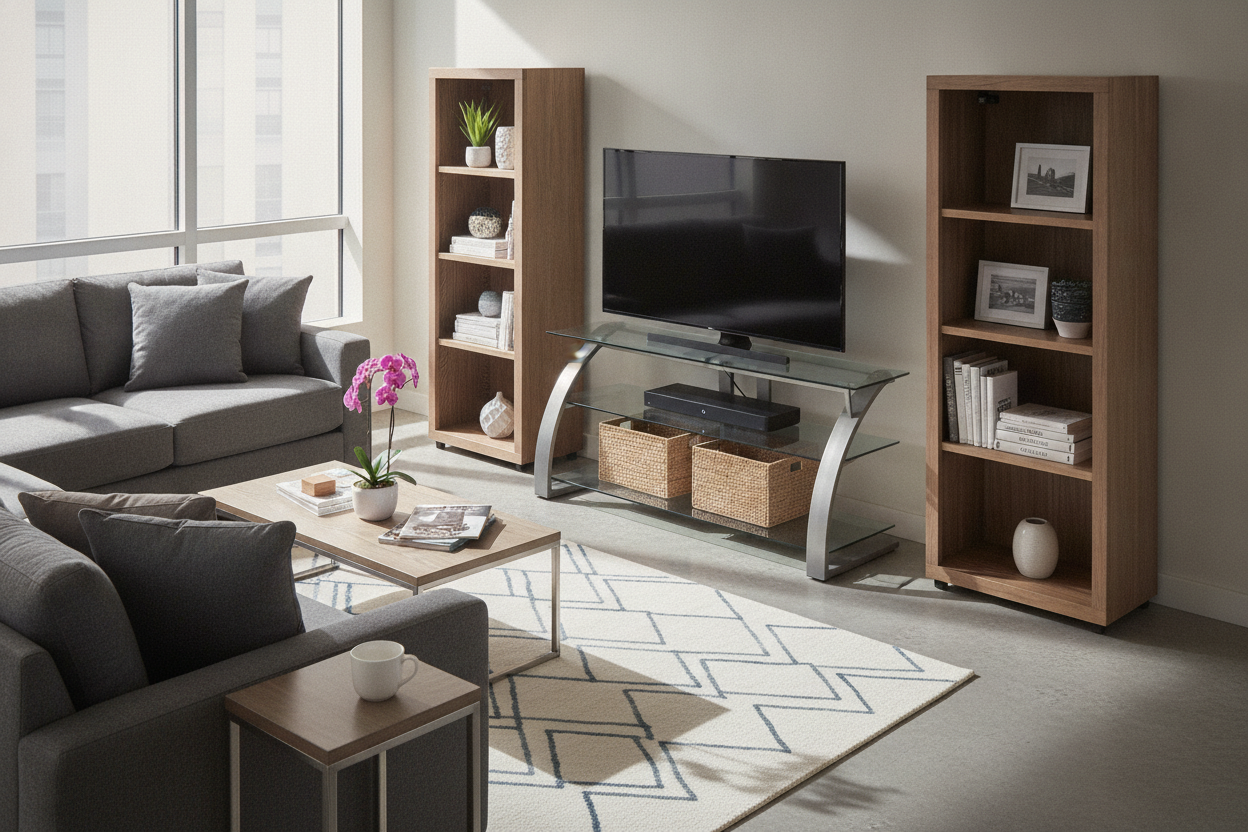
I also love using greenery, but be careful with real plants near expensive electronics. I once overwatered a pothos sitting on my console and nearly fried my PlayStation 5. Now, I stick to high-quality faux greens or dried eucalyptus. It adds that pop of color without the risk of water damage. Also, consider the materials. If your stand is wood, use stone or metal decor. If your stand is metal, use wood or woven baskets. Contrast is what makes a display look curated rather than matched-to-death.
Dealing with the Ugly Tech (Routers, Cords, and Consoles)
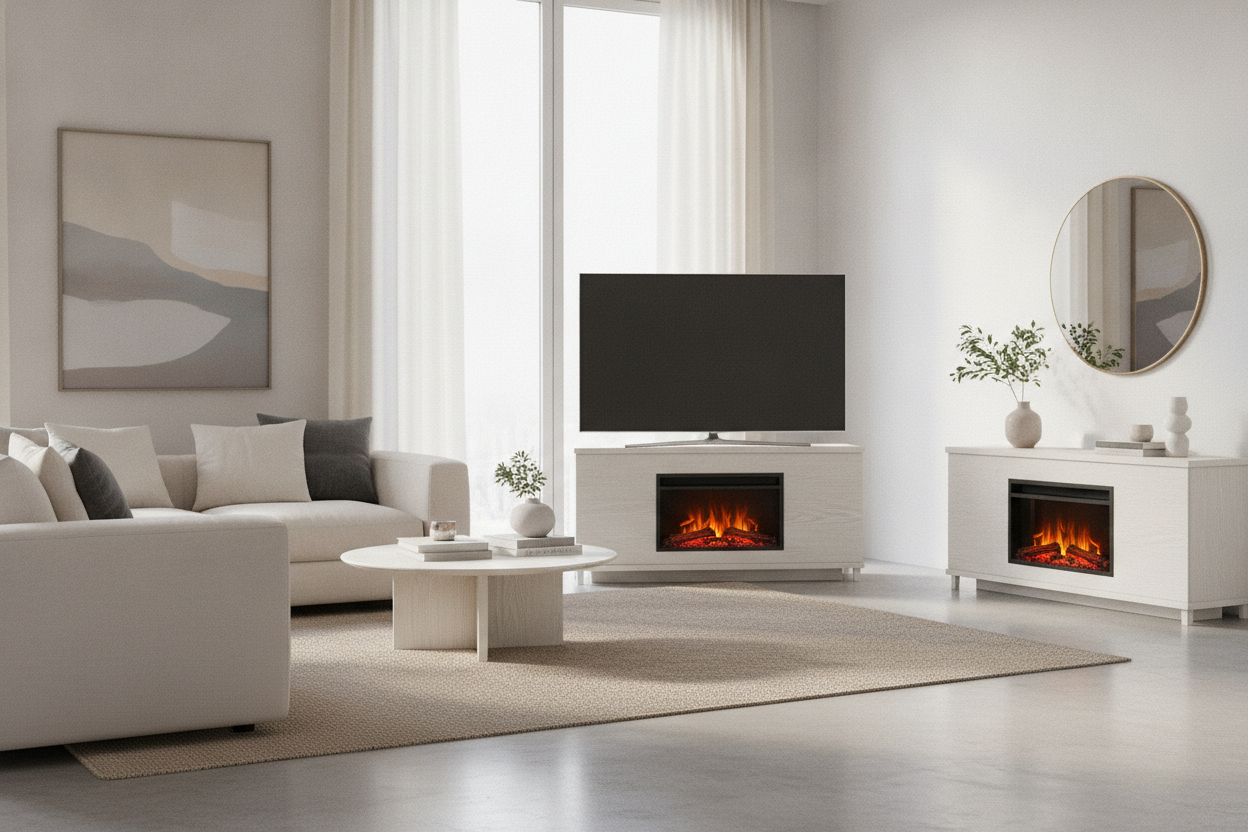
No amount of vintage pottery can save a display if there's a 'spaghetti' of black cords hanging down the back. It’s the ultimate vibe-killer. I’ve tried the plastic cord raceways you stick to the wall, and they always peel off after six months. The real solution is a piece of furniture designed to handle the mess. I eventually moved to a setup with slatted doors and cable management cutouts. The slats are brilliant because they allow the signal from your remote to pass through and let the heat from your router escape, but they hide the ugly plastic boxes entirely.
If you're stuck with a stand that doesn't have great cord management, use Velcro ties—not zip ties. You’ll inevitably need to swap a cable, and cutting zip ties near your expensive HDMI 2.1 cords is a recipe for a bad Saturday. Bundle them tightly and run them down the back of one of the legs using adhesive clips. If you can see the router, hide it inside a decorative 'book box' or a woven basket with a hole cut out of the back. It’s these small hidden details that make the difference between a house that looks like a tech lab and a home that feels like a sanctuary.
FAQ
Is it okay to put decor in front of the TV?
Only if it doesn't block the screen or the remote sensor. I usually suggest keeping decor to the sides or on a lower shelf. If you have a high-mounted TV, you have more clearance, but generally, keep items below the bottom edge of the frame.
How do I hide my giant router?
Look for a media console with slatted doors or mesh fronts. These allow the Wi-Fi signal to pass through without the router being visible. If you have open shelving, a decorative basket with an open weave works great too.
Should my TV stand be wider than the TV?
Yes, always. Aim for at least 6 to 10 inches of extra space on each side. A TV that is wider than its stand looks unstable and visually top-heavy. It’s the 'muffin top' of interior design.

Leave a comment
This site is protected by hCaptcha and the hCaptcha Privacy Policy and Terms of Service apply.