

















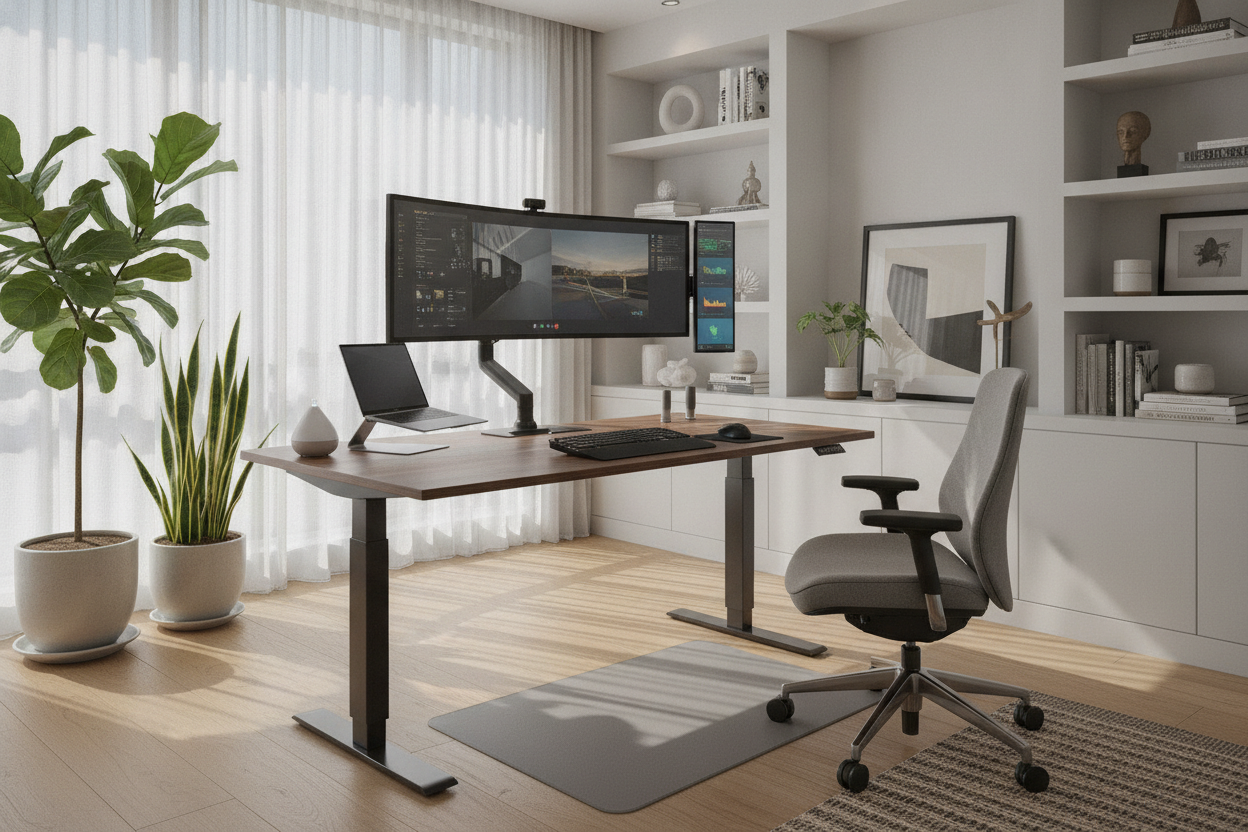
I used to think I was a genius because I balanced my MacBook on a stack of Harry Potter hardcovers on top of a kitchen stool. I told myself I was 'hacking productivity' while my lower back was screaming. Then I finally got a height adjustable electric desk and realized I wasn't a genius; I was just cheap and in pain.
Quick Takeaways
- DIY stacks are unstable and dangerous for your expensive hardware.
- Electric motors beat manual cranks every single time for actual daily use.
- Memory presets are the secret to actually switching between sitting and standing.
- Stability at full height is the true test of a quality frame.
The Ironing Board Era Was a Dark Time
The ironing board was my lowest point. It is narrow, it is bouncy, and one wrong move sends your laptop into a death spiral. I spent more time worrying about my coffee spilling than actually working. My shoulders were permanently hitched toward my ears because the height was never quite right.
I tried the 'box-on-desk' method too. It looked like a middle school science project gone wrong. Every time I needed to sit down, I had to move three monitors and a keyboard tray. It was a friction-filled nightmare that meant I stayed standing for six hours (painful) or sat for six hours (sluggish). There was no middle ground.
Why I Finally Caved and Bought the Real Thing
The breaking point came when a stack of Amazon boxes finally gave way during a Zoom call. My screen tilted 45 degrees while I was mid-sentence. I spent three nights deep in Reddit threads and reviews, wondering Is That Electric Adjustable Desk Amazon Keeps Showing You Worth It? because I didn't want to waste $400 on something that would wobble.
I needed a real computer desk adjustable height electric model that wouldn't shake like a leaf when I typed. I realized that my 'frugality' was actually costing me money in chiropractor visits. I stopped looking for hacks and started looking for a heavy steel frame and a motor that wouldn't sound like a dying blender.
The Magic of Push-Button Ergonomics
The first time I hit a button and watched the desk glide to 42 inches, I felt like I had moved into a different tax bracket. No more clearing off my desk to manually move a platform. Memory presets are the only reason I actually stand. If I have to think about the height or hold a button for 30 seconds, I won't do it.
Now, I press '2' and I am standing before I finish my water. The transition is so smooth that my monitor arms don't even vibrate. It changed my afternoon slump; when I feel that 3 PM fog, I stand up, and the blood flow actually keeps me off the couch for another two hours of deep work.
What to Look For If You're Ready to Upgrade
Don't just buy a slab of MDF on legs. Look for a dual-motor system; they handle weight better and move much smoother than the single-motor budget versions. You want a lift capacity of at least 200 lbs so you aren't straining the engine with your monitors and speakers.
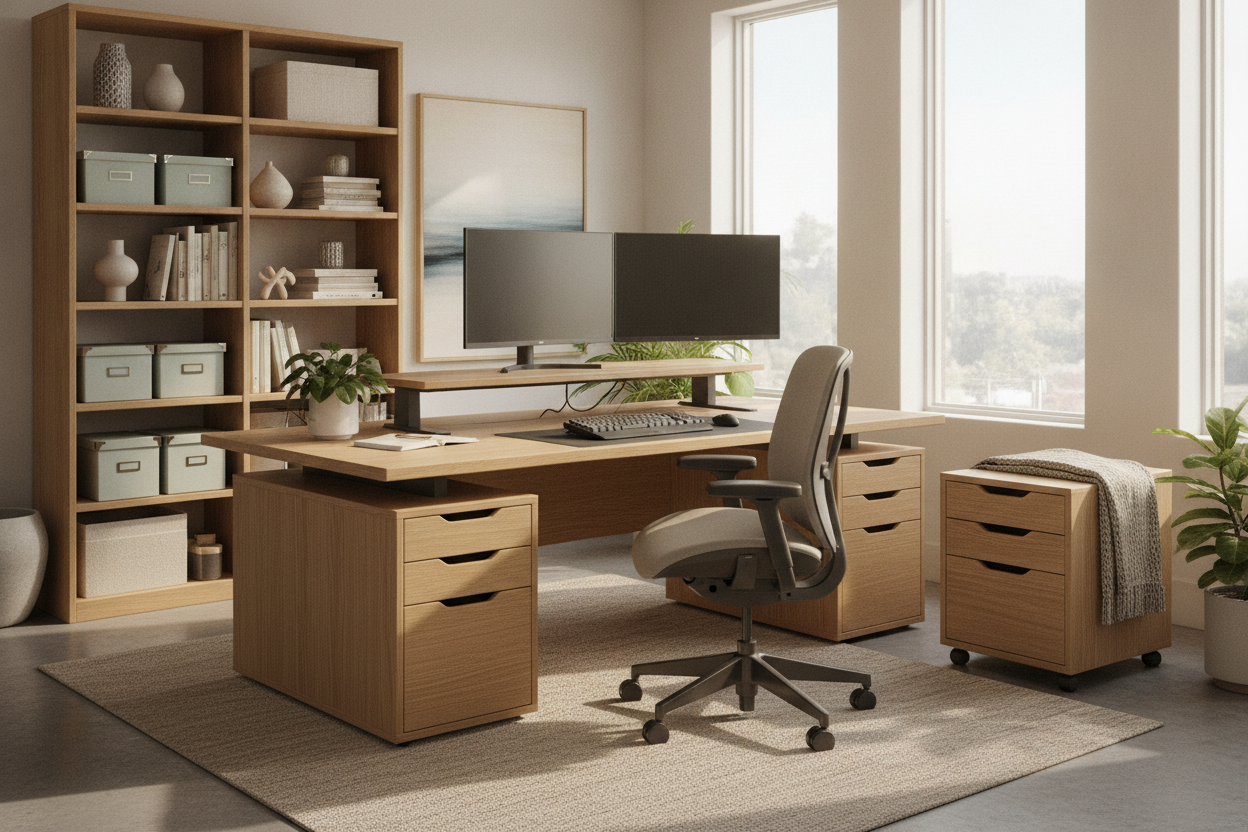
If you're like me and have a million cables, look for something like this Modern Electric Height Adjustable Desk With Dual Storage Modules And Pegboard Organizer. Having built-in storage means your pens and hard drives don't end up on the floor when the desk goes up. It solves the 'floating cable' mess that ruins most standing desk setups.
Don't Wait Three Years to Save Your Spine
Stop trying to outsmart ergonomics with household furniture. The 'false economy' of DIY setups is that they make you hate your workspace. Even if you decide you don't need the motor, at least get a dedicated Writing Computer Desk instead of hunching over a coffee table or a kitchen island.
Your spine has a long memory, and it doesn't forget the years of 'making it work' with boxes and books. Investing in a motorized frame isn't about being fancy—it's about treating your body like a professional tool rather than an afterthought.
FAQ
Is a single motor enough for a standing desk?
It works for light setups, but it’s slower and noisier. If you have two monitors or a heavy desktop, go for a dual-motor system. It’s more durable and won’t struggle as the desk ages.
How do I stop my desk from wobbling at standing height?
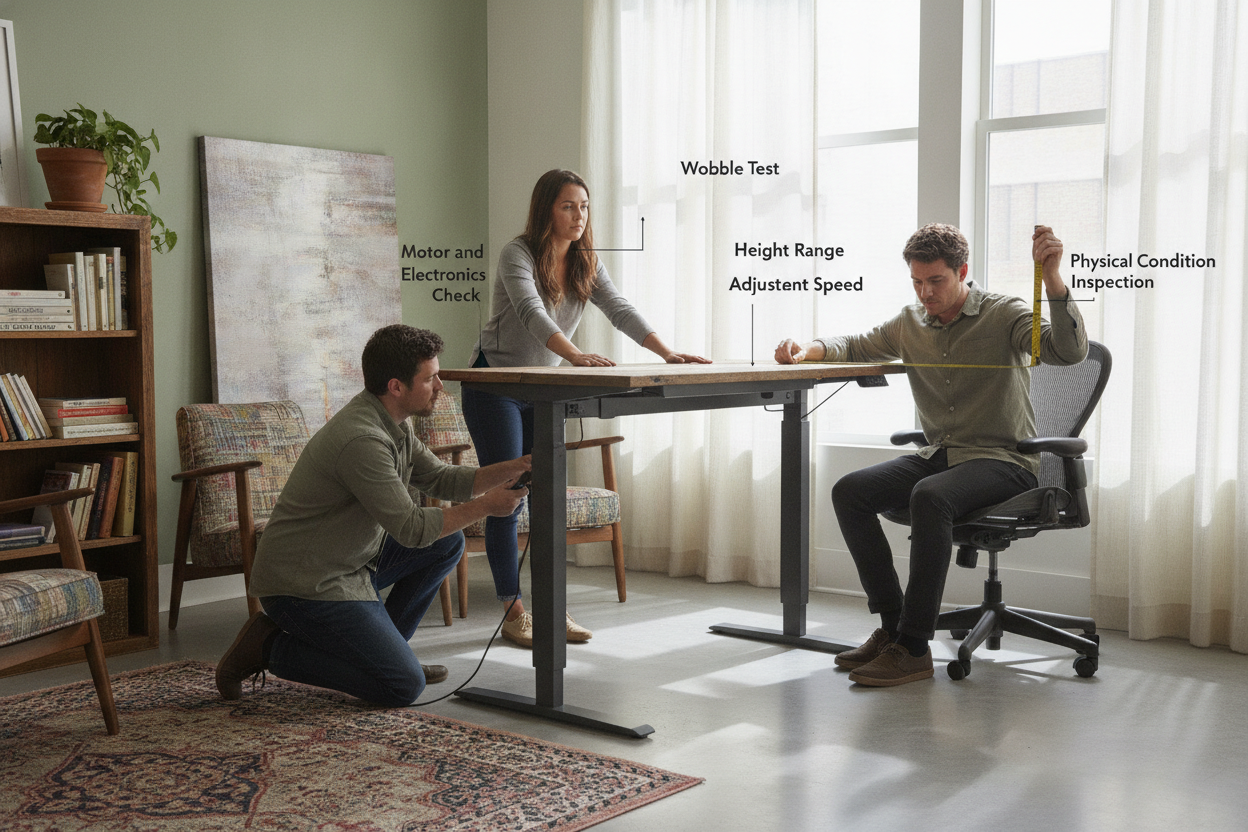
Look for a desk with a crossbar or 'T-style' legs made of heavy-gauge steel. Avoid the ultra-cheap models with thin, lightweight legs, as they will always dance when you type at 40+ inches.
Are memory presets really necessary?
Yes. Without them, you’ll never find your 'perfect' height again, and the friction of manual adjustment will eventually turn your standing desk back into a regular sitting desk.

Leave a comment
This site is protected by hCaptcha and the hCaptcha Privacy Policy and Terms of Service apply.