

















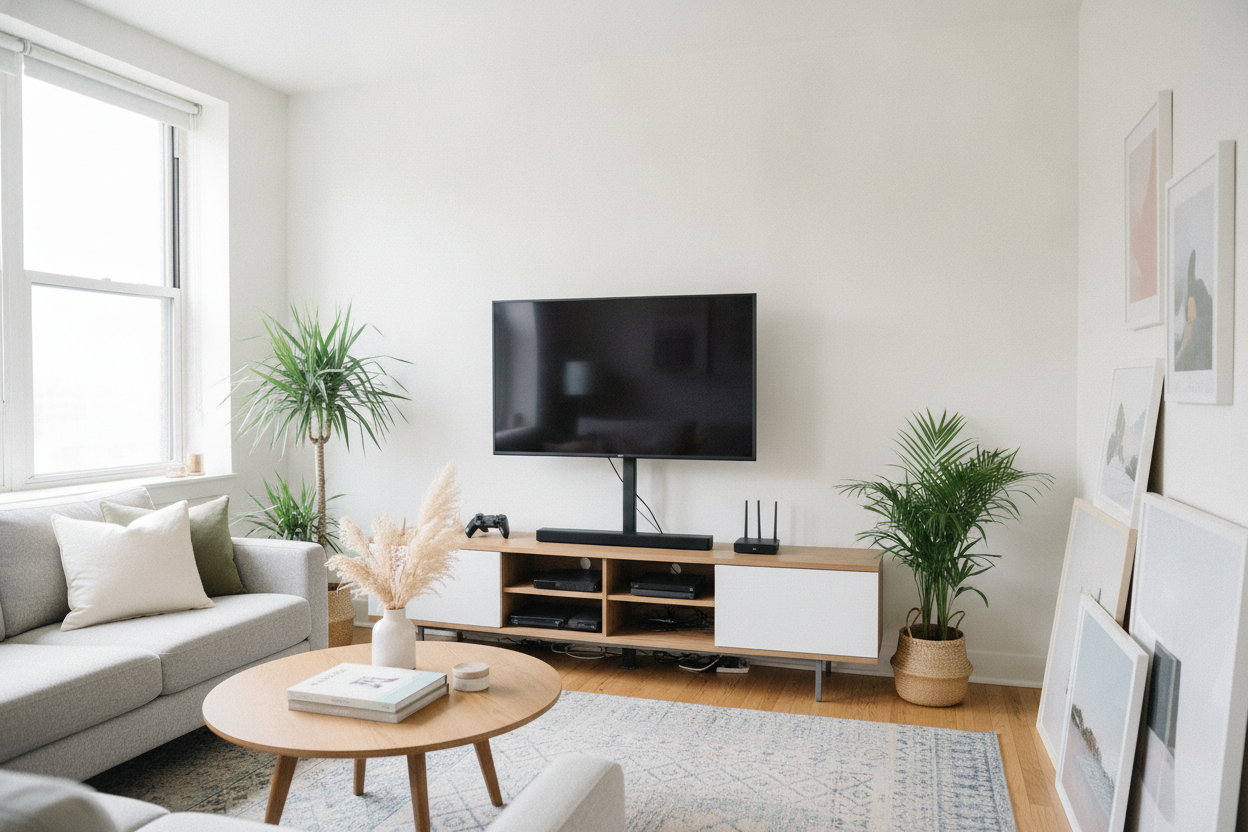
I spent three hours staring at a magnetic stud finder that kept insisting my wall was 90% metal pipes. Every time I thought I found a piece of wood, the drill hit air or made a crunching sound that definitely meant I was about to flood my neighbor's kitchen. I finally accepted that I am not a handyman, and my security deposit is too precious to gamble on a DIY disaster. That's when I discovered the entertainment center tv mount.
It is the ultimate cheat code for renters. You get that clean, floating screen look without the anxiety of a lag bolt meeting a power line. Plus, you don't have to spend your Saturday afternoon patching holes when you eventually move out. It’s a two-in-one solution that solves the storage problem and the mounting problem in one go.
Quick Takeaways
- Zero wall damage: Keeps your security deposit safe and your landlord happy.
- Built-in cable management: The vertical spine naturally hides the spaghetti of HDMI cords.
- Total stability: These units are weighted to prevent tipping, even with heavy 65-inch screens.
- Eye-level viewing: Integrated brackets allow for better ergonomic height than standard consoles.
The Stud Finder Anxiety is Real
There is a specific kind of dread that comes with drilling into drywall. You are never 100% sure what is back there, especially in older apartment buildings where the 'studs' might just be a suggestion. A tv entertainment center with mount skips that entire panic attack. Instead of anchoring into a 2x4 that may or may not exist, the weight of the television is supported by the furniture itself.
A tv entertainment stand with mount is essentially a piece of heavy-duty furniture with a backbone. It is a freestanding solution that mimics the height and angle of a wall mount. If you have ever lived in an apartment with plaster walls that crumble like a dry biscuit, you know why this is the only logical choice. You get the 'Pinterest living room' without the ER visit or the repair bill.
How the 'Floating TV' Illusion Actually Works
The magic happens with a tv stand with back panel mount. Most of these units feature a steel or reinforced wood spine that extends upward from the rear of the console. The bracket attaches to the VESA holes on the back of your screen, suspending it a few inches above the surface of the stand. It looks like it is hovering, but it is actually bolted to a 40-pound piece of furniture.
This is why I swapped my console for a TV stand with mount and shelves. My old low-profile unit forced me to look down at the screen, which was a recipe for neck strain. By using a tv console with tv mount, I could position the screen at eye level while keeping the base of the furniture flush against the wall. It maintains that minimalist aesthetic without requiring me to commit to a permanent wall location.
The Secret Bonus: Embarrassingly Easy Wire Hiding
Wall mounting usually involves two choices: let the wires dangle like a techno-waterfall or cut holes in the wall to run them internally. A media console with tv mount offers a much better third option. The central support column is almost always hollow or equipped with clips designed specifically for cable management.
I routed my power strip and three HDMI cables through the back of my tv mount console in about five minutes. Because the tv mount media console is one cohesive unit, the wires disappear into the cabinetry below. You do not need a single piece of plastic cord-hider tape to make it look professional. It is the cleanest my setup has ever looked, and I did not have to fish a single wire through a dark wall cavity.
What I Looked For Before Buying
Before you hit 'buy,' you need to check your VESA pattern. That is the distance between the four holes on the back of your TV. Most tv stands with flat panel mounts are universal, but if you have an older or ultra-large OLED, double-check the dimensions. I also prioritize a tv stand with mount and storage that includes ventilated cabinets for my electronics.
If you have a gaming console or a router, they generate a lot of heat. I prefer a tv stand with mount and cabinets that have mesh fronts or open backs for airflow. If you are feeling overwhelmed by the technical specs, you can always browse standard TV stands to see if a traditional setup fits your vibe better, but for the floating look, the mount is king. Also, check the weight capacity—a tv mount with storage needs a heavy base to offset the forward-leaning weight of the screen. I look for units that weigh at least 50 lbs on their own to ensure stability.
Does It Look Like a Dorm Room Staple? (Spoiler: No)
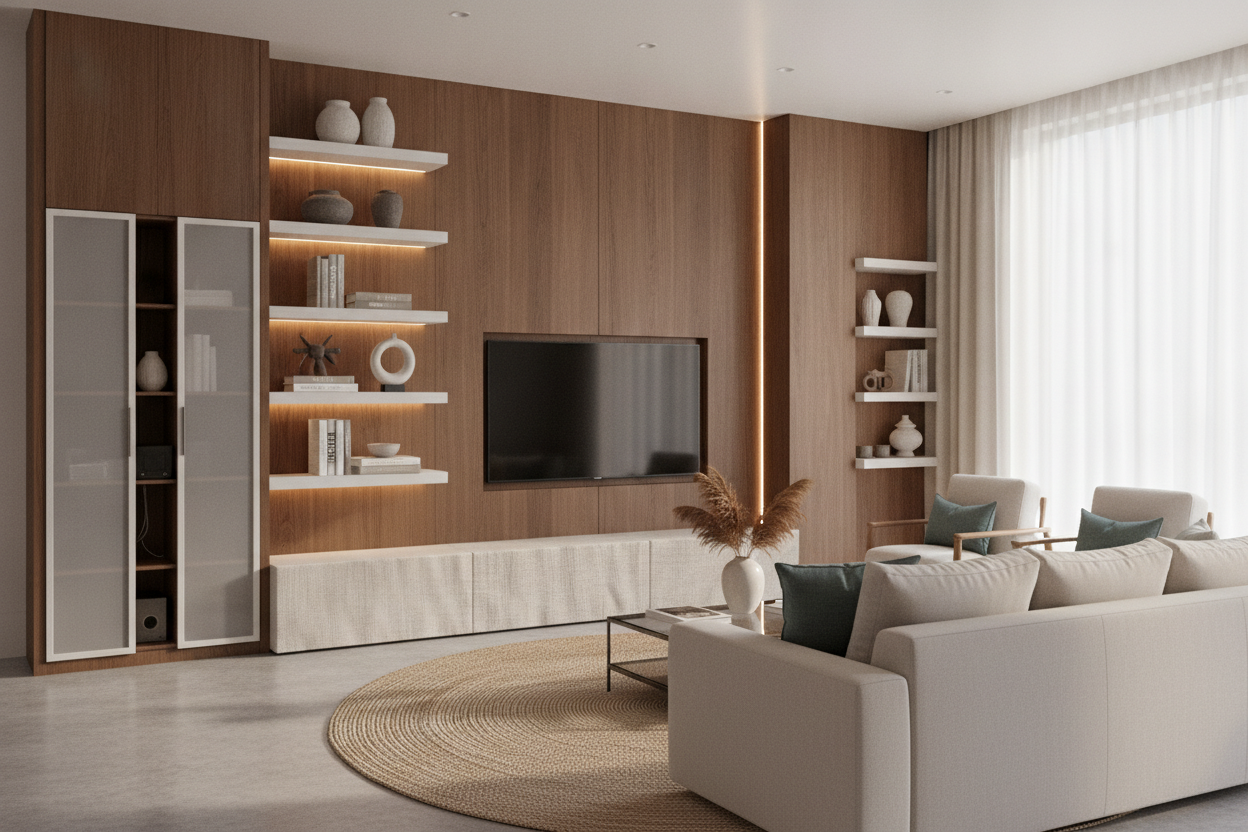
There is a misconception that a tv console with mounting bracket is just a cheap glass-and-metal rig from a big-box store. That is outdated. You can find a tv stand cabinet with mount in mid-century modern walnut or industrial oak that looks like a high-end centerpiece. It is about finding a unit that grounds the room rather than just holding a screen.
For example, a stylish black TV stand entertainment center can ground a room and make a 75-inch screen look like an intentional design choice rather than a black hole on the wall. An entertainment center with mount should feel like furniture first and a tech accessory second. Look for matte finishes and hidden hinges to keep things looking 'adult.'
Personal Experience: The Screw Depth Trap
I once spent an hour trying to mount a new TV to my stand only to realize the screws provided with the bracket were 5mm too long for my specific Sony model. I could not get a tight fit, and the TV wobbled dangerously. I had to run to the hardware store for plastic spacers. My advice? Keep the hardware bag that came with your TV; those specific screws are often better than the 'universal' ones in the mount kit.
FAQ
Can the mount swivel?
Most integrated mounts allow for a 15-to-30 degree swivel. It is perfect for open-concept layouts where you might want to turn the screen toward the kitchen while you are cooking or avoid a glare from the window.
Is it hard to assemble?
It is slightly more complex than a basic shelf because you are dealing with a heavy bracket, but most come with the only tool you need: an Allen wrench. I highly recommend having a friend help you lift the TV onto the hook—it is a two-person job.
Will it hold a 75-inch TV?
Check the specific weight rating. Many are rated for up to 100 lbs, which covers almost all modern 75-inch screens. Just make sure the base of the stand is wide enough to prevent any tipping hazards if you have pets or kids.

Leave a comment
This site is protected by hCaptcha and the hCaptcha Privacy Policy and Terms of Service apply.