

















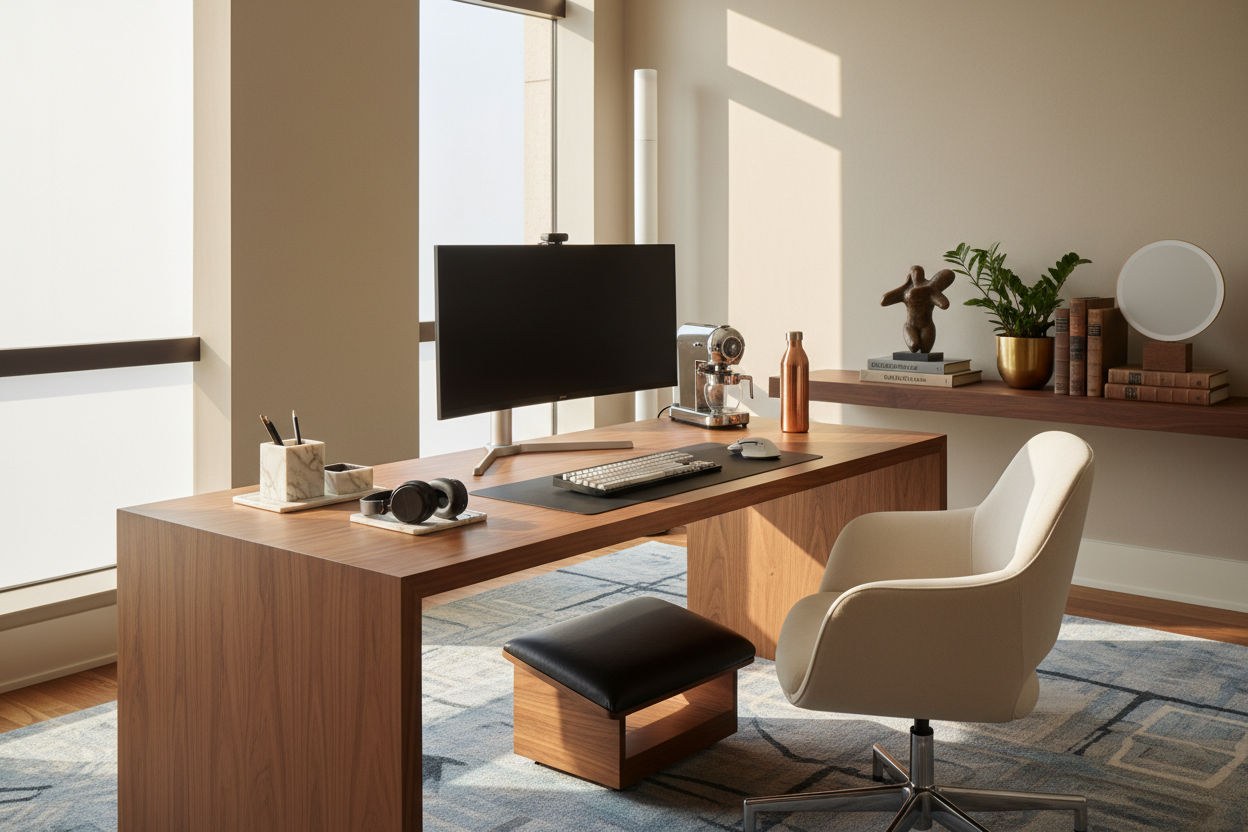
The greatest challenge in designing a home office isn't selecting the desk or the chair; it is integrating technology without allowing it to dominate the room's aesthetic. We have all seen spaces where a beautiful mid-century modern vignette is ruined by a tangle of cords and unsightly plastic casings. As a designer, my goal is to help you select work from home gadgets that serve a functional purpose while respecting the visual harmony of your interiors. It is about curating technology that feels like a deliberate design choice rather than a cluttered afterthought.
Key Features to Look For
- Material Finishes: Opt for brushed aluminum, matte black, or fabric-wrapped devices to avoid the cheap sheen of standard plastics.
- Cable Management Potential: Prioritize devices with single-cable solutions (USB-C) or built-in wireless capabilities to reduce visual noise.
- Footprint & Silhouette: Choose slim profiles that maintain the room's open flow rather than bulky items that add heavy visual weight.
- Ambient Integration: Look for tech with adjustable LED indicators so your office doesn't resemble a cockpit at night.
Merging Tech with Interior Aesthetics
When sourcing the best work from home gadgets, we must move beyond specifications and look at the chassis. High-end audio equipment has long understood this, utilizing wood grains and premium metals. Now, we are seeing this shift in remote work gadgets as well. When selecting peripherals, consider the texture. Does the mouse have a tactile, soft-touch finish that complements your leather desk pad? Does the webcam mount discreetly, or is it an eyesore?
I often tell clients to treat their tech like tabletop accessories. The goal is to find cool work from home gadgets that mimic the language of your decor. For example, a headphone stand should look like a sculpture when empty, not just a utility hook.
Ergonomics Meets Visual Balance
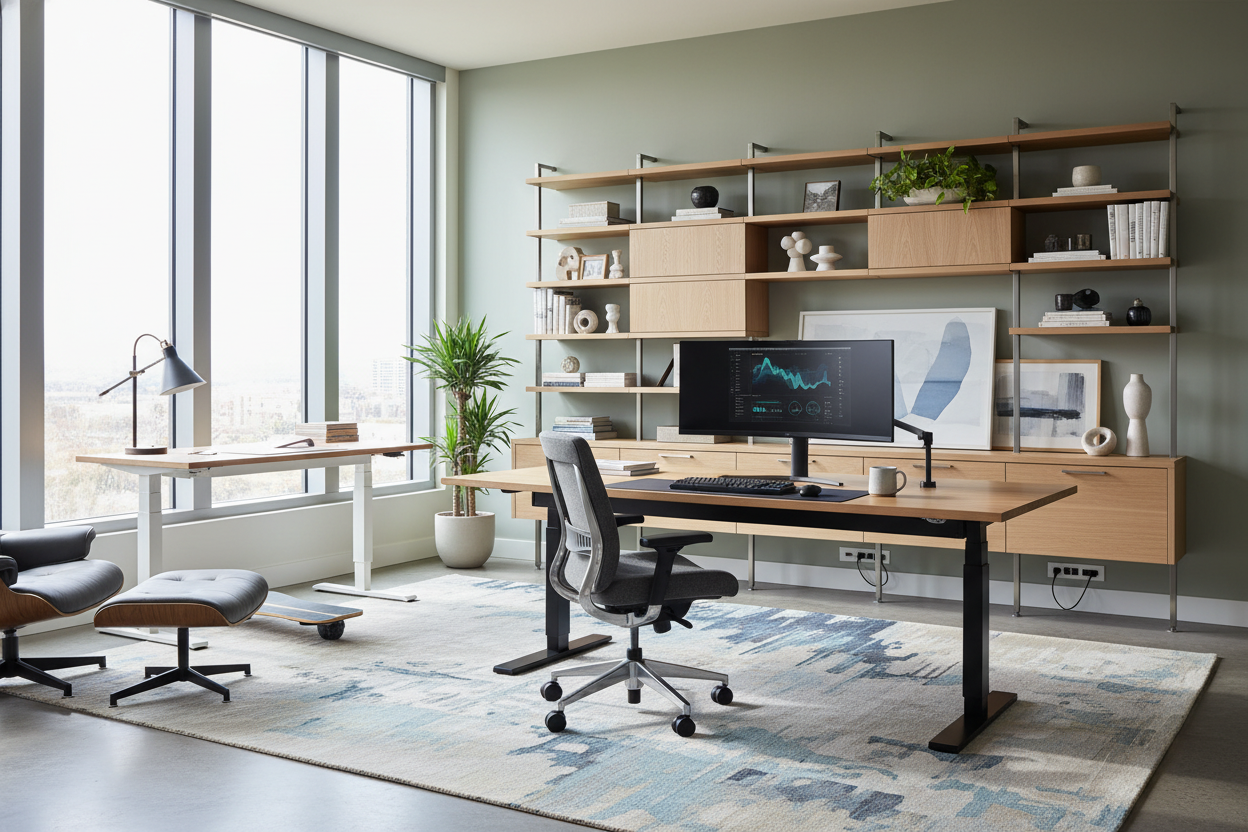
There is a misconception that ergonomic furniture must look clinical. This is false. The best work from home tech seamlessly blends orthopedic support with sophisticated lines. Consider the monitor arm. While primarily functional for neck health, a high-quality, gas-spring monitor arm floats your screen, reclaiming valuable desk real estate and creating a sense of airiness.
Streamlining the “18 Products” Problem
Clients frequently come to me with shopping lists of "18 work from home tech products" they saw on a tech blog. From a design perspective, this is a recipe for chaos. A curated approach is superior. Instead of eighteen distinct items, look for gadgets that work double duty. A docking station that acts as a laptop riser, or a desk lamp with an integrated wireless charger, reduces surface clutter significantly.
Lighting: The Invisible Design Element
Lighting is critical for video conferencing and reducing eye strain, but ring lights can be jarring in a residential setting. The gadgets for working from home that I recommend most often are monitor light bars. They sit atop your screen, casting light downward onto your workspace without creating screen glare or disrupting the room's ambient lighting scheme with harsh, directional beams.
My Personal Take on Work From Home Gadgets
I learned a hard lesson about material selection during a project for a client in a high-rise downtown. We selected a suite of very expensive, high-gloss white peripherals to match a lacquer desk. It looked stunning in the photos. However, three months later, the client called me. The glossy finish on the mouse and keyboard had become a magnet for micro-scratches and visible oil buildup from daily use. It looked perpetually dirty despite being cleaned.
Since then, I strictly advise against high-gloss finishes for any surface your hands touch constantly. I now steer clients toward textured matte finishes or fabric-clad wfh gadgets. They age significantly better and hide the reality of daily use, keeping the workspace looking polished even during a deadline crunch. Furthermore, always check the standby lights. I once bought a surge protector tower that emitted such a bright blue LED it illuminated the entire guest room at night—I had to cover it with electrical tape, which is hardly a luxury look.
Conclusion
Your workspace should inspire creativity, not stress. By selecting work from home tech gadgets that prioritize material quality, streamlined silhouettes, and wireless capability, you elevate your office from a utility zone to a sanctuary of productivity. Invest in pieces that you enjoy looking at even when they are turned off.
Frequently Asked Questions
How do I hide cables for a clean look?
Use cable sleeves that match your wall or desk leg color. For a truly seamless look, mount a cable management tray under the desk surface to hold power bricks, ensuring only one main power cord touches the floor.
Are expensive aesthetic gadgets worth the investment?
Generally, yes. Higher-end work from home tech gadgets often use aluminum or steel rather than plastic. This not only looks better but adds durability and stability, preventing items from sliding around the desk.
How do I fit tech into a small, multi-purpose room?
Focus on verticality and wireless tech. Use a vertical laptop stand to store your computer when not in use, and opt for a compact 60% or 75% keyboard that can be easily tucked away in a drawer to convert the desk back into a table.

Leave a comment
This site is protected by hCaptcha and the hCaptcha Privacy Policy and Terms of Service apply.