

















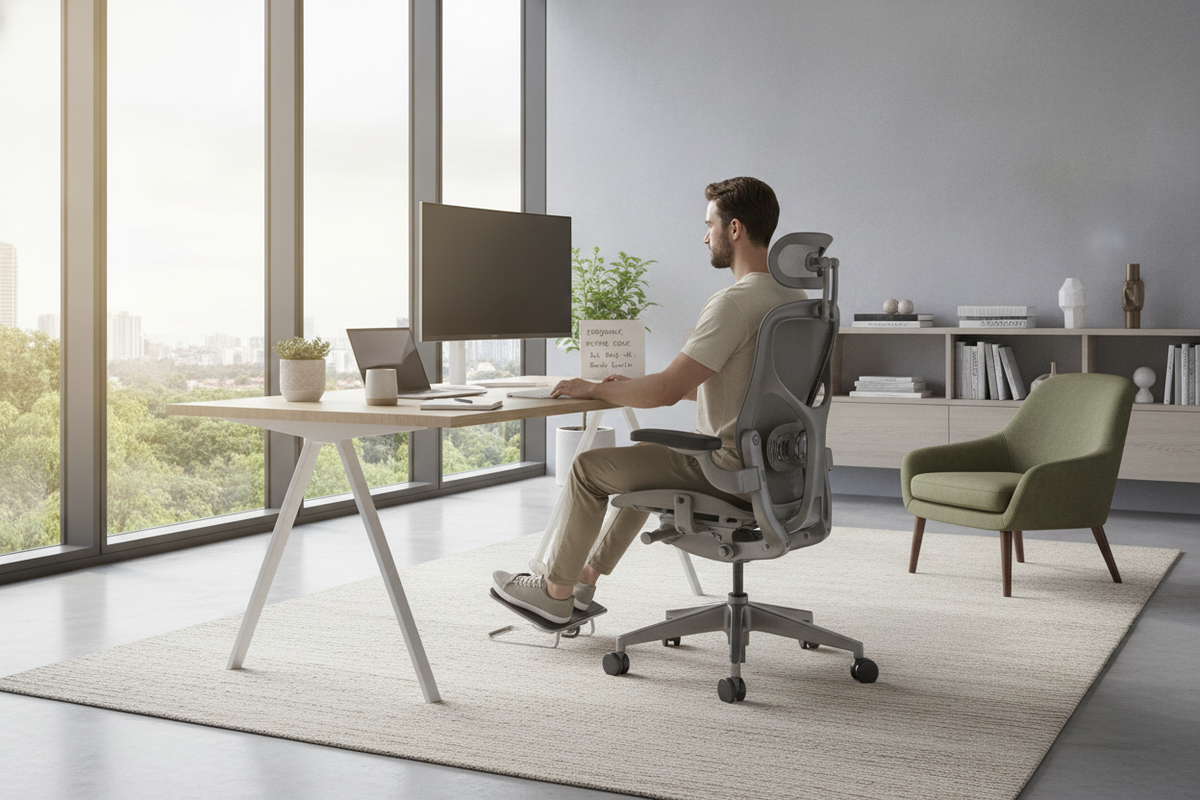
Finding a sustainable way to work at a desk when dealing with lower back discomfort requires a structured look at how your body interacts with your office furniture. Rather than forcing yourself into a rigid, unnatural position, achieving relief involves calibrating your chair, aligning your pelvis, and organizing your workstation to minimize unnecessary strain.
Understanding Seated Posture and Lumbar Load
Sitting unsupported for prolonged periods places steady pressure on the lumbar spine. When you lean forward or sink into an unsupportive seat, the natural inward curve of the lower back flattens. Over the course of a workday, this postural collapse can fatigue back muscles and increase tension around the hips and sacrum.
A common question is whether continuous sitting is suitable when experiencing lower back soreness. In general, prolonged static sitting tends to intensify stiffness. The goal of an ergonomic setup is not simply to hold a single posture all day, but to create an effortless resting baseline that supports the spine while making it easy to transition between gentle movement, sitting, and standing.
The Best Chair Position and Posture Alignment for Lower Back Comfort
The ideal seated posture distributes your body weight evenly across the chair seat and backrest rather than concentrating force into the base of the spine. Applying several foundational geometry rules helps stabilize the pelvis and support the lumbar curve:
- Sit back fully into the seat: Position your hips firmly against the base of the backrest so the chair contour directly meets your lower back.
- Maintain an open hip angle: Keep your thighs roughly parallel to the floor or angled slightly downward, establishing an open angle at the hips to reduce pressure on the hip flexors.
- Anchor both feet flat on the floor: Resting your feet firmly on the ground or on an angled footrest stabilizes the pelvis and prevents your lower back from rounding.
- Relax the shoulders and keep elbows close: Keep your upper arms aligned with your torso and your forearms supported to prevent your upper back from pulling your lower spine forward.
Step-by-Step Office Chair Calibration
Taking time to adjust the mechanical controls of your office chair makes a noticeable difference in lower back comfort:
- Seat Height: Adjust the pneumatic lift until your knees rest at or slightly below hip level with your feet resting firmly on the floor.
- Seat Depth: If your chair has a sliding seat pan, leave a small gap between the front edge of the seat cushion and the back of your knees. This prevents restricted circulation and stops you from sliding forward.
- Lumbar Support Height and Depth: Align the curved contour of the chair with the natural arch of your lower spine. The support should fill the void without aggressively pushing your torso forward.
- Backrest Recline and Tilt Tension: Sitting slightly reclined—just beyond a strict upright position—transfers a portion of your upper body weight directly into the chair backrest. Adjust the tilt tension so the chair moves gently with you without dropping back abruptly.
- Armrest Height: Set the armrests so your forearms rest lightly without pushing your shoulders upward or forcing you to slouch to one side.
Worst Sitting Positions to Avoid During Desk Work
Certain seating habits undermine healthy spinal alignment and amplify lower back tension. Being mindful of these patterns helps protect your posture:
- Perching on the front edge: Perching forces the lower back muscles to work continuously to keep the torso upright without any backrest support.
- The slouched C-curve: Slumping backward into the chair flattens the lower curve and places excessive tension on the posterior spinal ligaments.
- Crossing legs or ankles: Crossing one leg over the other rotates the pelvis unevenly, creating asymmetric strain across the lower back and hips.
- Sitting with legs straight out without support: Extending the legs straight forward pulls on the hamstrings, which tilts the pelvis backward and flattens the lower spine.
Workstation Integration: Desk Height, Monitor Sightlines, and Reach Zones
Even a well-adjusted chair cannot compensate for a poorly arranged desk. If your screen is too low or your input devices are too far away, your torso will naturally lean forward, breaking contact with the lumbar support.
Position your primary computer monitor directly in front of you with the top third of the screen roughly at eye level. This sightline keeps your neck neutral and your shoulders over your hips. Keep your keyboard and mouse within easy reach so your elbows remain near your sides, eliminating the need to reach or twist while typing.
Dynamic Posture Management: Alternating Between Sitting and Standing
The human body is designed for regular movement. Even with the best sitting mechanics, staying in one posture for hours can lead to stiffness and fatigue. Introducing dynamic shifts throughout the day helps maintain spinal comfort.
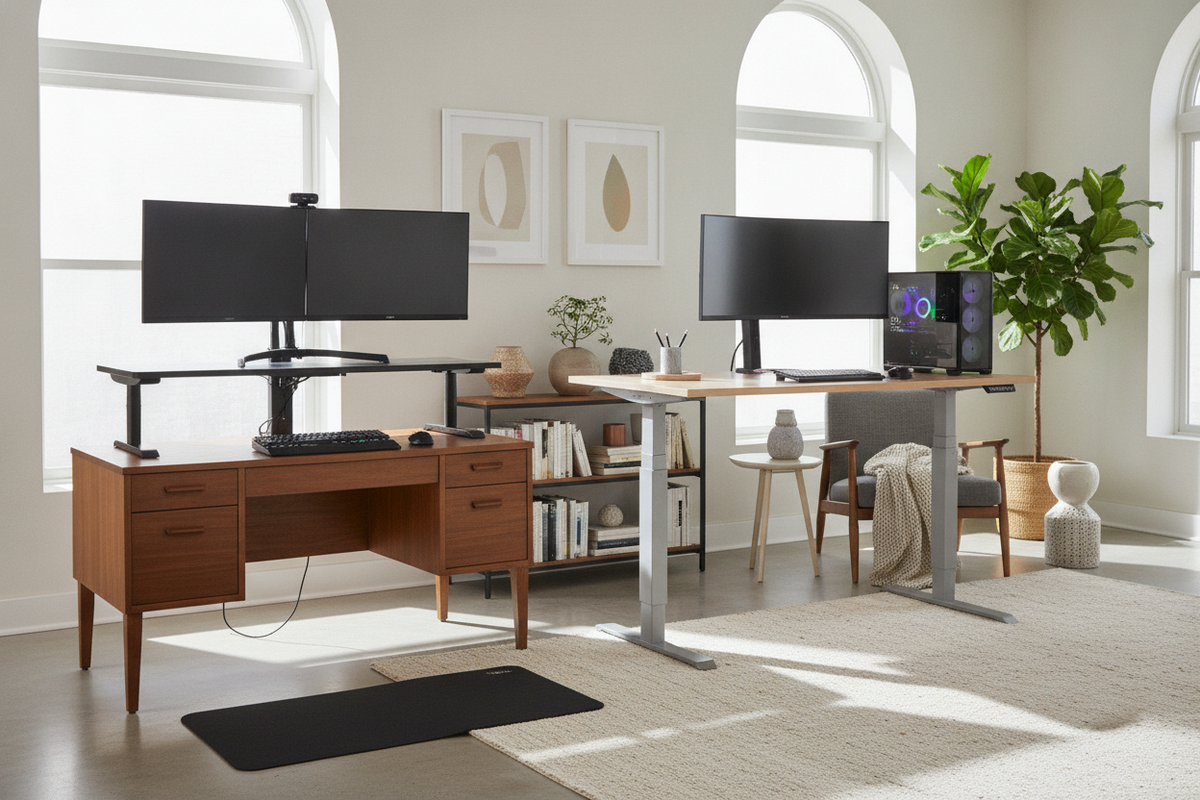
An effective strategy is pairing your chair with an office sit desk product. Alternating between seated focus periods and upright standing sessions unloads the lumbar spine and encourages natural weight shifting. When planning this transition, reviewing how to optimize your home office setup with standing desk avoid these mistakes ensures smooth height transitions without creating awkward wrist or neck angles.
Workspace Layout and Storage Organization for Spine-Friendly Movement
Maintaining a comfortable workstation extends beyond the desk surface itself. Frequent twisting, bending, and reaching into distant drawers can irritate an already sensitive lower back.
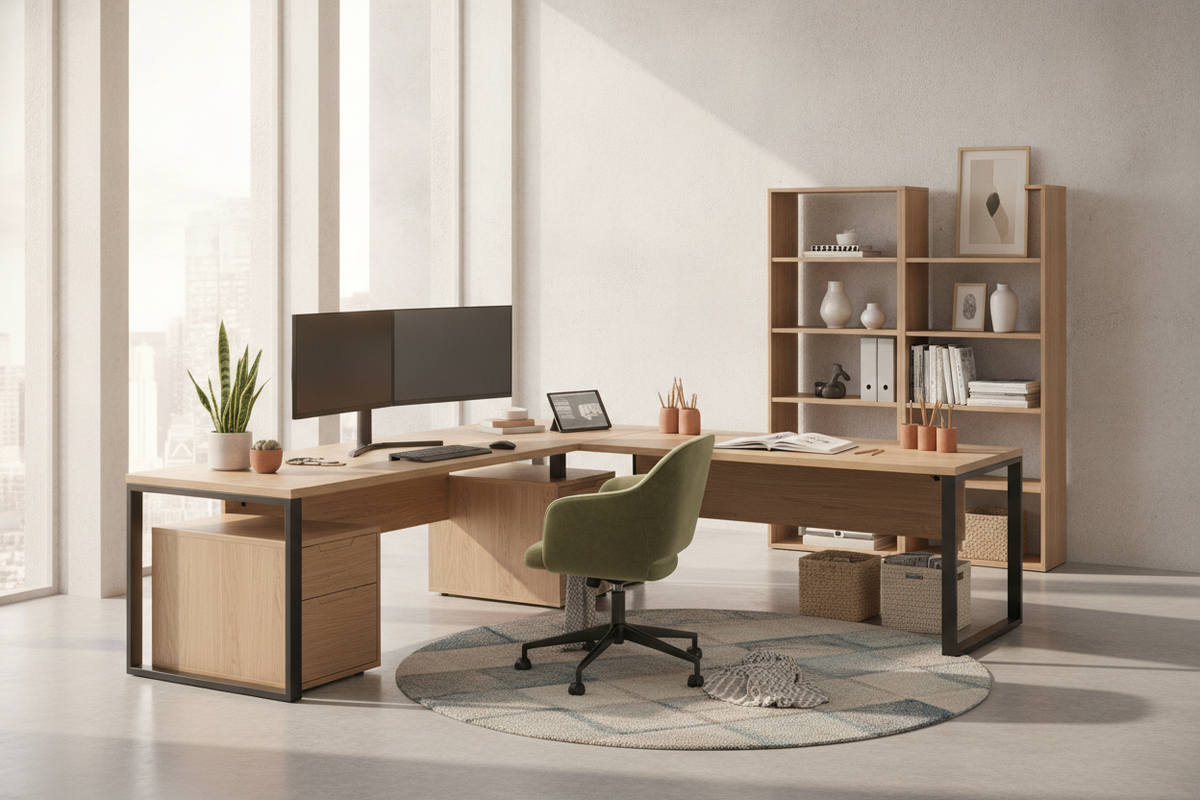
Ensure your under-desk space remains clear of clutter, power cords, and storage boxes so your legs and feet can move freely. Keep frequently accessed files, stationary, and tech accessories within immediate arm's reach or stored in dedicated side credenzas. Exploring desk have office guide provides practical ideas for organizing your room layout to support comfortable, effortless movement throughout your working day.

Leave a comment
This site is protected by hCaptcha and the hCaptcha Privacy Policy and Terms of Service apply.