

















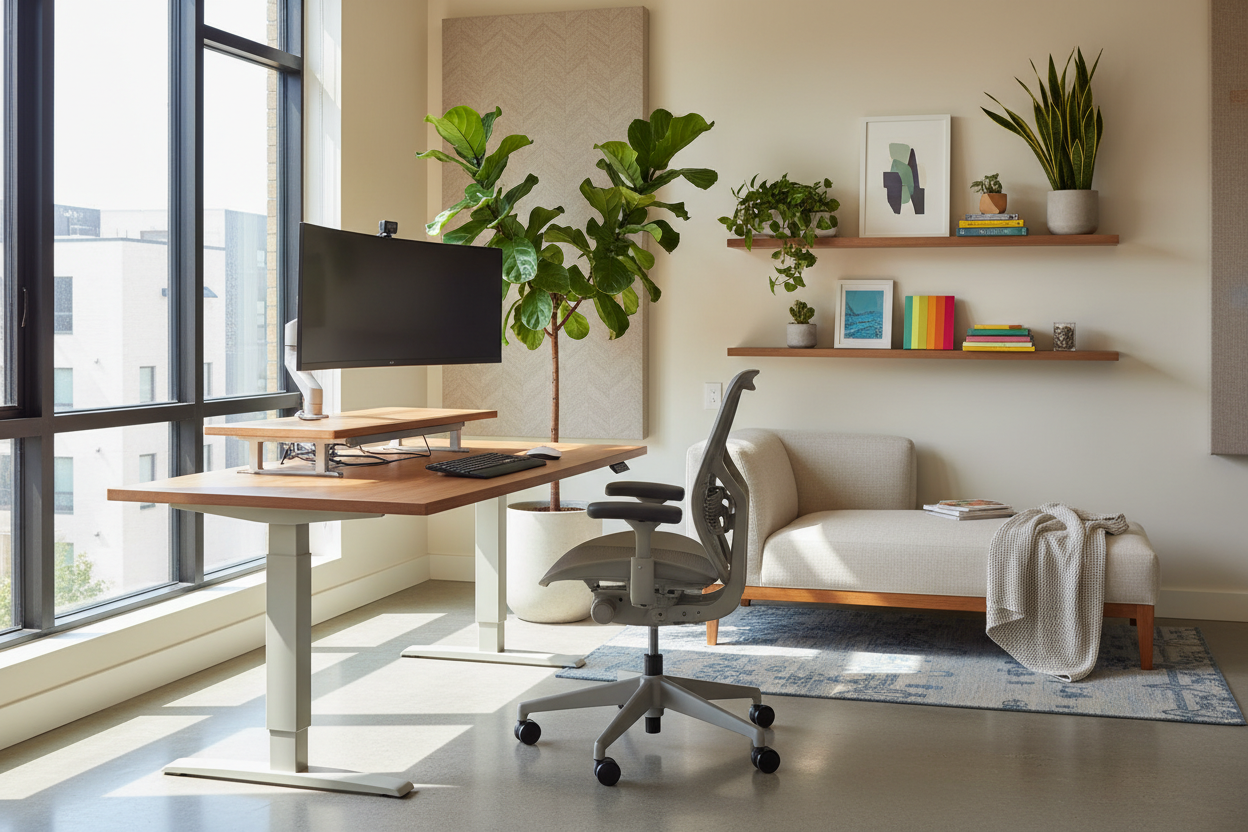
The blurred line between "living space" and "workspace" is the primary source of mental fatigue for modern professionals. As an interior designer, I see clients struggle not with discipline, but with poor environmental cues that sabotage their focus. Mastering remote work productivity is rarely about finding the perfect time-management app; it is about physical ergonomics, lighting psychology, and spatial zoning. When we curate our environment to support cognitive function, we stop fighting against our home and start working with it.
Quick Decision Guide: The Elements of a High-Performance Office
- Ergonomic Integrity: Prioritize chairs with adjustable lumbar support and seat depth over purely sculptural pieces.
- Lighting Layers: Combine ambient overhead light with focused task lighting (aim for 4000K cool white) to reduce eye strain.
- Spatial Zoning: Use area rugs or open shelving to create a psychological boundary between "rest" and "work" zones.
- Acoustic Control: Incorporate soft textures (drapes, upholstered panels) to dampen echo and improve focus during calls.
- Biophilic Design: Integrate greenery to lower cortisol levels and naturally boost mental stamina.
Structuring Your Layout for Work From Home Efficiency
Many homeowners ask, how to be productive working from home when space is limited? The answer lies in the layout. Placing a desk directly facing a wall can feel claustrophobic and stifle creativity. Instead, position your desk perpendicular to a window. This maximizes natural light—a proven factor in maintaining circadian rhythms—without creating glare on your monitor.
For those questioning is work from home more productive, the layout often dictates the answer. If your visual field is cluttered with laundry or household chores, your brain constantly task-switches. We call this "visual noise." Orient your furniture so your back is to the living area, or use a high-backed console table to shield your view of domestic chaos.
The Ergonomics of Productive Remote Work
While we all love the aesthetic of a vintage mid-century modern dining chair, it is often the enemy of work from home productivity. Remote work efficiency relies heavily on your physical state. If you are shifting constantly to alleviate back pain, you are breaking your flow state.
Selecting the Right Chair
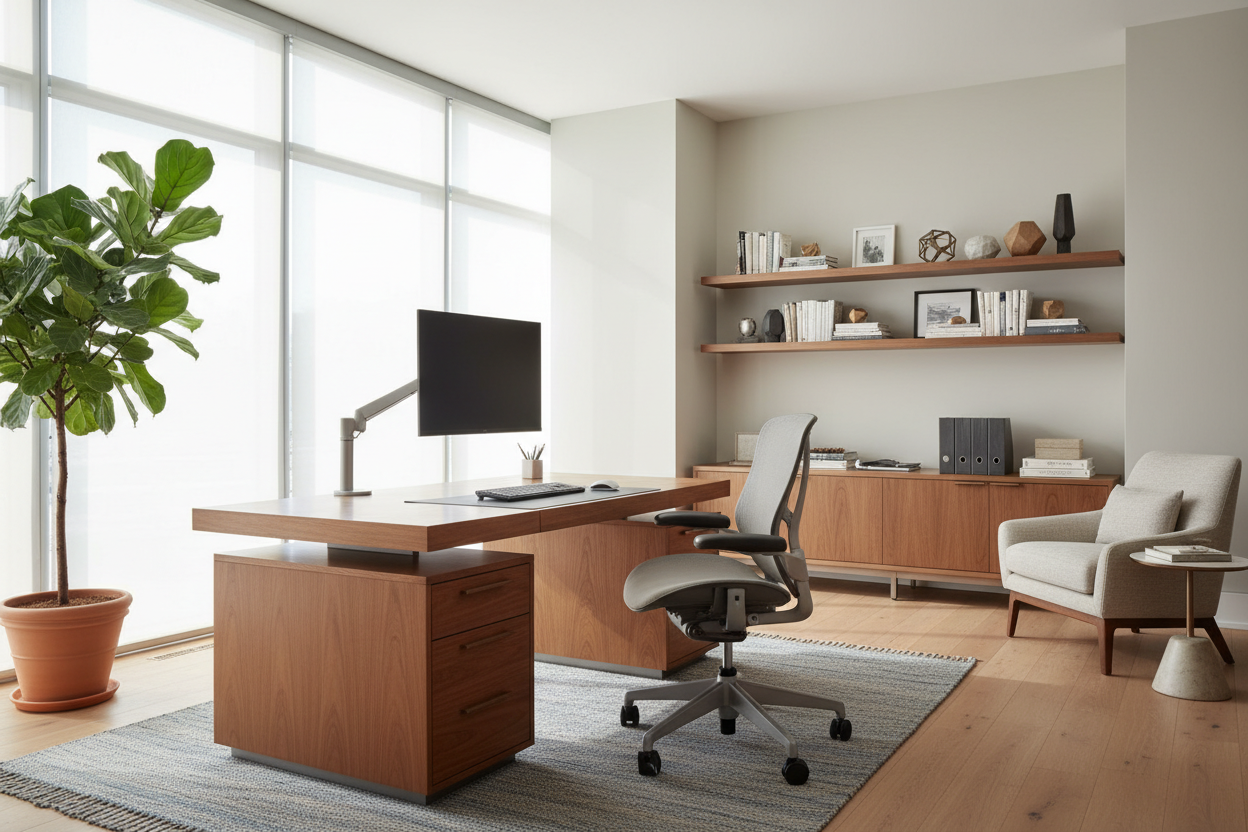
Look for a "waterfall edge" on the seat cushion to prevent circulation cutoff to your legs. Mesh backrests offer breathability, which is crucial for long sessions. Remember, employees that work from home are more productive when their physical discomfort is minimized. Investing in a chair with synchro-tilt mechanisms allows you to recline while keeping your feet flat on the floor, maintaining proper spinal alignment.
Lighting: The Invisible Productivity Tool
How to stay productive while working from home usually comes down to energy management. Lighting dictates your energy. Warm, yellow light (2700K) signals relaxation to the brain, inducing lethargy. For a productivity home office, you need cooler light (3500K-4000K) during the day.
Layer your lighting. Use a directional task lamp with a matte finish to prevent reflection. This simple adjustment can determine whether working from home increases productivity or increases headaches. Good lighting design ensures you remain alert without the harshness of commercial fluorescents.
The Verdict: Does Remote Work Increase Productivity?
From a design perspective, studies on remote work productivity consistently show that personalized environments outperform sterile cubicles. Are remote workers more productive? Yes, but usually only when they have autonomy over their environment. The effect of remote work on productivity is positive when the worker can control temperature, noise, and visual stimuli—luxuries often unavailable in corporate offices.
My Personal Take on Remote Work Productivity
Early in my career, I fell into a classic designer trap: I prioritized a stunning aesthetic over function. I set up my home office with a beautiful, reclaimed wood farmhouse table and a sleek, acrylic "ghost" chair. It looked incredible in photos.
However, within two weeks, my wfh productivity plummeted. The acrylic chair had zero give, causing my hips to ache after an hour. Worse, the rough texture of the reclaimed wood made writing on paper frustratingly bumpy, and the finish snagged my wool sweaters. I realized that productivity while working from home is tactile. I swapped the chair for a high-end ergonomic mesh model (which I softened with a sheepskin throw for texture) and added a leather desk pad to the table. The difference was immediate. Comfort isn't a luxury; it's the engine of output.
Conclusion
Ultimately, productivity and remote work go hand-in-hand when the environment is intentional. You don't need a massive renovation to see results. By adjusting your lighting, investing in supportive furniture, and respecting the psychology of space, you can transform a spare corner into a powerhouse of efficiency. Treat your workspace as your most valuable tool.
Frequently Asked Questions
Does the color of my office walls affect productivity?
Absolutely. Color psychology plays a massive role in home productivity. Blues and greens are generally considered high-focus colors that reduce anxiety, making them excellent for productive work at home. Avoid overly aggressive reds, which can increase stress, or stark whites, which can cause eye strain.
Is a standing desk necessary for remote work efficiency?
A standing desk is a great tool for how to be more productive working from home because it encourages movement. However, it is not mandatory. The goal is postural change. If a standing desk isn't in the budget, ensure you take micro-breaks to stretch every hour to maintain blood flow.
How do I improve acoustics without building walls?
To improve productivity during remote work in a noisy house, add soft materials. High-pile rugs, heavy velvet curtains, and even canvas wall art help absorb sound waves. This reduces the "hollow" sound of a room and creates a quieter, more intimate atmosphere for deep work.

Leave a comment
This site is protected by hCaptcha and the hCaptcha Privacy Policy and Terms of Service apply.