

















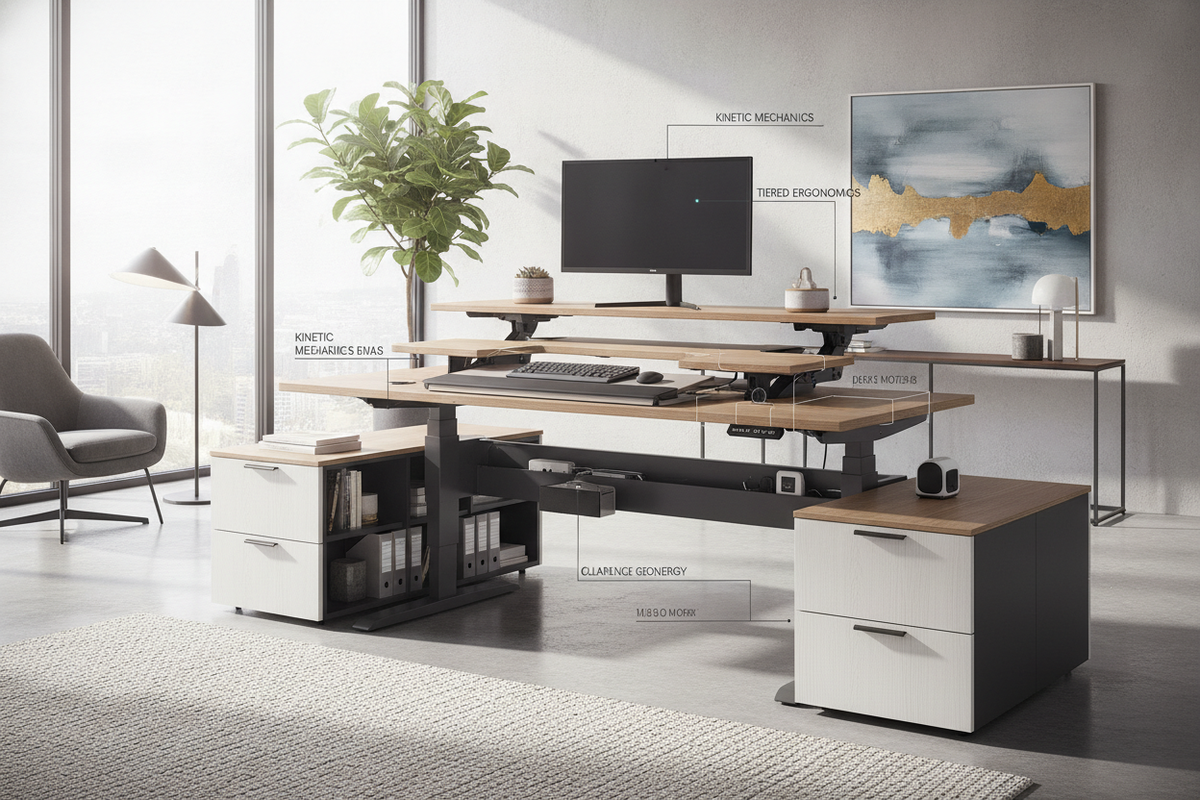
1. Kinetic Anatomy: Dual-Tier Mechanics and Elevation Dynamics
An electric adjustable height desk with keyboard tray operates as a dynamic, two-tier kinetic workstation rather than a conventional static surface. When motorized telescoping columns elevate the primary desktop, the underslung tray moves synchronously, maintaining the geometric relationship between typing peripherals and monitor positioning. This dual-tier arrangement distributes functional zones across distinct elevation strata, allowing users to separate viewing height from typing posture seamlessly.
Because the keyboard platform introduces a cantilevered load extending forward from the desktop frame, selecting a rigid frame architecture is essential. High-stability dual-beam foundations mitigate forward-leaning flex and subtle vibrations during height adjustments. Exploring an adjustable height desk product provides insight into how robust frame geometry and smooth motorized lifting columns sustain balance across continuous elevation cycles.
2. Keyboard Platform Archetypes: Integrated Tracks, Articulating Arms, and Clamp Systems
Integrating a keyboard platform beneath an adjustable desktop requires choosing a mounting methodology that aligns with your posture preferences and desk frame design. For broader workstation concepts and conversion ideas, reviewing a dedicated pull out desk guide helps illustrate diverse mounting possibilities.
Undermount Glides vs. Articulating Arms
- Factory Undermount Glides: Fixed beneath the worksurface on steel roller or ball-bearing channels. They deliver reliable linear retraction, keeping the tray neatly tucked away when not in use.
- Articulating Swivel Arms: Fastened to a central under-desk track, offering independent height, swivel, and forward-backward positioning beneath the main frame.
- Heavy-Duty Clamp Platforms: Non-permanent solutions that fasten along the front perimeter, preserving surface integrity without requiring drilled anchor points.
Evaluating Ergonomic Drop and Tilt Adjustability
An effective sit and stand desk with keyboard tray allows neutral wrist alignment through deliberate drop distance and negative tilt angles. Positioning the keyboard platform slightly below the desktop plane helps relax the shoulder girdle and keeps the forearms parallel to the floor in both seated and standing configurations. A subtle negative tilt helps prevent wrist extension during sustained typing sessions.
3. Dynamic Spatial Clearances: Knee Cavity, Crossbeam Obstructions, and Travel Pathways
One of the primary engineering challenges in a stand up desk with pull out keyboard setup is managing under-desk spatial clearances. When the desk descends to its lowest seated setting, the underside of the tray must not collide with the user's thighs or the armrests of an ergonomic task chair. Consulting a comprehensive desk pull out guide clarifies how drop depth affects overall legroom.
Furthermore, motor synchronization crossbeams, center rails, and under-mount power assemblies run horizontally beneath the tabletop. Proper installation requires verifying that the tray's slide channels clear these structural crossbars. Maintaining adequate perimeter clearance around nearby walls, baseboards, and window sills prevents mechanical catching during continuous motorized elevation.
4. Worksurface Sizing Archetypes and Floor Plan Integration
Choosing the best sit stand desk with keyboard tray requires coordinating worksurface proportions with your overall room footprint:
- Compact Urban Footprints: Modest width profiles fit comfortably in tight alcoves or multifunctional living areas while keeping primary display monitors on top and typing gear below.
- Mid-Sized Standard Desks: Offer balanced real estate for dual monitors, task lighting, and desktop organizers without crowding peripheral zones.
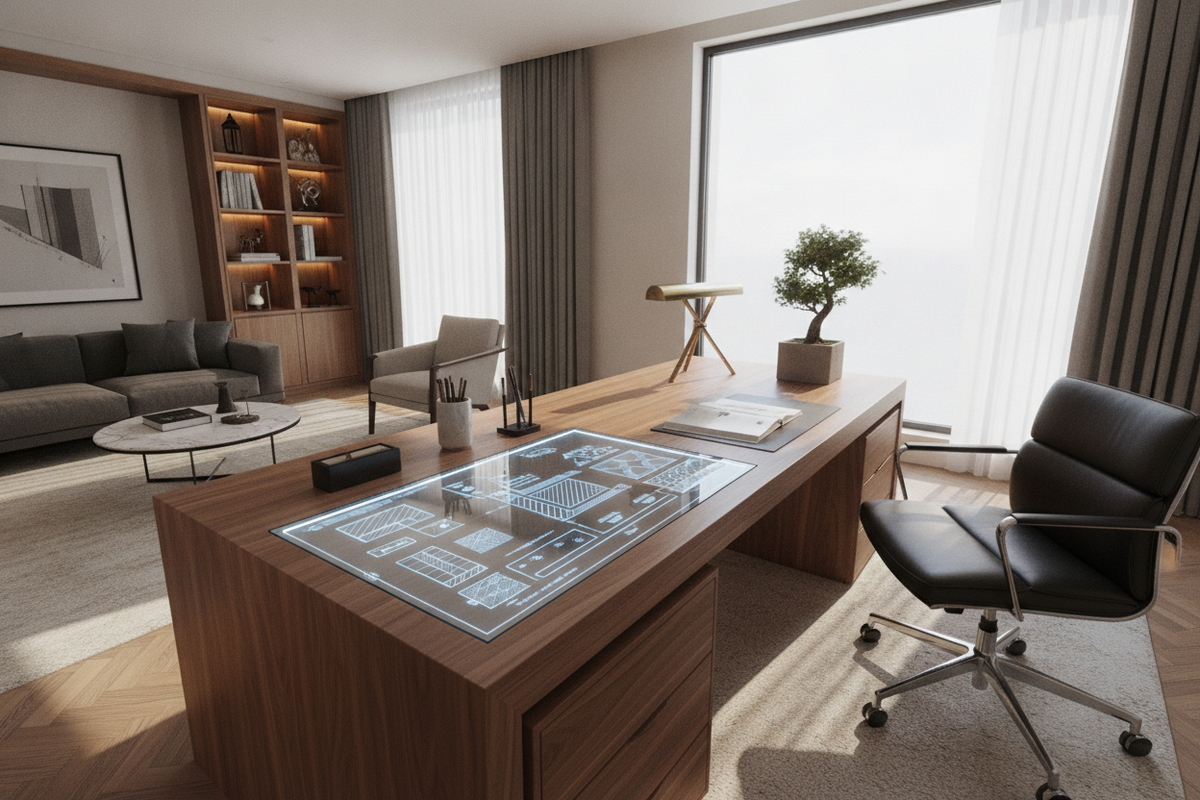
- L-Shaped and Executive Configurations: Provide expansive secondary surfaces for drafting, physical documentation, and auxiliary hardware alongside the motorized typing zone.
5. Kinetic Cable Zoning and Balanced Weight Distribution
Dynamic workstations introduce moving perimeter boundaries that demand disciplined cable management. Because the keyboard platform retracts and the desk changes height, input lines must flex freely without binding on frame brackets or motor joints. Implementing segmented cable spines, flexible braided sleeves, and rear-mounted power strips ensures tension-free travel throughout the full elevation range.
Weight distribution is equally critical. Heavy display mounts positioned along the rear edge must be counterbalanced against the forward-protruding keyboard platform. Evenly distributing equipment across the desktop surface minimizes lateral strain on motorized lifting columns, promoting smooth vertical travel and long-term mechanical reliability.
6. Modular Storage Synergy: Supporting Sit-Stand Workstations with Complementary Organization
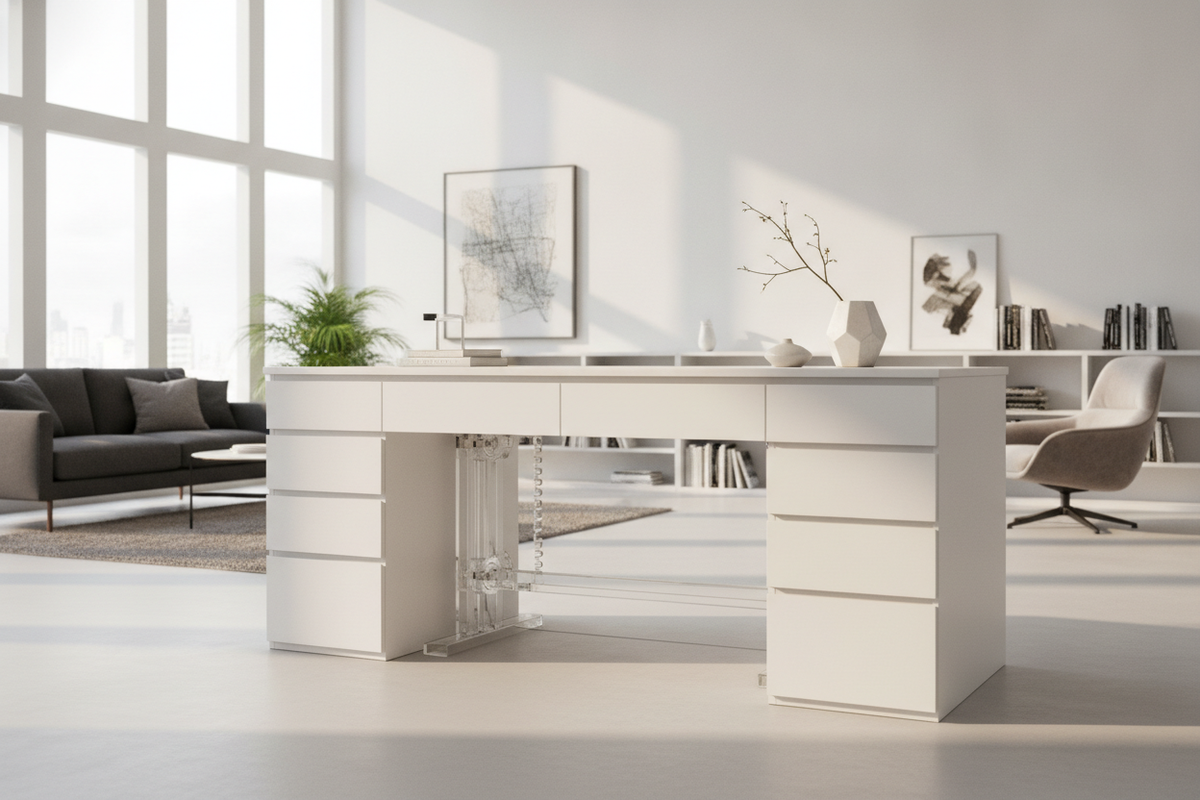
Because an adjustable desk frequently moves, fixed under-desk storage drawers can obstruct height travel. Pairing the desk with modular organization creates an adaptable, clutter-free workspace. Utilizing an electric height adjustable product alongside low-profile mobile file pedestals allows storage units to tuck beneath the frame in standing mode or roll outward during seated tasks.
Wall-mounted shelving and vertical organization from an adjustable collection provide ideal companion storage, keeping reference materials, decorative accents, and archival boxes accessible without encumbering the kinetic path of your desk.
7. Workstation Specification and Maintenance Decision Matrix
To sustain an electric sit-stand desk with a keyboard platform over time, incorporate standard structural evaluations into your maintenance routine:
- Glide Track Inspection: Periodically check slide rails for dust accumulation and smooth roller travel.
- Fastener Verification: Regularly check under-mount bracket screws and clamp tensioners to eliminate micro-wobble.
- Motor Calibration: Perform periodic reset sequences on electronic control panels to maintain synchronized leg extension.
- Surrounding Perimeter Check: Keep adjacent walls, file cabinets, and power cords clear of the lift path to avoid structural interference.

Leave a comment
This site is protected by hCaptcha and the hCaptcha Privacy Policy and Terms of Service apply.