

















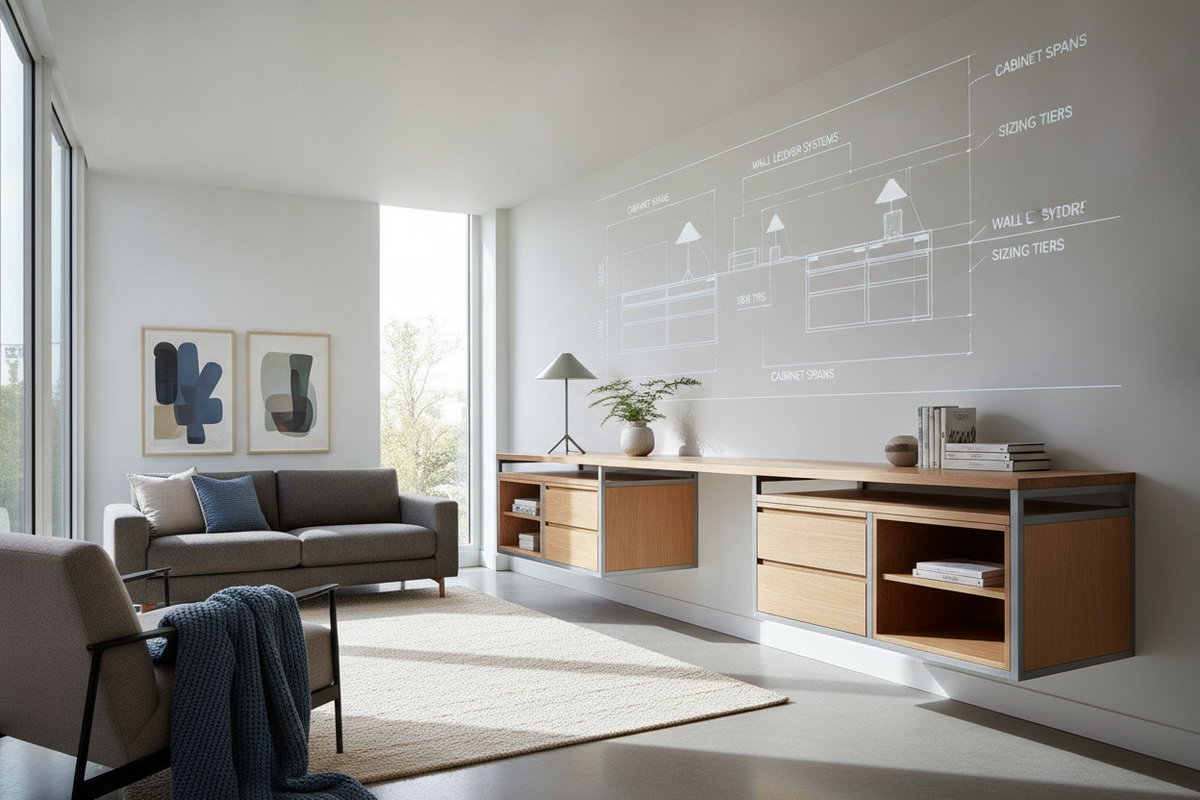
Structural Principles of Supporting a Desktop Without Legs
Designing a workstation with a desktop without legs provides clean visual lines, customizable under-desk storage, and flexible knee clearance. Eliminating traditional four-corner legs transforms the desk surface into a structural bridge spanning between independent supports. Achieving long-term stability requires understanding how load distribution and panel composition influence surface behavior.
Point Loads vs. Distributed Span Loads
Traditional workstations transfer weight directly down vertical corner legs into the floor. In contrast, a no legs desk configuration relies on peripheral bases, such as side storage pedestals, low shelving units, or wall ledger cleats. When equipment sits in the middle of an unsupported span, downward force concentrates along the center axis.
Without intermediate framing or rigid support blocks, heavy computer setups can create visible center deflection over extended periods. Calculating the distance between support points and matching it with an adequately rigid worktop ensures the workspace remains level under both concentrated monitor mounts and distributed desktop essentials.
Material Rigidity and Core Composition
The internal structure of the work surface determines how effectively it resists sagging across an open span. Solid hardwood panels, thick multi-ply butcher blocks, and dense laminate boards provide substantial flexural strength. Conversely, lightweight honeycomb cardboard or hollow-core panels bend under sustained localized pressure.
When evaluating panel choices for open spans, reviewing heavy-duty desk desktop product builds highlights how dense composite structures handle continuous equipment weight. For wide open spans without center support, selecting a dense core material prevents gradual bowing.
Primary Leg-Free Support Methodologies
Constructing a functional workstation without dedicated corner legs generally relies on modular storage pedestals, integrated wall ledger systems, or asymmetric hybrid framing.
The Dual Cabinet Pedestal Base Model
The most common and adaptable configuration uses two standalone storage units—such as file cabinets, multi-drawer towers, or small credenzas—positioned at opposite ends of the top. The desktop spans across both units, utilizing their top surfaces as broad load-bearing pads.
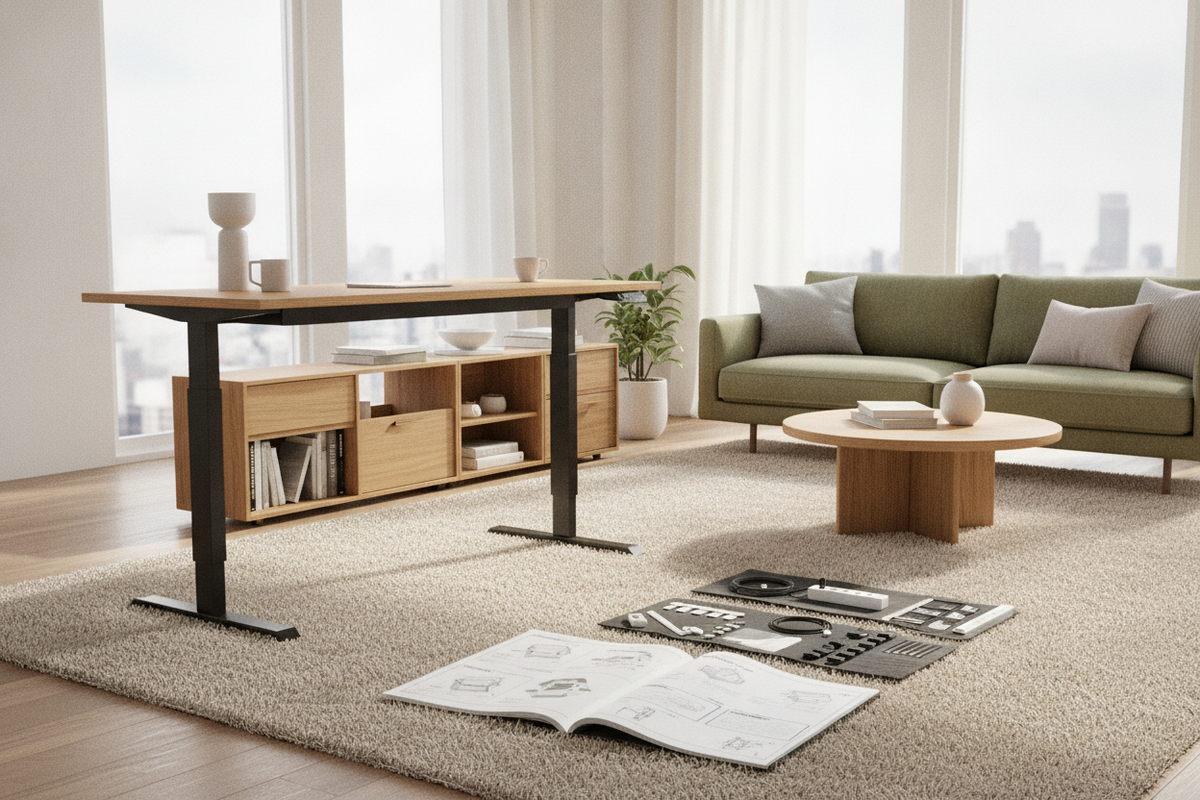
This arrangement maximizes utility by converting empty under-desk voids into high-density storage. While standard office setups often combine integrated drawer units and traditional desk legs product frames, an independent pedestal span allows you to adjust the knee well width to your exact preference.
Alcove Wall Cleats and Perimeter Ledger Strips
In recessed nooks or closet conversions, wall ledger strips provide an entirely floating foundation. Solid timber or heavy-gauge metal angle cleats are secured directly into wall studs along the back and side perimeters. The desktop rests securely on these perimeter ledgers, leaving the entire floor area open for mobile organizers, footrests, or clean flooring visibility.
Hybrid Bookcase and Low-Credenza Spans
Asymmetric hybrid layouts offer another functional alternative. One side of the worktop rests on a low horizontal bookcase or lateral filing credenza, while the opposite side anchors to a wall ledger or compact drawer tower. This layout works exceptionally well in corner positions or open-plan rooms where side access to shelving adds practical organization without crowding the primary seating zone.
Spatial Sizing Tiers and Span Planning
Planning the horizontal dimensions of a leg-free desk requires balancing storage footprint, comfortable legroom, and structural span limits.
Compact Nook Footprints
Compact setups suited for recessed alcoves or small study corners prioritize space efficiency. In these tight footprints, shallow drawer pedestals or perimeter wall cleats support the surface with minimal open span distance. Because the gap between supports remains modest, standard panel thicknesses maintain structural rigidity with minimal deflection.
Standard Executive Spans
Mid-sized workspaces typically feature twin pedestal units flanking a central seating area. To maintain comfortable ergonomics, the center knee opening must offer sufficient lateral room for natural chair movement and leg extension. Placing standard-width filing pedestals on each flank creates a well-proportioned executive desk footprint that balances file storage with open leg space.
Extended Dual-Station Countertops
Long wall spans designed for dual workstations require careful structural planning. As the unsupported distance grows between side cabinets, adding a discreet center support block, an intermediate shallow drawer unit, or an underside stiffener beam prevents center sagging. For broad configurations, following structural expansion strategies from our practical desk without guide helps maximize horizontal surface area without compromising structural integrity.
Securing Hardware, Surface Anchoring, and Vibration Dampening
A desktop resting freely on storage pedestals requires proper anchoring to prevent shifting, wobbling, or surface abrasion during daily use.
Anti-Slip Buffer Interfaces and Mechanical Fasteners
Depending on whether you want a permanent or modular setup, multiple anchoring options are available:
- High-Friction Silicone Bumpers: Non-adhesive clear silicone pads placed between the cabinet tops and desktop prevent sliding while isolating keyboard vibrations.
- Interlocking Fastener Strips: Low-profile hook-and-loop or dual-lock fasteners provide strong lateral hold while allowing clean detachment for room rearrangement.
- Direct Mechanical Fasteners: Short structural wood screws driven upward from inside the cabinet roof directly into the desktop underside create a rigid, permanent bond without visible exterior hardware.
Once your foundation is secured, arranging desktop accessories thoughtfully mirrors the minimalist decor styling in our desk without guide, ensuring work surfaces remain clean and balanced.
Under-Desktop Stiffener Rails and Channel Reinforcements
For particularly long spans where intermediate floor supports are undesirable, structural stiffener bars mounted to the underside offer invisible reinforcement. Steel angle channels, unistrut rails, or embedded T-tracks fastened along the lower surface increase longitudinal resistance against flex, maintaining a flat surface across wider knee openings.
Ergonomics, Clearance Geometry, and Cable Management Architecture
A successful leg-free workstation integrates ergonomic seating dimensions with organized utility routing behind and below the worktop.
Knee Well Clearance and Pedestal Inset Geometry
When positioning drawer units beneath a desktop, cabinet placement directly influences posture and mobility. Setting the cabinets slightly inset from the front edge gives the overall desk a lighter, intentional appearance while ensuring chair armrests and knees do not bump into drawer fronts during standard typing posture.
Concealed Pass-Through Channels and Wiring Cavities
Eliminating corner legs provides an ideal opportunity for clean wire concealment. Peripheral cables can be managed effectively through simple spatial planning:
- Rear Clearance Gaps: Insetting storage cabinets slightly from the back wall creates a vertical chase for drop-down monitor and power cables.
- Undersurface Wire Trays: Horizontally mounted raceways fastened beneath the desktop keep surge protectors and transformers off the floor.
- Grommet Openings: Thoughtfully placed pass-through holes route peripheral cords directly into rear cabinet cavities.
Applying the multi-device strategies outlined in our workstation cable routing in our desk without guide creates an uncluttered, high-functioning leg-free workspace tailored to your everyday storage and workflow needs.


Leave a comment
This site is protected by hCaptcha and the hCaptcha Privacy Policy and Terms of Service apply.