

















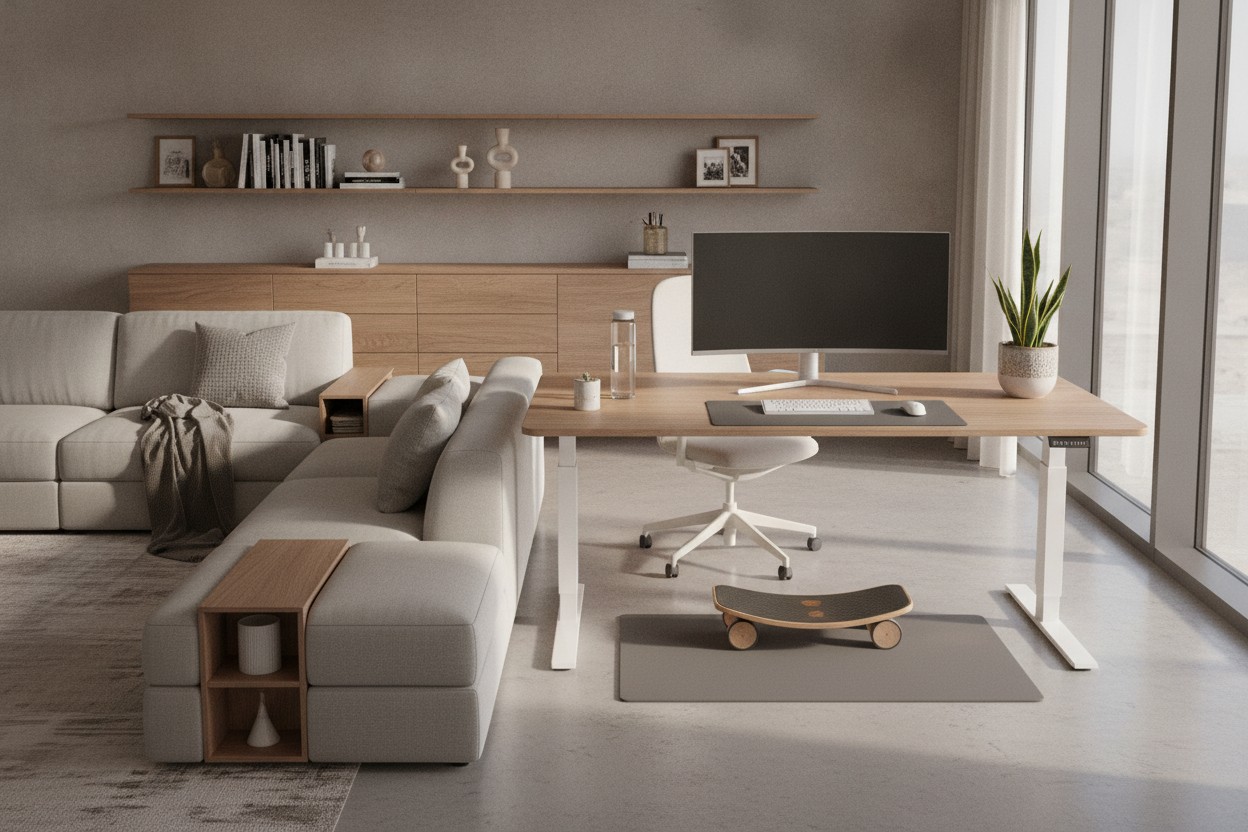
Understanding Desk Movement: Why Dynamic Workstations Matter
Modern office environments often lock individuals into rigid postures for extended stretches of the day. Embracing active desk movement transforms how professionals interact with their workspace by replacing static routines with fluid, frequent adjustments. Rather than remaining anchored in a single seated or standing posture, dynamic work routines encourage regular shifts that support comfort and focus throughout varied tasks.
Desk movement encompasses more than simply raising or lowering an adjustable desktop. It involves subtle micro-movements, intentional adjustments of reach zones, and active transitions between collaborative, focused, and administrative activities. When furniture layouts support natural body adjustments, work areas feel less restrictive, allowing people to adapt their posture to match the task at hand without interrupting productivity.
5 Practical Desk Movement Tips for Daily Work Routines
Integrating physical variation into a structured workday is most effective when guided by predictable habits and thoughtful spatial arrangements. Here are five practical approaches to building sustainable movement patterns:
- Establish Posture Transition Triggers: Use workflow changes—such as completing an administrative task, answering a phone call, or joining a virtual meeting—as cues to alternate between seated and standing positions. Exploring dynamic standing desk setup ideas can help establish natural rhythm throughout your daily routine.
- Incorporate Micro-Movements: While working in place, introduce gentle weight shifts, use an active footrest, or change foot positioning to maintain lower-body circulation and engagement without distracting from core tasks.
- Zone Tasks Across Surfaces: Place reference materials, tablets, or secondary tools slightly outside your primary reach zone. This deliberate placement encourages subtle torso rotation, arm extension, and gentle standing reaches.
- Re-align Neutral Working Angles: Each time you adjust your desk height, verify that your elbows remain near a natural ninety-degree angle and your wrists stay relaxed and neutral relative to the keyboard and pointing devices.
- Step Away During Brainstorming: Combine physical pacing with conceptual thinking by stepping back from the immediate monitor plane when reviewing notes, taking voice calls, or reading printed documents.
Workstation Geometry and Under-Desk Spatial Clearances
Fluid physical movement requires a clear, unobstructed zone beneath and around the desk. If legroom is restricted or equipment encroaches into the footwell, users naturally adopt constrained postures, defeating the purpose of an active workstation. Ensuring ample knee and foot clearance across both seated and standing heights prevents accidental collisions and supports full leg extension.
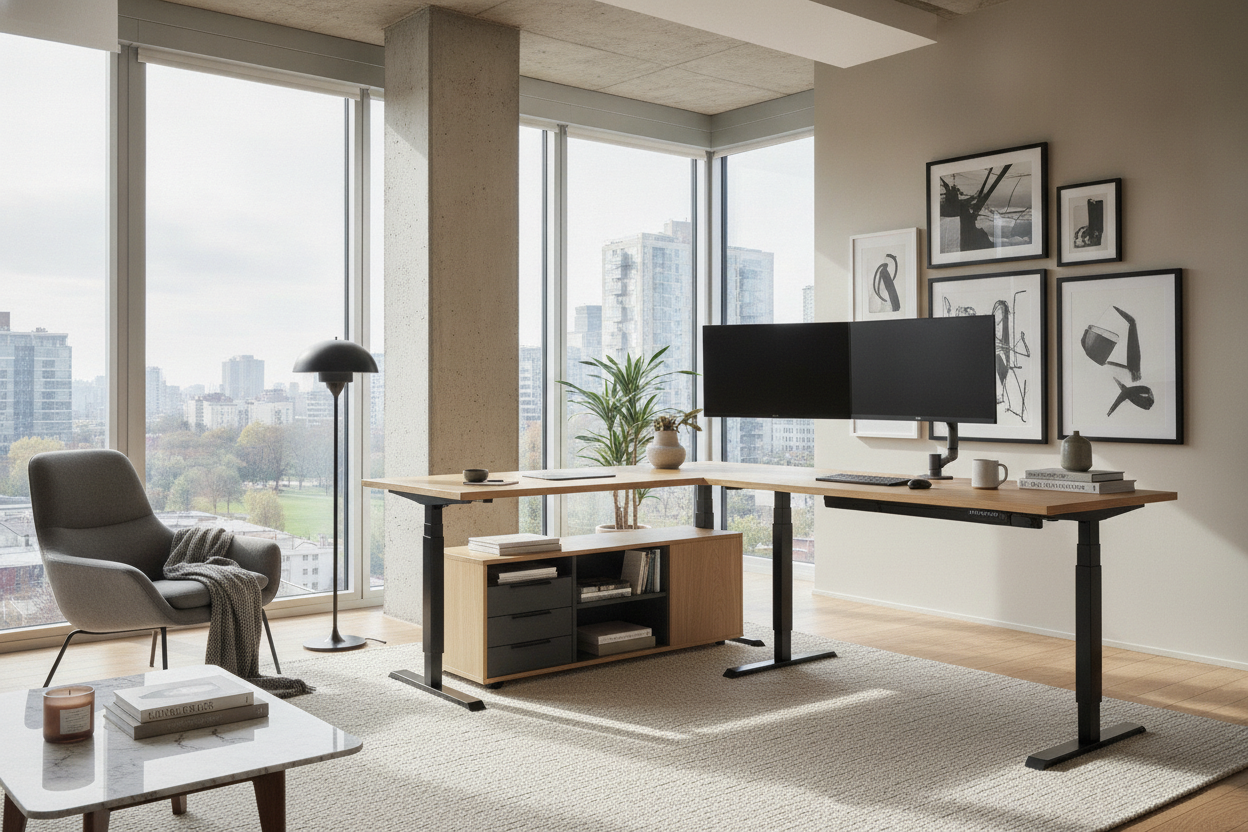
Vertical travel clearances are equally critical. When planning room layouts, account for wall setbacks, nearby window sills, and hanging wall shelves so that ascending tabletops move freely. For specialized corner arrangements, assessing corner standing desk geometries ensures that diagonal clearance depths and perimeter wall spacing accommodate motorized or manual transitions smoothly.
Cable management also plays a central role in spatial freedom. Routing power cords, display cables, and network lines through flexible spine organizers with adequate slack prevents snagging or unexpected disconnections as the desktop moves through its full operational range.
Integrating In Movement Desks with Office Storage Solutions
Maintaining an active workstation requires companion storage that complements, rather than obstructs, fluid posture adjustments. Because dynamic desks regularly shift height, heavy, permanently affixed overhead units can limit vertical range or create awkward reach heights. A balanced organizational strategy pairs moving work surfaces with adaptable, decoupled storage units.
Mobile pedestal cabinets offer an ideal solution for active offices. Fitted with smooth-rolling casters, these units can sit conveniently beneath the desk during compact periods and roll aside to open up the primary footwell when an active user requires extra room for foot movement or balance boards. In more compact home offices, pairing a compact sit stand desk with mobile or wall-hung organization maintains floor clearance while keeping core supplies accessible.
Low credenzas, sideboards, and floating wall shelves positioned perpendicular or adjacent to the workstation provide substantial storage capacity without interfering with desk height adjustments. Storing secondary equipment in nearby cabinetry also encourages intentional standing and walking throughout the day.
Desktop Surface Zoning to Facilitate Active Workflows
A well-organized desktop supports active movement by establishing clear functional zones across the surface. Grouping equipment based on frequency of use prevents unnecessary strain and promotes intuitive posture shifts:
- Primary Touch Zone: Reserve the immediate foreground for primary input devices, including keyboards, mice, and active notepads, keeping them directly within easy reach without requiring upper-body leaning.
- Secondary Reach Zone: Place monitors, desk lighting, and daily reference devices just beyond the primary zone. Installing articulating monitor arms allows quick focal depth and height adjustments whenever you switch between sitting and standing.
- Perimeter Storage Zone: Dedicate outer surface corners to stationary cups, desk caddies, or concealed wire trays, preventing clutter from creeping into active physical pathways.
Selecting the Right Desk Architecture for Active Movement
Choosing the appropriate desk architecture depends on individual work styles, room dimensions, and equipment setups. Straight rectangular desks offer straightforward placement along walls or in open plan offices, making cable management and vertical clearance planning simple and direct.
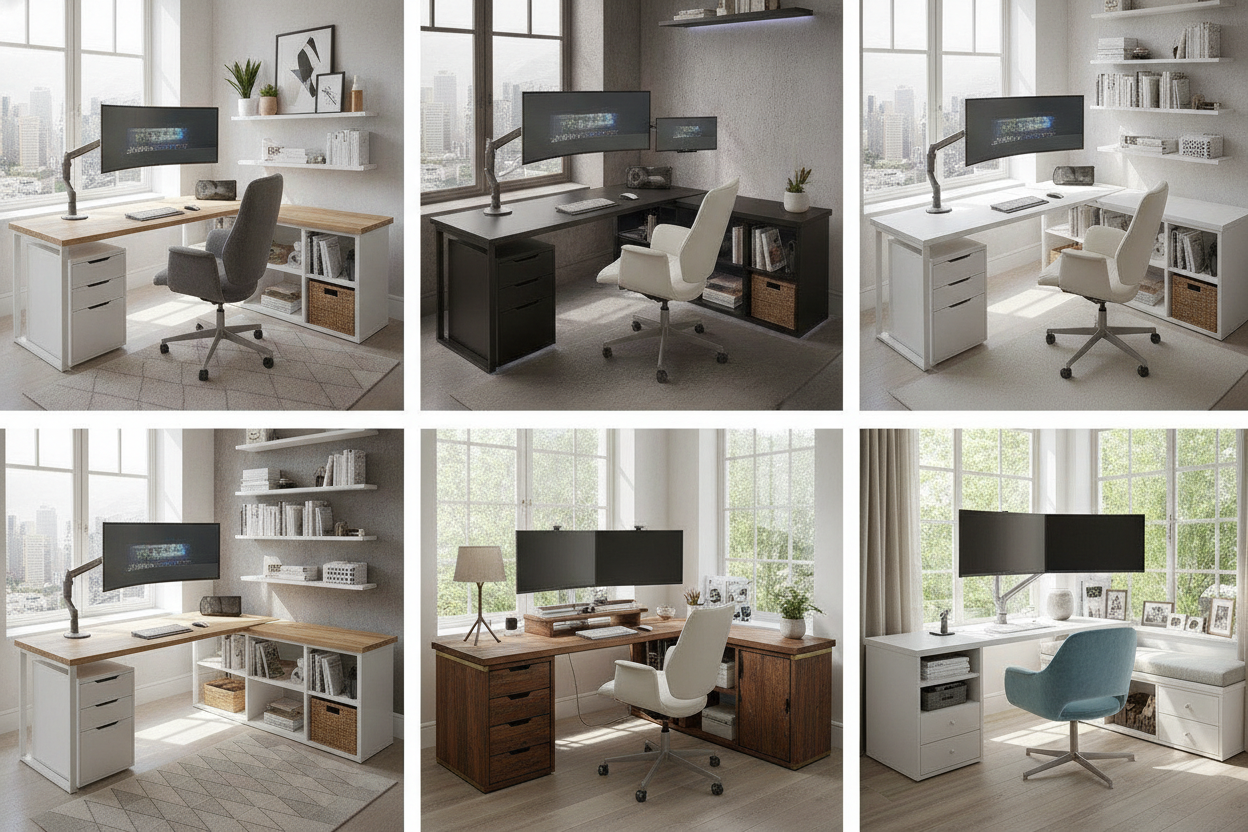
For professionals managing complex multi-screen environments, an L-shaped desk dual monitor setup provides generous surface area that naturally separates focused computing from active review zones. When selecting any dynamic desk frame, look for robust base construction, solid crossbar clearance, and smooth transition mechanisms that maintain stability throughout height changes, creating a comfortable foundation for daily movement.

Leave a comment
This site is protected by hCaptcha and the hCaptcha Privacy Policy and Terms of Service apply.