

















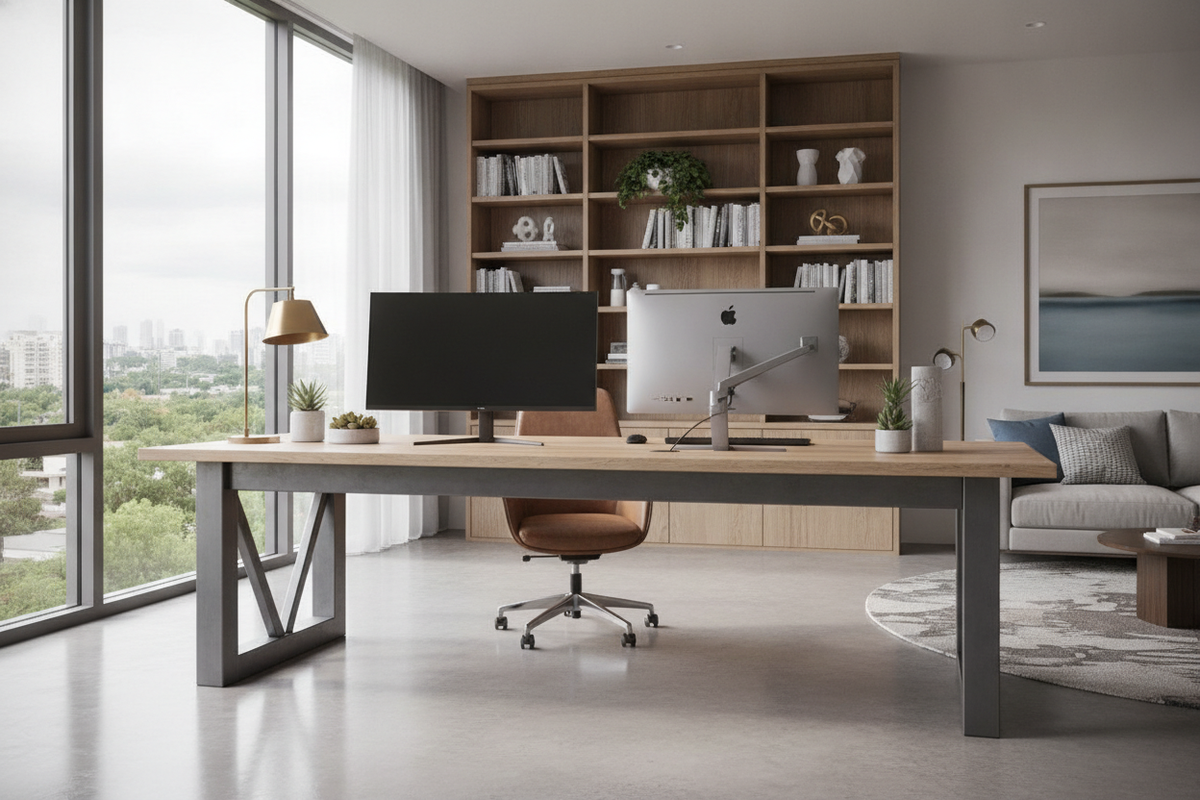
Understanding the Scale: What a 7 Feet Desk Brings to the Workspace
An expansive workstation commands attention while fundamentally transforming how a home office operates. Choosing a 7 feet desk introduces an uninterrupted stretch of workspace that bridges the gap between focused computer tasks, creative drafting, and peripheral hardware management. Also commonly planned as a 7 ft long desk or a dedicated 7 foot long desk, this substantial footprint accommodates dual displays, reference binders, and desktop audio gear side by side without crowding the center work zone.
Unlike compact writing tables, an elongated desk acts as an operational anchor. It provides the freedom to establish dedicated functional stations along a single continuous plane, avoiding the visual friction of separate auxiliary tables. However, commanding eighty-four linear inches requires intentional room mapping to ensure the piece enhances everyday productivity rather than congesting movement pathways.
Spatial Clearance and Room Flow Planning
Before committing to an extended footprint, evaluate room circulation patterns. A long workstation requires adequate breathing room along its front edge and flanking sides to keep the surrounding space comfortable.
- Chair Travel Margin: Ensure generous clearance behind the desk edge to allow office chairs to roll back smoothly without striking walls, bookcases, or credenzas.
- Perimeter Walkways: Leave open pathways adjacent to entryways and closet doors so family members or visitors can walk past without turning sideways.
- Door and Window Swings: Check that nearby casement windows, closet doors, and main entry doors swing freely without clipping the corners of the desktop.
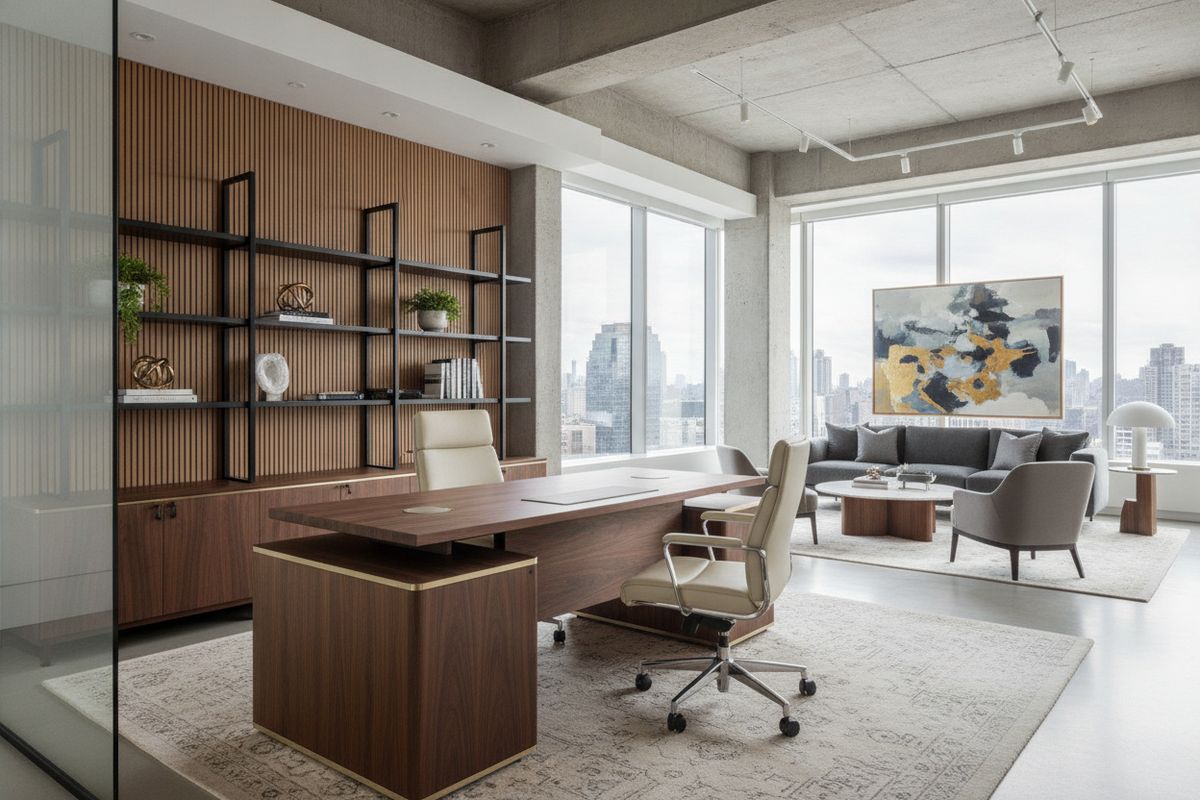
Placing an extended desk along a primary feature wall often yields the most balanced circulation. When floating the unit in the center of an executive room, confirm that the back panel presents a finished appearance to maintain a clean aesthetic from every entryway.
Managing Visual Weight Across Elongated Furniture
Extended furniture pieces carry significant visual presence. An uninterrupted horizontal plane can dominate a room if balanced poorly against surrounding architectural elements. Opting for open metal legs, slim trestles, or floating leg profiles helps preserve visible floor area, which keeps mid-sized rooms feeling light and open.
Conversely, closed pedestal bases create a grounded, monumental presence best suited for expansive home libraries or executive suites. Balancing horizontal lines across wide room spans follows principles similar to styling other elongated pieces, as highlighted in this foot long guide for maintaining proportionate wall decor and storage rhythms.
Structural Span Engineering: Preventing Center Desktop Sag
The primary structural challenge of a 7 foot long desk is spanning the distance between outer legs without developing center sag over time. Even rigid materials will deflect under their own mass and equipment loads if the underlying frame lacks proper reinforcement.
- Longitudinal Apron Rails: Sturdy structural aprons or crossbars running directly beneath the tabletop disperse downward weight toward the end legs.
- Intermediate Support Legs: A recessed center leg provides direct vertical resistance against heavy computer monitors and monitor arms without obstructing knee room.
- Under-Mounted Steel Channels: Embedded or surface-fastened metal stiffeners prevent wide boards from bowing across prolonged daily use.
- Substantial Desktop Thickness: Choosing tops with a generous profile enhances natural resistance to long-term warping.
When selecting your setup, verify whether heavy monitor arms attach directly along the back edge. Clamped multi-monitor mounts concentrate significant downward force on a small area, making underneath steel stiffening or a center support leg particularly helpful.
Ergonomic Surface Zoning: Dividing an Extended Top
Having substantial horizontal real estate can invite random clutter if the top lacks designated zones. Organizing a 7 feet desk into three ergonomic regions keeps daily tools within comfortable physical reach while utilizing the remaining surface for secondary tasks.
- Primary Digital Hub: Centered directly in front of your primary task chair. This core section houses your main keyboard, pointing device, and primary screens within immediate arm reach to prevent shoulder extension and neck rotation.
- Secondary Reference Zone: Positioned to the immediate left or right of the central hub. Reserve this area for open notebooks, reference sketches, active project folders, or a secondary laptop.
- Perimeter Staging: The outer desk corners serve as stable platforms for desktop printers, studio monitor speakers, ambient task lamps, and charging docks, keeping accessory equipment clear of working hands.
Structuring the surface this way allows you to pivot smoothly between distinct tasks simply by rotating your chair, preserving mental focus throughout the workday.
Under-Desk Architecture: Knee Clearance vs. Integrated Storage
An extended desk width creates valuable real estate underneath the worktop, but preserving comfortable legroom remains essential. Overcrowding the knee space with bulky cabinets compromises posture and lateral movement.
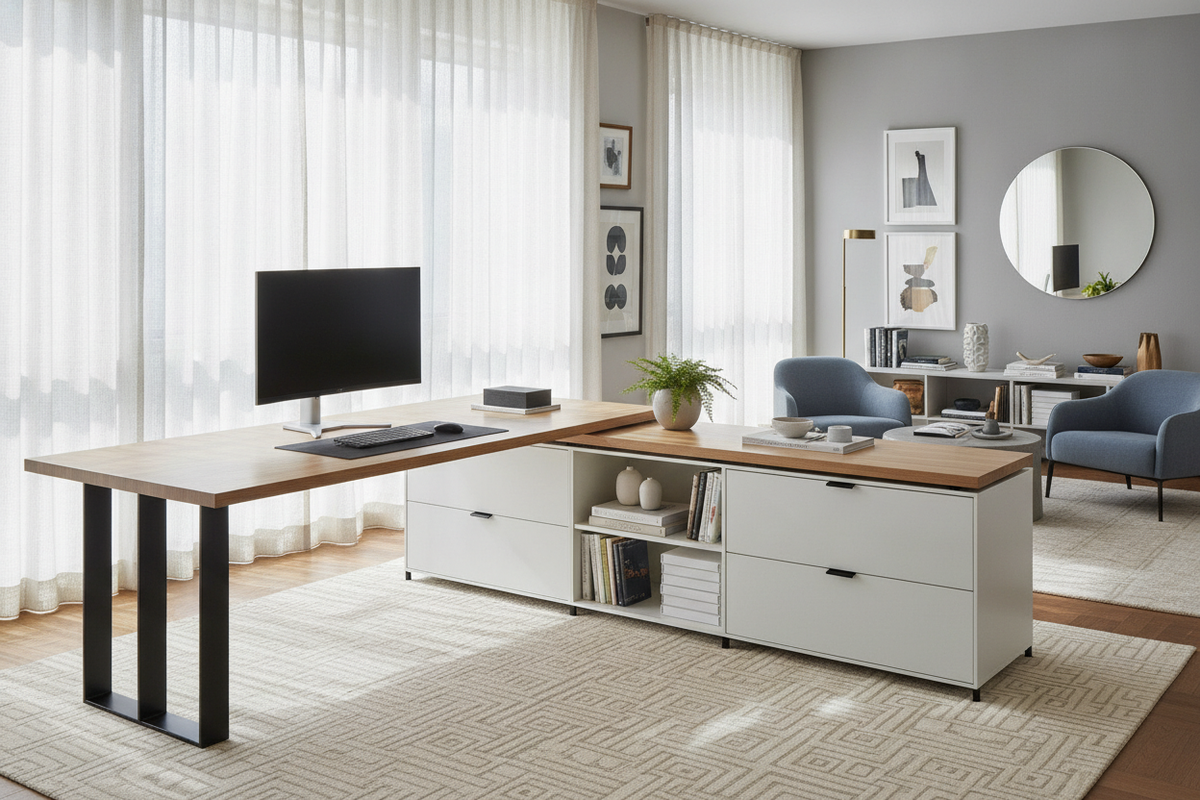
For a 7 ft long desk, placing a single filing pedestal on one outer end offers ample file storage while leaving wide, open knee clearance for side-to-side movement. Alternatively, pairing the desk with independent mobile filing pedestals offers flexibility, allowing you to roll storage beneath the desk during quiet periods or move it outward when you need maximum lateral legroom.
Cable management requires equal forethought. An 84-inch desktop gathers power cords and signal cables across a wide stretch. Under-mounted wire trays or horizontal modesty channels keep power strips, heavy adapters, and peripheral wires concealed, preventing tangled cords around your feet.
Material Selection and Desktop Durability
Material choices dictate not only aesthetic appeal but also the long-term structural behavior and tactile comfort of an extended workstation.
- High-Pressure Laminate and Melamine: These tops provide high resistance to scratches, ink stains, and spills. They offer a uniform, wipe-clean finish that holds up well against intensive daily keyboard and mouse movement.
- Solid Hardwood: Solid wood surfaces bring natural grain patterns, warmth, and substantial mass. However, they require rigid sub-framing to control natural expansion and contraction across season shifts.
- Veneered Engineered Cores: Dense medium-density fiberboard or multi-ply cores topped with real wood veneer provide dimensional stability, resisting the warping risks that can affect wide natural planks.
Smooth, rounded edge banding along the user side prevents forearm pressure marks during lengthy typing sessions, enhancing overall ergonomic comfort.
Assembly, Handling, and Long-Term Placement Checklist
Handling and positioning a full-length 7 foot long desk requires careful planning before unboxing. Due to the overall length of the tabletop, navigating narrow stair landings, tight hallway turns, and standard residential doorways can be challenging.
Measure access pathways from the delivery entrance to your designated office before moving heavy flat-pack cartons or assembled tops. Assembling the desk directly within the intended room prevents difficult maneuvering around tight doorframes later. When shifting the assembled unit into place, lift with two people rather than dragging the legs across flooring to preserve frame alignment and protect floor finishes.
With deliberate placement, reinforced under-framing, and structured surface organization, a seven-foot desk becomes an orderly, high-capacity command center tailored for demanding daily workflows.

Leave a comment
This site is protected by hCaptcha and the hCaptcha Privacy Policy and Terms of Service apply.