

















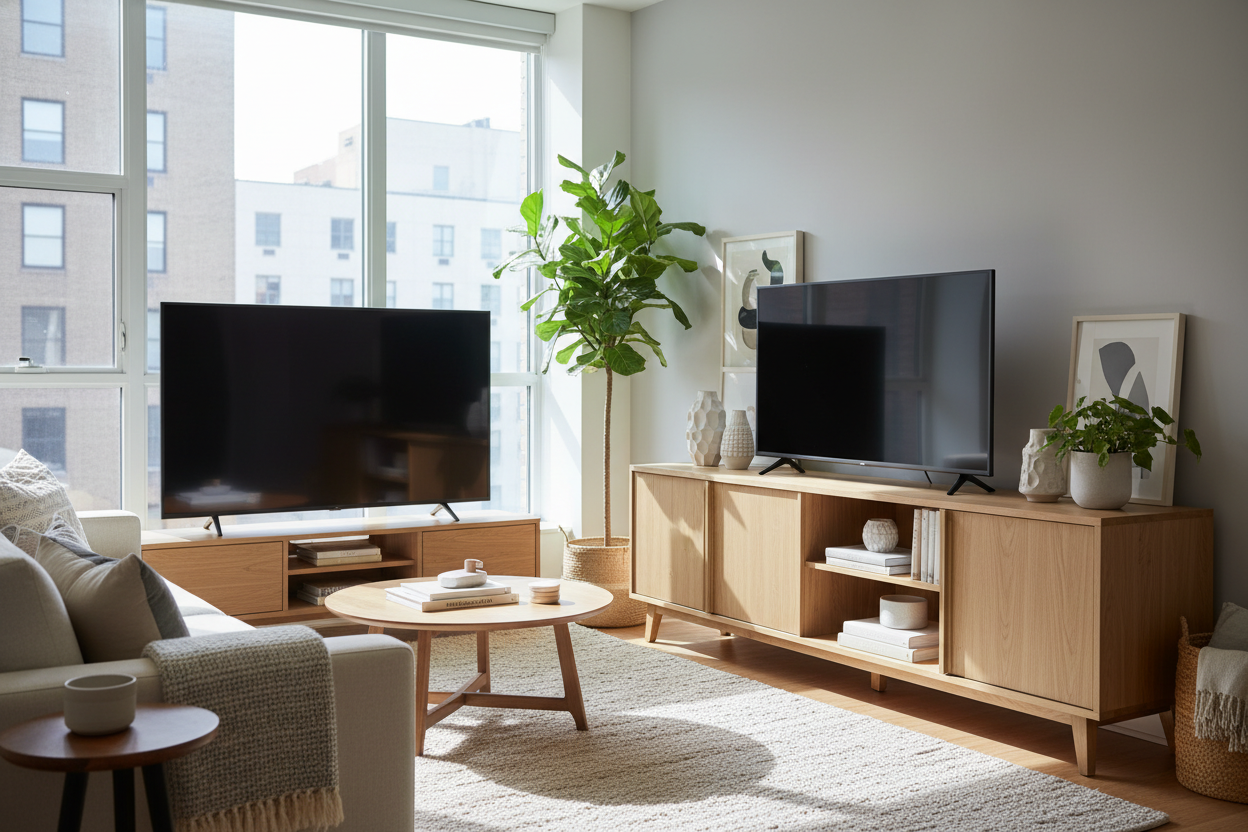
We have all seen it. That gorgeous, high-end 4K screen that costs more than a used car, perched precariously on a wobbly $40 particle board bench from college. It is the first thing I noticed when I moved into my last apartment. I spent three months staring at a 65-inch screen that looked like it was about to crush the tiny mid-century side table I had desperately repurposed. Finding the right media cabinet for tv is not just about storage; it is about physics, proportion, and your visual sanity.
- Your stand should be at least 6 to 10 inches wider than the TV frame.
- Visual weight matters—thin legs on a small stand make big TVs look unstable and 'top-heavy.'
- Wall-mounting does not excuse you from having a cabinet underneath.
- Closed storage is the only way to effectively hide 'cable spaghetti.'
The Awkward 'Lollipop Effect' Ruining Your Living Room
It is called the lollipop effect, and once you see it, you cannot unsee it. You have this massive, heavy black rectangle floating over a tiny, spindly base. It makes the whole room feel top-heavy, like the furniture is gasping for air under the weight of your Netflix habits. In design terms, we talk about visual weight. A large screen carries a lot of it. If the piece underneath does not have enough mass or width to counter that, your eyes never settle.
It creates a low-level sense of anxiety every time you walk into the room. I have lived in apartments where I tried to 'save space' by using a narrow stand, only to realize it made the small room feel even more cluttered because the proportions were so out of whack. A tiny stand makes the TV look like an intruder rather than a part of the home.
Why a Wider Media Cabinet TV Base Fixes the Scale
The secret is the 'rule of thirds,' or at least a variation of it. Your TV should ideally take up about two-thirds of the width of the cabinet. If the TV is 55 inches wide, you want a console that is hitting closer to 70 or 80 inches. This creates a 'buffer zone' on either side of the screen. Upgrading to a modern TV console cabinet with a bit of length does more than just hold the remote. It grounds the entire wall.
When the cabinet is wider than the screen, the TV looks like a deliberate part of the decor. I prefer pieces with legs—they keep the floor visible so the room does not feel closed in, but you still get that substantial horizontal line that anchors the space. It gives your eyes a place to rest and tells your brain that the room is balanced.
But Wait, What If I Wall Mount My Screen?
I hear this all the time: 'I am mounting my TV, so I do not need a stand.' That is a mistake. A floating TV without anything underneath it looks like it is waiting for a bus. It is lonely. A cabinet provides a visual 'landing pad' for the screen, connecting the technology to the rest of the furniture. Without it, the TV just feels like a black hole on the wall.
Plus, there is the reality of hardware. Unless you are prepared to cut holes in your drywall and fish wires through studs, you are going to have a black cord dangling down like a tail. You might find yourself asking, Can a Media Cabinet for Wall Mounted TV Actually Hide All Your Cords? The answer is a resounding yes. A cabinet hides the inevitable cable management issues much more gracefully than those plastic cord-hider strips that never actually match your paint color.
Hiding the Ugly Stuff (Because Big Screens Mean Big Cords)
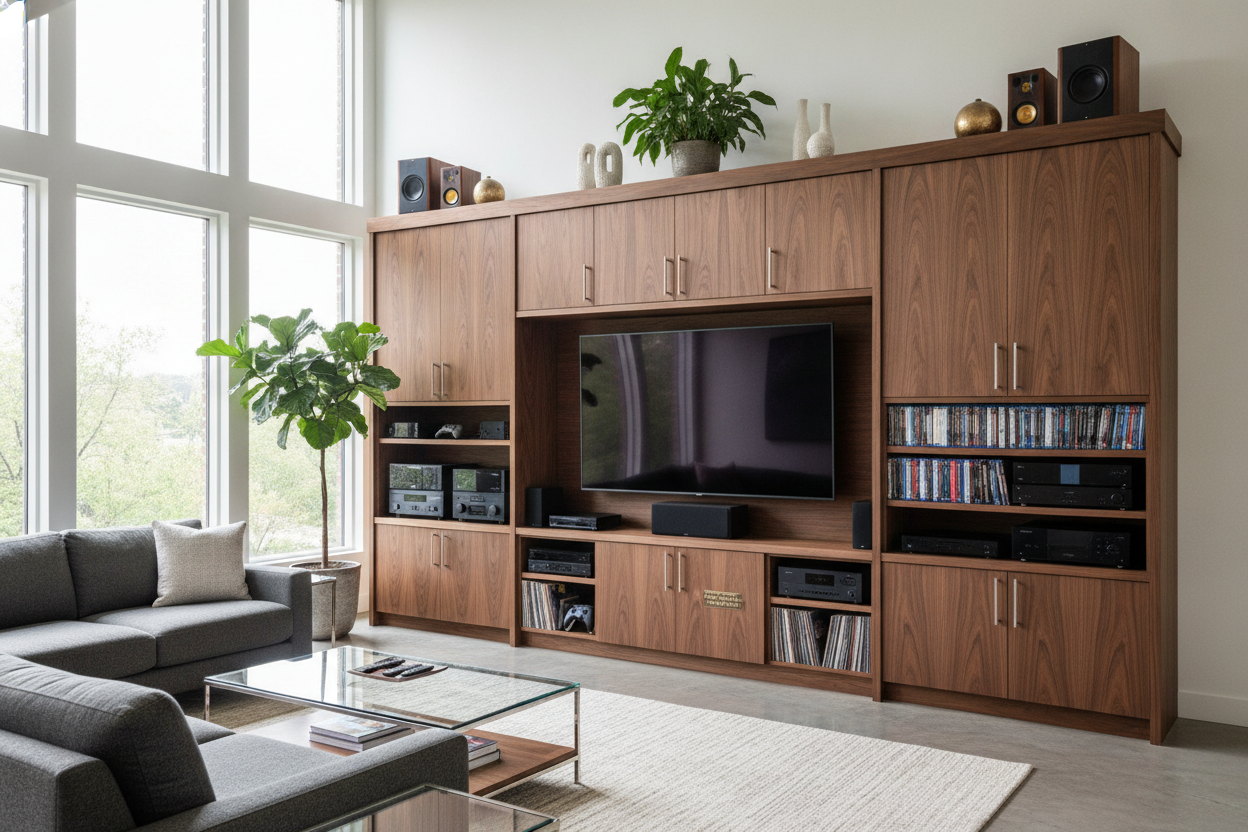
Let us talk about the 'ugly stuff.' The router with its five blinking green lights, the PlayStation, the tangled mess of HDMI cables. Open shelving is a trap. It looks great in a catalog with one perfectly placed ceramic bowl, but in real life, it is a dust magnet for tech clutter. I am a huge fan of using a black cabinet with glass doors. If the glass is tinted or fluted, it hides the mess while still letting your remote signals pass through.
It is a sophisticated way to keep the focus on the screen and not the power strip that is currently covered in cat hair. When you move away from open shelving and toward closed doors, the room immediately feels five times cleaner. You want a piece that feels like furniture first and a tech hub second.
The Golden Math for Buying Your Next Cabinet
Here is the foolproof math: Measure the actual physical width of your TV—not the diagonal screen size manufacturers use. Add at least 6 inches to each side. That is your minimum cabinet width. If you have a 55-inch TV (which is usually about 48 inches wide), you need a cabinet that is at least 60 inches wide. A modern TV cabinet table with storage that hits that 60-to-70-inch sweet spot will make your living room look intentional.
I once bought a gorgeous solid oak bench for my living room. It was 48 inches long, and I thought it was plenty. Then I bought a 65-inch TV. The TV overhung the edges of the bench by several inches. Not only did it look like a disaster, but I also lived in constant fear that someone would bump into it and send $1,200 of electronics onto the floor. I ended up selling the bench for half what I paid and buying a proper 72-inch sideboard. The difference was night and day.
How high should my media cabinet be?
Your eyes should be level with the middle of the screen when you are sitting on the sofa. Usually, that means a cabinet height between 18 and 24 inches. Stop mounting TVs above fireplaces; your neck will thank you.
Can I use a dresser as a TV stand?
Sure, if it is the right height. Just check the weight limit. Some modern dressers use thin bottoms or flimsy legs that will sag under a heavy TV over time. Look for solid wood or reinforced frames.
Do I need ventilation for my consoles?
Yes. If you are putting a gaming console inside a closed cabinet, make sure there is a cutout in the back for airflow. If the cabinet is airtight, leave the door cracked while playing to avoid a meltdown.

Leave a comment
This site is protected by hCaptcha and the hCaptcha Privacy Policy and Terms of Service apply.