

















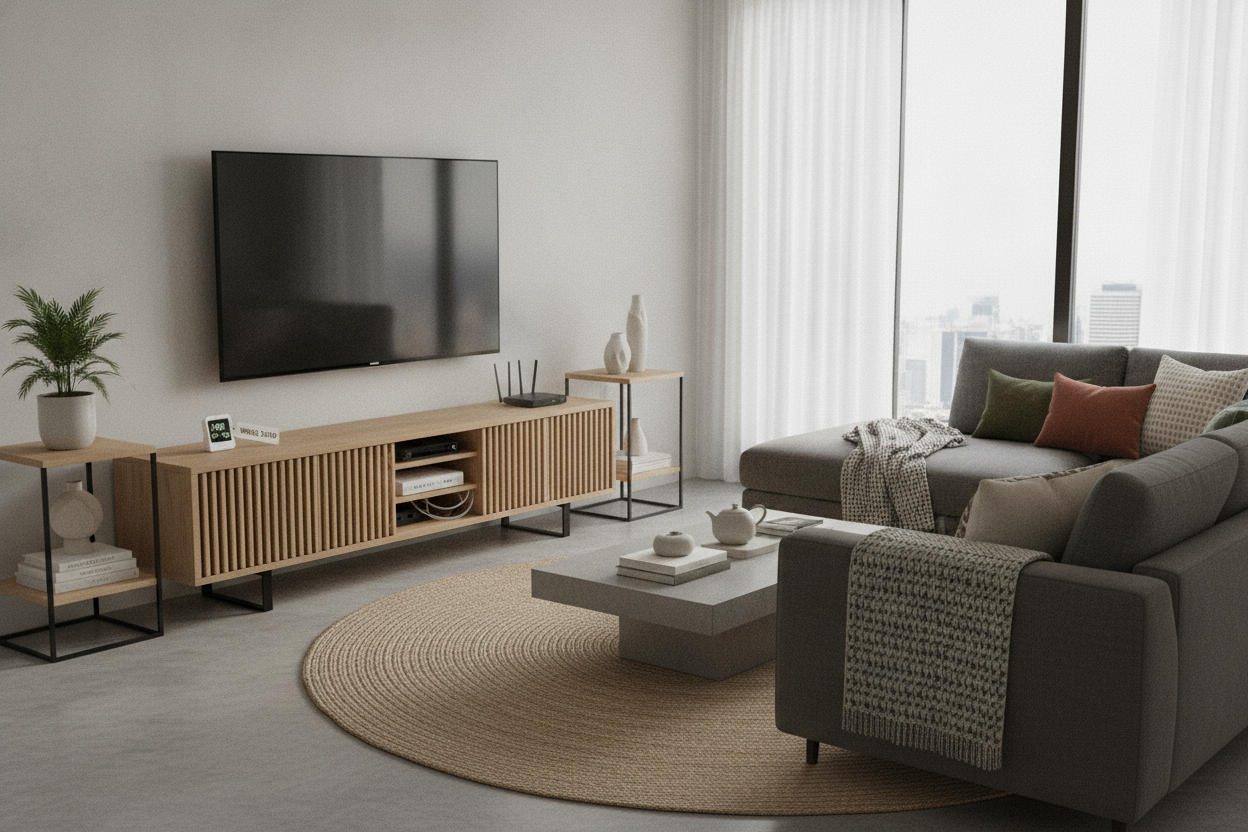
I was halfway through a boss fight in Elden Ring when my PlayStation 5 started sounding like a Boeing 747 taking off in my living room. I paused the game, walked over to my beautiful, solid oak media console, and touched the top. It was hot. Not just warm—actually hot to the touch. My expensive electronics were essentially trapped in a high-end wooden oven.
Choosing the right type of tv stand is usually an exercise in matching wood grains and checking dimensions. But if you actually own a gaming console, a high-end router, or a 4K receiver, aesthetics are the least of your worries. You need airflow, or you’re going to be buying new hardware in eighteen months. I’ve spent way too much money learning that 'pretty' doesn't always mean 'functional.'
Quick Takeaways
- Glass doors trap heat and are best for non-electronic storage.
- Slatted doors offer the best balance of hidden cables and ventilation.
- Open shelving provides maximum cooling but requires weekly dusting.
- Always check for removable back panels or pre-drilled 3-inch cable holes.
My PlayStation Sounded Like a Jet Engine (Until I Swapped My Console)
I used to be a purist. I wanted everything hidden. I bought a gorgeous mid-century credenza with solid doors because I hated seeing the blinking blue light of my router and the bulky silhouette of my gaming console. For three months, it looked like a magazine shoot. For three months, my internet dropped out twice a week because the router was thermal throttling.
The reality is that modern electronics produce an incredible amount of heat. When you shove them into a sealed wooden box, that heat has nowhere to go. It saturates the wood, bakes the internal components, and shortens the lifespan of your gear. I finally realized that the type of tv stand I chose was actively killing my tech. I had to pivot from 'hidden at all costs' to 'smart ventilation.'
The 'Greenhouse' Effect of Glass-Front Media Cabinets
Glass-front units are the biggest trap in the furniture world. They look sophisticated, and they keep the dust off your stuff, but glass is a phenomenal insulator. It traps heat inside the cabinet exactly like a greenhouse. Unless the unit has a completely open back, you are creating a heat trap that will eventually lead to a hardware failure.
I still like the look of a storage credenza with sliding glass doors, but I’ve learned to use them for things that don't breathe. They are perfect for your vinyl collection, board games, or those coffee table books you never actually read. If you must put a console in there, leave the door wide open while it's running. If you aren't willing to do that, keep the tech out of the glass box.
Why a Slatted Door Is the Ultimate Tech-Friendly Choice
If you want the 'hidden' look without the hardware suicide, slats are the only way to go. A TV stand with slatted doors is basically a series of vents disguised as a furniture piece. It allows cool air to pull in through the front and hot air to push out the back (assuming you have cable cutouts).
The best part about slats? Most infrared (IR) remotes work right through them. You don't have to keep the doors open to change the volume or switch inputs. It hides the 'spaghetti' of cables and the ugly plastic of a modem while letting your gear stay at a reasonable operating temperature. It’s the only design I recommend to people who take their home theater setup seriously.
The Open-Shelving Trap (And Why I Hate Dusting)
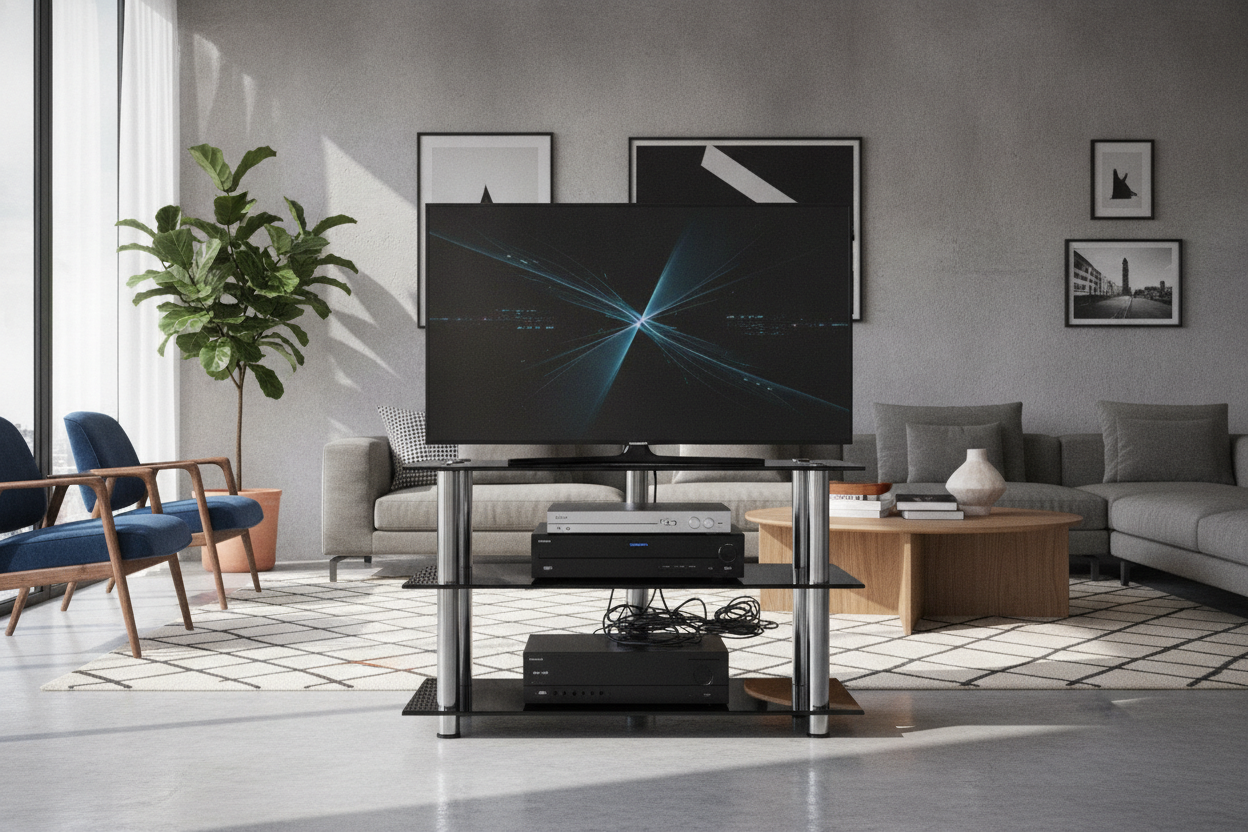
The simplest solution for heat is an open-shelf bench. No doors, no heat traps, no problems—right? Technically, yes. From a cooling perspective, it’s the gold standard. But here is the catch: electronics are static magnets. Within a week, your black Xbox or Apple TV will be covered in a visible layer of grey fuzz.
If you are a 'clean as you go' person, open shelving is great. But if you’re like me and prefer to spend your Saturdays doing anything other than dusting, it's a high-maintenance choice. Before committing, try Decoding the Types of TV Stand to see if you’d rather deal with the heat management of a closed unit or the cleaning management of an open one.
3 Features to Check Before Buying Any Media Unit
First, check the back panel. Is it solid wood, or is it that flimsy cardboard you can pop out? I actually prefer the 'cheap' removable backings because I can leave them off entirely for maximum airflow. Second, check the internal depth. Many types of television stand are getting shallower to save space, but a high-end receiver can be 16 to 18 inches deep once you plug in the HDMI cables.
Third, look for adjustable shelving. You need at least two inches of clearance above any gaming console for the top-venting fans to work. If the shelf is fixed and tight, don't buy it. When you browse new TV stands, ignore the staged photos with two decorative vases and imagine your actual, bulky, heat-spitting equipment sitting in those cubbies instead.
FAQ
Does my TV stand really need a back panel?
Not usually. Most modern consoles are sturdy enough without them. Removing the back is the single best thing you can do for airflow, and it makes cable management ten times easier.
How much clearance do I need for a PS5 or Xbox?
Aim for at least 2-3 inches on all sides. If you’re putting it in a closed cabinet, you need active ventilation (like a USB fan) or slatted doors. Anything less is a gamble.
Will slatted doors block my remote signal?
Most modern Bluetooth and RF remotes (like the ones for Fire Stick or Roku) don't care about slats. Older IR remotes usually work fine too, as the signal bounces through the gaps.

Leave a comment
This site is protected by hCaptcha and the hCaptcha Privacy Policy and Terms of Service apply.