

















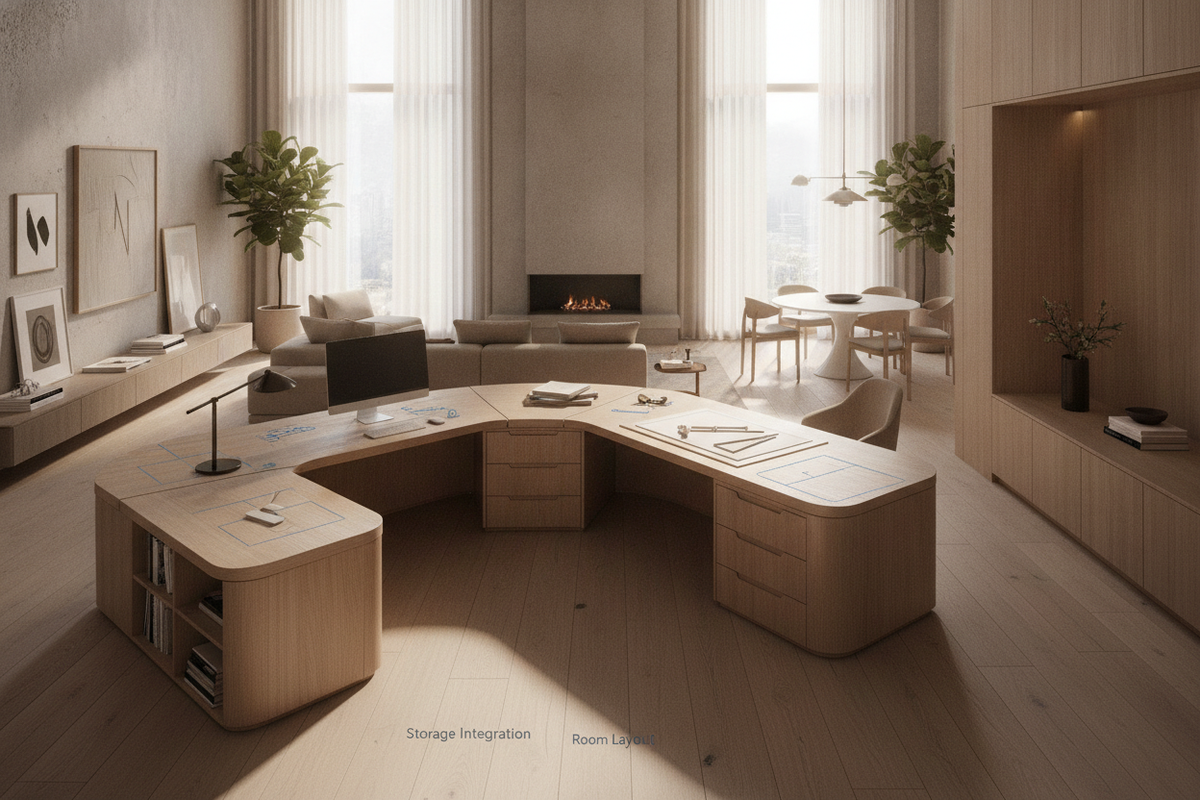
Architectural Geometry and Anatomy of Wrap Around Desks
Modern professional workflows often demand simultaneous access to multiple screens, physical paperwork, and peripheral equipment. Standard single-plane desks can create clutter and compromise reach ergonomics, making wrap around desks an increasingly favored architectural solution for dedicated workspaces. A wrap around desk envelops the user along two or three continuous or modular perimeter wings, establishing a central cockpit command station where tasks are compartmentalized across distinct surface planes.
The structural geometry of a wrap around office desk generally falls into three main configurations:
- U-Shaped Enclosures: Featuring a central primary bridge flanked by two parallel return wings, providing an immersive, high-capacity workspace suited for multi-tasking professionals.
- Extended L-Shaped Architectures: Utilizing a long main surface paired with an extended secondary return wing to anchor room corners while maintaining an open visual profile.
- Triple-Wing Perimeter Suites: Modular assemblies that curve or bridge across multiple walls to maximize perimeter surface area without encroaching on central room traffic paths.
By shifting functional zones from a linear horizon to an enveloping arc, these desks reduce repetitive torso extension and streamline day-to-day work routines.
Spatial Footprint Tiers: Matching Room Dimensions to Perimeter Workstations
Selecting the right desk scale requires balancing total desktop surface area against room circulation pathways and task chair clearance arcs. Evaluating room dimensions early prevents visual crowding and structural bottlenecks.
- Compact Corner Envelopes: Suited for secondary bedrooms or multi-use spaces, a wrap around corner desk anchors two adjacent walls to preserve open floor space in the center of the room. Pair these layouts with units from our corner storage collection to keep secondary supplies close at hand without overcrowding the main work surface.
- Mid-Scale Executive Footprints: Designed for dedicated home offices, balanced L-shaped and semi-enclosed U-shaped desks offer generous depths along the primary display wing alongside a dedicated writing or secondary hardware return.
- Expansive Perimeter Suites: Full U-shaped executive desks that command large private offices, creating dedicated work zones for computing, client interaction, and extensive documentation.
When planning room clearance for an office wrap around desk, ensure sufficient clearance behind the central seating zone to allow smooth chair rotation and unimpeded ingress and egress.
Tri-Zone Workflow Ergonomics: Computing, Analog Tasks, and Perimeter Staging
The primary operational advantage of multi-sided workstations is the ability to implement a tri-zone layout. Rather than piling unrelated tasks on one crowded surface, a computer desk wrap around configuration divides responsibilities across dedicated sectors.
- Primary Computing Zone: Positioned directly in front of the primary seating position, this surface holds central displays, keyboard trays, and primary input devices to promote neutral neck and shoulder posture.
- Analog and Ideation Zone: Located on the primary return wing, this uncluttered surface accommodates notebooks, sketchpads, reading materials, and physical review tasks. Dedicated models such as an office computer desk product combine ample desktop depth with immediate return wing access.
- Peripheral Staging Wing: The tertiary surface or outer wing handles secondary hardware, including network hubs, printers, external hard drive arrays, or reference binders.
This systematic division of labor across wrap around desks for computers minimizes desktop clutter and supports clear cognitive separation between digital and manual tasks.
Storage Synergy: Pedestals, Hutches, and Credenza Integration
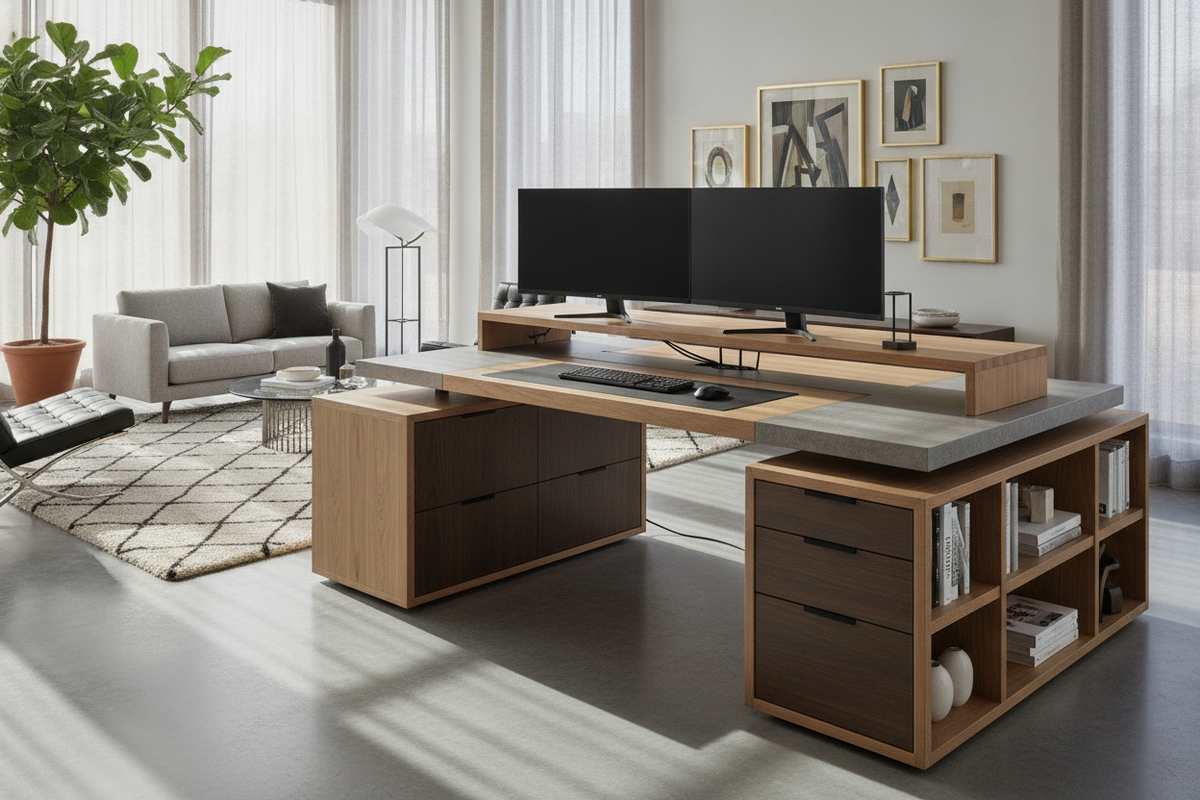
Maintaining clear desk surfaces across wide perimeters requires thoughtful vertical and under-desk storage integration. A well-planned wrap around desk with storage incorporates modular cabinetry that keeps necessary items accessible while preserving vital legroom.
When configuring storage elements, consider the following layout strategies:
- Under-Desk Mobile Pedestals: Low-profile drawer banks positioned under non-dominant wings provide concealed filing without restricting leg travel under the primary keyboard area.
- Vertical Hutch Additions: Upper shelving mounted along perimeter return wings uses vertical wall clearance for books, decor, and office supplies. For further inspiration on vertical organization, review our desk storage office guide to maintain a balanced aesthetic.
- Integrated Side Credenzas: Low lateral storage cabinets that serve dual roles as structural base supports and broad platforms for printers or desktop charging trays.
By distributing heavier storage modules along corner junctions or outer extremities, wrap around desks maintain an open, comfortable knee-well throughout the central seating zone.
Material Durability, Load Distribution, and Structural Hardware Mechanics
Because multi-surface workstations span extended perimeters, material rigidity and frame integrity are essential considerations. A joined wrap around desk distributes static and dynamic loads across multiple frame segments, requiring solid desktop cores and dependable hardware.
Key structural factors to review include:
- Engineered Desktop Cores: Dense core boards with scratch-resistant laminate or melamine veneers resist surface wear, moisture rings, and daily abrasion while providing uniform rigidity across joined sections.
- Steel Framework and Gusset Brackets: Welded steel base frames and reinforced under-table corner brackets prevent sagging along wide spans and maintain firm alignment at seam interfaces. Compact corner options like an office computer corner product showcase how rigid framing provides long-term stability.
- Multi-Point Seam Joinery: Precision-milled steel joiner plates underneath adjoining surfaces keep seam transitions flush, preventing height discrepancies between adjacent wings.
Selecting durable materials and reinforced joinery ensures an office wrap around desk remains level and rigid under heavy multi-monitor arrangements.
Power Routing and Wire Management Across Extended Perimeters
Multi-wing office configurations accommodate multiple electronic devices, making systematic wire management essential. Without proactive cord routing, expansive perimeters can accumulate tangled cables that disrupt legroom and detract from the visual flow of the room.
Effective cable management strategies for wrap around desks for computers include:
- Under-Desk Cable Channels: Horizontal raceways mounted beneath the rear edge of each desktop wing conceal power strips, surge protectors, and long data cables.
- Surface Grommets and Brush Plates: Strategically positioned pass-through grommets allow monitor, keyboard, and charger cables to drop cleanly beneath the work surface without bending cords over outer desk edges.
- Segmented Power Drops: Installing surge protection strips beneath each functional zone allows users to manage peripheral clusters locally, reducing the run length of individual device cords.
Implementing structured wire pathways turns a complex computer desk wrap around workstation into an orderly, streamlined command center.
Assembly Logistics, Leveling Protocols, and Staging Strategy
Assembling a multi-wing perimeter workstation requires organized planning, adequate assembly space, and proper leveling steps. Because these units arrive in multiple flat-pack cartons, staging the assembly area beforehand ensures a smoother installation.
- Component Staging: Unbox and sort panels, hardware packs, and structural leg assemblies near their final room position. For alternative compact workspace frameworks, our computer desk office guide offers additional layout perspectives.
- Sub-Assembly of Individual Wings: Assemble the primary bridge and secondary return frames loosely before tightening structural hardware, allowing room for fine alignment at the main junction seams.
- Corner Seam Alignment: Align mating edges using internal dowels or connector plates, tightening the junction bolts progressively to ensure a smooth, flush top seam.
- Adjustable Leveling Glides: Adjust the threaded leveling feet under each leg to compensate for uneven flooring surfaces, eliminating wobble and preventing structural strain across the joints.
Following these systematic leveling and assembly protocols ensures that your wrap around corner desk or multi-wing workstation remains stable, aligned, and comfortable for years to come.

Leave a comment
This site is protected by hCaptcha and the hCaptcha Privacy Policy and Terms of Service apply.