

















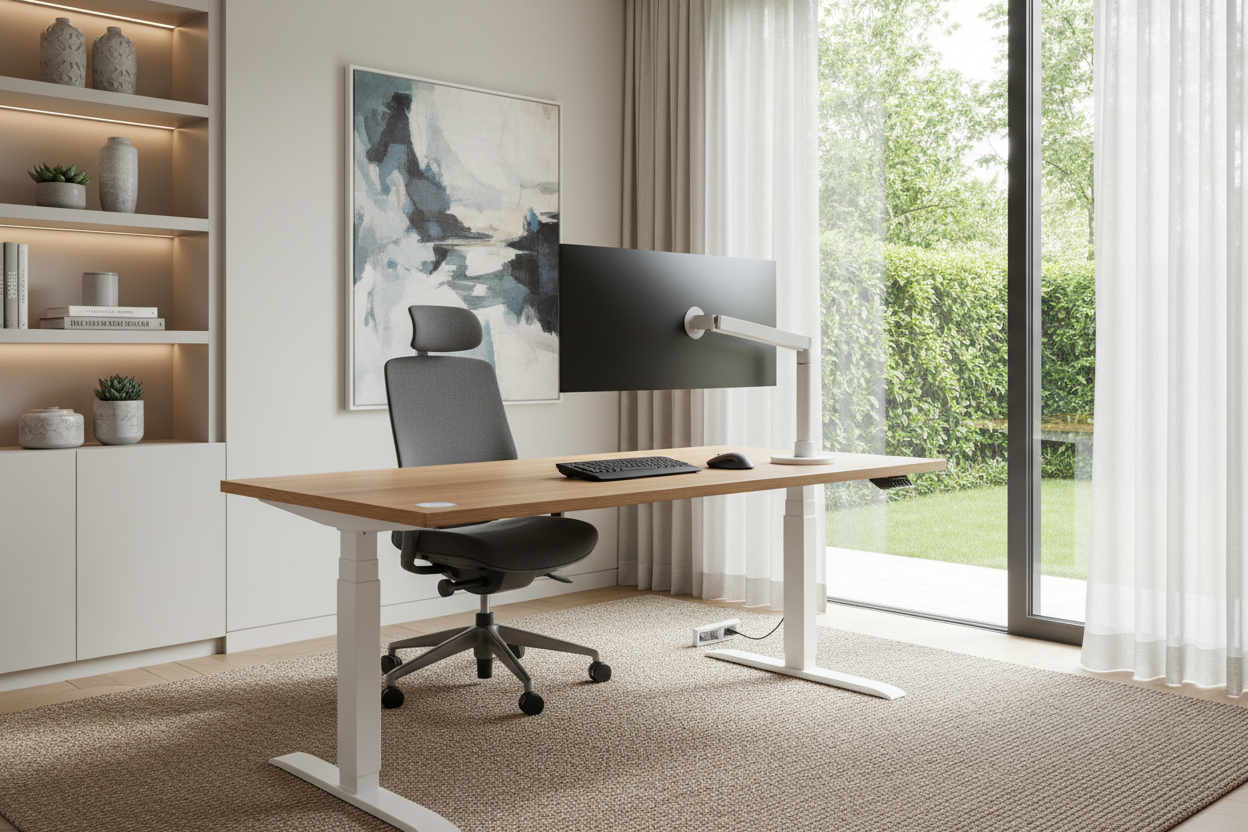
We have all been there: balancing a laptop on a stack of books at the dining table, pretending the glare from the window isn't causing a migraine. When remote work became the norm, many of us threw together temporary setups. But living with a makeshift desk long-term usually leads to chronic back pain and a room that constantly feels cluttered.
Designing a proper work from home office requires more than just ordering a desk that looks good on social media. It requires a deliberate approach to ergonomics, space planning, and visual balance. By the end of this guide, you will know exactly how to map out a workspace that actually supports your daily routine without ruining the aesthetic of your house.
Quick Decision Guide
- Prioritize depth over width: A desk needs to be at least 24 inches deep to comfortably fit a monitor and keyboard without straining your eyes.
- Map your clearances: Always leave a minimum of 36 inches between the edge of your desk and the wall behind you for chair movement.
- Mix task and ambient lighting: Avoid relying solely on overhead recessed lights, which cast harsh shadows. Use an adjustable desk lamp for focused work.
- Invest in the chair, save on the desk: If your budget is tight, allocate the majority of it to an ergonomic chair with adjustable lumbar support rather than a flashy table.
Mapping Out Your Workspace
Space planning is where most home setups go wrong. Tucking a desk into a dark corner might save floor space, but it often makes the room feel cramped and uninviting.
The Command Position
Whenever possible, I recommend placing your desk in the "command position." This means your back is to a solid wall, and you have a clear view of the door. This layout subconsciously reduces anxiety and makes the room feel more expansive. If you must face a wall, pull the desk out by just a few inches to create negative space, which prevents the setup from feeling visually heavy and claustrophobic.
The Physical Reality of Desk Work
A beautiful silhouette means nothing if you can barely sit in the chair for an hour. Comfort is the foundation of any productive home working office, and it starts with the right proportions.
Why Dining Chairs Always Fail
I frequently see clients trying to use a spare dining chair for their daily 9-to-5. Dining chairs are pitched for eating, not typing. A proper office chair should allow your feet to rest flat on the floor with your knees at a 90-degree angle. Standard desk height in North America is 29 to 30 inches, which is actually too high for many people. If you are shorter, consider an adjustable standing desk or a keyboard tray to maintain proper wrist alignment without shrugging your shoulders.
Blending Work with Your Home Aesthetic
Your workspace shouldn't feel like a sterile corporate cubicle that accidentally landed in your spare bedroom. You want the materials and textures to speak to the rest of your home.
Taming the Tech Clutter
Visual clutter is the enemy of focus. When selecting a desk, consider visual weight. A chunky, solid wood executive desk might overwhelm a small room, whereas a writing desk with slim metal legs keeps the sightlines open. However, those minimalist desks rarely have built-in wire management. Use cable trays mounted under the desktop and route cords down the back legs using zip ties. Adding a textured rug under the desk not only anchors the space but also helps absorb sound during video calls.
Lessons from My Own Projects
Early in my career, I designed what I thought was the ultimate workspace for my own apartment. I bought a stunning, vintage mid-century modern teak desk. It had incredible lines and a beautiful patina. What it didn't have was functional depth.
At only 20 inches deep, my monitor sat practically against my nose, and there was nowhere to push my keyboard when I needed to review physical fabric swatches. I also learned the hard way that vintage desks were built before the era of dual monitors and heavy cable loads. I spent a year dealing with eye strain and a tangle of cords visible from the hallway before I finally swapped it out for a modern, 30-inch deep adjustable desk. The vintage piece was gorgeous, but prioritizing aesthetics over daily ergonomics was a costly mistake.
Frequently Asked Questions
How much space do I need for a home office layout?
At a bare minimum, you need a footprint of about 5 by 7 feet. This accommodates a standard 48-inch desk and provides the necessary 36 inches of clearance behind the chair to roll back comfortably without hitting a wall or surrounding furniture.
What is the best lighting for video calls?
Natural light is best, but never sit with a bright window directly behind you, or you will look like a shadow. Position your desk so the window is in front of you or slightly to the side. Supplement with a pair of soft LED desk lamps to fill in shadows on your face.
Is a standing desk worth the investment?
Yes, but only if you actually use the mechanics. If you buy a motorized desk, ensure it has memory presets. People are far more likely to switch between sitting and standing when it only requires pushing a single button rather than manually holding a switch.


Leave a comment
This site is protected by hCaptcha and the hCaptcha Privacy Policy and Terms of Service apply.