

















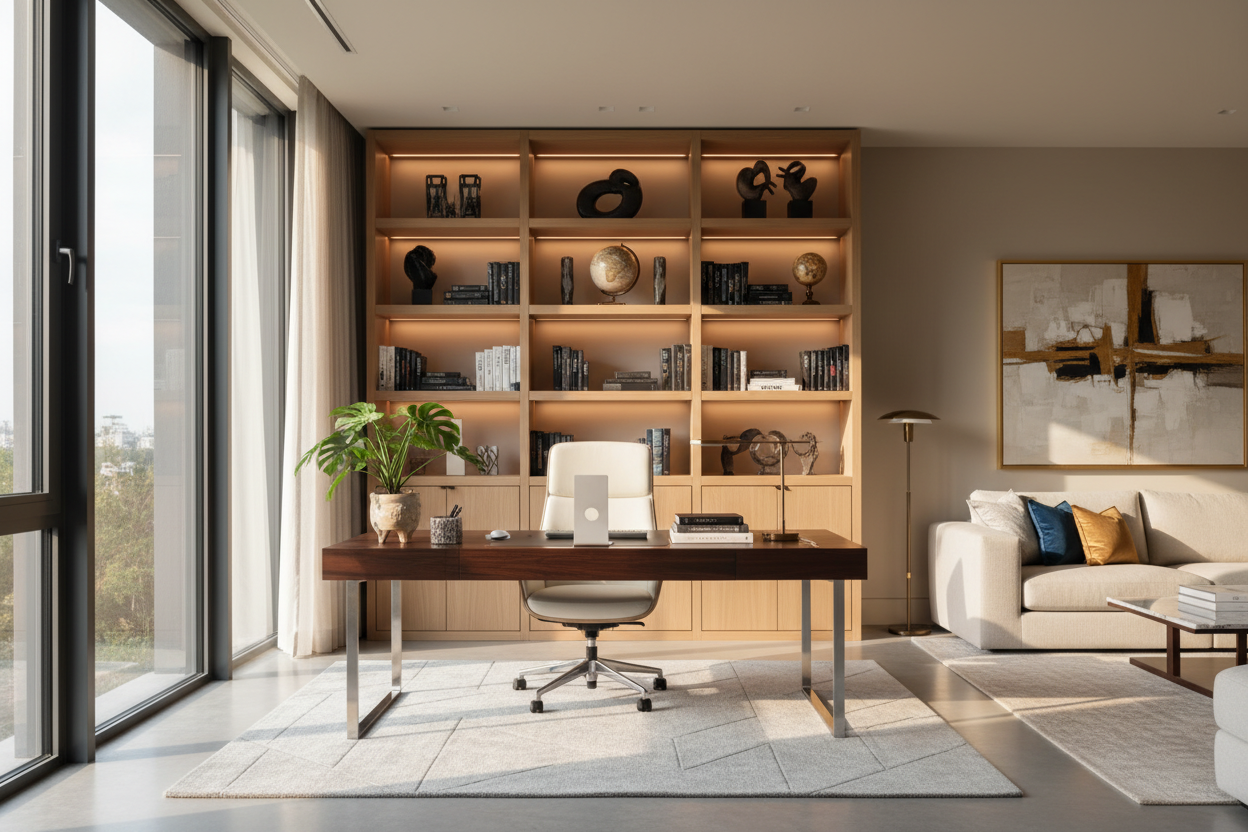
We have all been there: a temporary laptop setup on the dining table slowly morphs into a sprawling, permanent mess of monitors, cables, and sticky notes. What started as a quick fix suddenly dictates the entire feel of your living space. Mastering your work from home application is no longer just about buying a desk; it is about integrating a functional workspace into your home without sacrificing your carefully curated aesthetic.
If your current setup feels like a corporate cubicle dropped into your living room, you are not alone. Let us walk through how to balance ergonomic necessities with residential style, so your office feels intentional, comfortable, and seamlessly blended into your home.
Quick Decision Guide
- Mind the clearance: Always leave at least 36 inches behind your desk for your chair to roll back without hitting a wall or sofa.
- Hide the visual clutter: Opt for desks with built-in cable management or solid modesty panels to conceal the inevitable nest of wires.
- Prioritize ergonomics over aesthetics for seating: A gorgeous mid-century dining chair will wreck your lower back after four hours of sitting.
- Match the room's visual weight: If your living room features heavy, plush upholstery, balance it with a desk that has a lighter, open silhouette.
Space Planning: Finding the Right Footprint
Navigating Open-Concept Layouts
In most North American suburban homes and urban apartments, a dedicated office room is a luxury. When placing a desk in a living or dining area, positioning is everything. Avoid shoving a desk flat against a blank wall if you can help it—this creates a 'timeout' effect that makes the room feel smaller. Instead, try floating the desk behind a sofa, using the sofa's back as a natural room divider. This setup requires careful measurement. Ensure you have a minimum of 60 inches between the back of the sofa and the opposite wall to accommodate both the desk depth and the required 36-inch chair clearance.
Comfort Meets Residential Style
The Seating Dilemma
The most common mistake I see in any wfh application is the reliance on dining chairs or rigid accent chairs. While they look fantastic on a mood board, they lack the seat depth and lumbar support necessary for a 40-hour workweek. You do not have to settle for a bulky mesh corporate chair, though. Look for upholstered office chairs with a tilt mechanism, adjustable height, and a five-point base disguised in warm fabrics like bouclé, performance linen, or top-grain leather. This bridges the gap between commercial durability and residential warmth.
Blending the Office into Your Home
Material Coordination
Your workspace should speak the same design language as the rest of your home. If your living room leans transitional with soft neutral tones and warm oaks, a stark black metal desk will clash terribly. Choose materials that echo your existing furniture. A walnut veneer desk with brass hardware instantly feels more like a curated piece of furniture rather than a piece of office equipment. Pay attention to negative space; a desk with open, tapered legs carries less visual weight, making a small room feel airy rather than cramped.
Designer's Honest Take
A few years ago, I designed a stunning, minimalist home office for a client in a downtown loft. We chose a beautiful, architectural glass desk. It looked incredible in the initial photos. However, I learned the hard way that a glass desk is an absolute nightmare for a daily workspace. Within a week, the client called me complaining that every single charging cable, power strip, and stray sticky note was visible from every angle of the room. Not to mention, the glass surface showed every single fingerprint and coffee mug ring. We ended up swapping it for a solid white oak desk with integrated cable routing. It was a humbling reminder that a workspace has to endure real life, not just look good for a portfolio shoot.
Frequently Asked Questions
How do I hide cords in an open-concept office?
Use a desk with a built-in cable tray, or mount a wire management basket directly under the desktop. Route the main power cord down the back of one desk leg using zip ties or a magnetic cable channel so it stays completely out of sight.
What size desk do I need for a dual-monitor setup?
For two standard monitors, you need a desk that is at least 60 inches wide and 24 to 30 inches deep. Anything shallower than 24 inches will put the screens too close to your face, causing eye strain and leaving no room for your keyboard and mouse.
Can I use a rug under a rolling office chair?
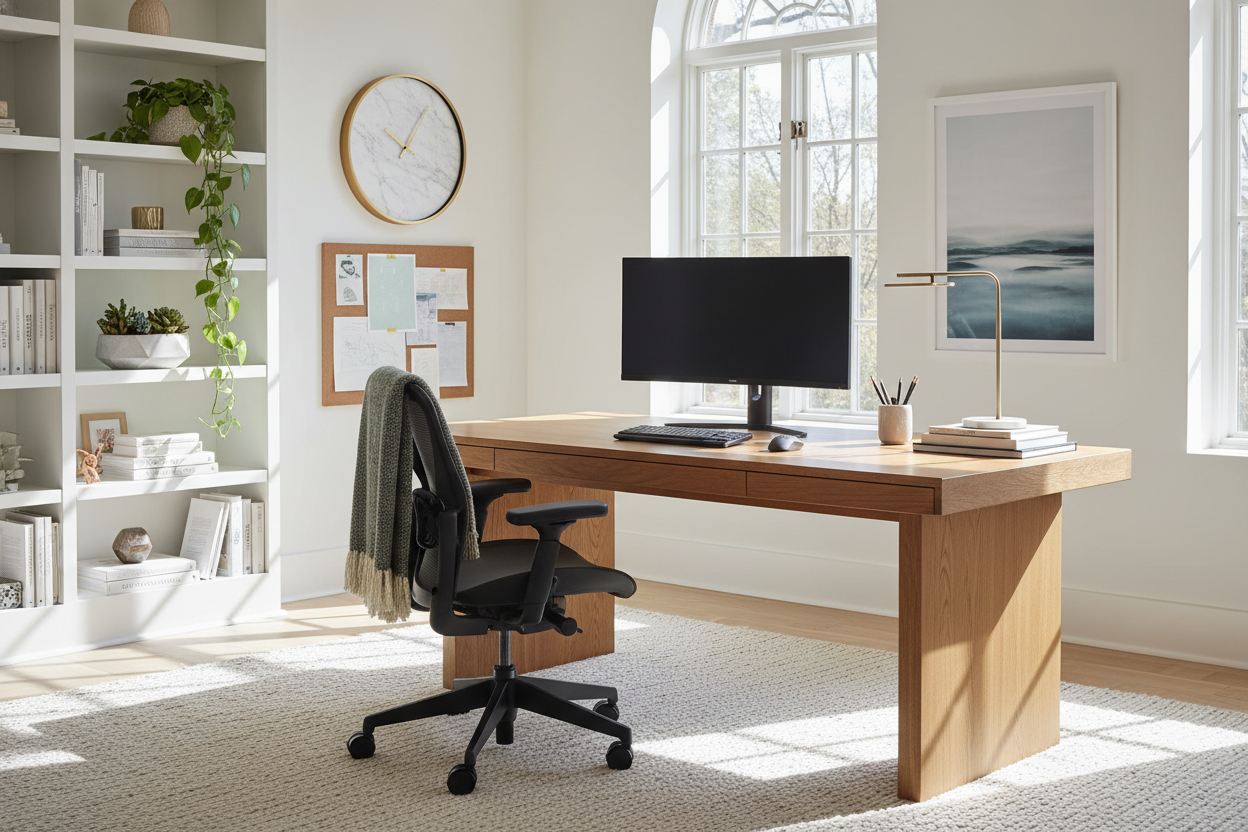
Yes, but you need a low-pile rug (like a vintage flatweave or a tightly woven synthetic) to allow the casters to move. Alternatively, upgrade your chair's standard plastic wheels to rollerblade-style casters, which glide smoothly over rugs without snagging the fibers.

Leave a comment
This site is protected by hCaptcha and the hCaptcha Privacy Policy and Terms of Service apply.