

















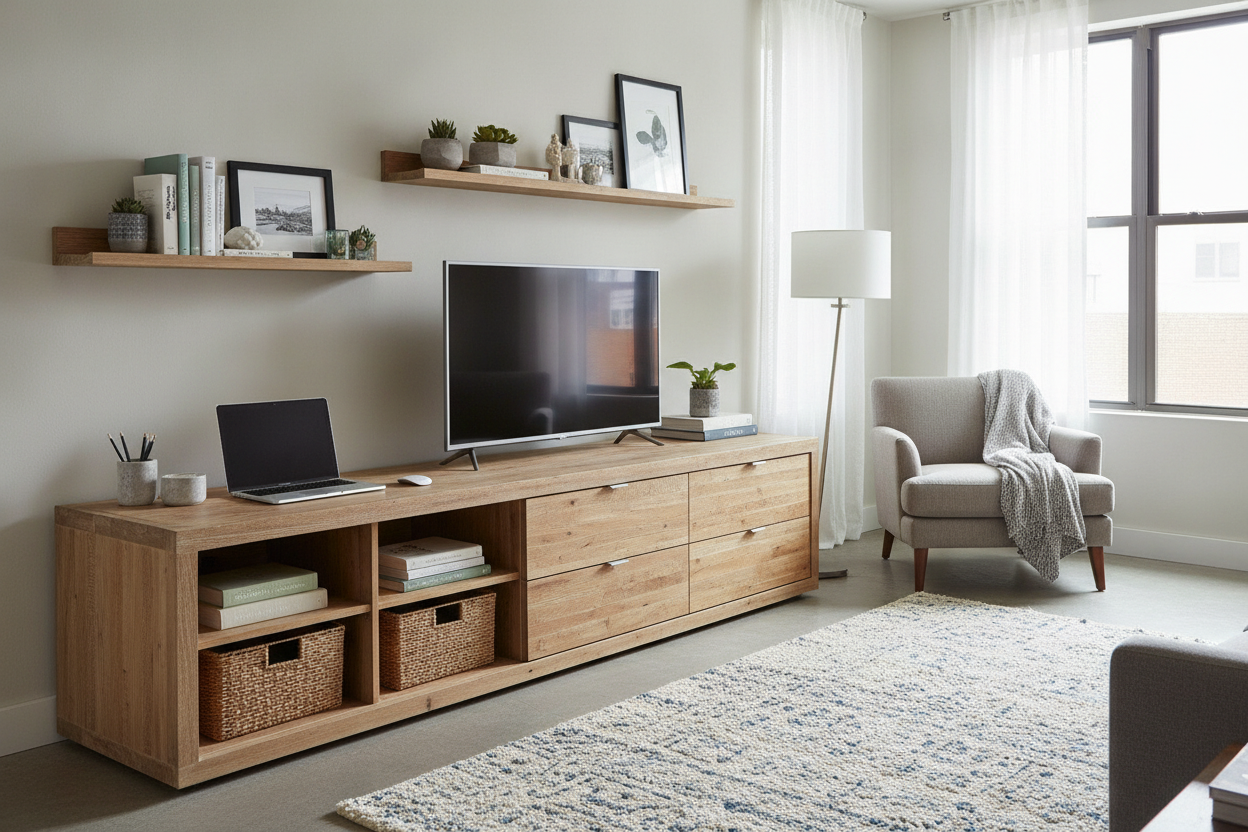
I spent three months staring at a metal filing cabinet that looked like it was salvaged from a 1994 DMV office. It was dented, depressing, and did nothing but hold a stack of papers I haven't touched in years. I needed a storage solution that didn't scream 'I work in a cubicle,' and that is when I realized a tv stand office setup was the answer I had been ignoring.
The realization hit me when I tried to fit my wireless printer on a standard bookshelf. It hung off the edge like a cliffhanger, and the power cord looked like a black snake crawling down the wall. I swapped it for a low-slung media console, and suddenly, my office did not feel like a workspace anymore—it felt like a room I actually wanted to be in.
- Depth: TV stands are deep enough (16-20 inches) to swallow printers and scanners whole.
- Cable Control: Built-in port holes mean you never see a power strip again.
- Aesthetics: They look like furniture, not industrial equipment.
- Dual Purpose: They easily transition from a storage hub to a media center after hours.
The Problem with Traditional WFH Furniture (It's Ugly)
Most office furniture is designed for utility first, and 'not looking like a hospital' second. If you look at standard filing cabinets or those tall, skinny bookcases, they are either made of cold metal or that flimsy particle board that bows the second you put a heavy binder on it. They make your home feel like a corporate annex.
When I was using a standard bookcase, the visual clutter was constant. You see the router, the modem, and the tangled mess of the UPS battery backup. It is distracting. A home office should be a place where you can focus, not a place where you are constantly reminded of the tech debt sitting in the corner of your eye. Bookcases are great for books, but they are a disaster for 21st-century hardware.
Enter the 'TV Stand Office' Hack
I finally stopped looking at the 'office' category entirely. When you decide to upgrade your home office, you will find that the best pieces are often hiding in the living room section. A media console is basically a heavy-duty credenza, but with better ventilation and smarter wiring options.
The height is the secret. A standard TV stand is about 24 to 30 inches tall. This is often the exact height of a standard desk. Placing one next to your workspace creates a continuous line that makes the room feel wider and more integrated. It is a sturdy, low-profile solution that provides a massive amount of surface area without blocking the light from your windows like a 6-foot hutch would.
Built-In Cable Management is a Lifesaver
This is where the media console wins every single time. These units are designed to house hot, cable-heavy AV receivers and gaming consoles. They almost always come with pre-drilled 2-inch holes in the back of every compartment. In my setup, I have my laptop dock, my monitor power brick, and my phone charger all plugged into a power strip hidden inside the cabinet.
I ran the cables through the back, and now the only wire visible is the one going to the wall outlet. It is the cleanest my desk has looked in five years. No more 'spaghetti monster' under my feet, and no more tripping over the vacuum cord because it got snagged on a rogue HDMI cable. It is clean, organized, and hidden.
The Perfect Depth for Bulky Tech
Standard bookcases are usually 11 or 12 inches deep. My HP LaserJet is 15 inches deep. You do the math. Before I switched, my printer lived on the floor because it was too 'fat' for the shelves. A media stand, however, is typically 16 to 20 inches deep. It is the perfect size to house a printer, a ream of paper, and a basket of miscellaneous adapters.
I actually hid my entire home office inside a cabinet by putting the printer on a pull-out tray I installed inside the stand. When I need to print, I open the door, slide it out, and slide it back when I am done. The tech is there when I need it and invisible when I do not. That is a level of organization you just cannot get with a traditional desk-and-shelf combo.
How to Style a Home Office TV Stand
To make your home office tv stand look like a deliberate design choice, you have to be careful with materials. Avoid the cheap, shiny plastic finishes. Go for something with texture—real wood veneer, fluted doors, or even a cane front. This helps the piece blend with your existing home decor rather than looking like an island of tech in the middle of a bedroom.
I recommend choosing a unit with legs. When you can see the floor underneath the furniture, the room feels much larger. Top the unit with a few non-work items: a ceramic vase, a stack of art books, or a sturdy Pothos plant. This breaks up the office vibe and makes the room feel like a living space that happens to have a desk in it. My personal mistake was buying a unit with glass doors—unless you are a minimalist, go for solid doors to hide the mess.
Transitioning to an Office Entertainment Unit at 5 PM
One of the best parts about this setup is the 'shut down' ritual. Because the stand is built for media, it is the perfect spot for a secondary screen. I have turned mine into a dual-purpose office entertainment unit. During the day, that screen is my secondary monitor for spreadsheets. At 5:01 PM, I switch the input to my Apple TV or PlayStation.
It creates a mental boundary. When the monitor is displaying work, I am at the office. When I shift my chair slightly and turn on a movie, I am at home. It is a small psychological trick, but in a small apartment where your bedroom is also your boardroom, those boundaries are everything. Plus, it is nice to have a dedicated spot for a console that is not cluttering up the main living room.
Can a TV stand really hold a heavy printer?
Absolutely. Most are rated to hold 100+ lbs to accommodate large TVs. A standard home office printer usually weighs between 15 and 30 lbs. Just make sure the internal shelf is adjustable so you have enough vertical clearance for the scanner lid to open.
Do I need to worry about the electronics overheating?
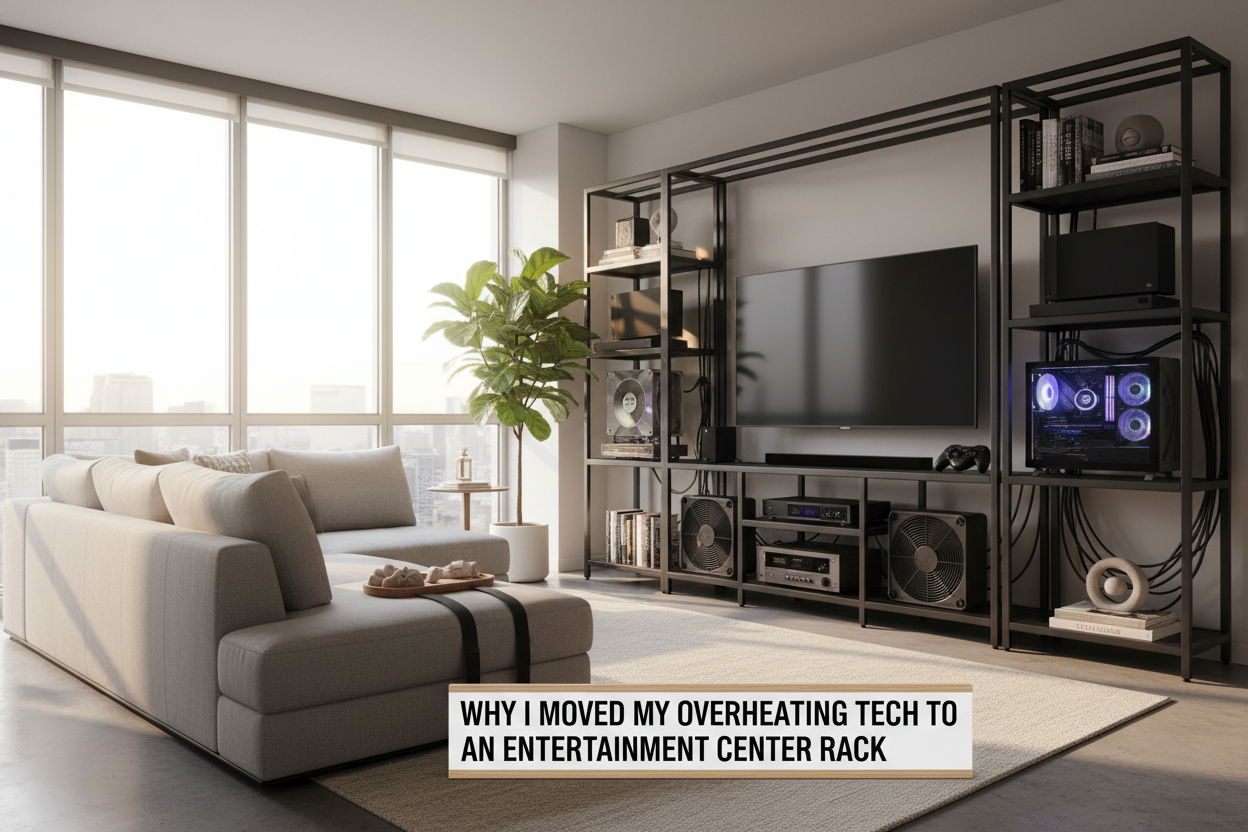
If you are running a powerful PC or a high-end router inside a closed cabinet, heat can build up. Look for stands with slatted doors or just leave the back panel off during assembly to allow for maximum airflow.
What if the stand is too low?
If you find the stand is too low for your eye level, you can add furniture risers or replace the legs with taller ones. I swapped the 4-inch legs on mine for 8-inch tapered mid-century legs, and it brought the whole unit to a much more comfortable height for a side-credenza.

Leave a comment
This site is protected by hCaptcha and the hCaptcha Privacy Policy and Terms of Service apply.