

















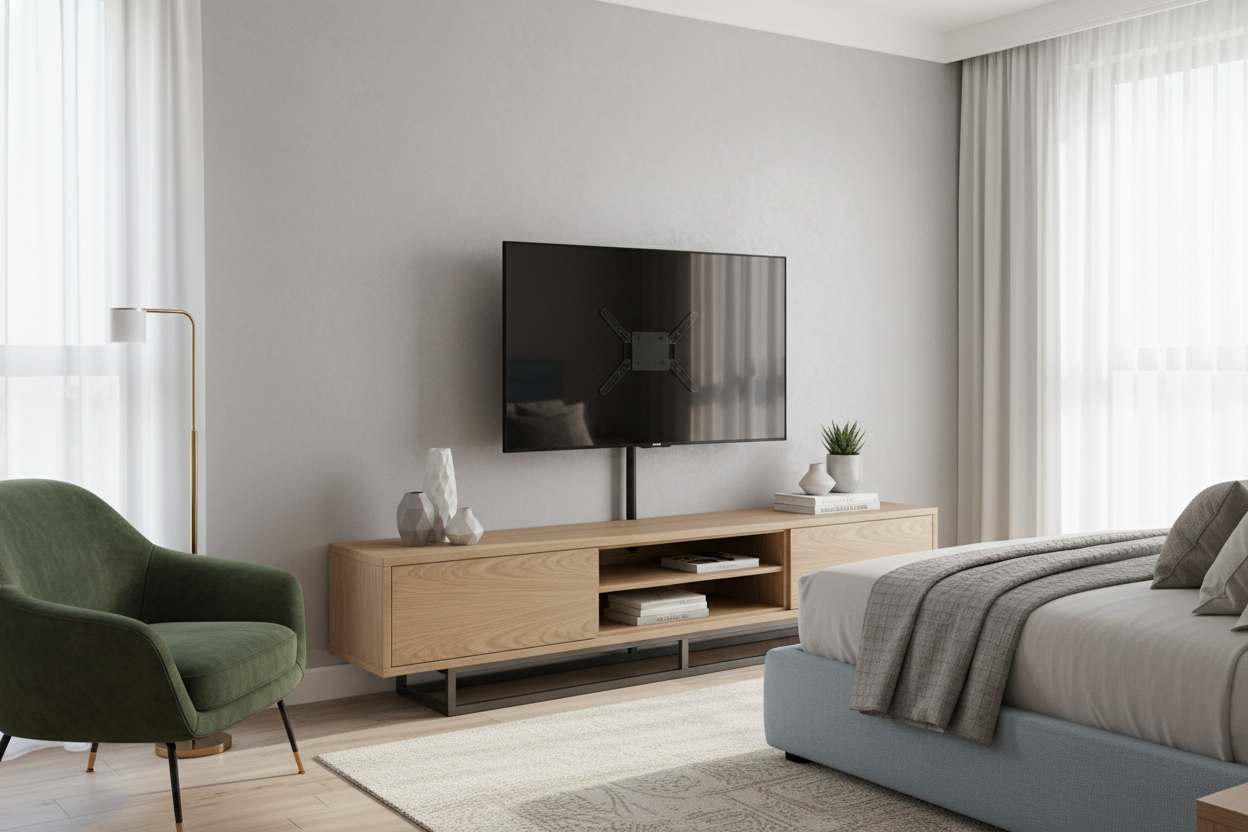
I spent three years staring at the bottom edge of my TV because I thought my dresser was a perfectly fine media console. It wasn't. Every night, I’d stack four pillows behind my head just to see over my own feet, waking up with a neck crick that no amount of Ibuprofen could fix. I finally gave up on the DIY 'propped-up' look and started researching tv stands with mount options that actually fit a bedroom layout.
- Better Sightlines: Most dressers are 30-35 inches tall; you need your screen higher for comfortable bed viewing.
- Zero Wall Damage: Perfect for renters who want the 'floating' look without losing their security deposit.
- Space Saving: Integrated mounts have a much smaller footprint than bulky traditional cabinets.
- Cable Chaos Solved: Most hybrid stands include built-in channels to hide those ugly dangling cords.
The Dresser Problem: Why Your Screen Is Always at the Wrong Height
Let’s be honest: your dresser was built for socks, not a 50-inch 4K display. When you’re lying flat in bed, your eye level is completely different than when you’re sitting on a sofa. If your TV is sitting flat on a low surface, you’re either straining your neck downward or constantly adjusting your posture. A dedicated bedroom tv stand with mount allows you to set the screen at an ergonomic height—usually about 45 to 50 inches from the floor—so you can actually relax while you watch.
I remember swapping my low-profile console for a hybrid unit and the difference was immediate. Traditional furniture just doesn't offer the verticality you need in a sleeping space. With a tv stand with tv mount attached, you get that 'hotel suite' vibe where the screen is positioned perfectly for your line of sight. Plus, you don't have to worry about the TV tipping over if you accidentally bump the furniture while making the bed. It’s about more than just looks; it’s about not needing a chiropractor every Monday morning.
Even a large tv stand with mount doesn't have to feel imposing. By using the vertical space, you free up the actual surface of the furniture for things that matter—like a lamp that doesn't block the corner of the screen or a place to set your phone. It’s the most logical way to handle a tv stand with mount for bedroom use without making the room feel like a cluttered tech lab.
Wall Brackets vs. TV Stands With Mount: The Great Debate
I’ve lived in three different apartments in five years. The first thing I learned is that 'stud finders' are often lying to you. There is nothing more soul-crushing than drilling four holes into a wall only to realize you’ve hit a metal plate or, worse, absolutely nothing but crumbling plaster. I spent a whole Saturday struggling to find wall studs in my last place before I realized a tv stand with mount bracket was the superior solution for anyone who moves more than once a decade.
A tv stand and bracket setup gives you the exact same aesthetic as a wall mount—that clean, hovering look—but with zero commitment. If you decide you want to move the TV to the opposite corner of the room, it takes five minutes, not a bucket of spackle and a gallon of matching paint. These units are heavy-duty, too. A solid tv stand with bracket is usually made of cold-rolled steel that can handle the weight of a modern flat panel without a hint of a wobble.
For those searching for an entertainment center mount that doesn't require a power drill, these hybrid units are the middle ground. You get the stability of an anchored piece of furniture with the sleekness of a wall-mounted display. I’ve seen people try to find a tv stand with mount nearby at big-box stores, but the quality varies wildly. You want something with a wide, weighted base. If you go for a tv stand with mount cheap, make sure the steel gauge is thick enough to prevent the 'forward lean' that plagues low-end models. A good tv mount for entertainment center use should feel like part of the architecture, not a flimsy tripod.
Picking the Right TV Mount Furniture for Tight Corners
Bedrooms are notoriously difficult to furnish because the bed takes up 70% of the floor space. If you have a narrow walkway at the foot of your bed, a traditional bulky cabinet is a shin-bruise waiting to happen. This is where a small tv stand with mount becomes a literal lifesaver. Look for designs with a low-profile 'T-shaped' or circular base that can slide partially under a bed frame or a dresser.
When you browse modern tv stands, pay attention to the depth measurements. A slim tv mount furniture piece might only be 12 to 15 inches deep, whereas a standard console is 20 inches or more. That extra five inches of floor space is the difference between comfortably walking to the bathroom at 2 AM and stubbing your toe on a wooden corner. I also highly recommend looking for a tv stand with holder features for your remote or streaming box to keep the footprint as minimal as possible.
Cable management is the other big factor in small spaces. In a tight corner, a mess of black wires looks like a bird's nest. Most modern tv table with mount designs feature hollow pillars. You feed the HDMI and power cables through the top and they pop out at the bottom, completely hidden from view. It makes even a tiny room look organized and intentional rather than cramped.
How to Style a TV Table With Mount (Without Looking Like a Dorm Room)
The biggest fear people have with a tv stand with flat panel mount is that it will look too 'office-y' or like a dorm room setup. I get it—all that black metal can feel cold. The trick is to choose a cabinet mount tv stand that incorporates natural materials. Look for units that have wooden shelves or a textured base to soften the industrial look of the mounting pole.
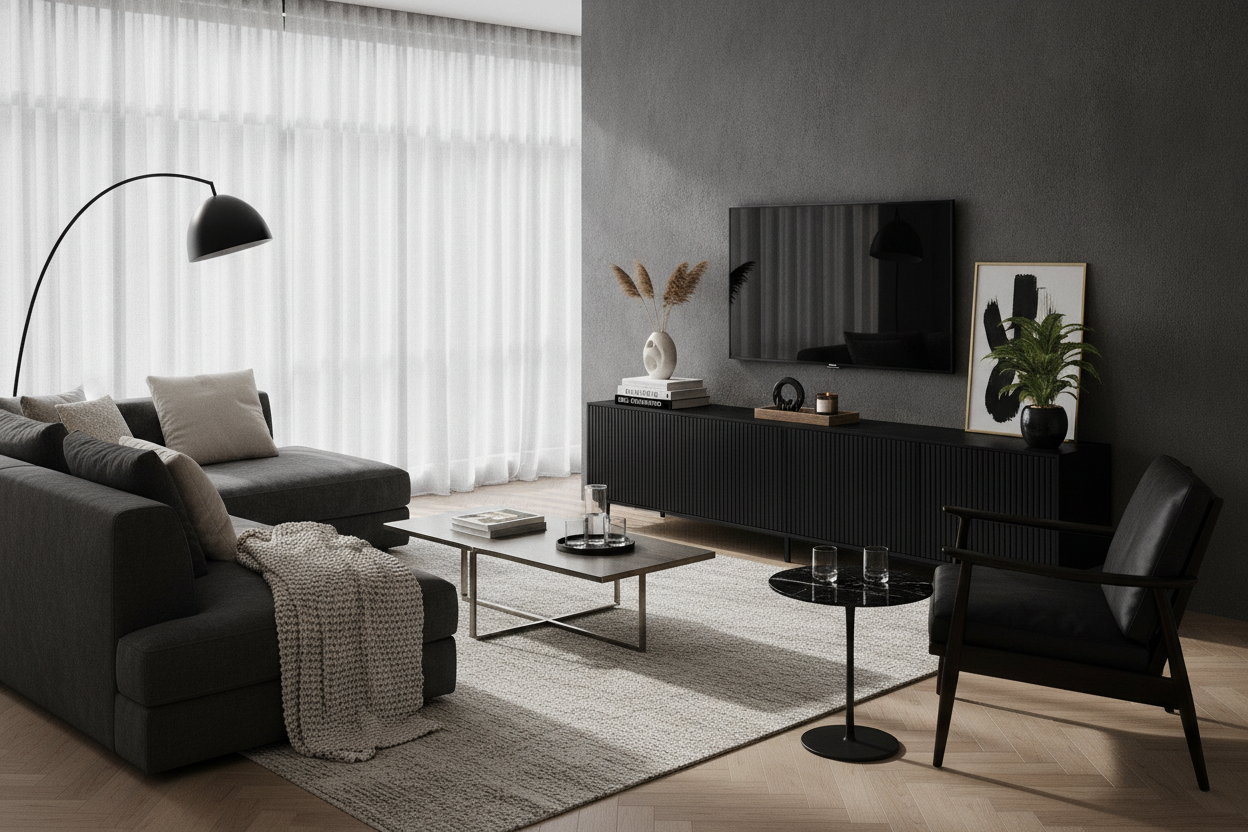
I personally love a sleek black entertainment center because it makes the screen blend in when it's turned off. To style it, I place a few oversized coffee table books on the bottom shelf to weigh it down visually. Add a small potted plant—something like a snake plant that doesn't need much light—next to the base. This breaks up the harsh lines of the metal and adds a bit of life to the tech setup.
If you’re worried about the mount being too visible, you can use the 'layering' trick. Place a slightly taller piece of decor, like a ceramic vase, just to the side of the mounting pole. It draws the eye away from the hardware and toward your personal style. The goal is to make the mount look like a deliberate design choice, not just a utility bracket.
My Honest Mistake: The 'Budget' Lean
I have to admit, the first time I bought a mount-integrated stand, I went for the cheapest one I could find on a flash sale site. It was a mistake. The metal was so thin that once I attached my 55-inch TV, the whole thing leaned forward about three degrees. It looked like the TV was sad. I ended up having to wedge a piece of cardboard under the front of the base just to level it out. Don't be me. Spend the extra $40 for a unit with a tempered glass or heavy steel base. Your floor and your sanity will thank you.
FAQ
Will a universal mount fit any TV brand?
Almost always, yes. Most use the VESA standard, which is just a fancy way of saying the hole patterns on the back of your TV match the bracket. Just check your TV's weight against the stand's limit.
Can I adjust the height after it's assembled?
Most stands have 3 to 5 height settings. You usually have to unscrew a couple of bolts to move it, so it's best to find your 'sweet spot' before you hide all the cables.
Is it safe for households with pets or kids?
Yes, provided you get a weighted base. Actually, it's often safer than a TV on a stand because the mount prevents the screen from being knocked over easily. For extra safety, you can still use a small floor anchor.


Leave a comment
This site is protected by hCaptcha and the hCaptcha Privacy Policy and Terms of Service apply.