

















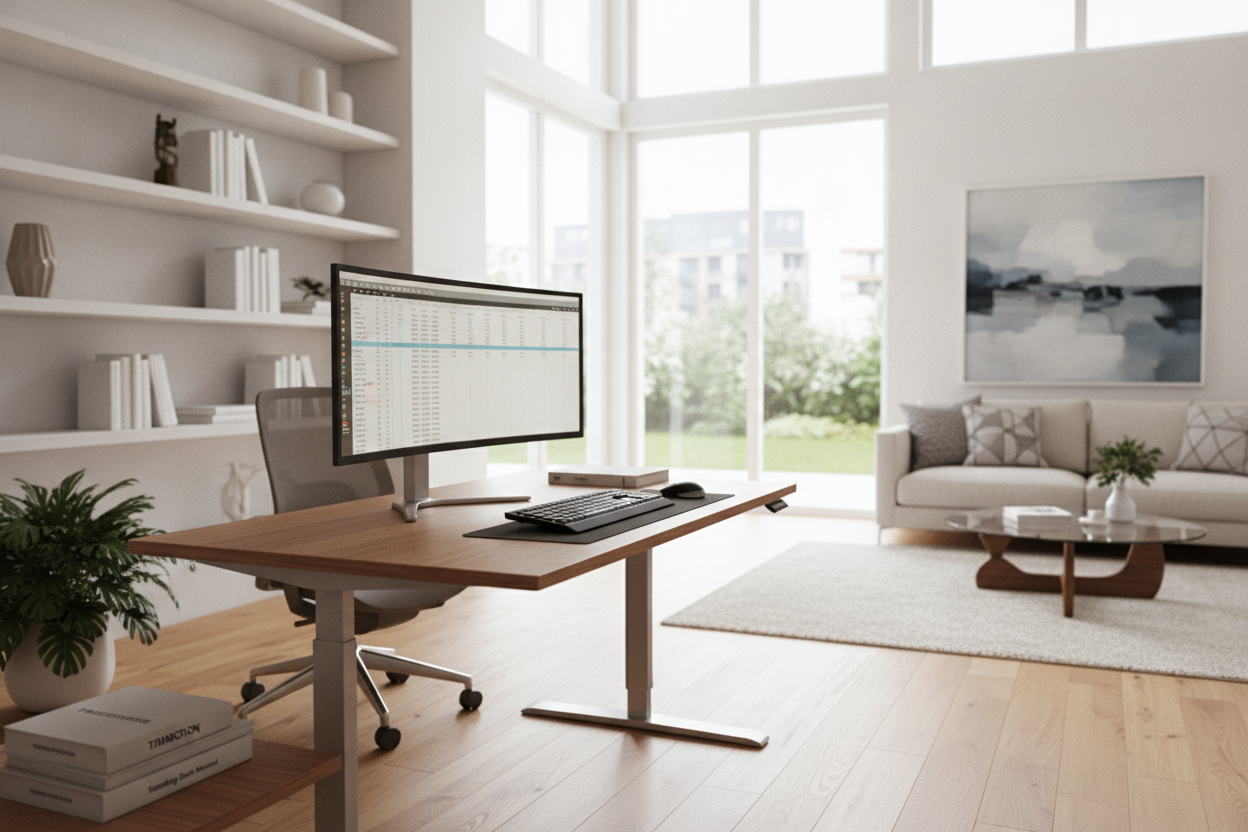
I spent eight hundred dollars on a desk that looked like it belonged in a Scandinavian design museum. It was beautiful, but every time I typed an email, my monitor wobbled like a bobblehead in a hurricane. After six months, the motor groaned its final breath and died. That was the moment I realized I’d been shopping for furniture all wrong. I didn't need a pretty top; I needed a timotion standing desk motor that could actually handle the weight of my life.
- TiMotion is an industrial-grade motor brand used in medical and heavy-duty equipment.
- The hardware is virtually wobble-free compared to budget consumer brands.
- Programming the memory presets requires a bit of patience and the right manual.
- Buying the frame separately allows for much better customization with solid wood tops.
The Hard Truth About Fancy Sit-Stand Desks
Most of those Instagram-famous desks are just fifty dollars worth of particle board and a generic motor that struggles to lift a full cup of coffee. I learned this the hard way when my previous 'designer' desk literally started smoking while trying to raise my dual-monitor setup. It turns out that when you pay for those brands, you are paying for the marketing and the finish, not the engineering.
Compared to a traditional writing computer desk, which is solid because it simply doesn't move, a motorized desk introduces a dozen points of failure. If the lifting columns aren't engineered for stability, you are just buying a very expensive vibrating plate. I decided to stop looking at the wood grain and start looking at the weight capacity and the actuator brand. That led me straight to the heavy-duty stuff.
Wait, What Even Is a TiMotion Desk?
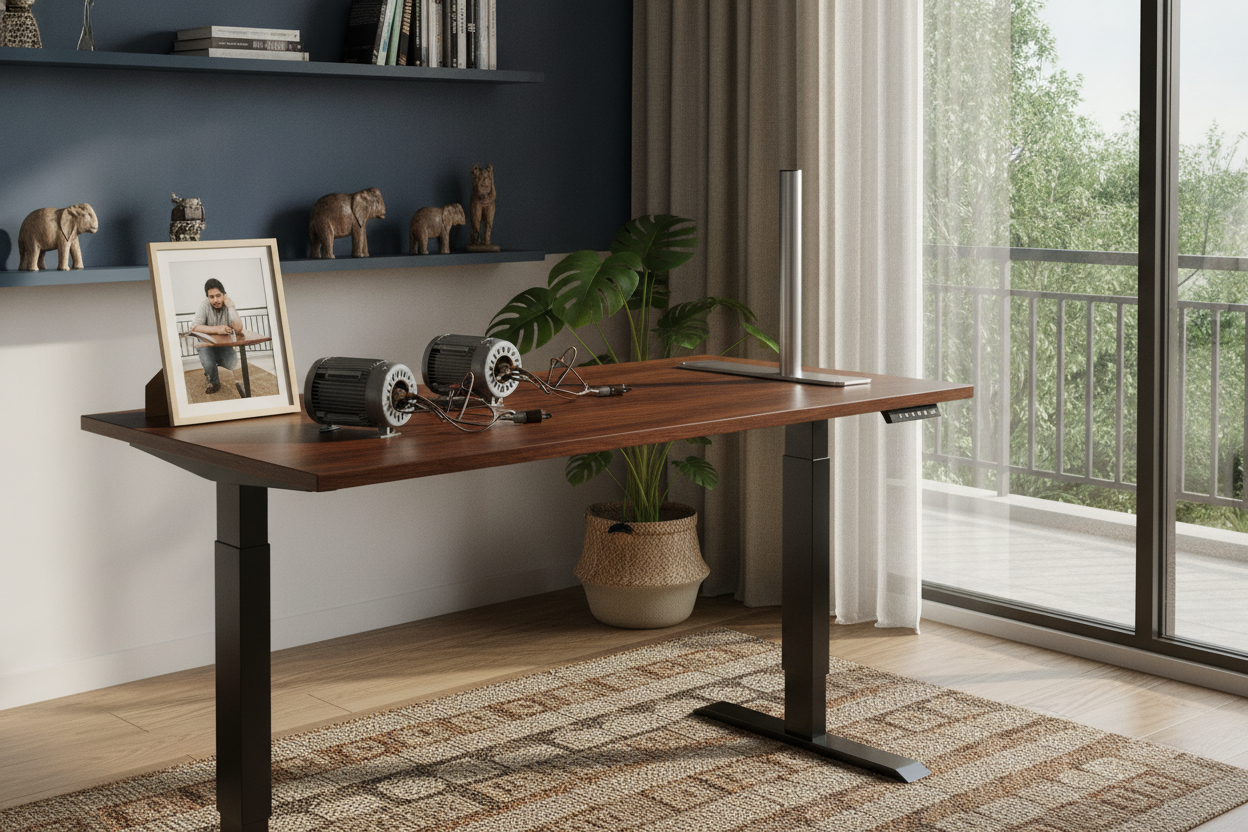
Here is the open secret of the furniture industry: TiMotion isn't a desk brand you'll find at a big-box store. They are a manufacturer of linear actuators—the robotic legs that do the heavy lifting. When people talk about a timotion desk, they are usually talking about a high-end frame that uses these specific motors. They are built for hospitals and factories, which means they can handle your heavy monitors without breaking a sweat.
I opted for a heavy-duty frame because I knew I wanted a massive 71 w height adjustable standing desk setup. A cheap motor would scream under the weight of a solid walnut slab plus three monitors and a heavy PC tower. The TiMotion system doesn't even flinch. It moves with a confident, low hum rather than the high-pitched whine of a motor that's about to give up on life. If you want a setup that doesn't shake when you type, this is the hardware you hunt for.
Decoding the TiMotion Standing Desk Manual (Without Crying)
I will be honest: the timotion standing desk manual is a special kind of hell. It looks like it was translated from three different languages by a robot that hates humans. When I first plugged mine in, I got an 'E01' error code immediately. I spent forty minutes staring at the keypad before realizing the legs were just slightly out of sync and needed a hard reset. You have to hold the down button until it reaches the absolute bottom, then keep holding it until it 'jumps' slightly.
Setting up an electric lift system with memory presets is the next hurdle. You have to hold the 'S' button and then the number in a sequence that feels like a cheat code for an old Nintendo game. But once it is programmed, it is rock solid. I have my sitting height at 72cm and my standing at 110cm. I don't have to hold the button down anymore; one tap and it glides to the perfect spot every single time. It is a steep learning curve for ten minutes of work, but the payoff is years of not thinking about it again.
How I Styled a 'Tech-Heavy' Frame to Look Like Furniture
The downside to industrial frames is that they look, well, industrial. They are chunky, heavy, and often come in a basic matte black or grey. To keep my office from looking like a server room, I skipped the stock laminate tops. I spent some time looking at designer ideas for standing desk layouts and decided to go the DIY route for the top.
I bought a 1.5-inch thick solid walnut slab and mounted it directly to the TiMotion frame. Because the frame is so beefy, it hides the motor housing and the control box quite well. I also used magnetic cable management channels to hide the wires running down the legs. The result is a desk that looks like a high-end piece of furniture but has the soul of a forklift. It’s the best of both worlds.
The Final Verdict: Is It Worth the Motor Snobbery?
If you are a light user with a single laptop, this might be overkill. But if you have multiple monitors, a heavy desk shelf, or just a deep hatred for monitor wobble, it is absolutely worth hunting down a TiMotion-powered frame. The peace of mind knowing the motor won't burn out in six months is worth the initial struggle with the manual. It is a tool, not just a table.
FAQ
What does E01 mean on a TiMotion controller?
It usually indicates a synchronization error. Simply hold the down button until the desk reaches its lowest point and 'resets' with a small movement. The error code should disappear.
Is the TiMotion motor loud?
Not at all. It produces a low-frequency hum that measures around 45 decibels. You can easily adjust your desk height during a video call without anyone noticing the sound.
Can I use any desktop with a TiMotion frame?
Yes, as long as the frame width is adjustable. Most TiMotion frames can expand to fit tops ranging from 48 inches to over 72 inches. Just ensure you use high-quality wood screws that won't strip.

Leave a comment
This site is protected by hCaptcha and the hCaptcha Privacy Policy and Terms of Service apply.