

















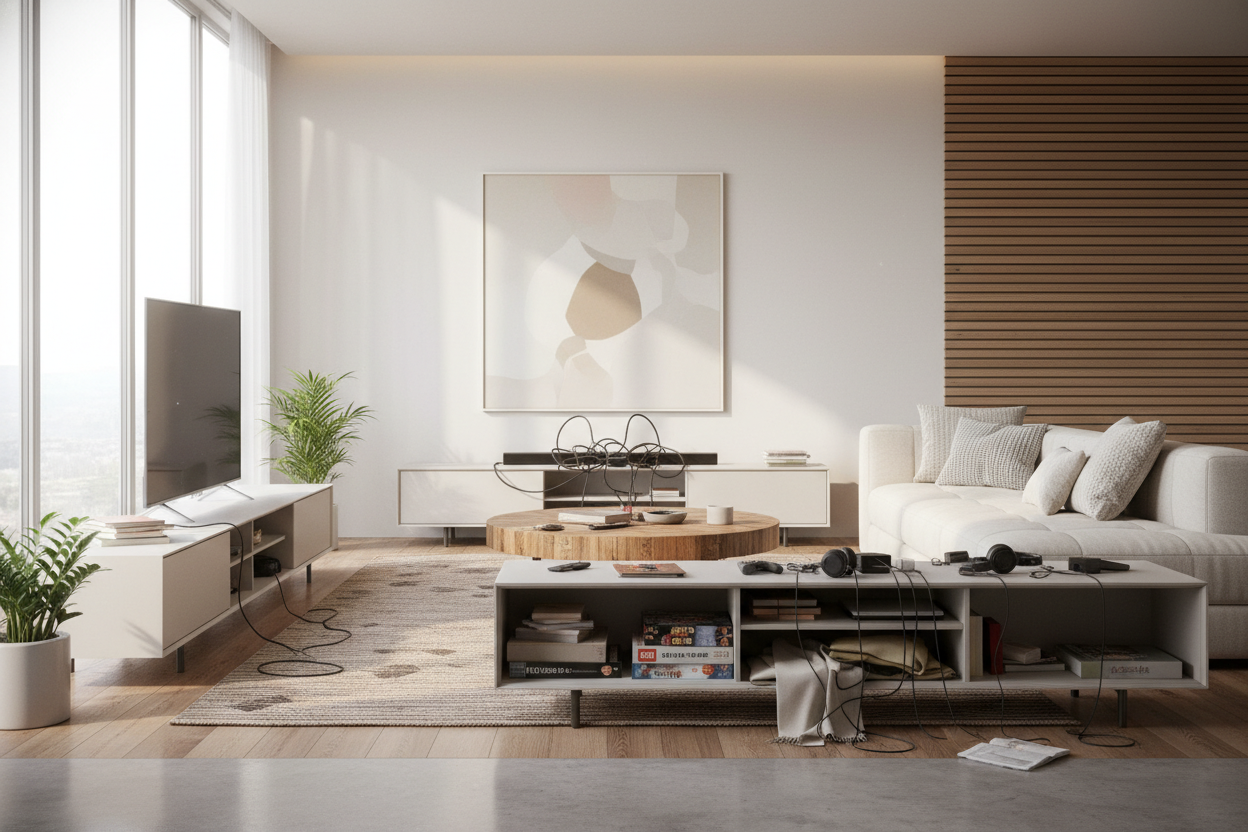
I remember the first time I mounted a flat screen. I was so proud of those heavy-duty toggle bolts and the clean, 'floating' look I thought I was achieving. Then I stepped back and realized my living room looked like a hospital waiting room. If your space lacks entertainment center storage, you've likely felt that same 'something is missing' vibe. It’s that nagging sense that the room is unmoored, even if your furniture is expensive.
As a home stager, I see this mistake constantly. People think that by ditching the media console, they're being minimalists. In reality, they're just leaving a giant black rectangle to haunt a bare wall. You need a base to ground the tech, otherwise, the proportions of the entire room will feel top-heavy and accidental.
Quick Takeaways
- A mounted TV without furniture underneath creates a 'floating' effect that feels visually unstable.
- Media units aren't just for TVs; they hide the 'tech spaghetti' of routers, consoles, and power strips.
- Scale is everything—your furniture should always be wider than the screen above it.
- Low-profile units provide storage without the bulky footprint of 90s-style armoires.
The Awkward 'Floating TV' Syndrome
When you hang a TV on a flat wall with nothing beneath it, you create a visual void. The human eye expects a foundation. Without one, the TV looks like it’s just drifting off into space. This is often why people find themselves constantly rearranging their chairs or adding random plants to 'fill the gaps' that shouldn't be there in the first place.
I get the hesitation. You might wonder if a bulky piece of furniture is actually worth the floor space when the TV is already on the wall. But the floor space you 'save' by going bare is usually wasted space anyway. You can't walk right against the wall under a TV, so you might as well use that footprint to provide a visual anchor that makes the room feel finished.
Cords, Consoles, and the Reality of Tech Clutter
Let’s talk about the 'tech spaghetti.' Even if you’ve managed to fish your HDMI cables through the drywall, you still have the router, the soundbar, the PlayStation, and that one mysterious black box that provides the internet. When a room lacks a landing spot for these items, they end up in a pile on the floor or tucked awkwardly behind a chair.
A dedicated entertainment center is the only way to deal with this reality. I’ve tried the 'basket on the floor' method, and it just collects dust and looks like a fire hazard. You need real cabinets with cord management cutouts. It’s the difference between a room that looks like a teenager’s gaming den and a room that looks like it belongs to a functional adult.
How to Anchor the Room (Without Reverting to the 90s)
You don't need a massive, honey-oak armoire that takes up half the zip code. Modern media storage is all about being low, lean, and long. I personally prefer a stylish black TV stand because it provides a heavy visual contrast. That weight at the bottom of the wall balances out the 'void' of the TV screen when it's turned off.
Look for pieces with clean lines and hidden hinges. Avoid the cheap 1.2 lb density particle board that sags after six months. You want something sturdy enough to hold a soundbar without bowing in the middle. If you go with a darker finish, it helps the black screen of the TV blend into the overall design rather than sticking out like a sore thumb.
The Wide and Low Styling Trick
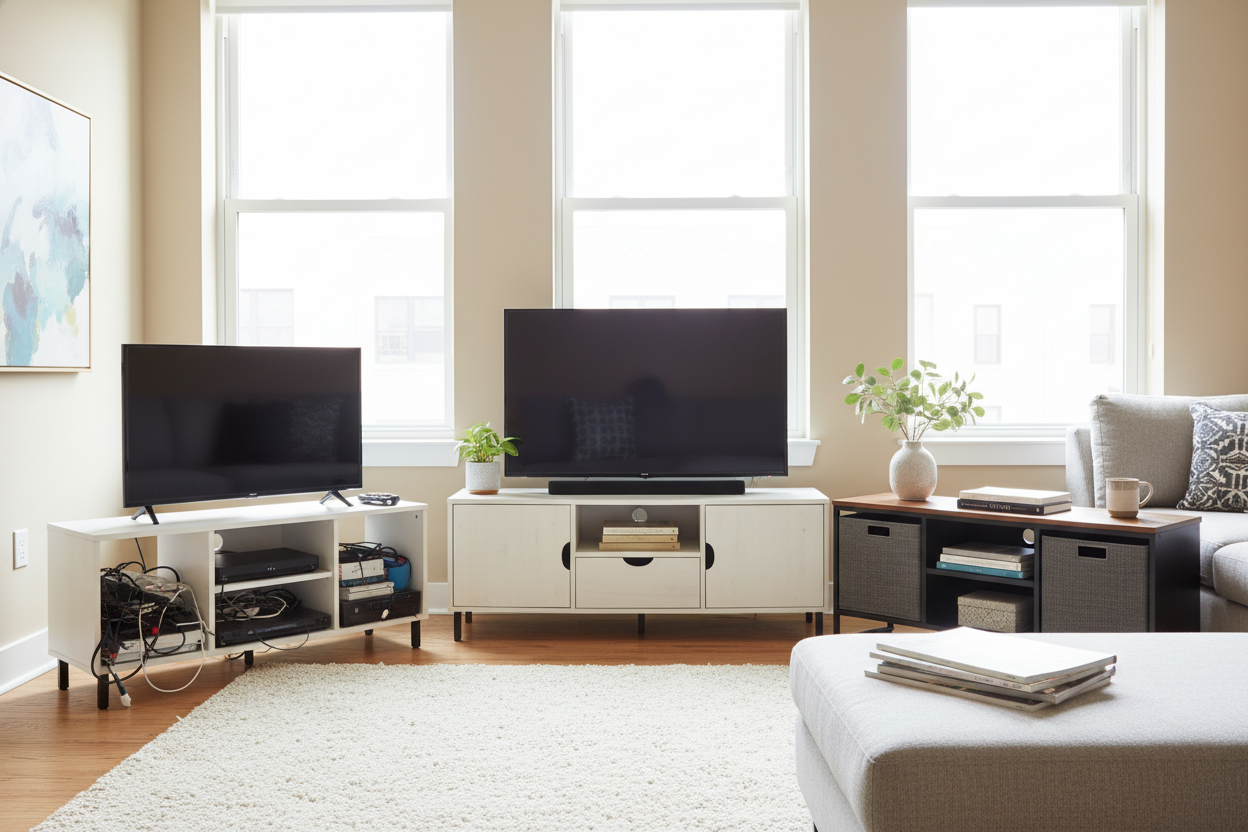
The biggest mistake I see? Buying a stand that is the same width as the TV. It makes the whole setup look like a mushroom. You want your media unit to be at least 10 to 20 inches wider than the screen. An extra-wide wood grain unit creates a horizontal line that actually makes your wall look broader and your ceilings look higher.
This trick works because it turns the TV area into a 'zone' rather than just a piece of equipment. When the stand is wider, you have room to place a lamp or a couple of books on the ends, which bridges the gap between 'tech' and 'decor.'
Faking the Expensive Built-In Look
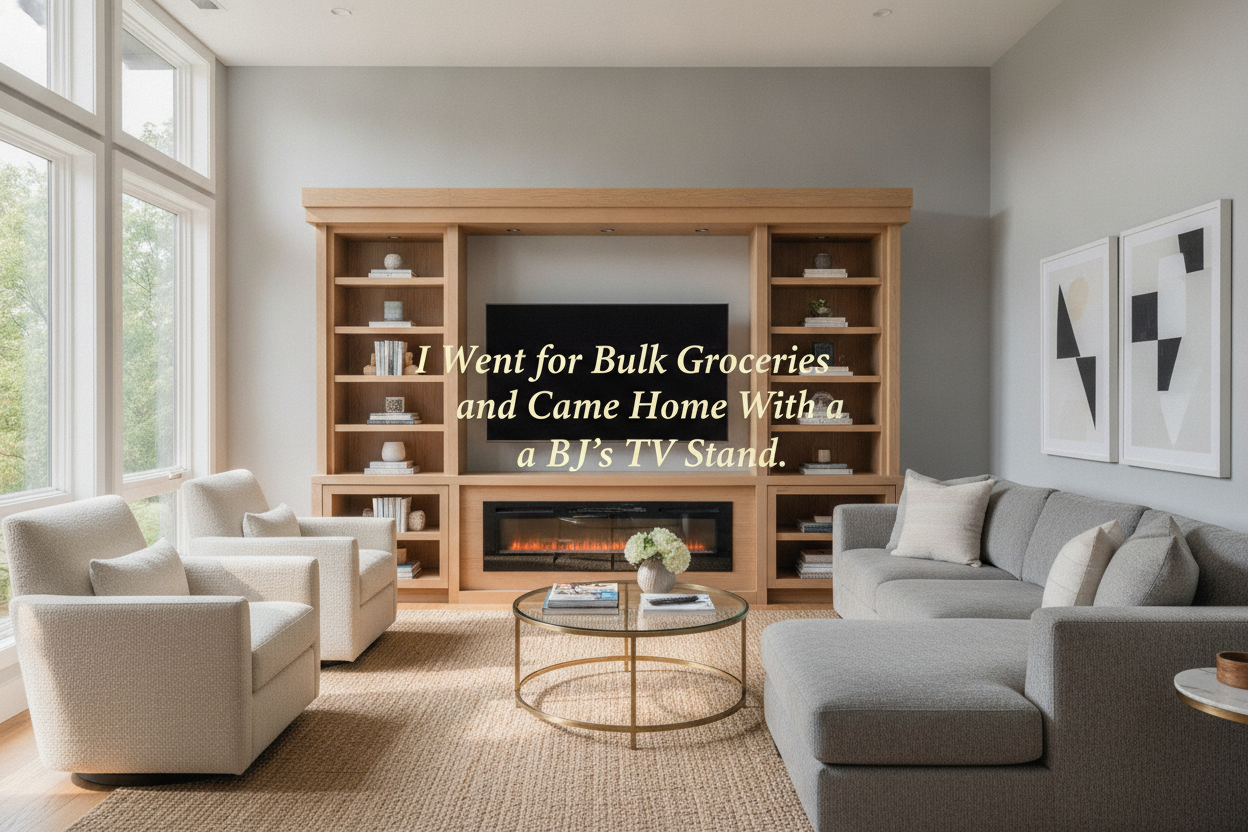
If you really want to fix a messy-looking living room, you have to treat the media console as part of a larger composition. You can achieve a custom, high-end look by flanking your console with shelving. I’ve spent hours styling a bookcase and entertainment center together to make them look like one cohesive unit.
The secret is to keep the heights varied. Don't just line up everything in a straight row. Use the storage inside the console for the ugly stuff—remotes, controllers, manuals—and use the top and surrounding shelves for things that actually look good. It turns a boring utility area into a focal point that actually adds character to your home.
My $500 Mistake
A few years ago, I bought a gorgeous, mid-century modern console that was only 48 inches wide. My TV was 65 inches. I thought, 'It’s fine, it’s just for the cables.' It was not fine. Every time I sat on the sofa, the proportions felt 'off.' The TV looked like a giant head on a tiny body. I eventually had to sell that piece at a loss and buy a 75-inch unit. Learn from my stubborness: measure twice, buy once, and always go wider than you think you need.
FAQ
How much wider should my stand be than my TV?
Aim for at least 6 inches of clearance on each side. If you have a 55-inch TV (which is about 48 inches wide), you want a stand that is at least 60 inches wide.
Can I use a dresser instead of an entertainment center?
You can, but dressers are usually taller (30-36 inches). This might put your TV at an uncomfortable viewing angle if you aren't careful. Also, dressers rarely have holes for cord management.
Do I need an entertainment center if my TV is professionally mounted?
Yes. Even without a TV sitting on it, the furniture provides the necessary visual weight to ground the wall and gives you a place to hide your peripheral devices.

Leave a comment
This site is protected by hCaptcha and the hCaptcha Privacy Policy and Terms of Service apply.