

















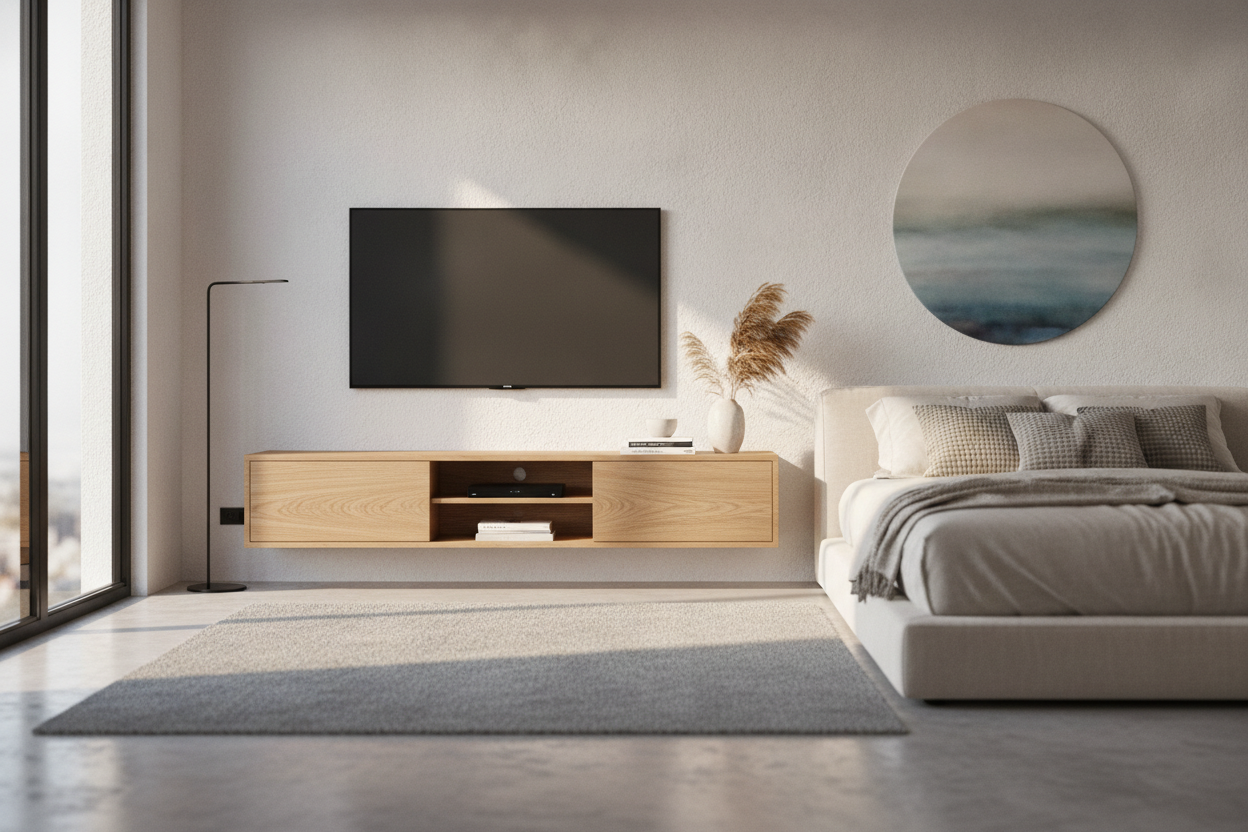
I’ve spent too many nights staring at a TV perched on a dresser that was three inches too tall, giving myself a permanent crick in the neck. In a small bedroom, every inch of floor space is a battleground between your shins and your furniture. Installing a floating tv stand 50 inches wide changed the entire energy of my room from 'cramped storage unit' to 'boutique hotel' overnight.
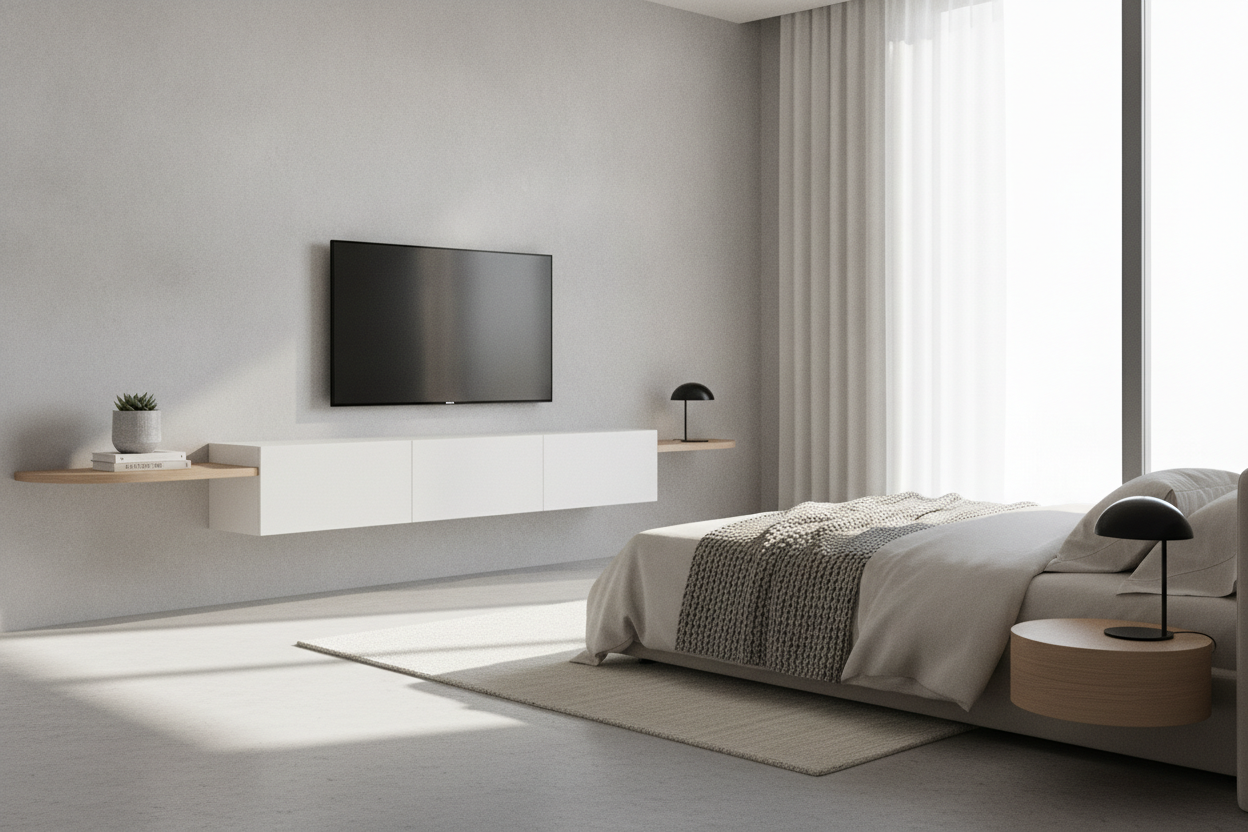
It’s about that narrow path between the foot of the bed and the wall. Most traditional consoles stick out 18 inches, leaving you to shuffle sideways like a crab. A floating unit cuts that profile down significantly while keeping your tech off the floor and out of your way.
- 50 inches is the 'Goldilocks' size for secondary rooms—substantial but not overwhelming.
- Mounting at eye level from your mattress prevents the dreaded 'front row at the cinema' neck strain.
- Floating designs make small rooms feel larger by exposing more of the floorboards.
- Smart cable management is the secret to making a cheap unit look like a custom install.
Why 50 Inches Is the Bedroom Sweet Spot
Living rooms can handle those massive 80-inch sideboards, but the bedroom is a different beast. When you start swapping traditional floor-based tv stands for wall-mounted options, you realize how much visual 'noise' you’re removing from your sanctuary. A 50-inch width is wide enough to feel intentional against a queen-sized bed without making the wall look crowded.
Most bedrooms have about 30 to 36 inches of clearance at the foot of the bed. If you drop a standard cabinet there, you’re down to a tiny walkway. By floating a compact unit, you keep the floor clear. It’s a psychological trick—if you can see the floor all the way to the baseboard, your brain perceives the room as being much airier than it actually is.
The Screen Size Math (Please Don't Mess This Up)
Here is my biggest pet peeve: seeing a massive 65-inch TV hanging over a tiny console. It looks top-heavy and unstable. A floating tv stand 50 inch unit is designed for a specific scale. Ideally, you want your stand to be at least 4 to 6 inches wider than the TV itself. This means a 43-inch or 50-inch screen is your perfect mathematical match.
If you go larger with the screen, the stand looks like an afterthought. If you’re a renter and the thought of drilling heavy-duty bolts into your drywall gives you hives, there are workarounds. I Faked a Floating Screen With a 50 Inch TV Mount Stand once using a ultra-slim floor mount just to avoid losing my security deposit while still getting that elevated look. It's a solid backup plan if your landlord is a stickler.
Hiding the Ugly Tech When You Lack Drawers
The downside of a minimalist 50 inch floating shelf for tv is that there’s often nowhere to hide a massive cable box or a tangled nest of HDMI cords. You have to be ruthless. I ditched the bulky cable box for a streaming stick that hides behind the screen. For everything else, I use heavy-duty command strips to mount slim power strips to the underside of the shelf where they can't be seen.
If you absolutely must have a console or a disc player, look for a floating unit with a flip-down door. Even a slim 10-inch deep unit can house a modern gaming console if it’s ventilated properly. Just don't let the wires dangle; a $10 plastic cord racer painted the same color as your wall is the difference between a professional setup and a messy DIY project.
Alternative Idea: The Hidden TV Approach
Sometimes, the best bedroom TV is the one you can’t see at all. If you’ve realized that a black rectangle on the wall ruins your 'zen sanctuary' vibe, you might want to pivot away from the wall entirely. I’ve grown fond of the 'foot of the bed' pop-up look for high-end primary suites. Using an electric vertical lift tv cabinet allows you to keep your views clear during the day and only bring the tech out for a late-night binge.
It’s a more expensive route, sure, but it solves the cable management and the 'tech cave' problem in one go. There is something undeniably satisfying about a TV that glides silently out of a cabinet at the press of a button, keeping the rest of the room focused on rest rather than screens.
Styling Tricks So It Doesn't Look Like a Dorm Room
The space under a floating shelf is prime real estate. Don't just leave it empty and sad. I like to tuck a couple of high-quality woven baskets underneath. They ground the piece so it doesn't look like it's just drifting away, and they’re perfect for storing extra throw blankets or those decorative pillows you toss off the bed every night.
On the shelf itself, keep it simple. One or two books, maybe a small trailing plant like a Pothos or a Philodendron to soften the hard edges of the electronics. Avoid the urge to clutter it with photos and candles. You want the eye to move across the unit, not get stuck on a dozen tiny knick-knacks that collect dust.
My Personal Setup Mistake
I once mounted a floating console using the 'included' plastic drywall anchors. Big mistake. Three weeks later, I woke up to a terrifying crunching sound as the right side started pulling away from the wall, taking a chunk of plaster with it. My advice? Find at least one stud, or use heavy-duty Snaptoggles. Don't trust those flimsy plastic bits with your expensive electronics and your wall's integrity.
FAQ
Can a floating stand hold a heavy TV?
Only if it's anchored into studs. Drywall alone won't cut it for the weight of a 50-inch unit plus the TV. If you hit the studs, these things are incredibly sturdy.
How high should I mount it?
Sit on your bed in your usual watching position. Your eyes should hit the center of the screen without you having to tilt your head up. Usually, this means the bottom of the stand sits about 24 to 30 inches off the floor.
Will my gaming console overheat in a floating shelf?
If it's an enclosed shelf without airflow, yes. Look for units with open backs or mesh fronts. I actually prefer mounting the console behind the TV using a specialized bracket to keep the shelf completely clear.

Leave a comment
This site is protected by hCaptcha and the hCaptcha Privacy Policy and Terms of Service apply.