

















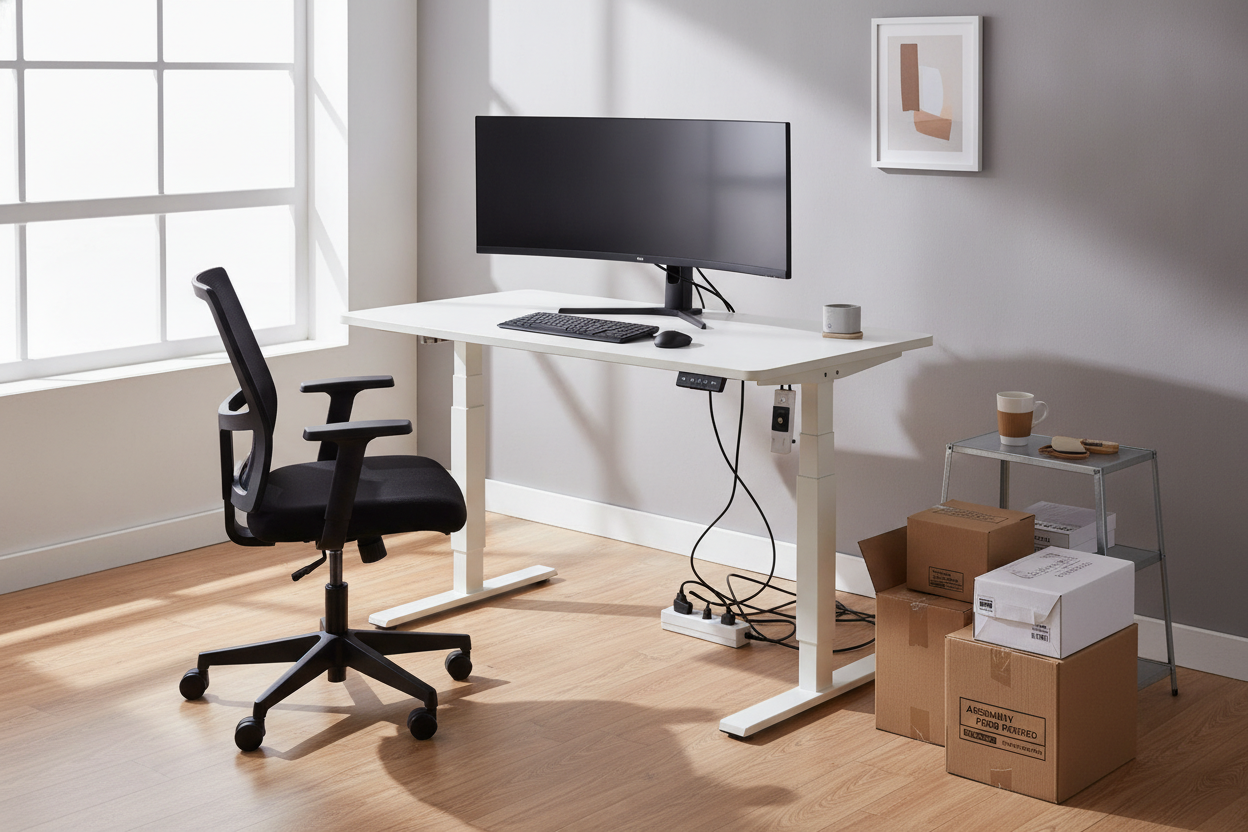
I remember my first bargain standing desk. I spent three hours putting it together, only to realize that every time I typed a slightly aggressive email, my monitor wobbled like a bobblehead on a dashboard. I thought I’d hacked the system by finding a cheap height adjustable table for under $200, but I quickly learned that physics doesn't care about my budget.
We have all been there, staring at forty-seven browser tabs of office furniture at 1 AM, trying to figure out why one desk costs $150 and another costs $900 when they look identical in photos. The truth is that the difference isn't just a brand name; it is the thickness of the steel and the quality of the brain inside the motor.
- Stability: Budget desks often shake at standing heights due to thinner leg columns.
- Desktop Quality: Expect 'spliced' tops made of two separate boards rather than a solid slab.
- Motor Noise: Cheaper single-motor systems sound like a dying blender.
- Weight Capacity: Overloading a cheap frame can literally burn out the electronics in months.
The $800 Desk vs. The $200 Desk (What is the Catch?)
When you are hunting for a adjustable height standing desk with electric lift, the price gap usually comes down to the internals. A premium desk uses dual motors hidden in each leg, while the budget versions rely on a single motor and a hex rod that spins to lift the other side. This rod is a major point of failure.
Manufacturers also save money on the gauge of the steel. A heavy-duty desk might weigh 80 pounds for the frame alone, whereas a budget frame feels like it is made of soda cans. If the frame is light, it cannot dampen the vibrations of your typing or the movement of your arms.
The Wobble Factor: Why Budget Frames Struggle at Max Height
Stability is the biggest sacrifice. Most budget desks use an 'inverted' leg design—the skinniest part of the leg is at the bottom. This is backwards for stability. When you extend that desk to 45 inches or higher, the lack of overlap between the leg segments creates a pivot point. If you have a heavy monitor or a dual-screen office desk adjustable setup, that top-heavy weight makes the swaying even worse.
I have tested desks where just clicking a mouse made the webcam shake during Zoom calls. It is distracting and makes the whole setup feel temporary. Premium desks often include 'wedge' supports or heavier footplates to kill this vibration, features you rarely find on the entry-level stuff.
Single Motor Grinds and Peeling Laminate Tops
Then there is the desktop itself. To save on shipping costs, many cheap brands ship the top in two separate pieces that you bolt together in the middle. This leaves a visible seam right where your mouse pad or keyboard usually sits. Over time, the cheap laminate at that seam starts to peel or trap dust, and it never feels truly flat.
The motor is the other headache. A single motor has to work twice as hard to lift your gear. It is slow—often moving at less than an inch per second—and it whines. If you have a partner working in the same room, they will definitely hear every time you decide to stand up.
The Riser Loophole for Existing Good Furniture
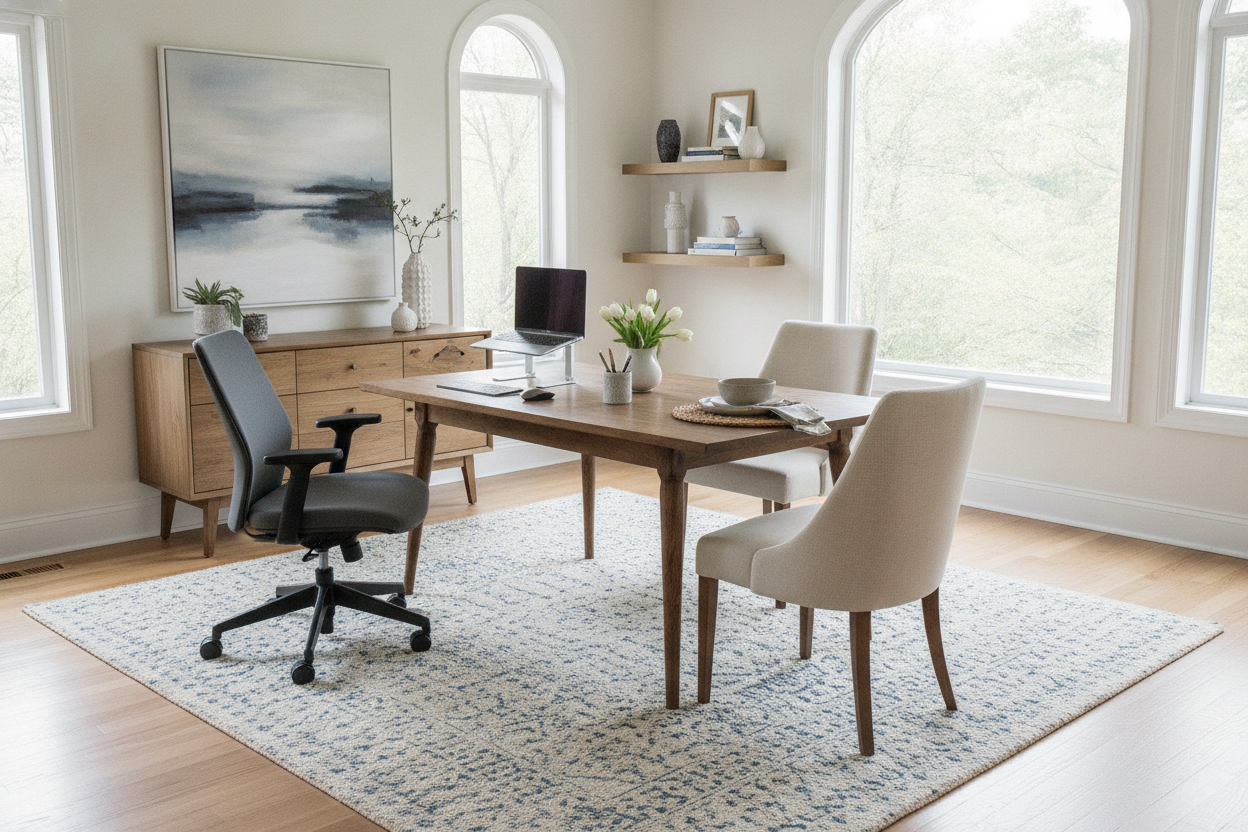
If your budget is firm but you hate the idea of a wobbly desk, stop looking at full frames. If you already own a solid, heavy dining table or a vintage wooden desk, an adjustable riser desk is often a better move. You get the height adjustment without sacrificing the rock-solid foundation of your existing furniture.
Risers are mechanically simpler and usually more stable because they have a smaller range of motion. It is a smart way to get the ergonomic benefits without the heartbreak of a $200 frame that feels like it might collapse if you lean on it too hard.
When Buying a Height Adjustable Desk Cheap Actually Makes Sense
Cheap desks aren't all bad; they just have a specific use case. If you are on the shorter side, you might never need to extend the desk to its 'wobble zone.' If you only use a 13-inch laptop and a notebook, the weight limit won't be an issue. For a guest room or a secondary workspace, a budget option is fine.
However, if this is your 40-hour-a-week command center, investing in a modern electric height adjustable desk with better stabilization and storage is worth the extra couple hundred dollars. Your monitors (and your sanity) will thank you.
Personal Experience: My $150 Mistake
I once bought a desk that was so cheap the 'wood' top felt like hardened cardboard. Within six months, the motor developed a 'limp' where one side rose faster than the other. I had to shim the left side with a stack of coasters just to keep my coffee from sliding off. I ended up giving it away and buying a mid-range frame. I spent more money in the long run by trying to save $200 upfront.
FAQ
Is a single motor desk enough for two monitors?
It can handle the weight, but it will be slow and loud. If you have heavy 32-inch monitors or a desktop PC sitting on the surface, you are pushing the limits of most budget motors.
How do I stop my cheap desk from wobbling?
Make sure all the bolts are tightened—budget desks loosen up over time. Also, try placing the desk on a hard floor rather than carpet, and push it against a wall if possible to give it some external bracing.
Is a manual crank desk better than a cheap electric one?
Usually, yes. Manual desks are more reliable because there are no electronics to fry. However, if it is a pain to move, you will eventually stop using the standing feature altogether.

Leave a comment
This site is protected by hCaptcha and the hCaptcha Privacy Policy and Terms of Service apply.