

















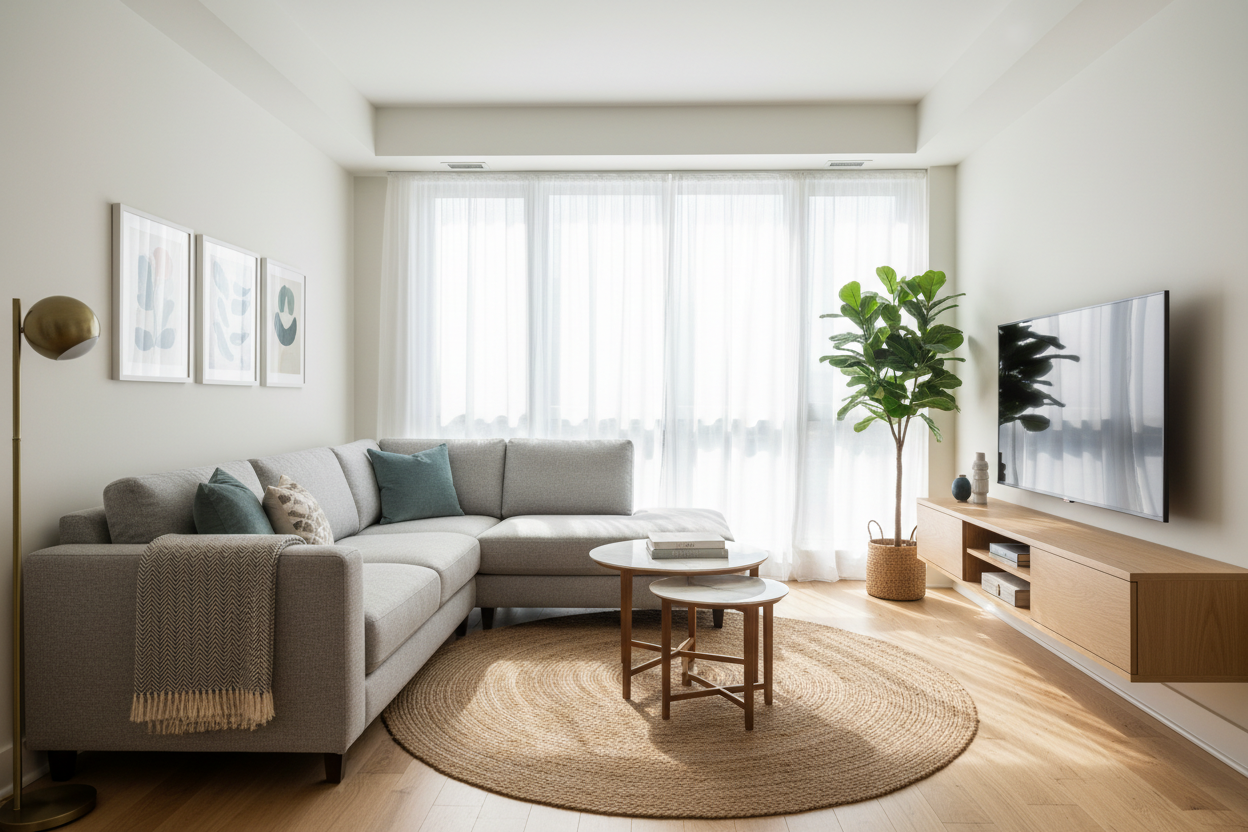
I remember walking into a client's new apartment last year - a beautiful 750-square-foot space with high ceilings and great light, but the living room felt cramped the moment we tried to fit their 65-inch TV with a traditional console. That's when I suggested a wall mounted tv console, and the transformation was immediate. Suddenly, we had breathing room, cleaner lines, and a more sophisticated look. After furnishing over 200 homes, I've learned that floating media units aren't just trendy - they're practical solutions for how we actually live today.
Quick Takeaways
- Wall mounted consoles create the illusion of more floor space by eliminating bulky furniture legs
- Always check weight capacity - most quality units support 100-150 pounds for TV and components
- Leave 4-6 inches of clearance between console bottom and floor for cleaning and visual balance
- Use a stud finder and mount into wall studs, not just drywall anchors
- Consider cable management systems during installation, not as an afterthought
Why Wall Mounted Consoles Are Revolutionizing Small Space Design
When you're working with urban apartments or compact homes, every square foot counts. I've seen too many clients sacrifice style for function because they needed storage for media components but didn't have floor space to spare. That's where wall mounted media consoles shine. By floating 12-18 inches off the floor, they create visual space underneath that makes rooms feel larger. I recently worked with a couple in a 400-square-foot studio who needed their living area to serve multiple functions. A 60-inch wall mounted unit gave them storage for their sound system and gaming consoles while keeping the floor clear for a small seating area and workspace.
The psychological effect is real too. When furniture doesn't touch the floor, rooms feel airier and less cluttered. This is especially valuable in open-concept spaces where you want defined zones without physical barriers. For a Modern Tv Stand Wall Mounted How To Style For A High End Look, the floating design creates that elevated, intentional aesthetic clients love.
Choosing Your Perfect Wall Mounted Media Console
Start with measurements - not just of your TV, but of your wall space and viewing distance. A good rule: your console should be at least as wide as your TV, preferably 4-6 inches wider on each side for balance. For a 65-inch TV (about 57 inches wide), look for consoles in the 65-75 inch range. Weight capacity matters more than you might think. Your typical 65-inch LED TV weighs 50-60 pounds, plus another 20-30 pounds for soundbars, gaming consoles, and media players. Look for units rated for at least 100 pounds.
Consider your wall construction too. If you have plaster walls or unusual stud spacing, you might need special mounting hardware. I always recommend the Floating Tv Stand Wall Mounted Media Console Entertainment Center for clients who want a straightforward installation - its French cleat system distributes weight evenly and works with most wall types.
Material Matters: Wood, Metal, or Mixed Media?
Your material choice affects durability, maintenance, and style. Solid wood consoles, like those made from kiln-dried oak or walnut, offer timeless appeal and can last decades with proper care. They're heavier (often 80-120 pounds empty) but provide excellent stability. The grain patterns add warmth to modern spaces.
Metal frames with wood or glass shelves feel more industrial and contemporary. Powder-coated steel frames are surprisingly durable and resist scratches better than wood finishes. Mixed media units combining wood, metal, and sometimes acrylic create visual interest but check that all materials are properly sealed - I've seen cheaper units where the metal components tarnish or the wood veneer peels.
For high-traffic homes or families with young children, I recommend medium-density fiberboard (MDF) with a quality laminate finish. It's more scratch-resistant than real wood and easier to clean. Just make sure edges are properly sealed to prevent moisture damage.
Storage Solutions: Drawers, Shelves, or Open Design?
Think about what you actually need to store. Gaming consoles, streaming devices, and cable boxes need ventilation, so open shelves or slatted cabinets work best. Media collections or board games do better behind closed doors. Drawers are perfect for remotes, charging cables, and small items you want hidden but accessible.
I recently helped a family with three young children choose a console with two deep drawers and one open shelf. The drawers hide the clutter of toys and charging stations, while the shelf displays their soundbar and a few decorative items. For clients who need serious organization, the 78 7 W 4 Drawer Tv Stand Media Console offers ample hidden storage while maintaining that clean, floating look.
Open designs work well in minimalist spaces or rooms where you want to display curated collections. Just be realistic about dust - open shelves in dry climates need weekly dusting, while humid environments might only need monthly attention.
Professional Installation vs. DIY: What You Need to Know
I've installed dozens of these units myself, and here's my honest take: if you're comfortable with basic tools and your walls are standard drywall with predictable stud spacing, DIY is feasible. You'll need a stud finder, level, drill, and possibly a friend to help hold the unit during mounting.
The tricky parts come with unusual situations. Plaster walls require different anchors and more care to avoid cracking. Concrete or brick walls need masonry bits and potentially a hammer drill. If your studs aren't spaced at standard 16 or 24-inch intervals, you might need to install additional blocking between studs.
Professional installation typically costs $150-300 but gives you peace of mind. Installers can handle unexpected issues like electrical wires or plumbing behind walls. They also ensure perfect leveling - something that's harder than it looks when you're working with 70+ pound units.
Styling Your Wall Mounted Console Like a Designer
The beauty of a floating console is its versatility. Start with cable management - use adhesive-backed cable channels or in-wall kits to hide wires. I prefer channels that match the wall color for near-invisible results.
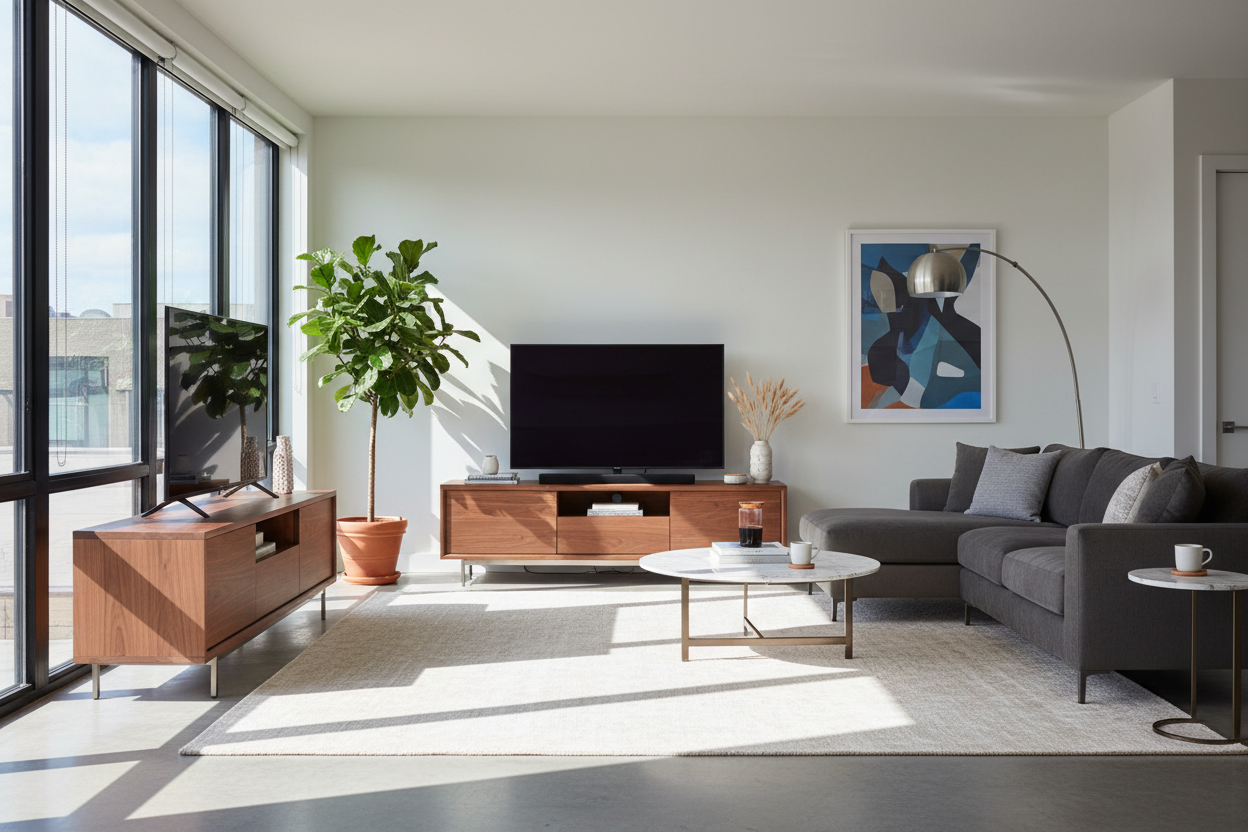
For accessories, follow the rule of thirds. If your console is 60 inches wide, create three visual zones: left, center, and right. On one side, stack a few coffee table books with a small sculptural object on top. Center your soundbar or a single statement piece. On the other side, add a plant in a complementary pot. Vary heights but keep everything below the TV screen's bottom edge.
Some clients ask me Is A Sideboard For Tv Stand Better Than A Console - it depends on your needs. Sideboards offer more storage but take up floor space. Wall mounted consoles give you that clean, contemporary look while keeping floors clear.
Common Mistakes to Avoid with Wall Mounted Media Units
The most frequent error I see is mounting too high or too low. Your TV's center should be at eye level when seated - typically 42-48 inches from the floor. The console should sit 4-8 inches below the TV, creating a connected but not crowded look.
Another mistake: choosing a console that's too narrow for the TV. This creates a top-heavy appearance that feels unstable. Your console should extend beyond the TV's edges by at least a few inches on each side.
Don't forget about component heat. If you're enclosing electronics in cabinets, ensure there's adequate ventilation - either built-in vents or space at the back. I once had to help a client whose gaming console overheated because it was crammed into a sealed cabinet.
Finally, consider future needs. If you might upgrade to a larger TV or add more components, choose a console with some extra capacity. Browse Tv Stands to see the full range of options before committing.
Frequently Asked Questions
Can wall mounted consoles hold heavy CRT TVs?
Most modern consoles are designed for flat-screen TVs. CRT televisions are much heavier and deeper - I don't recommend using wall mounted consoles for them unless specifically rated for that weight and depth.
How do I clean under a floating console?
Leave enough clearance (I recommend 6 inches minimum) for a standard vacuum attachment or mop. Some clients install LED strip lighting underneath, which looks great and makes cleaning easier.
Are wall mounted consoles safe for earthquake zones?
Yes, but you need proper installation. Use earthquake straps for both the TV and console, and make sure everything is secured to studs with appropriate hardware for your region's building codes.
Can I install one on a wall with baseboard heating?
You need at least 12 inches of clearance from heat sources. Consider a console with a heat-resistant back panel or install a protective barrier if closer clearance is unavoidable.
From my experience, the right wall mounted console can transform how you use and enjoy your space. It's not just about saving floor area - it's about creating intentional design that serves your lifestyle. Take measurements, consider your actual storage needs, and don't rush the installation process. The result will be a cleaner, more functional living area that feels both spacious and personal.

Leave a comment
This site is protected by hCaptcha and the hCaptcha Privacy Policy and Terms of Service apply.