

















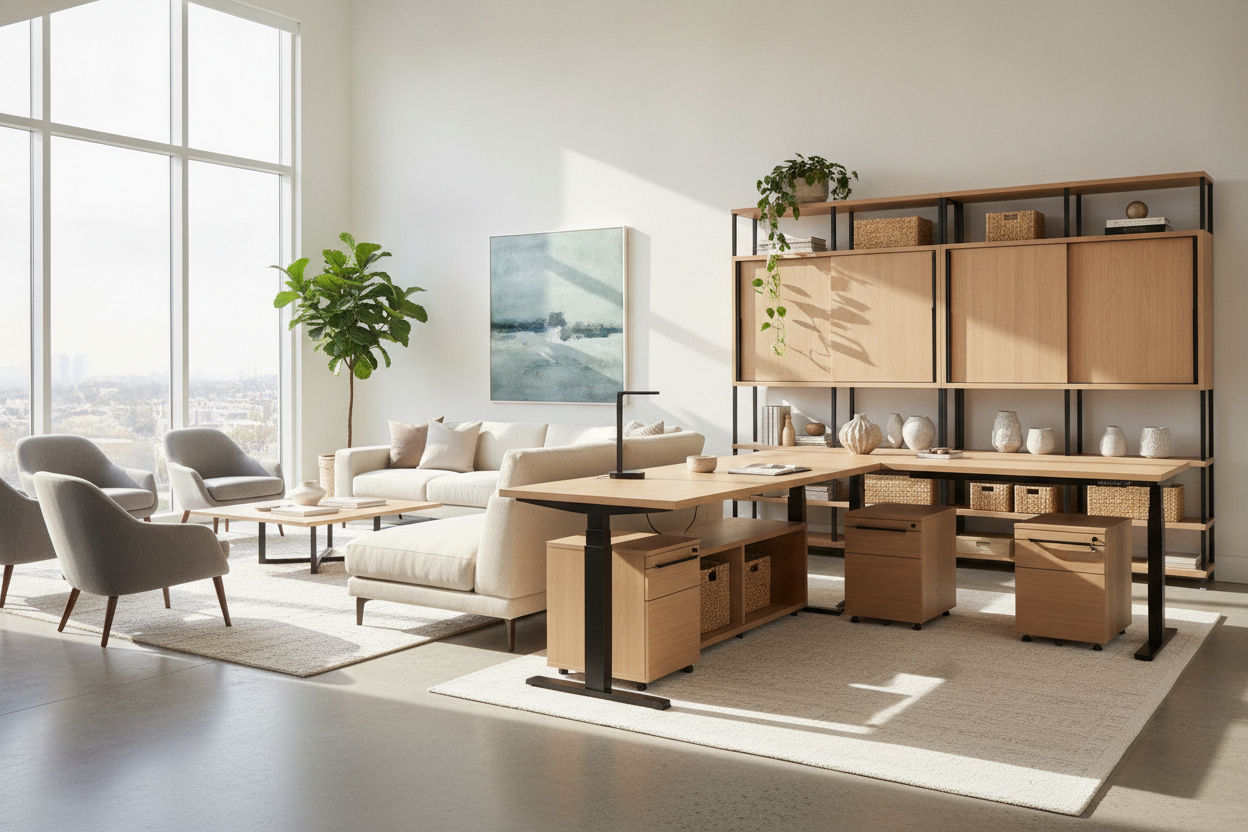
Designing an active work area requires balancing mechanical performance, spatial planning, and aesthetic cohesion. A modern rise desk serves as the central anchor of the home office, introducing dynamic vertical movement into daily routines. Evaluating these workstations involves looking beyond basic motorized operation to understand frame geometry, desktop proportions, and how variable-height furniture interacts with fixed storage and surrounding room architecture.
Understanding the Rise Desk: Height-Adjustable Geometry and Mechanics
At the core of any motorized workstation is the relationship between the telescoping columns, frame chassis, and drive mechanism. A rise standing desk relies on internal motorized spindles housed inside multi-stage lifting columns. As these steel columns extend, the structural overlap between segments decreases, which naturally alters the center of gravity and lateral stiffness of the entire workstation.
When planning your layout, consider how lifting column stages impact the functional vertical travel range. Multi-stage columns generally provide broader flexibility across different sitting and standing postures, accommodating varied user statures and ergonomic preferences. Smooth synchronization between dual motors ensures the desktop remains level throughout transit, protecting sensitive electronics and delicate desk accessories from unexpected tipping or vibration. Integrating a motorized system into an intentional interior scheme is an essential step when designing an attractive height-adjustable workspace.
Desktop Sizing Tiers: Matching Workstation Footprints to Room Scale
Choosing the right desktop footprint involves balancing task surface demands against room circulation. A risedesk configuration must provide adequate clearance for peripheral equipment while leaving sufficient perimeter space for walkways and adjacent cabinetry.
- Compact Footprints: Ideal for dedicated study corners, multipurpose guest rooms, or alcoves where preserving floor space is paramount. These surfaces comfortably host a laptop setup and compact secondary monitor without dominating the room.
- Mid-Size Workstations: A versatile option for general home offices, offering ample surface depth for dual-monitor arms, keyboard trays, and desktop task lighting. A mid-sized electric standing desk with memory presets allows users to easily alternate between seated and standing workflows while preserving proportional balance in average-sized rooms.
- Expansive Executive Tops: Designed for multi-display arrays, drafting tablets, and mixed physical-digital workflows. Selecting a wide-frame height adjustable standing desk provides generous surface area, anchoring large executive suites or open-plan studio spaces.
Stability Engineering: Evaluating Frame Rigidness at Elevated Heights
The primary structural challenge of a rise standing desk occurs at maximum extension. As the workstation rises, any mechanical play in the column tolerances or foot brackets can translate into subtle lateral sway or fore-aft monitor wobble during vigorous typing.
High-integrity frames mitigate this movement through wide-profile footings, rigid under-desk crossbeams, and precision-machined column collars. The depth and gauge of the steel feet directly correlate with fore-aft stability, anchoring the cantilevered weight of monitor mounting arms. When positioning your desk, ensuring all leveling glides make firm, balanced contact with the flooring material minimizes micro-vibrations across both hard surfaces and low-pile carpets.
Dynamic Wire Routing and Clearance Planning
Cable management requires a specialized approach when managing a moving desktop. Unlike static tables, a rise desk demands dynamic cable clearance that accommodates the full stroke of vertical travel without pulling on wall outlets or pinching cords against structural crossbars.
Begin by consolidating peripheral and display cables into an under-desk cable tray or mounted power distribution strip. This approach transforms all desktop electronics into a single self-contained electrical bundle. From the central tray, a single high-flex umbilical sleeve or segmented spine should route down to the wall outlet. Leaving adequate service slack at full standing height prevents accidental disconnections during upward transit. Incorporating thoughtful cord concealment is a foundational element in contemporary designer standing desk layout concepts.
Integrating Storage with an Active Workstation
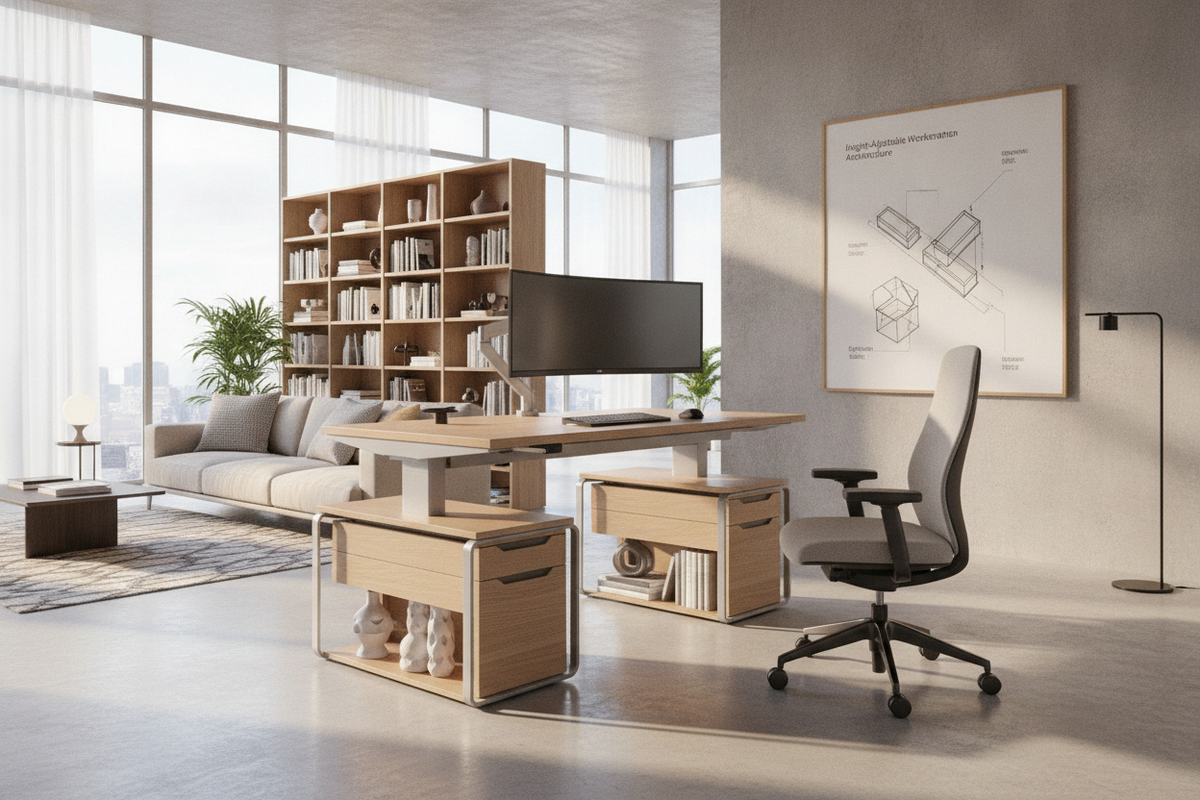
Because the underside of a rise standing desk moves continually throughout the day, traditional fixed drawer stacks are impractical beneath the main surface. Maintaining an organized room requires pairing the dynamic desk with coordinated secondary storage solutions.
- Low-Profile Mobile Pedestals: Compact filing cabinets on casters can slide beneath the desk at seated height, provided there is adequate vertical clearance, and easily roll outward when additional legroom is needed.
- Independent Credenzas and Sideboards: Positioning a credenza perpendicular or parallel to your risedesk creates a balanced L-shaped or U-shaped functional zone without tethering the moving desktop to stationary casework.
- Floating Wall Shelving: Wall-mounted storage maximizes vertical real estate, but shelves must be installed above the maximum rise elevation of your monitor setup to avoid collisions during elevation changes.
For intensive desktop setups requiring substantial room for peripherals and reference documents, choosing a spacious electric lift standing workstation ensures surface organization remains pristine even without built-in under-desk drawers.
Key Decision Checklist for Your Rise Desk Setup
Before finalizing your home office configuration, review these fundamental structural and spatial considerations:
- Travel Range Compatibility: Ensure the minimum and maximum height ranges comfortably align with your seated elbow height and standing posture.
- Surrounding Collision Envelope: Verify that desktop edges, mounted monitor brackets, and task lamps maintain clear clearance from window sills, bookcases, and wall art throughout the entire elevation cycle.
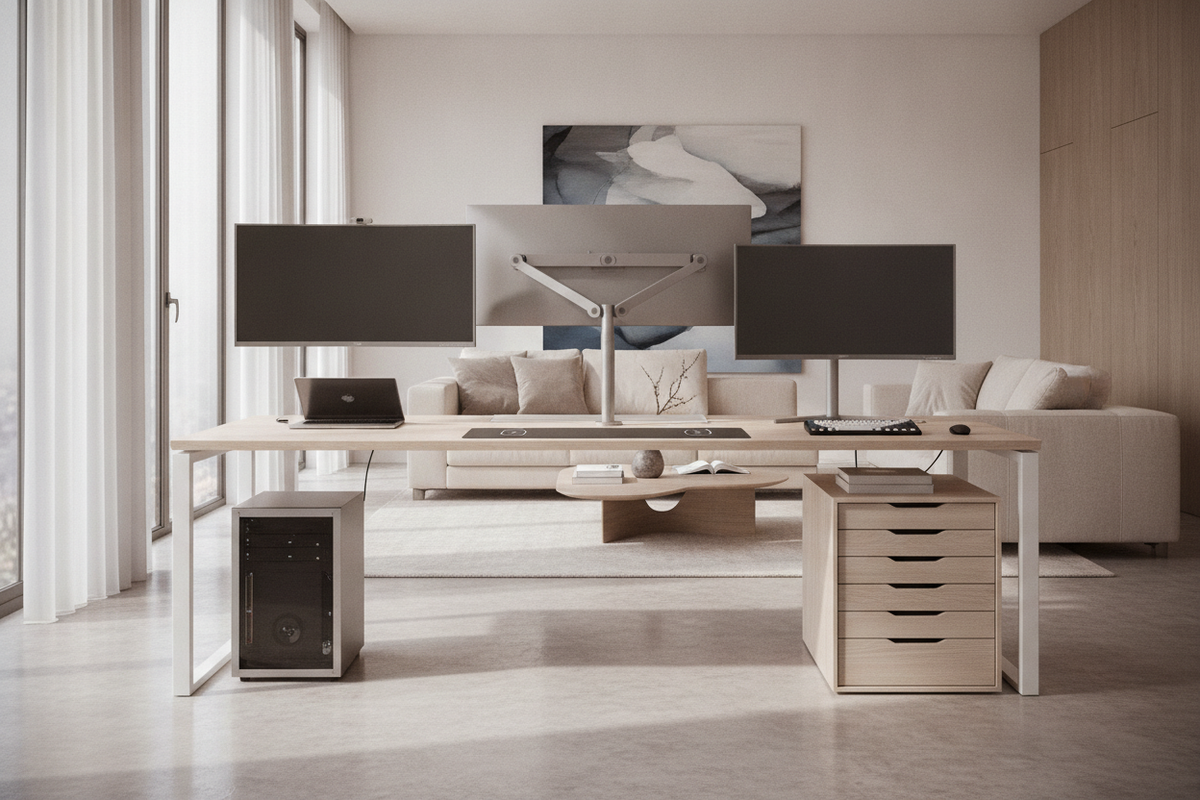
- Weight Distribution: Distribute heavy equipment, such as dual-monitor pole mounts and PC towers, symmetrically across the frame to prevent uneven wear on the motorized lifting columns.
- Material Harmony: Match the desktop finish and frame color with surrounding storage credenzas, bookcases, and architectural trim to maintain a unified interior aesthetic.

Leave a comment
This site is protected by hCaptcha and the hCaptcha Privacy Policy and Terms of Service apply.