

















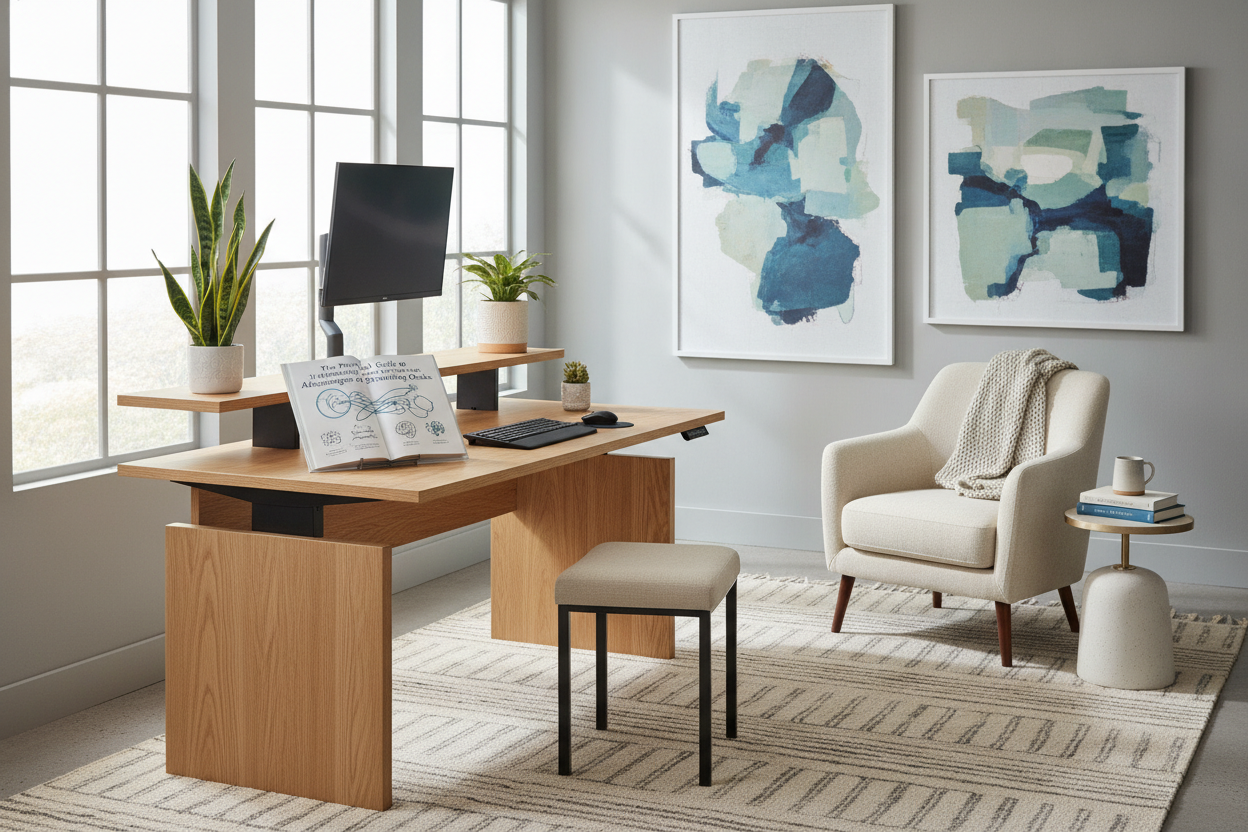
Understanding the Core Advantages of Standing Desks in Modern Workspaces
The modern workday often demands long stretches of desk-bound work, leading many professionals to seek dynamic alternatives to traditional fixed seating. Among the most versatile ergonomic furniture solutions, height-adjustable workstations offer individuals the ability to alternate between sitting and standing throughout the day. Understanding the key advantages of standing desks begins with recognizing that their greatest value lies not in static, day-long standing, but in introducing dynamic movement into the regular workday.
When evaluating the benefits standing desk designs bring to a home office or corporate floor, flexibility is paramount. Rather than locking you into a single rigid posture, an adjustable frame supports intuitive transitions. These adjustments help disperse physical pressure, encourage active engagement with your tasks, and foster a more adaptable working environment tailored to individual comfort preferences.
Ergonomic Balance: Alternating Postures vs. Prolonged Inactivity
Remaining in any single posture for hours on end—whether seated or standing upright—can create localized physical tension and fatigue. The central philosophy behind modern ergonomic workstations is posture variety. Alternating your working stance allows muscles and joints to experience shifting load patterns, supporting more natural physical alignment throughout standard business hours.
Key posture advantages include:
- Neutral Spine Orientation: Standing up periodically helps naturally open the hip angle and encourages an upright, neutral spine posture compared to slumping in a chair.
- Shoulder and Neck Relief: Properly calibrated standing workstation heights allow your forearms to rest comfortably, helping to reduce unconscious hunching toward monitors.
- Subtle Core Engagement: Standing encourages gentle, continuous shifts in balance that activate stabilizing muscles without disrupting concentration.
By prioritizing fluid posture changes, users can maintain physical comfort and avoid the stiffness commonly associated with static daily routines.
Workflow Alignment: Matching Daily Tasks to Sitting and Standing Modes
A practical way to maximize the benefits of an adjustable desk is to map specific workday tasks to distinct postures. Different types of office work naturally align with varying energy levels and body mechanics. Developing a consistent task rhythm makes height adjustments a seamless part of your daily routine.
Consider organizing your workflow according to task demands:
- Standing Mode for Active Tasks: Standing is well suited for virtual presentations, phone calls, collaborative video meetings, and rapid inbox triage. Being on your feet often fosters an energetic, engaged mindset. For broader workspace wellness strategies, explore our health while working guide on home office environmental adjustments.
- Seated Mode for Deep Focus: Precision tasks, in-depth writing, data entry, and detailed graphic editing often benefit from the grounded stability of a supportive ergonomic chair.
- Transitional Breaks: Raising the desk before stepping away for lunch or a quick break creates an inviting, ready-to-stand setup upon your return.
Workspace Layout and Storage Integration Around Sit-Stand Frames
Integrating an adjustable workstation into a room requires thoughtful coordination with surrounding furniture, cable management systems, and storage units. Because the desktop travels up and down, open vertical clearance and flexible storage placement are essential for smooth operation.
To maintain an organized and functional footprint, consider these layout factors:
- Under-Desk Clearance: Ensure that mobile file cabinets, CPU holders, and trash bins fit comfortably under the frame at its lowest seated position without obstructing the motorized lift mechanism.
- Cable Slack Management: Power cords and monitor leads must have enough slack to travel safely to full standing height without pulling on wall outlets or desktop peripherals.
- Generous Desktop Space: A broad surface, such as a spacious standing desk product, provides ample surface room for dual monitors, desk pads, and document trays without feeling cramped during height transitions.
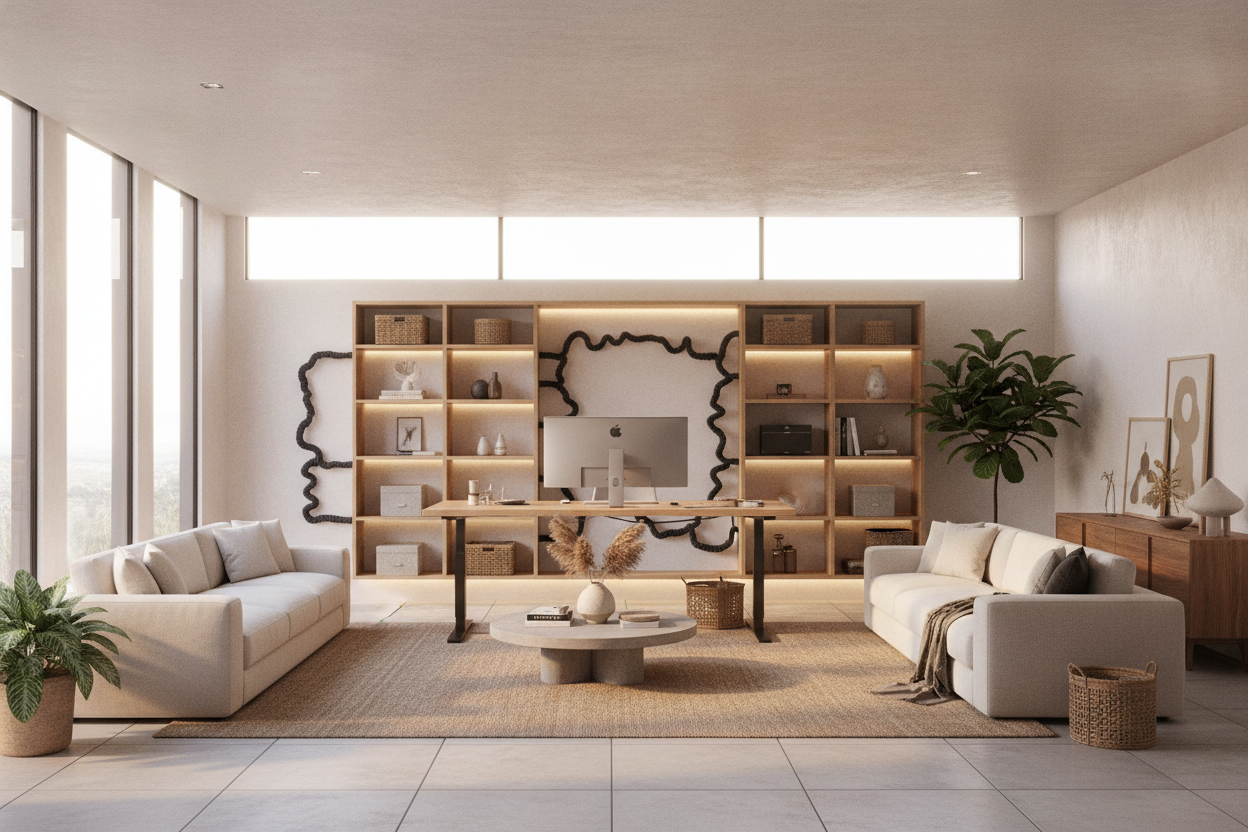
- Adjacent Modular Storage: Complementing an adjustable desk with nearby credenzas, low bookcases, or lateral filing cabinets keeps reference materials accessible while leaving the active work surface uncluttered.
Key Setup Considerations: Footwear, Anti-Fatigue Support, and Height Calibration
Achieving optimal comfort at an adjustable desk requires proper ergonomic calibration. Simply raising a desk to random heights can introduce awkward angles for your wrists, neck, and lower back. Taking time to establish your baseline settings ensures a supportive experience.
Keep the following best practices in mind when setting up your station:
- Elbow and Forearm Alignment: Adjust the desktop height so your elbows rest at approximately a 90-degree angle with wrists straight and shoulders relaxed while typing.
- Monitor Positioning: Position the top third of your display at or slightly below eye level, roughly an arm's length away, to keep your neck in a comfortable, forward-facing orientation.
- Anti-Fatigue Mats: Standing on hard surfaces can cause foot and leg fatigue over time. A supportive floor mat cushions joints and encourages subtle foot movement.
- Supportive Footwear: Wear supportive shoes or structured indoor footwear rather than working barefoot or in flat, unsupportive slippers during standing sessions.
- Gradual Adaptation: Transitioning to a sit-stand routine works best incrementally. Begin with short standing intervals of twenty to thirty minutes, gradually finding the balance that feels most natural.
Selecting the Right Sit-Stand Desk for Your Home Office
Choosing an adjustable desk involves evaluating frame stability, motor reliability, desktop construction, and control features. A high-quality lifting frame provides smooth, quiet vertical travel that preserves monitor stability and desktop organization.
Look for features that streamline daily adjustments, such as programmable digital controls found on a dedicated sit stand desk product. Memory presets allow you to return instantly to your calibrated seated and standing heights with a single touch, eliminating the friction of manual readjustment. By pairing reliable mechanics with smart storage and deliberate posture habits, a height-adjustable desk becomes a practical foundation for a comfortable, productive workspace.

Leave a comment
This site is protected by hCaptcha and the hCaptcha Privacy Policy and Terms of Service apply.