

















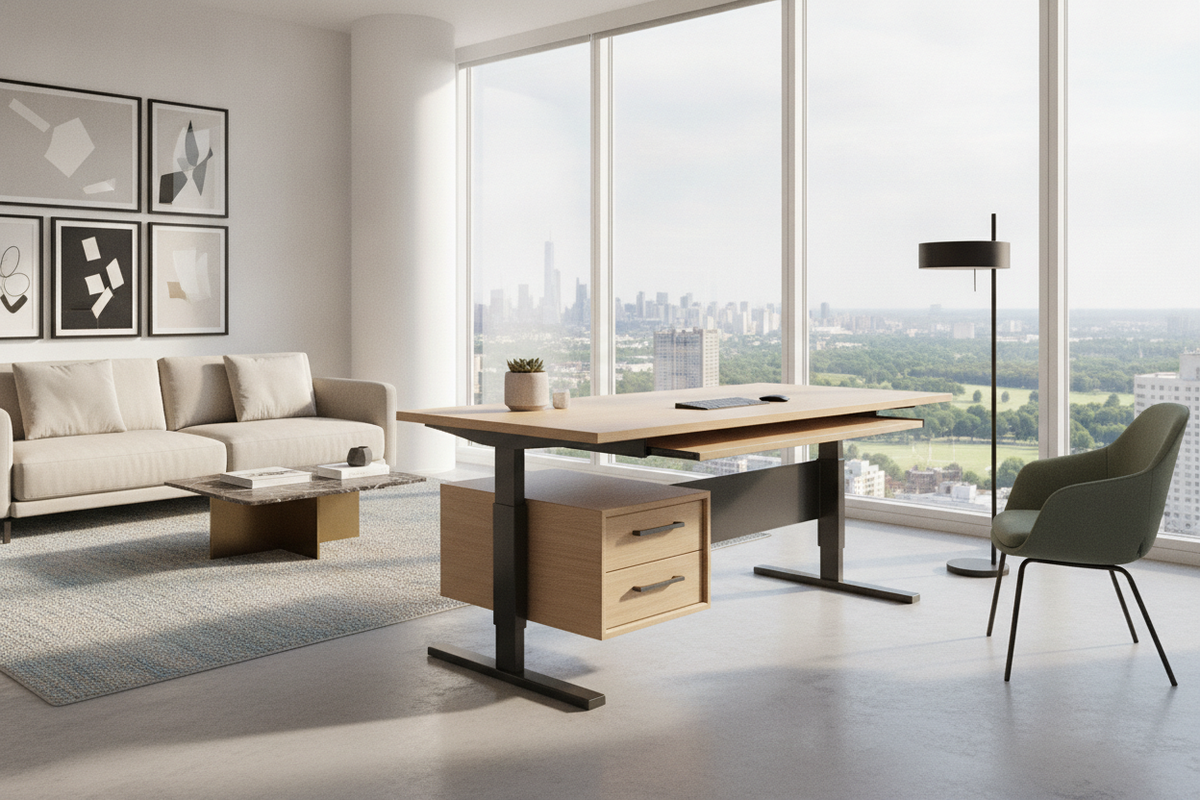
The Ultra-Low Elevation Architecture: Why Minimum Desk Height Matters
Many traditional office desks and standard sit-stand converters are engineered around median adult height profiles. In practice, this design focus often leaves a noticeable gap for individuals of petite stature, children in shared family study environments, or anyone who prefers low-profile task seating such as ergonomic kneeling stools or floor-adjacent cushions. When a work surface cannot descend low enough, users are often forced to elevate their chairs, introducing secondary issues such as dangling feet, uneven forearm alignment, or strained shoulder posture.
A dedicated low height desk addresses this structural limitation by extending the bottom tier of its travel envelope. Reaching down to lower heights allows the desktop surface to meet natural elbow resting levels without requiring elevated footrests. For multi-user environments where children, teens, and adults rotate through the same station, an expanded downward range ensures that every individual can establish neutral typing and writing angles regardless of seated height.
Lift Mechanics and Frame Engineering: Multi-Stage Telescoping Columns
Achieving an ultra-low profile requires careful frame geometry and motorized column design. Standard sit-stand frames often rely on two-stage telescoping segments. While two-stage columns provide adequate vertical lift for average standing routines, their collapsed segment length inherently sets a higher baseline floor. In contrast, three-stage telescoping columns nest into smaller individual sections when fully lowered, unlocking broader travel across both low sitting positions and elevated standing positions.
For workspaces where smooth transitions and exact positioning are essential, motorized dual-motor configurations offer balanced weight distribution across the frame legs. Selecting an adjustable height standing product equipped with digital preset memory makes it simple to return to specific low-sitting baselines with a single touch, preventing the trial-and-error adjustments that can interrupt workflow focus.
Dimensional Tiers: Selecting Desktop Width and Depth for Low-Profile Frames
Selecting the right desk surface requires balancing spatial constraints against functional surface area. When planning a workstation with an extended low height range, the depth and width of the tabletop directly influence reach zones and visual balance:
- Compact Nooks: Narrower tabletop widths suit dedicated bedroom corners or petite study spaces. These setups keep peripheral gear within an easy arm reach envelope while maintaining a small footprint.
- Standard Task Workstations: Mid-size surface dimensions provide ample clearance for dual monitors, task lighting, and document trays without overcrowding the central working zone.
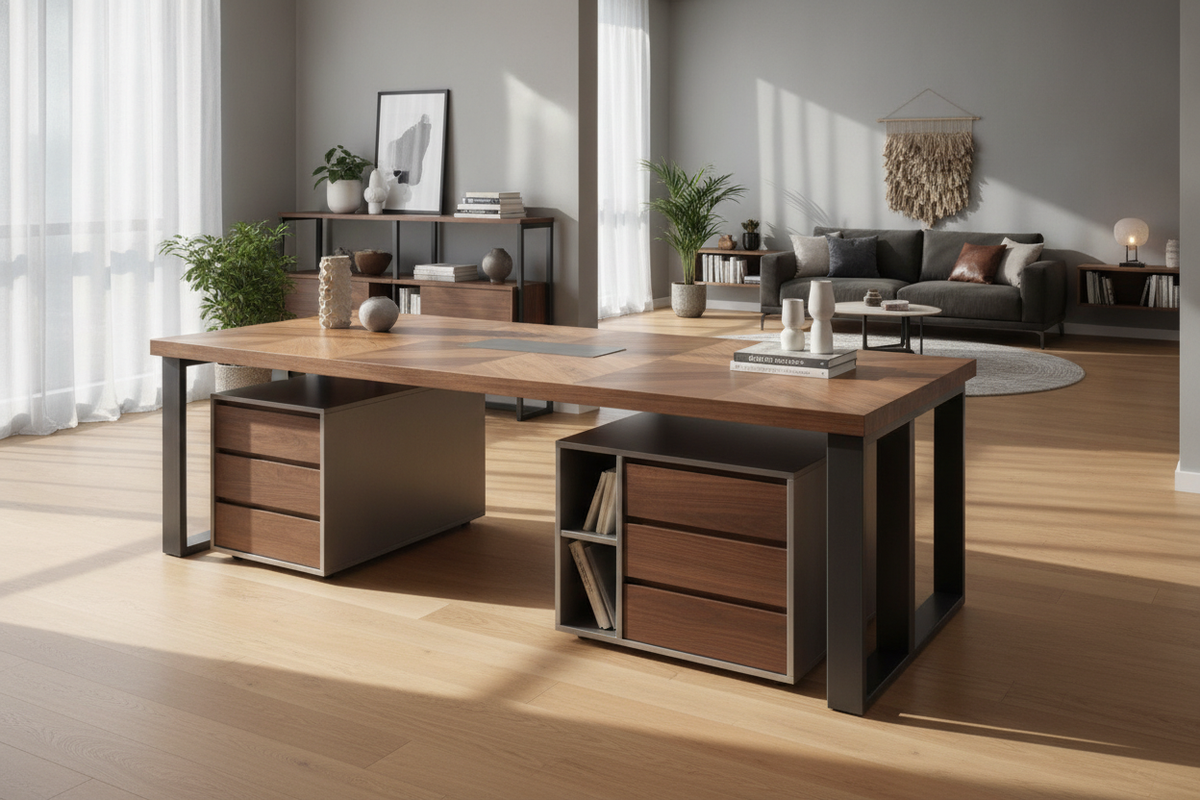
- Expansive Executive Desks: Wider surface options, such as a height adjustable standing product, deliver broad lateral room for sprawling multi-screen workflows, creative drafting, and integrated desktop organizers.
Regardless of the chosen desktop size, stability at low heights is generally robust due to the minimized center of gravity. However, wider frames require sturdy crossbeam supports to ensure consistent structural rigidity across the entire travel span.
Under-Desk Clearance and Companion Storage Synergy at Low Heights
One critical consideration when operating a desk that travels to ultra-low elevations is under-desk clearance. Standard vertical filing cabinets and tall mobile drawer pedestals often measure taller than a fully lowered frame. Lowering a motorized desk onto an unyielding cabinet can risk motor strain, surface misalignment, or cosmetic damage.
To build a cohesive setup without sacrificing organization, place tall storage units adjacent to the desk frame rather than directly beneath the tabletop. For under-desk utility, choose low-profile credenzas, modular rolling bins, or configurations from an adjustable collection that can be tuned to clear the lower boundary of your desk frame. Maintaining clear legroom beneath the center of the desk also ensures comfortable knee and foot positioning throughout active seated sessions.
Material Substrates, Surface Resilience, and Dynamic Cable Management
A flexible workstation must withstand daily wear while keeping power and data connections orderly during continuous height shifts. Durable tabletop substrates such as laminated engineered wood or treated composite panels provide reliable scratch resistance and structural stability across varying household humidity levels.
Dynamic cable management is especially vital on desks with extended travel ranges. Because the vertical distance between the desktop and wall outlets changes significantly, power cords and display cables must have sufficient slack when the desk is fully raised, while remaining contained when lowered to avoid bunching or pinching. Utilizing under-desk wire trays, flexible spine channels, and adhesive cord clips protects your equipment and preserves a tidy silhouette.
Room Integration, Multi-User Zoning, and Long-Term Maintenance
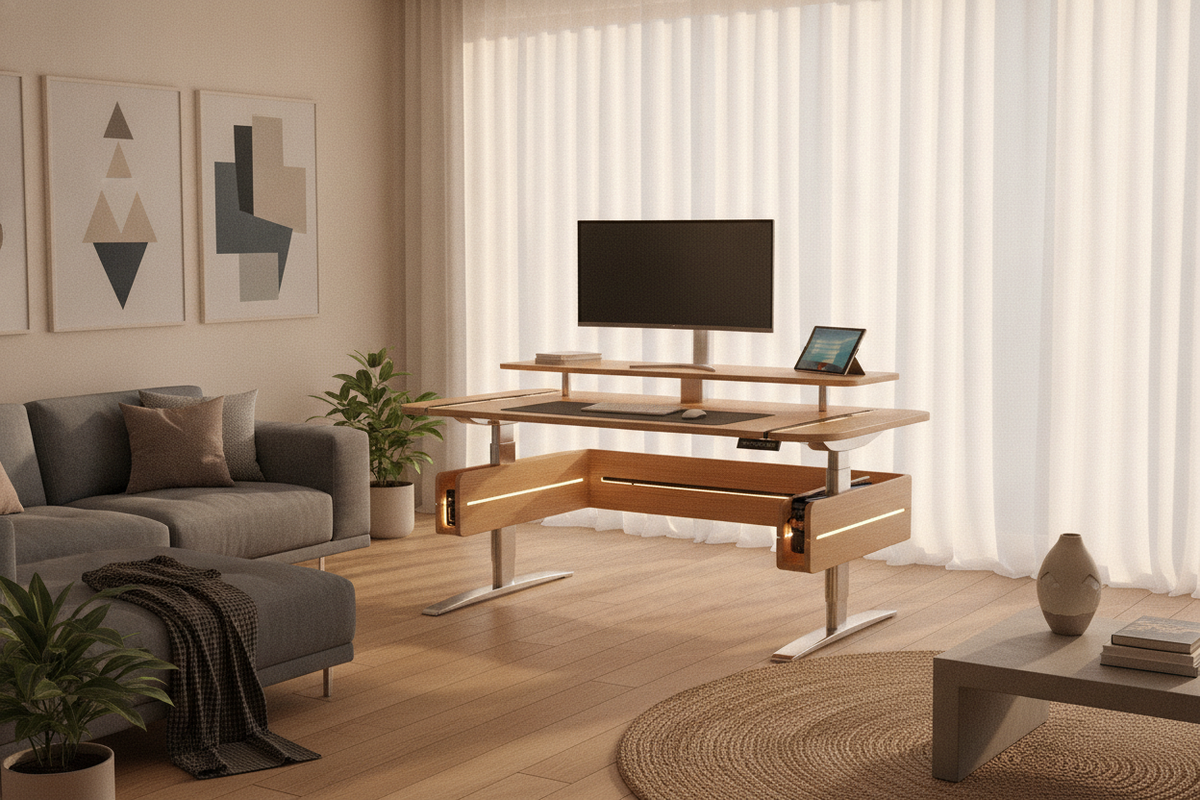
Integrating a versatile sit-stand desk into a residential space involves aligning practical utility with room decor. Reviewing resources like this standing desk that guide can help harmonize warm desktop finishes, powder-coated metal legs, and ambient task lighting with surrounding living room or bedroom aesthetics.
For long-term reliability, periodically inspect frame hardware and level the desk feet on uneven floors to prevent motor imbalance. In multi-user households, assigning dedicated memory presets to each user streamlines daily height changes and promotes healthy, intuitive transitions between sitting and standing throughout the day.

Leave a comment
This site is protected by hCaptcha and the hCaptcha Privacy Policy and Terms of Service apply.