

















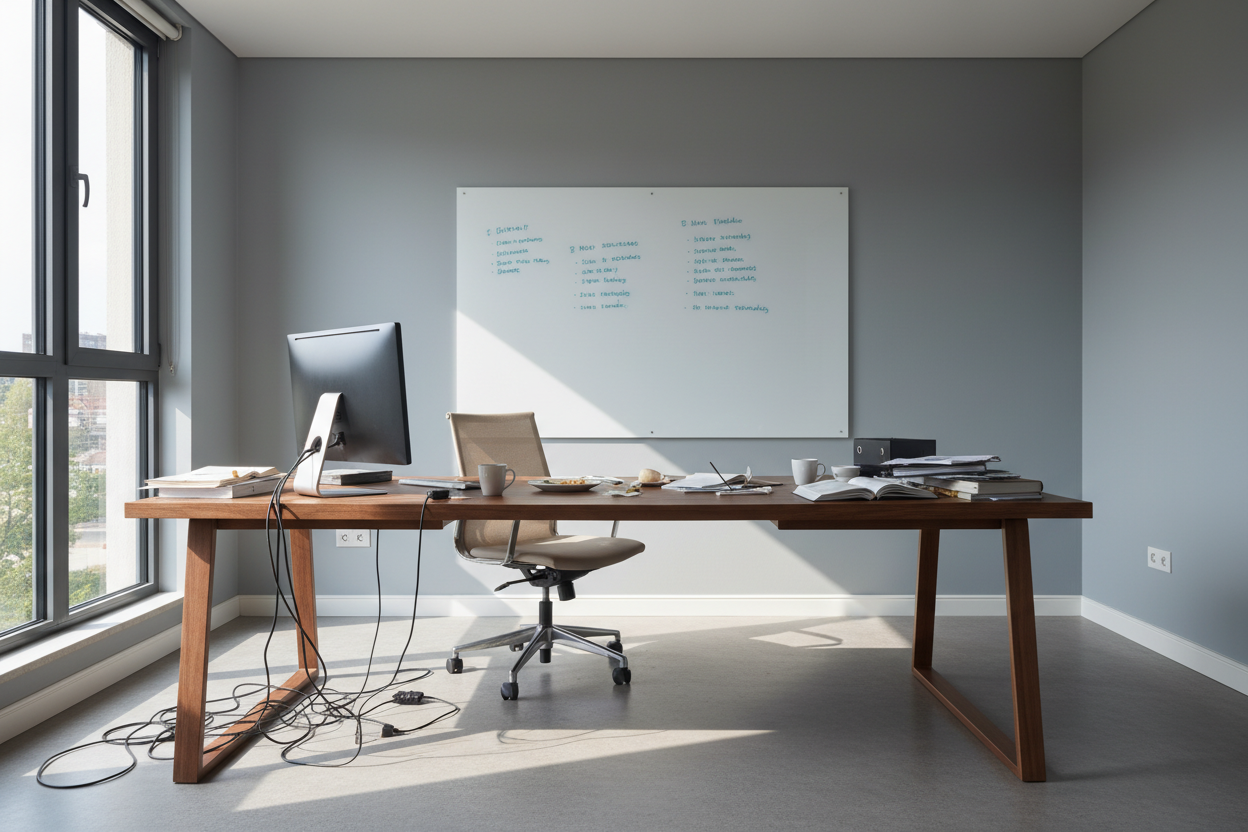
You have the ergonomic chair, the high-resolution monitor, and the noise-canceling headphones, yet focus remains elusive. The issue often isn't your discipline; it's a failure in spatial psychology. Many homeowners treat their workspace as a storage unit for a desk rather than a functional ecosystem. Creating a truly efficient home office requires a marriage of rigid ergonomics and soft aesthetics, moving beyond utility into a space that actively supports your cognitive flow.
Key Features of a High-Performance Workspace
- The Command Position: Orienting the desk to face the door without being directly in line with it to reduce subconscious anxiety.
- Layered Lighting: Combining ambient overhead light with dedicated, articulated task lighting to reduce eye strain.
- Tactile Materiality: Choosing surfaces like solid wood or matte laminates that don't reflect glare or feel cold to the touch.
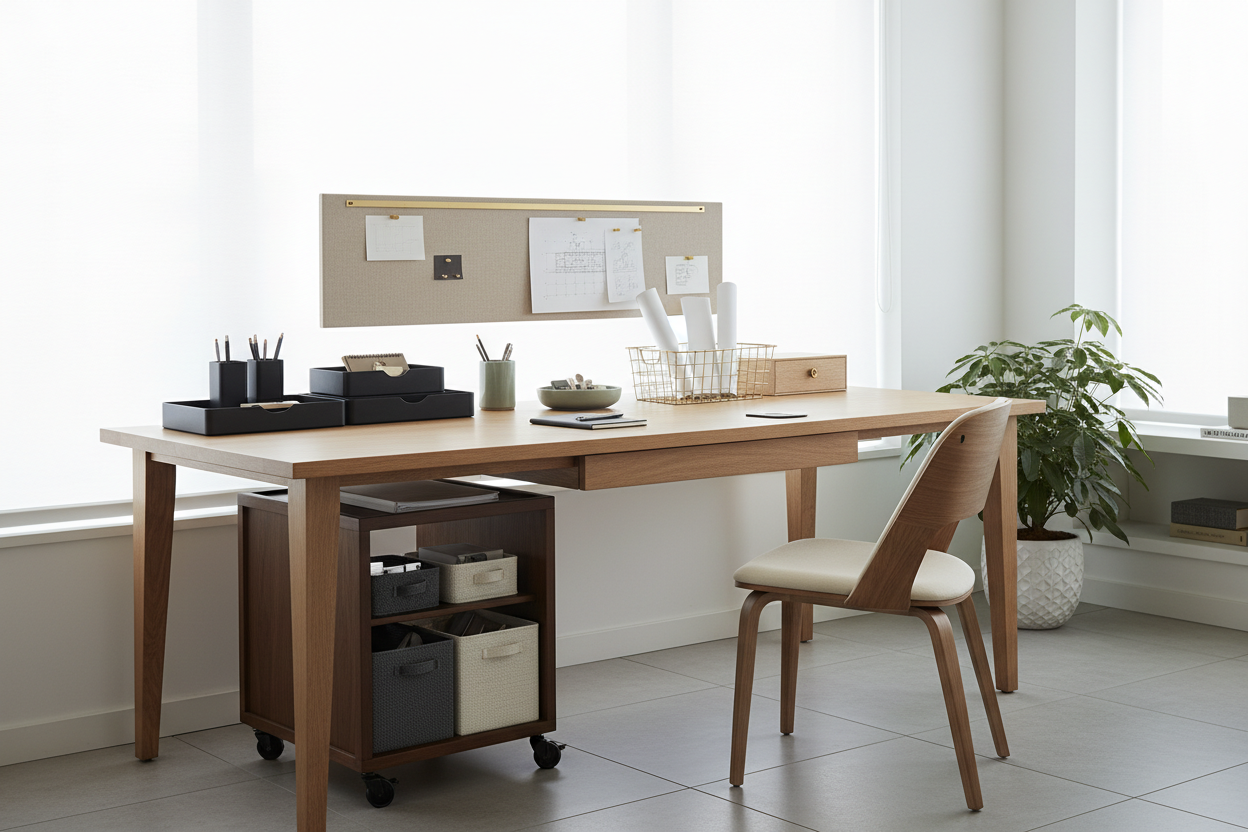
- Vertical Utilization: leveraging wall height for storage to keep the horizontal work surface clear for current tasks.
- Acoustic Control: Integrating textiles (rugs, curtains) to dampen echo and improve audio quality during calls.
Zoning and Spatial Planning
When discussing how to set up a productive home office, the conversation must start with zoning. A common error I see in client floor plans is pushing the desk flush against a blank wall. While this saves space, it creates a visual dead-end that can stifle creativity. Instead, consider floating the desk in the room or positioning it perpendicular to a window.
This layout allows you to rest your eyes on a distant focal point—essential for reducing fatigue—while managing screen glare. Define the zone with an area rug; it anchors the furniture visually and adds necessary acoustic dampening.
The Ergonomic Triangulation
Home office productivity tips often gloss over the physical relationship between your body and the furniture. It is not enough to buy a chair labeled 'ergonomic.' You must calibrate the triangulation between your eyes, your elbows, and your lumbar support.
Your elbows should rest at a 90-degree angle, flush with the desk surface. If you are selecting a desk, pay close attention to the apron (the vertical piece of wood under the top). In many antique or budget-friendly designs, the apron is too deep, preventing you from crossing your legs or sliding the chair arms underneath, which forces you to lean forward and ruins your posture.
Material Selection: Solid Wood vs. Veneer
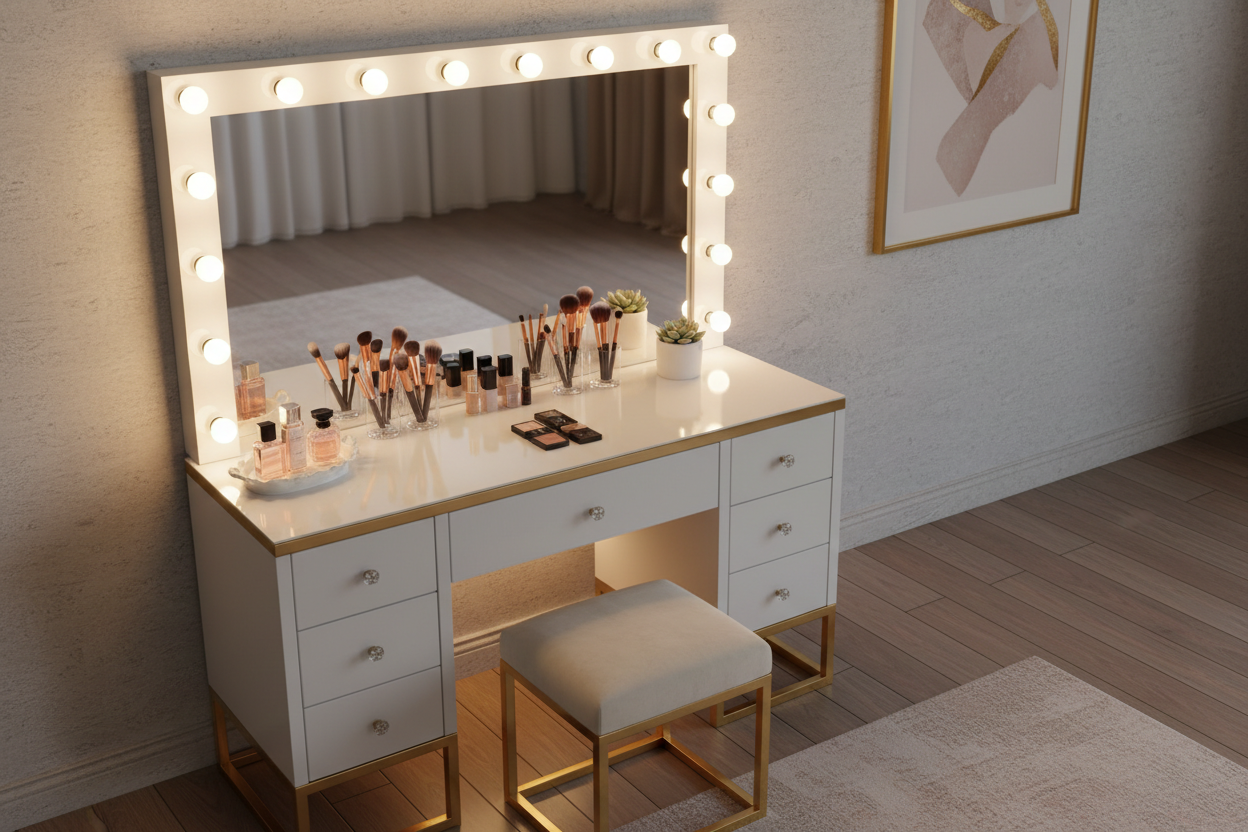
The surface you touch for eight hours a day matters. For an executive feel, walnut or white oak offers warmth and durability. However, be wary of high-gloss finishes. While they photograph beautifully for magazines, they are practical nightmares for productive home office ideas. A high-gloss finish acts as a mirror for overhead lighting, creating hotspots that cause significant eye fatigue over time. Opt for a satin or matte finish which absorbs light and hides the inevitable micro-scratches from keyboard movement.
Lessons from My Own Projects
I once designed a minimalist office for a client who insisted on a sleek, tempered glass desk to make the small room feel larger. Visually, it was stunning. Practically? It was a disaster. Three months later, we replaced it.
The issue wasn't the look; it was the thermodynamics and the maintenance. The glass was perpetually cold, which actually caused cramping in the client's wrists during winter months. Furthermore, the optical mouse didn't track well without a pad, and every single fingerprint or coffee cup ring created visual noise that distracted him. I learned then that an efficient office must be forgiving. Now, I always steer clients toward natural materials that patina gracefully rather than surfaces that demand constant polishing.
Conclusion
Designing a workspace is an investment in your own output. By prioritizing flow, selecting materials that age well, and respecting the ergonomics of your body, you create a space that disappears into the background, allowing your work to take center stage.
Frequently Asked Questions
What is the ideal desk depth for a computer setup?
For a standard setup with a laptop and monitor, a depth of 24 to 30 inches is ideal. This allows you to place the monitor at arm's length (roughly 20-28 inches from your eyes), which is the sweet spot for preventing eye strain.
How do I improve lighting without rewiring the room?
Avoid relying solely on the ceiling fixture. Introduce a floor lamp for ambient fill light to soften shadows, and use a desk lamp with an adjustable color temperature (2700K-4000K) to focus on paperwork. This creates a balanced 'lightscape' that keeps you alert.
Is a standing desk worth the investment?
Yes, but visual weight is a concern. Many standing desks look industrial. Look for models with enclosed motors and wood-veneer tops that blend with residential furniture, ensuring the utility doesn't compromise your home's aesthetic.

Leave a comment
This site is protected by hCaptcha and the hCaptcha Privacy Policy and Terms of Service apply.