

















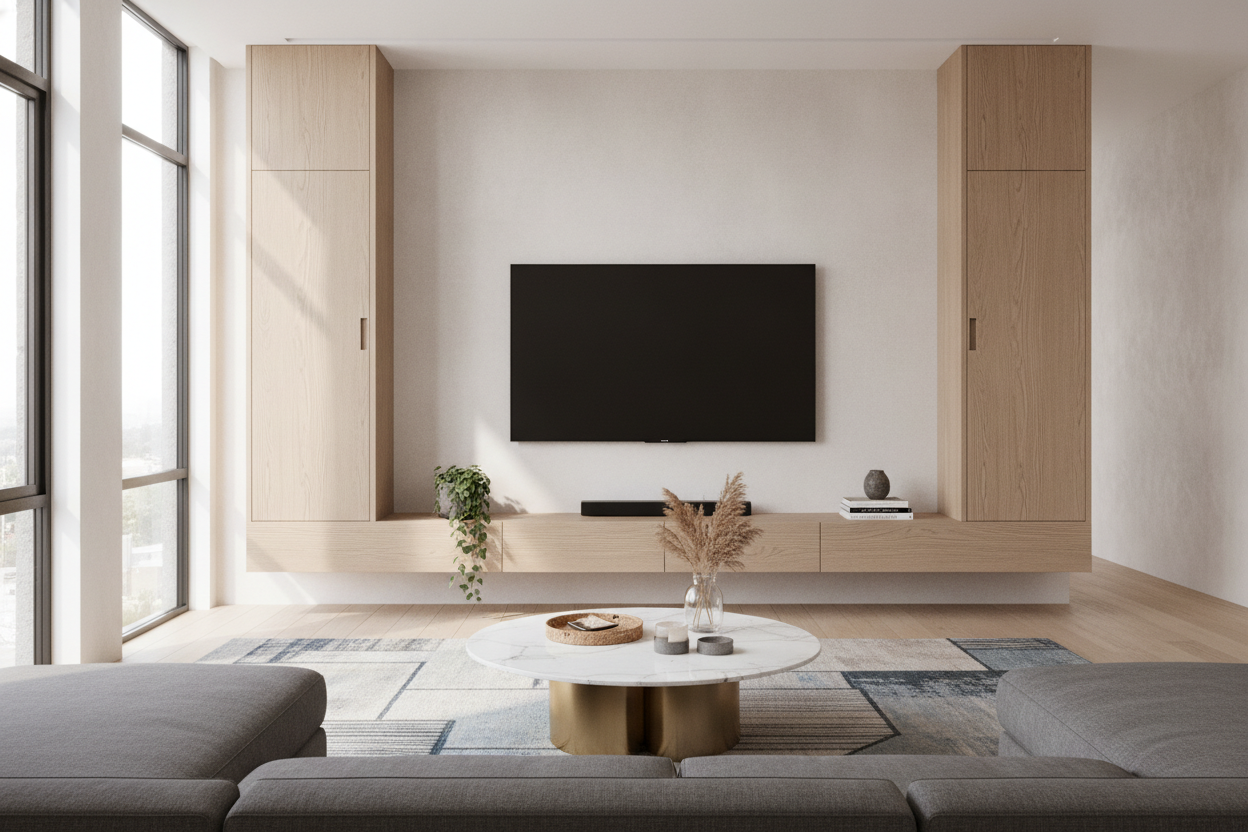
I spent three hours last Saturday staring at my living room wall, holding a level and a strip of painter's tape, trying to figure out why my new setup looked so 'off.' It is a common tragedy: you buy a beautiful new screen, mount it perfectly, and then slap a tiny ledge underneath that makes the whole wall look top-heavy and anxious. Finding the right floating shelf under tv 55 inch isn't just about finding a piece of wood you like; it is about basic geometry that most of us ignore until the holes are already drilled into the studs.
Quick Takeaways
- A 55-inch TV is actually about 48 inches wide; your shelf should be 58-60 inches.
- Aim for a 7 to 10-inch vertical gap between the screen and the shelf.
- Standard 6-inch deep shelves are too shallow for most tech; go for 10-12 inches.
- Always mount into at least two wall studs to prevent the 'shelf sag' over time.
Why We Keep Getting TV Ledge Proportions So Wrong
Most people fall into the trap of matching widths. They think, 'my TV is roughly 48 inches wide, so I will buy a 48-inch shelf.' Stop right there. When the shelf matches the width of the screen exactly, you create a rigid vertical block that feels claustrophobic. It lacks visual breath. In design terms, you are creating a heavy rectangle that draws the eye into a cramped center rather than letting it flow across the wall.
I have seen this in dozens of apartments—the 'sandwich effect' where the TV and shelf are fighting for the exact same footprint. It makes the room feel smaller and the ceiling feel lower. You want the shelf to act as a foundation, not a mirror image of the tech sitting above it.
The 'Goldilocks' Rule for Shelf Length
The secret is the 1.2x rule. A floating shelf for 55 inch tv setups should ideally be about 20% to 25% wider than the TV itself. Since a 55-inch TV (the diagonal measurement) is usually around 48 inches wide in physical reality, you are looking for a shelf that hits at least 58 to 60 inches. This extra overhang on each side acts as a visual anchor, grounding the screen so it doesn't look like it is just hovering in space.
If you get the sizing right, a single sturdy ledge can actually replace your media console entirely. This frees up floor space for a rug or a floor lamp, making a small living room feel significantly more airy. Just make sure the material is beefy—thin plywood will look cheap next to a high-end OLED screen.
Stop Hanging It So Close to the Screen
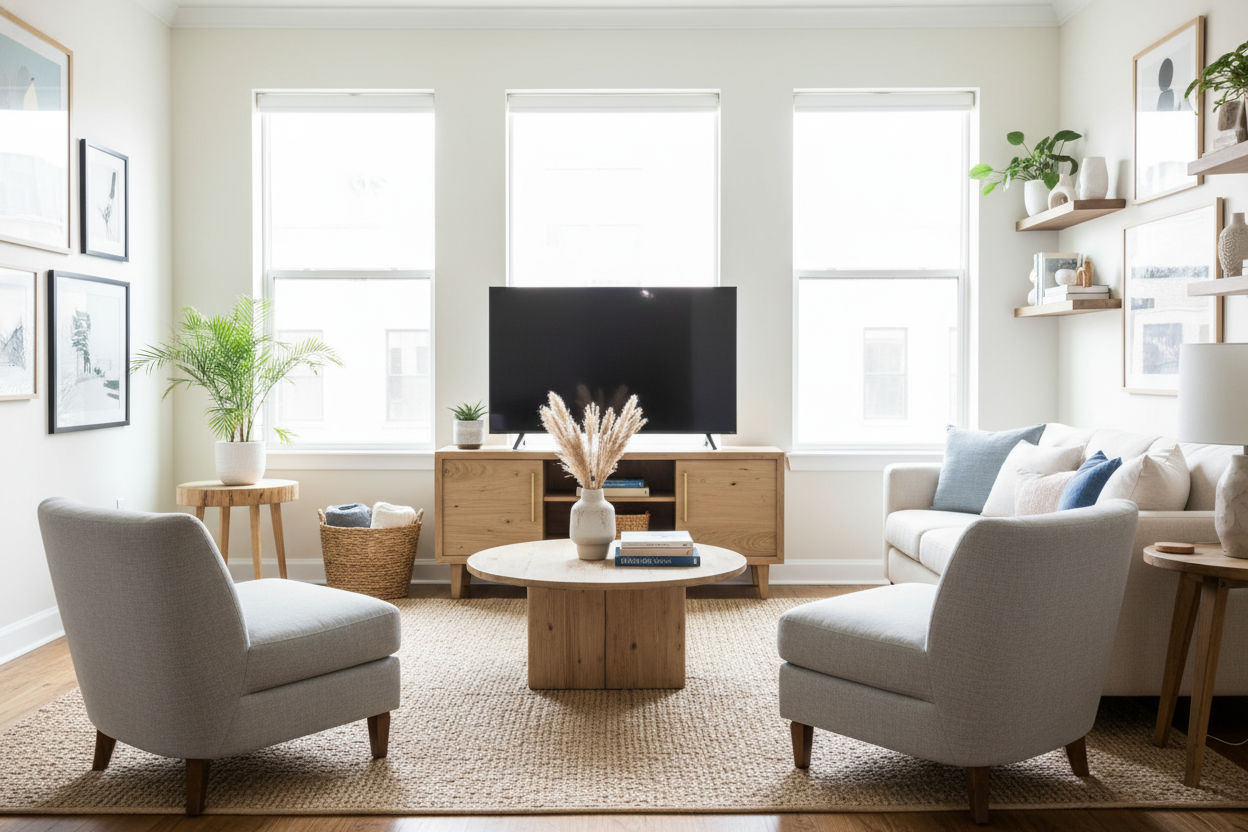
The second biggest mistake? Mounting the shelf three inches below the TV. You aren't building a bunk bed. You need a gap of 7 to 10 inches. This gives you enough clearance to put a small plant, a candle, or a stack of books on the shelf without them overlapping the bottom of the screen. It also creates a 'white space' buffer that prevents the wall from looking cluttered.
Plus, there is a technical reason: many TVs have IR receivers or sensors at the bottom edge. If you have a shelf that is too close—especially one cluttered with decor—you will block that signal. You will end up waving your remote at the ceiling like a crazy person just to change the volume.
Depth Matters Just as Much as Width
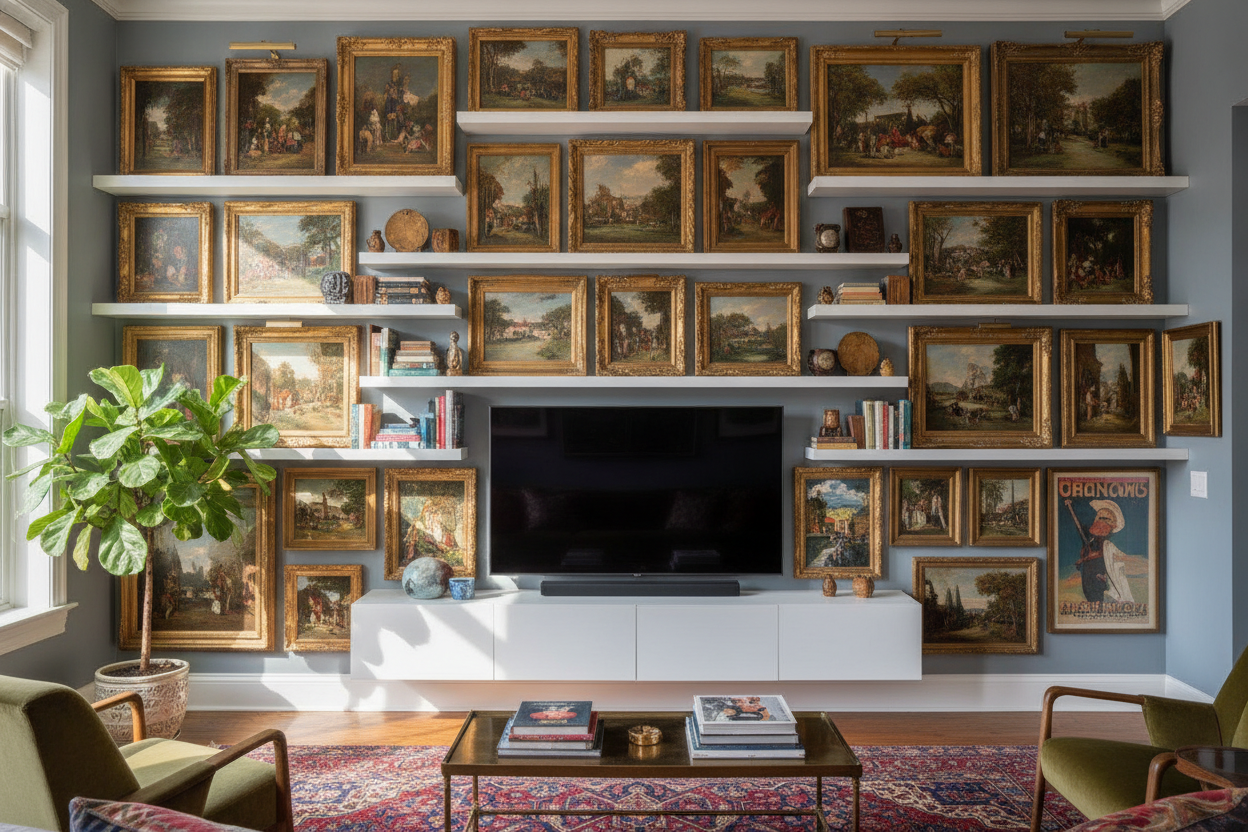
Don't buy a 'picture ledge' and expect it to hold your life. Most of those are only 4 to 6 inches deep. That is fine for a framed photo of your dog, but useless for a soundbar, a PlayStation, or a cable box. You want a depth of at least 10 inches, preferably 12. This allows cables to tuck behind your gear without being pinched against the wall.
If you have a bulky router or a receiver that needs more breathing room, look for adjustable shelf storage options that can be tucked into a corner nearby. I always recommend checking the footprint of your largest component before you buy the shelf. There is nothing worse than a $200 walnut shelf where the gaming console hangs off the edge by two inches.
What Happens When You Eventually Upgrade Your Screen?
We all do it. Three years from now, that 55-inch will feel small, and you will be eyeing a 65 or 75-inch. If you buy a shelf that is exactly sized for a 55-inch today, you are locking yourself into a future renovation. By going slightly wider now—say, a 65 or 70-inch shelf—you future-proof the wall. A slightly 'too long' shelf looks intentional and high-end; a 'too short' shelf looks like a mistake.
I once talked to a friend who was so proud of his custom ledge until he upgraded his screen, and I wrote about how I was floating TV shelf for 75 inch TV. It is a mess of structural integrity and visual weight that you want to solve once, not every time there is a holiday sale at the tech store. Buy the longer shelf now; your future self will thank you.
Personal Experience: The 'Postage Stamp' Mistake
I learned this the hard way in my last studio. I bought a 40-inch reclaimed wood shelf for my 55-inch TV because it was on clearance and I was cheap. It looked like a postage stamp. Every time I sat on the sofa, I felt like the TV was going to tip over because the base looked so flimsy. I ended up ripping it out, patching the drywall (which I hate doing), and buying a 60-inch shelf. The difference was night and day; the room suddenly felt designed rather than just furnished.
FAQ
How high should the shelf be from the floor?
Usually about 24 to 30 inches, depending on your seating height. You want it to feel like a low-profile console, not a mantel.
Can I hide cables with a floating shelf?
Yes. Look for shelves with a 'hollow' core or a wire channel. Or, use a $10 plastic cord cover and paint it the exact color of your wall to make it disappear.
How much weight can these shelves really hold?
If you hit the studs with 3-inch screws, most can handle 50-75 lbs. If you use drywall anchors, do not put anything heavier than a remote and a light book on it.

Leave a comment
This site is protected by hCaptcha and the hCaptcha Privacy Policy and Terms of Service apply.