

















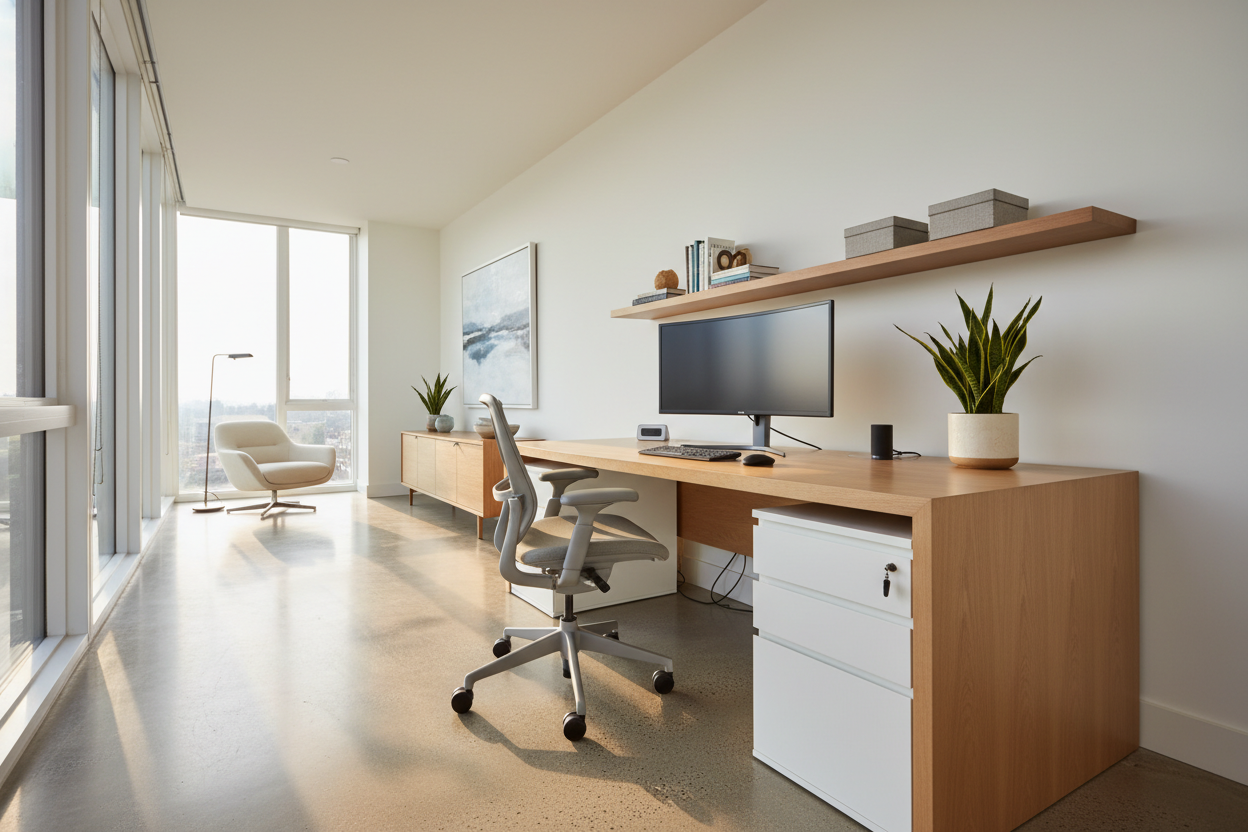
We have all walked into a room that looks stunning in a photograph but feels clumsy in practice. Perhaps the coffee table is just an inch too close to the sofa, creating a shin-bumping hazard, or the home office desk faces a window that creates blinding glare on a monitor. As a designer, my philosophy is that true luxury lies in the seamless marriage of form and function. When we curate a space, the ultimate goal is to promote efficiency—reducing the friction between you and your daily tasks while maintaining a sophisticated visual narrative.
Core Elements of Efficient Design
If you are looking to streamline your living or workspaces, prioritize these fundamental design pillars. Focusing on these ensures your furniture investment pays off in productivity.
- Ergonomic Integrity: Furniture must support the body’s natural posture to reduce fatigue (e.g., lumbar support, monitor height).
- Traffic Flow & Zoning: Clear pathways (minimum 36 inches) prevent bottlenecks and define activity zones.
- Acoustic Control: Soft furnishings and rugs dampen noise reverberation, crucial for focus.
- Lighting Temperature: Cool light (4000K) for task areas to alert the brain; warm light (2700K) for relaxation zones.
- Accessible Storage: Vertical shelving and integrated drawers keep essential tools within arm's reach.
The Role of Spatial Planning and Flow
To promote efficiency, we must first look at the floor plan. A common error I see in residential projects is the "perimeter push," where homeowners shove all furniture against the walls. While this opens up the center of the room, it often kills efficiency by creating vast, unusable voids.
Instead, we anchor furniture to create specific "zones of activity." In a workspace, this means positioning the desk so you have a command position (facing the door) but with immediate access to storage. If you have to stand up and walk across the room to retrieve a file or a printer, the design has failed. We want to tighten the "work triangle"—much like in a kitchen—so that your movements are minimized and fluid.
Selecting Furniture: Materiality and Mechanics
The Tactile Impact on Focus
Materials do more than look good; they dictate how you interact with a piece. To promote efficiency, I often steer clients toward matte finishes for work surfaces. High-gloss lacquers or glass tops, while chic, create reflections and fingerprints that can subtly distract the eye and interfere with optical mouse tracking. A honed wood or leather-inlaid desk surface offers tactile resistance and visual calmness, allowing you to stay in the flow.
Seating Mechanics
The chair is the engine of your workspace. Efficiency drops the moment physical discomfort sets in. When selecting a task chair, look past the silhouette and examine the mechanics. Does it offer synchro-tilt (where the back and seat move in a ratio)? Are the armrests adjustable to fit under your desk surface? A chair that fights your movements will drain your energy faster than a difficult project.
Lighting Layers for Cognitive Performance
You cannot promote efficiency in a dimly lit cave. However, a single overhead strobe is equally detrimental. We use a technique called "layered lighting." This involves ambient lighting for general navigation, task lighting (like an articulating desk lamp) for specific work, and accent lighting to reduce eye strain caused by high contrast. By balancing these light sources, we reduce the cognitive load required for your eyes to adjust, keeping your energy focused on the task at hand.
Lessons from My Own Projects
I learned a hard lesson about efficiency early in my career while designing a study for a tech executive. We fell in love with a vintage, mid-century modern teak desk. It was sculptural and stunning. However, it had zero cable management and very shallow drawers.
Within two weeks, the client called me. The desk was covered in a nest of wires, and because the drawers were too small for standard paper sizes, stacks of documents cluttered the surface. The visual chaos was paralyzing his workflow. I had to retrofit a custom cable tray underneath (which was a nightmare to install without damaging the vintage wood) and bring in a separate rolling credenza. It taught me that no matter how beautiful a piece is, if it doesn't solve the storage needs of the user, it will never promote efficiency. Now, I always measure the internal dimensions of drawers before recommending a piece, not just the exterior footprint.
Conclusion
Designing a home that works for you isn't about sacrificing style for utilitarianism. It is about making intentional choices—selecting the right finishes, correcting the flow, and investing in ergonomics. When you curate your environment to promote efficiency, you aren't just buying furniture; you are buying back your time and mental clarity.
Frequently Asked Questions
How much space do I need behind a desk chair to ensure efficiency?
For a functional workspace, you should allow at least 42 to 48 inches of clearance behind a desk. This allows you to slide the chair back comfortably and walk behind it without feeling cramped, which is vital for maintaining a sense of flow.
Can soft seating promote efficiency?
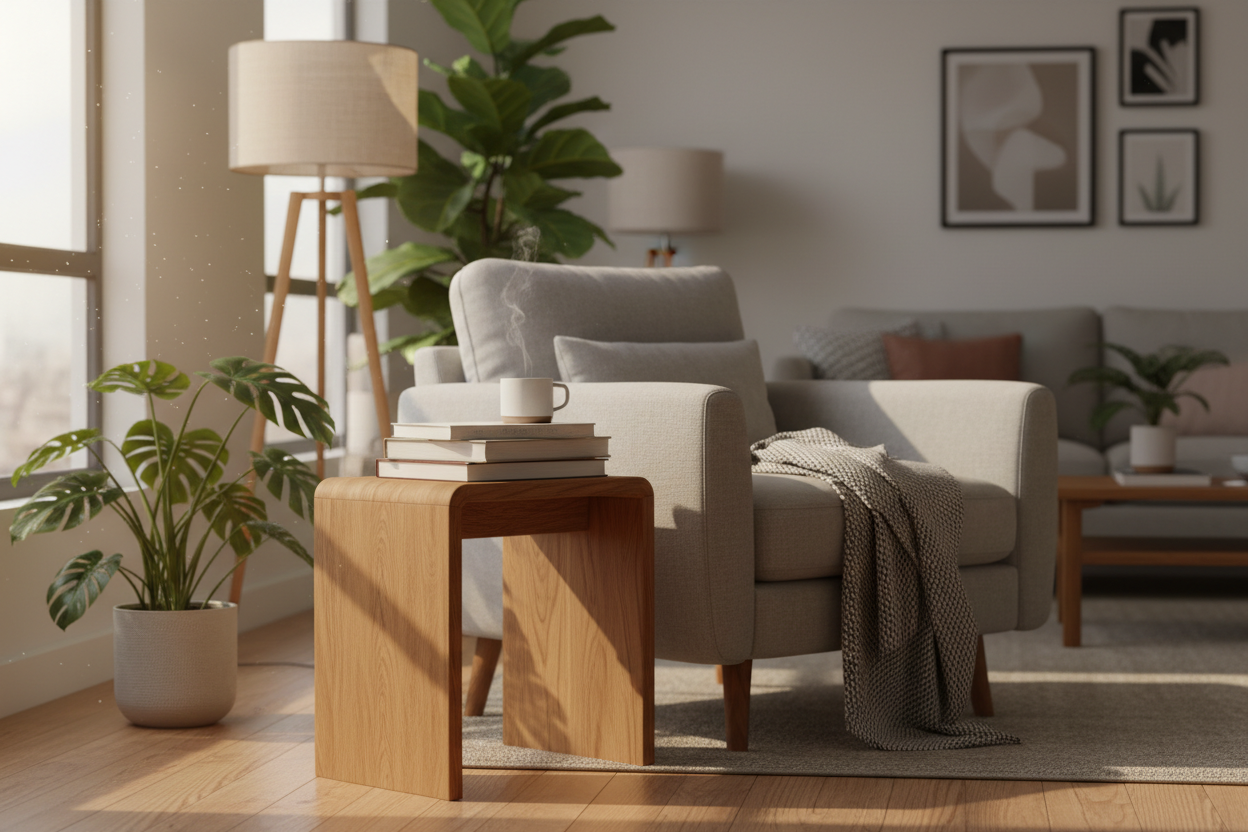
Absolutely. While a task chair is for active work, a secondary "breakout" seat, like a lounge chair with an ottoman, can promote efficiency by offering a place for reading or contemplative thinking. Changing your physical posture can often unlock mental blocks.
Does color really affect productivity?
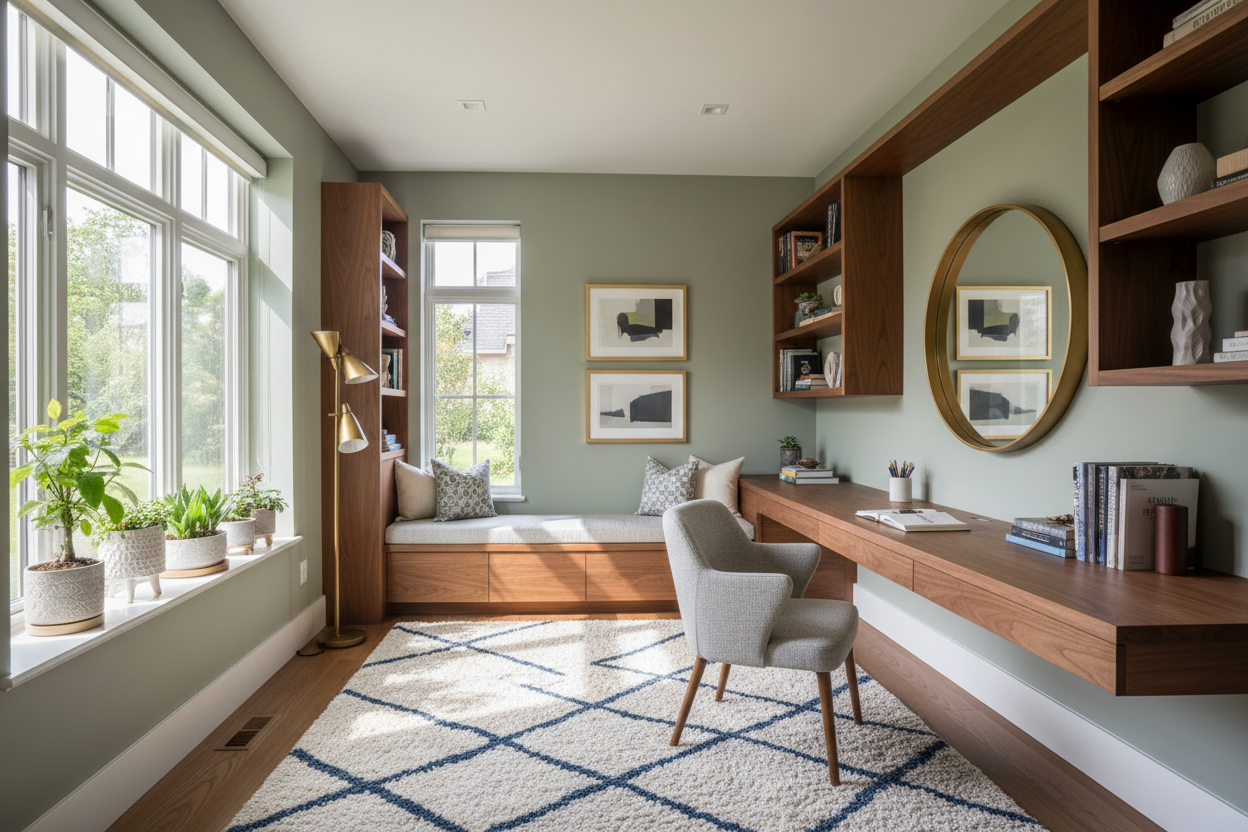
Yes. Color psychology plays a role. Blues and greens are generally known to improve focus and efficiency, while high-saturation reds can be over-stimulating. I usually recommend neutral bases with muted accent colors to maintain a calm visual field.

Leave a comment
This site is protected by hCaptcha and the hCaptcha Privacy Policy and Terms of Service apply.