

















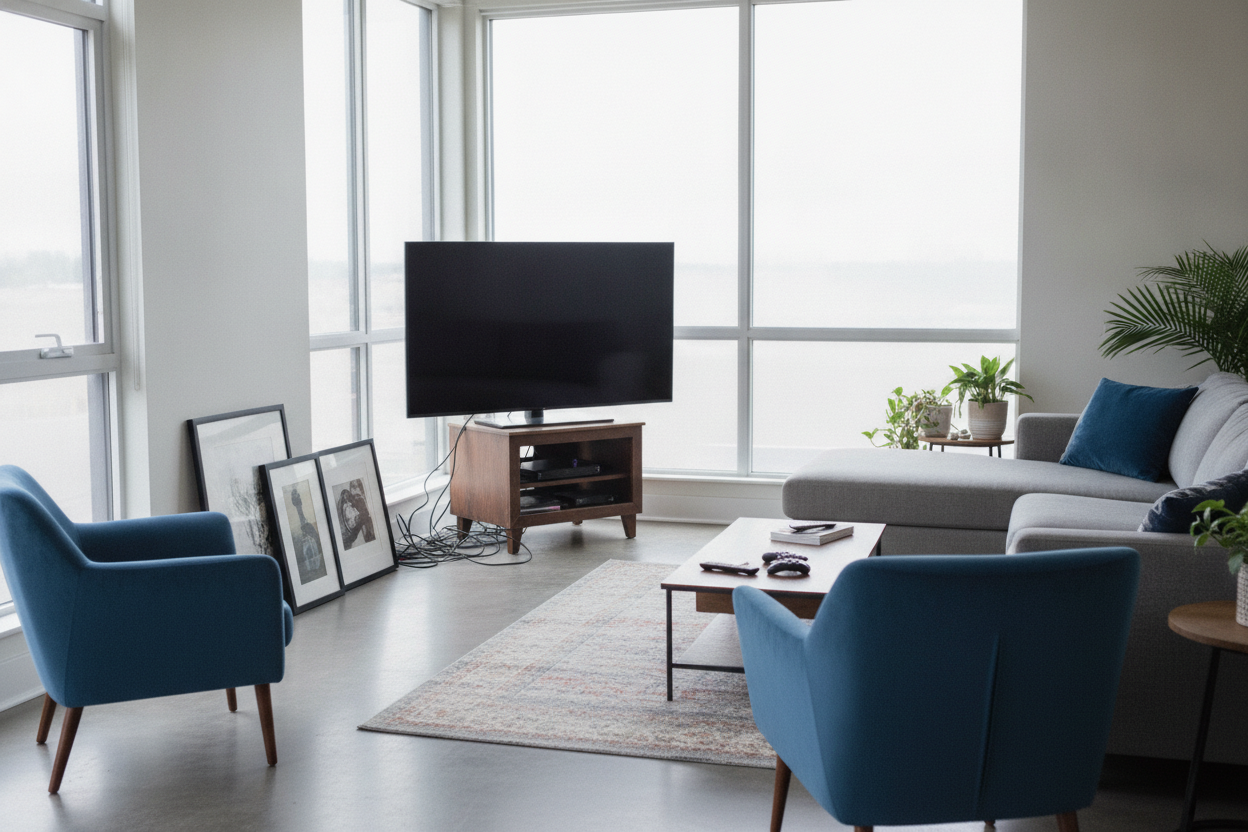
I remember the night I unboxed my first 65-inch OLED. I was so focused on the refresh rates and the deep blacks that I completely ignored the furniture I already owned. I tried to center that massive screen on my old wedge-shaped unit, and the result was a visual disaster. The TV looked like a giant black surfboard balanced precariously on a tiny wooden stool.
We call this the 'wingspan' problem. It happens when you try to force a modern, ultra-wide display onto corner tv stands for flat screen setups that were designed for a different era of technology. If your TV edges are hovering over open air, your living room feels unsettled and, frankly, a bit cheap. It is a mistake I see in half the apartments I visit, and it is entirely avoidable with a bit of math.
Quick Takeaways
- Never use the diagonal screen size to measure your furniture; use the actual physical width of the TV.
- The stand should be at least 8 to 12 inches wider than the TV itself.
- Avoid open-shelf 'wedges' which make cable management a nightmare.
- A heavy, closed cabinet grounds the room better than a spindly metal frame.
The Day I Realized My TV Was 'Flying'
When the edges of your flat screen jut out past the sides of the stand, it creates a 'flying' effect. It is not a good look. It makes the TV feel like an afterthought rather than a part of the room's design. I once left a setup like this for a week, and every time I walked into the room, I felt a low-grade anxiety that someone would bump into the corner and send $1,200 of tech crashing to the floor.
This 'wingspan' issue ruins the sightlines of your room. Corner units are supposed to tuck away, but when the TV is wider than the stand, it actually draws more attention to the corner in the worst way possible. You want the furniture to frame the screen, not disappear underneath it like a shrinking violet.
Why Flat Screens and Triangles Don't Naturally Mix
The geometry of our living rooms is stuck in the 90s. Back then, TVs were deep, heavy boxes. Corner units were deep triangles designed to swallow that bulk. But today's screens are paper-thin and incredibly wide. When you place a wide, flat rectangle onto a sharp triangle, you get a massive amount of wasted space behind the TV and not enough support on the sides.
I’ve spent hours scrolling through standard Tv Stands trying to find something that works in a 45-degree nook. Most people give up and buy a small corner wedge, but that is where the trouble starts. Modern tech needs a wider footprint. If you are still using a stand inherited from the era of DVD players and VCRs, your flat screen is never going to look right.
The Measurement Rule for Corner TV Stands for Flat Screen Setups
Here is the hard rule I live by: the front edge of your stand must be at least 4 to 6 inches wider than the TV’s physical width on each side. If your 65-inch TV is roughly 57 inches wide, you need a stand that is at least 65 to 69 inches across the front. This creates a visual 'buffer' that makes the placement look intentional and high-end.
For those of us with massive displays, you might need something like a Large Tv Cabinet Spacious Storage Cable Management 2 Doors 94 to get that structural support. When you have a screen that size, a flimsy stand will actually bow over time. I’ve seen particle board units sag 2 inches in the middle because the owner didn't account for the weight distribution of a wide-set stand base.
Finding a Corner TV Cabinet for Flat Screen Displays That Actually Hides Cords
One of the biggest perks of choosing a proper corner tv cabinet for flat screen displays is the ability to hide the 'spaghetti' of cables. Open-frame stands are the enemy of a clean aesthetic. You can see every HDMI cord and power brick reflected against the wall behind the unit. It looks messy and distracting during movie night.
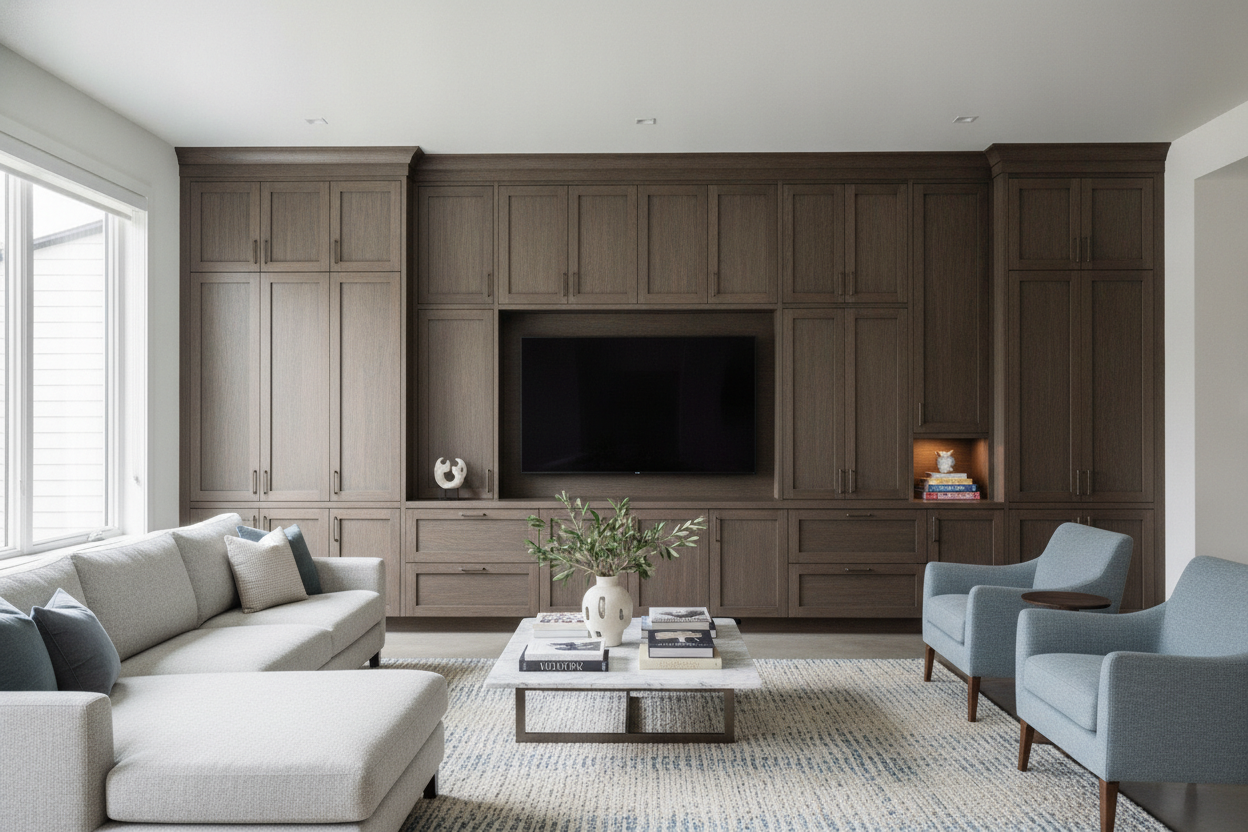
I always recommend a closed cabinet with solid doors. It grounds the massive black rectangle of the TV. If you have a tricky layout, you might look into a Modern Tv Console Cabinet Media Console Adjustable Length With Drawers And Legs to customize the fit. Closed storage allows you to shove the router, the gaming consoles, and the messy wiring out of sight, leaving only the clean lines of the furniture and the screen.
The 'Float and Anchor' Alternative
If you absolutely cannot find a corner stand wide enough for your TV, there is a hybrid solution: the 'Float and Anchor.' You mount the TV to the wall using an articulating corner mount. This secures the weight into the studs, which is much safer than balancing it on a narrow piece of wood. However, a floating TV in a corner looks unfinished and 'lost' without something beneath it.
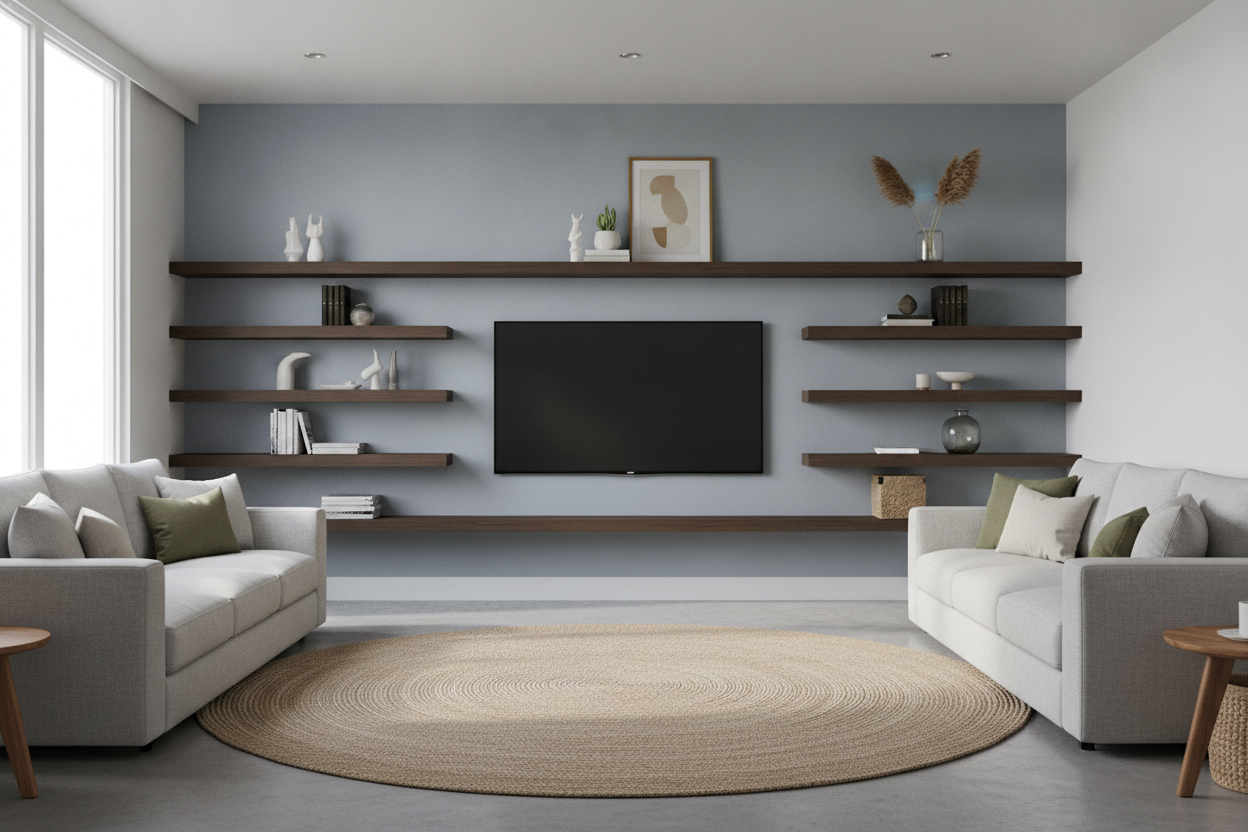
You still need a console to visually anchor the space. I’ve written before about how Your Mounted Tv Looks Weird Add A Flat Screen Tv Wall Cabinet if you don't ground it properly. The furniture underneath doesn't have to hold the weight, but it should still follow the width rule. It provides a home for your soundbar and keeps the corner from looking like a doctor’s office waiting room.
FAQ
Can I put a 55-inch TV on a 40-inch corner stand?
Technically, yes, if the legs fit. But it will look terrible. The TV will overhang by several inches on each side, making the whole setup look top-heavy and accidental. Stick to the 4-6 inch buffer rule for a professional look.
What is the best material for a corner TV stand?
Avoid thin MDF if you have a TV over 50 inches. Look for kiln-dried hardwoods or high-grade plywood with a real wood veneer. You want something with a weight capacity at least 20% higher than your TV's actual weight.
How do I manage heat in a closed corner cabinet?
Make sure the back panel has generous cutouts for airflow. If you’re running a PS5 or a high-end receiver, I usually suggest drilling a few extra 2-inch holes in the back or leaving the cabinet doors cracked during heavy gaming sessions.

Leave a comment
This site is protected by hCaptcha and the hCaptcha Privacy Policy and Terms of Service apply.