

















Introduction
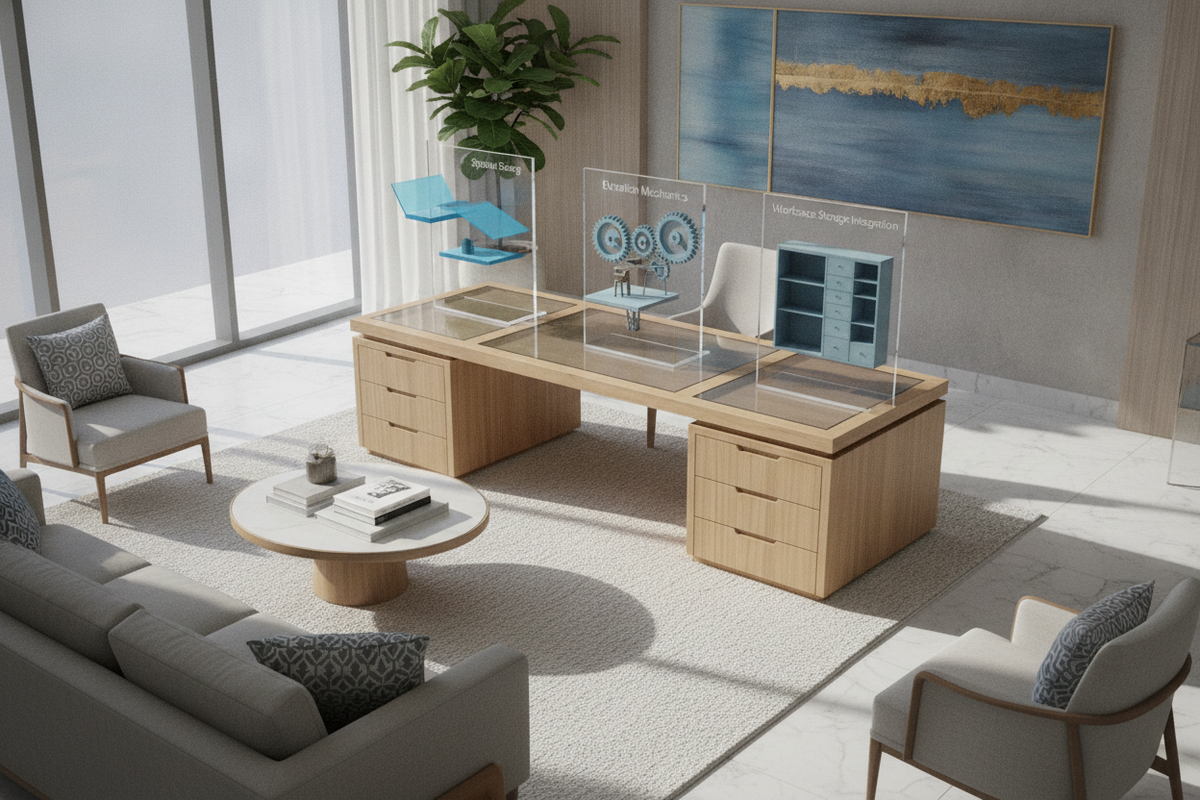
Modern remote work and creative pursuits demand flexible workstation solutions that support both seated focus and active upright movement. An azure sky desk serves as a versatile foundation for contemporary home offices, combining motorized elevation capabilities with a clean, open-frame footprint. Transitioning between sitting and standing throughout the day helps break up prolonged static postures while revitalizing daily workflow rhythms. However, integrating an azure sky standing desk into a residential room requires deliberate spatial planning, dynamic vertical clearance management, and thoughtful storage coordination to ensure a stable, clutter-free environment.
Azure Sky Desk Architecture: Frame Stability and Lift Mechanics
The structural integrity of an electric sit-stand workstation rests upon its mechanical underframe and motorized lifting columns. Understanding how these mechanical components interact enables users to balance work gear securely across the surface while preserving smooth elevation transitions over years of daily operation.
Telescoping Leg Stages and Crossbeam Support
An adjustable height desk relies on multi-stage telescoping leg columns driven by internal lift mechanisms. As the desk rises, overlapping leg segments extend vertically, transferring downward weight from hardware, monitors, and leaning forearms through heavy-gauge steel footings. Structural crossbeams mounted directly beneath the desktop bridge both columns, dampening lateral deflection and preventing surface wobble at extended standing heights. Even distribution of desktop weight across this central beam prevents uneven stress on motorized components and maintains level travel across repetitive cycles.
Motorized Elevation and Controller Preset Workflow
Electric standing desks feature synchronized motorized lifting systems operated by digital keypad interfaces. Programmable memory handsets allow individuals to assign dedicated height presets for their personal seated and standing positions, eliminating the guesswork of manual realignment. Consistent motorized elevation ensures smooth starts and gentle stops, safeguarding delicate desktop gear such as external drives, fluid-filled beverage containers, and articulated monitor mounts from abrupt jolts during transitions.
Spatial Sizing and Footprint Planning for Your Workspace
Selecting the right desktop dimensions involves assessing both room floor space and equipment density. Because motorized desks move vertically, spatial planning must account for three-dimensional clearance around the desk frame rather than just static perimeter floor area.
Matching Surface Width to Equipment Layouts
Desktop width dictates how comfortably you can position displays, computing towers, and everyday accessories without crowding your physical writing area:
- Compact Footprints: Ideal for dedicated laptop setups, writing pads, and auxiliary tablets within shared living spaces, guest rooms, or alcoves.
- Mid-Range Footprints: Suited for dual-monitor arms, full-size mechanical keyboards, reference documents, and peripheral audio interfaces. If your home office requires a balanced medium footprint with programmable height controls, consider an electric standing desk product equipped with digital memory presets.
- Expansive Executive Formats: Designed for triple-display arrays, heavy desktop audio monitors, drawing tablets, and extensive reference materials. When planning an executive-tier workstation with extra surface area, pairing your layout with a wide-format standing desk product ensures expansive workspace utility. Users managing triple-display setups or extensive creative gear can benefit from a heavy-duty, super-sized standing desk product built for wide-format stability.
For aesthetic inspiration and decor balance across your home office, explore our practical standing desk guide on visual workstation styling.
Dynamic Clearance and Vertical Path Planning
Unlike static tables, an azure sky desk requires unimpeded vertical travel throughout its entire stroke range. When establishing the workstation location, maintain adequate buffer space between the edge of the desktop and adjacent walls, low window sills, electrical outlets, or baseboard heaters. Ensure that overhead shelving, wall-mounted artwork, and wall sconces do not project into the upward travel path of mounted display screens. To maximize room layout efficiency and spatial flow in compact or multi-purpose rooms, consult our comprehensive standing desk guide for designer layout strategies.
Ergonomic Surface Management and Cable Routing Architecture
Arranging equipment systematically across the desk surface enhances physical comfort and prevents strain. Proper surface layout must be paired with structured cable management that accommodates continuous vertical movement without binding or cord disconnects.
Desktop Reach Zones and Monitor Arm Positioning
Organizing items into ergonomic reach zones helps maintain neutral spinal alignment whether seated or standing:
- Primary Zone: Items used constantly—such as keyboards, mice, and active stylus pens—belong within forearm reach without extending the elbow.
- Secondary Zone: Frequently accessed tools—such as reference notebooks, desk phones, or beverage coasters—should remain accessible within an easy arm sweep.
- Reference Zone: Auxiliary items—such as task lighting, external hard drives, and pen holders—reside along the outer perimeter of the desktop.
Clamp-on monitor arms free up valuable desktop real estate underneath screens while allowing independent focal depth and tilt adjustments to align display tops near natural eye level.
Dynamic Cable Management and Power Hub Organization
Height-adjustable desks require specialized cable routing to account for elevation changes. Mounting a multi-outlet surge protector directly beneath the desktop allows monitor cables, computer peripherals, and task lights to move alongside the surface, consolidating cords into a single central power drop. Utilizing under-desk wire trays, flexible cable vertebrae, or fabric management sleeves ensures that the primary power lead glides freely without catching on table legs, drawer handles, or baseboard trim during motorized adjustments.
Solving the Storage Dilemma for Open-Frame Standing Desks
Because motorized sit-stand desks prioritize open legroom and clean lines, they generally omit traditional built-in pedestals and deep box drawers. Creating an organized workstation requires pairing the open frame with modular, coordinated storage units that keep supplies accessible without impeding lift mechanics.
Under-Desk Mobile File Pedestals and Height Constraints
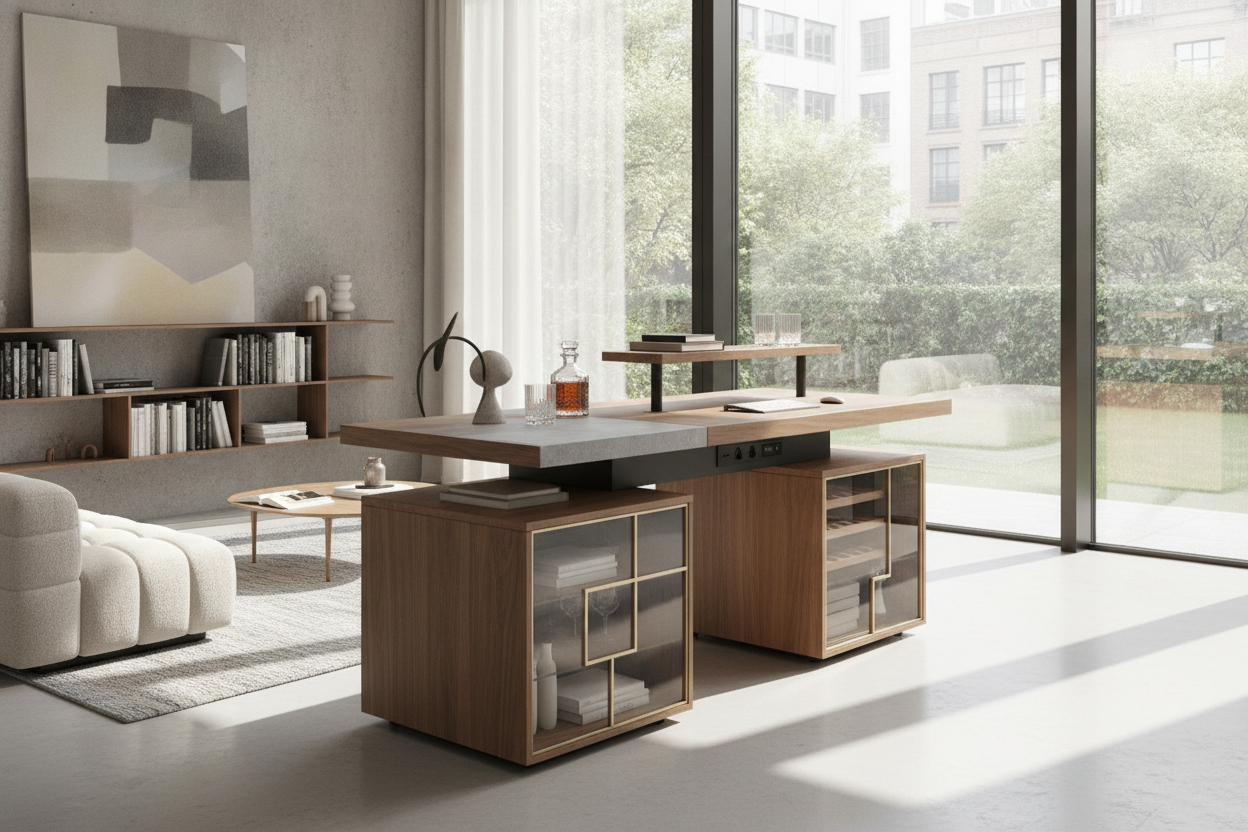
Mobile filing cabinets equipped with smooth-rolling casters provide convenient, modular storage for paperwork, office stationery, and charging cables. When selecting an under-desk cabinet, verify that the total height of the storage unit leaves adequate clearance beneath the desk frame when lowered to your lowest preferred seated height. Placing mobile pedestals on locking casters enables quick relocation alongside the desk whenever full open leg space is desired.
Perimeter Credenzas, Bookcases, and Vertical Shelving
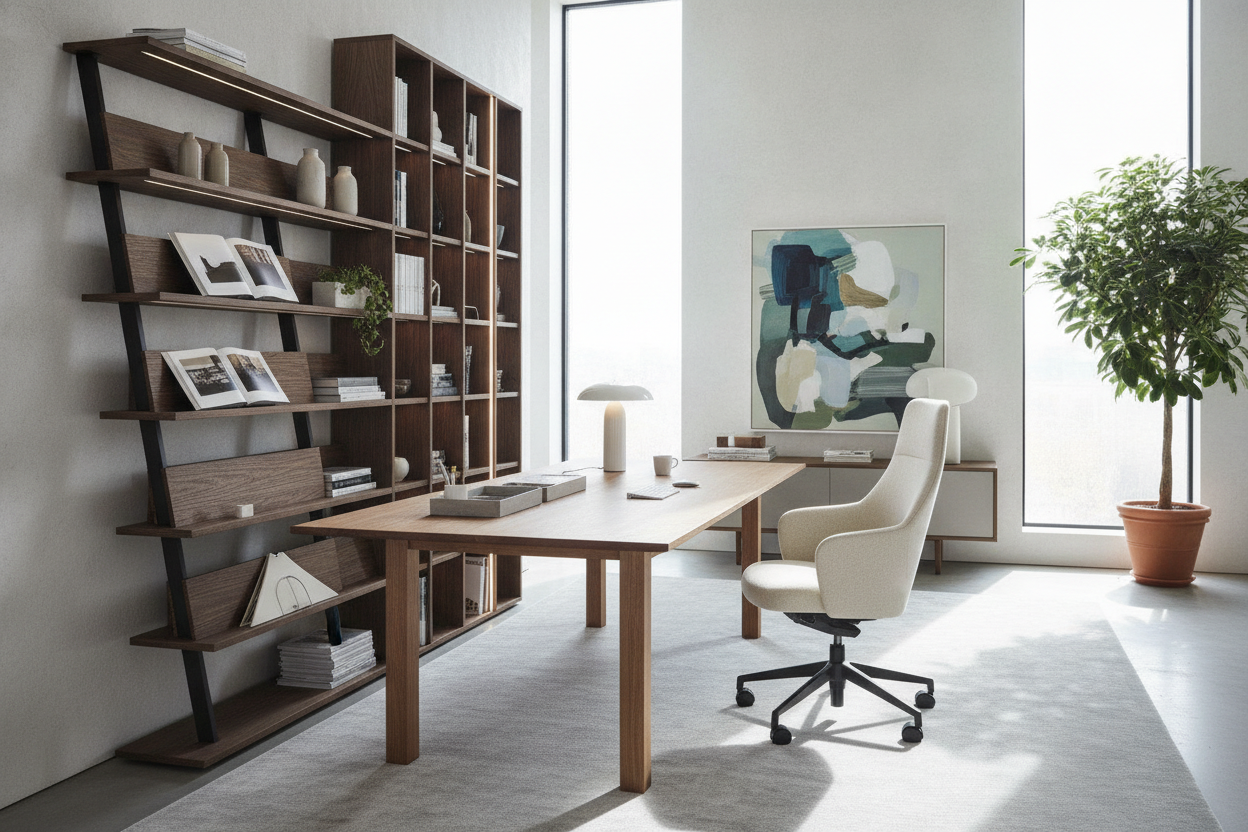
To keep the primary motorized surface uncluttered, position complementary storage pieces around the perimeter of the office room. Pairing an azure sky standing desk with matching lateral filing credenzas, tall open bookcases, and wall-mounted shelving units creates distinct storage zones. Storing heavy archive binders, printers, and auxiliary hardware on perimeter furniture preserves structural balance across the lifting desk frame while maintaining a refined, professional interior aesthetic.
Assembly, Calibration, and Routine Maintenance Practices
Proper initial assembly and regular preventative checks ensure smooth motorized operation and long-term frame stability:
- Leveling the Foundation: After positioning the desk, adjust the threaded leveling glides beneath each foot to eliminate wobble caused by uneven floor surfaces or carpet seams.
- Fastener Checkpoints: Periodically check and tighten crossbeam bolts, desktop mounting screws, and monitor arm clamps to maintain rigidity.
- Handset Reset and Calibration: If electrical power is interrupted, execute the manufacturer controller reset sequence to recalibrate synchronized leg positions and ensure level elevation.
- Surface Care: Clean laminated or finished work surfaces with soft microfiber cloths and mild, non-abrasive cleaners to preserve surface texture and edge banding.

Leave a comment
This site is protected by hCaptcha and the hCaptcha Privacy Policy and Terms of Service apply.