

















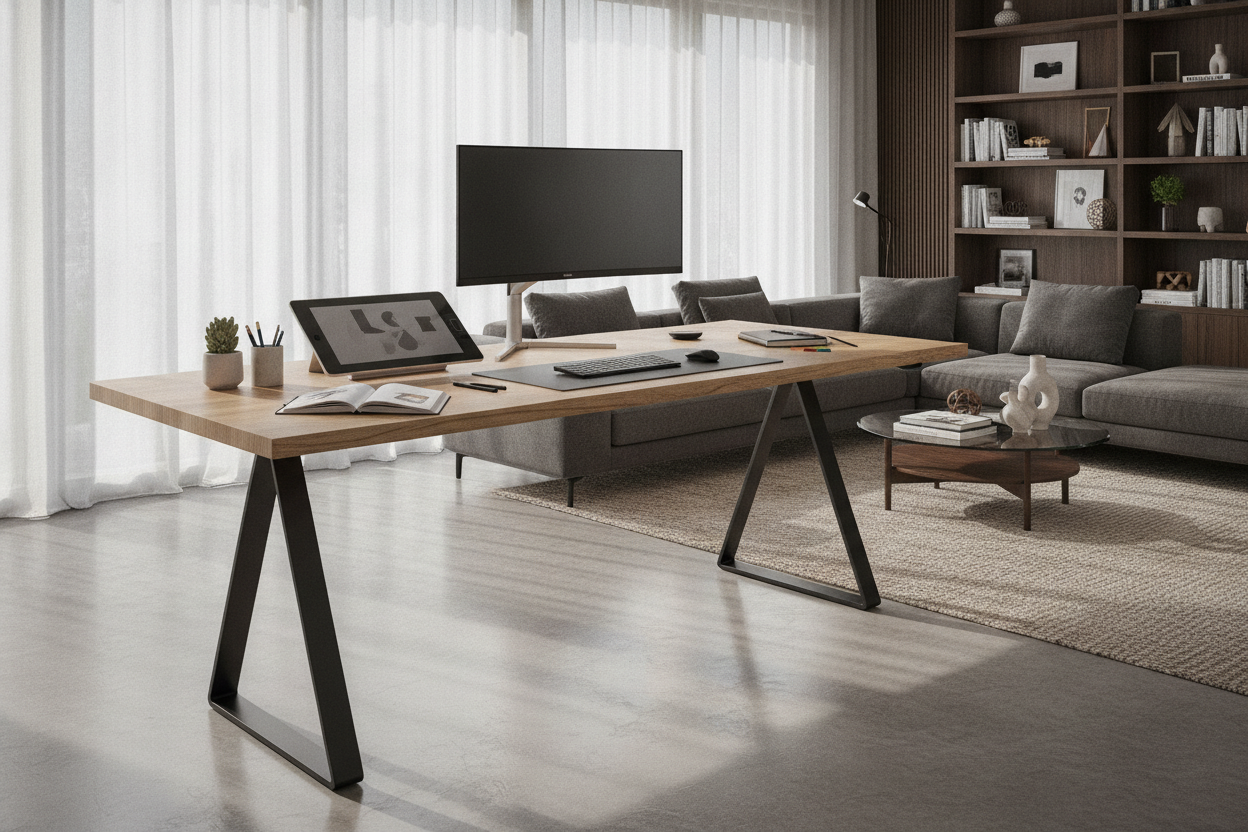
Understanding the Scale: What an 80-Inch Standing Desk Brings to Your Workspace
Choosing an 80-inch standing desk shifts your workstation from a standard computer table into an expansive executive command center. At this substantial width, a sit-to-stand surface accommodates multi-monitor arrays, dedicated creative peripherals, and traditional analog paperwork side by side without clutter. Balancing generous physical proportions with functional flow is essential when designing an attractive standing desk setup that supports both focused work and room aesthetics.
An extra-wide workstation provides ample room for multiple hardware setups, collaborative review sessions, or hybrid tasks like audio mixing and technical drawing. However, managing an expansive desktop requires careful attention to structural support, room clearances, and intentional surface zoning to keep every tool within comfortable reach.
Spatial Fit and Room Clearance for Extra-Wide Adjustable Desks
Before introducing an 80-inch sit-to-stand desk into an office, you must evaluate the surrounding footprint. A table of this size dominates a room visually and physically, making spatial proportion and user circulation paramount.
Evaluating Wall Width and Perimeter Circulation
An 80 standing desk needs adequate wall length and perimeter breathing room. Positioning the desk tightly between two corner walls can make the room feel cramped and limit access to rear cables or mounted accessories. Ensure open clearance on either side of the desk so you can freely step around the perimeter, adjust task lighting, or access nearby storage units without obstruction. Additionally, plan for chair roll-back space behind the desk so seated transitions remain effortless.
Vertical Travel Obstacles: Upper Shelving and Architectural Elements
Height-adjustable desks introduce a dynamic vertical footprint. Because an 80-inch surface spans such a wide horizontal plane, you must confirm that the entire travel path remains unobstructed throughout height adjustments:
- Floating shelves and cabinets: Verify that wall-mounted storage does not collide with tall monitors when the desk elevates.
- Window sills and trim: Ensure the desk edge clears protruding architectural elements during daily height adjustments.
- Wall sconces and switch plates: Keep the perimeter clear of low-hanging fixtures, thermostats, or decorative wall sconces.
Structural Integrity and Frame Stability Across Wide Spans
The primary engineering challenge of an 80" standing desk is minimizing horizontal flex and lateral wobble. When a tabletop extends across wide dimensions, standard lifting frames can experience center sagging or top-heavy sway when raised to full standing height.
Opt for heavy-duty steel underframes with telescoping crossbars that extend outward beneath the desktop surface. Dual-motor or multi-leg support systems distribute lifting power evenly, ensuring smooth transitions even when supporting multiple screens and accessories. If your floor plan calls for slightly more compact dimensions without sacrificing ergonomic versatility, exploring wide height-adjustable standing desk models offers a dependable balance of expansive workspace and structural rigidity.
Multi-Zone Surface Layouts on an 80-Inch Desktop
Having vast surface area can quickly lead to disorganized clutter without a clear organizational framework. Dividing your desktop into functional zones maintains order and optimizes your physical reaching radius. For additional layout inspiration, review designer ideas for standing desk layouts to tailor your workstation to your daily workflow.
The Triple-Zone Workflow: Tech, Active Project, and Analog Tasking
A practical method for organizing an 80-inch desk is establishing three distinct operational zones across the surface:
- Primary Digital Zone (Center): Position your main display, keyboard, and mouse directly centered to maintain neutral posture and reduce neck strain.
- Active Project Zone (Left or Right): Dedicate one side to secondary equipment such as a laptop dock, drawing tablet, reference materials, or studio mixing consoles.
- Analog and Reading Zone (Opposite Side): Reserve the remaining end for notebooks, physical paperwork, planning binders, and a dedicated task light away from digital clutter.
Monitor Arm Mounting and Desktop Weight Balance
Mounting multiple monitors on heavy-duty articulation arms frees up significant surface area. When outfitting an 80-inch desk, distribute heavy clamp mounts evenly across the rear edge rather than clustering excessive concentrated weight in the dead center. Utilizing heavy-duty grommet mounts or dual clamping plates reinforces stability and protects the desktop surface over years of daily adjustments.
Dynamic Cable Management for Wide Sit-to-Stand Workstations
Managing cords across an 80-inch adjustable desk requires a coordinated approach to prevent tangling during vertical travel. Because peripherals may sit several feet apart, standard short cables often cannot reach a single central surge protector.
Mount high-capacity power strips and horizontal cable raceways directly to the underside of the desk frame. Route all desktop equipment downward into these under-desk channels first. From the central under-desk hub, run a single heavy-duty power umbilical downward to the wall outlet enclosed in an articulated cable spine. Ensure this vertical drop contains sufficient slack at maximum standing height to prevent cords from pulling taut or disconnecting.
Storage Coordination: Pairing Freestanding Cabinets with Wide Standing Desks
Because sit-to-stand desks feature open leg room beneath the moving top, integrated drawers are rarely built into wide adjustable frames. To maintain an organized, high-end office aesthetic, coordinate your standing workstation with standalone matching storage units.
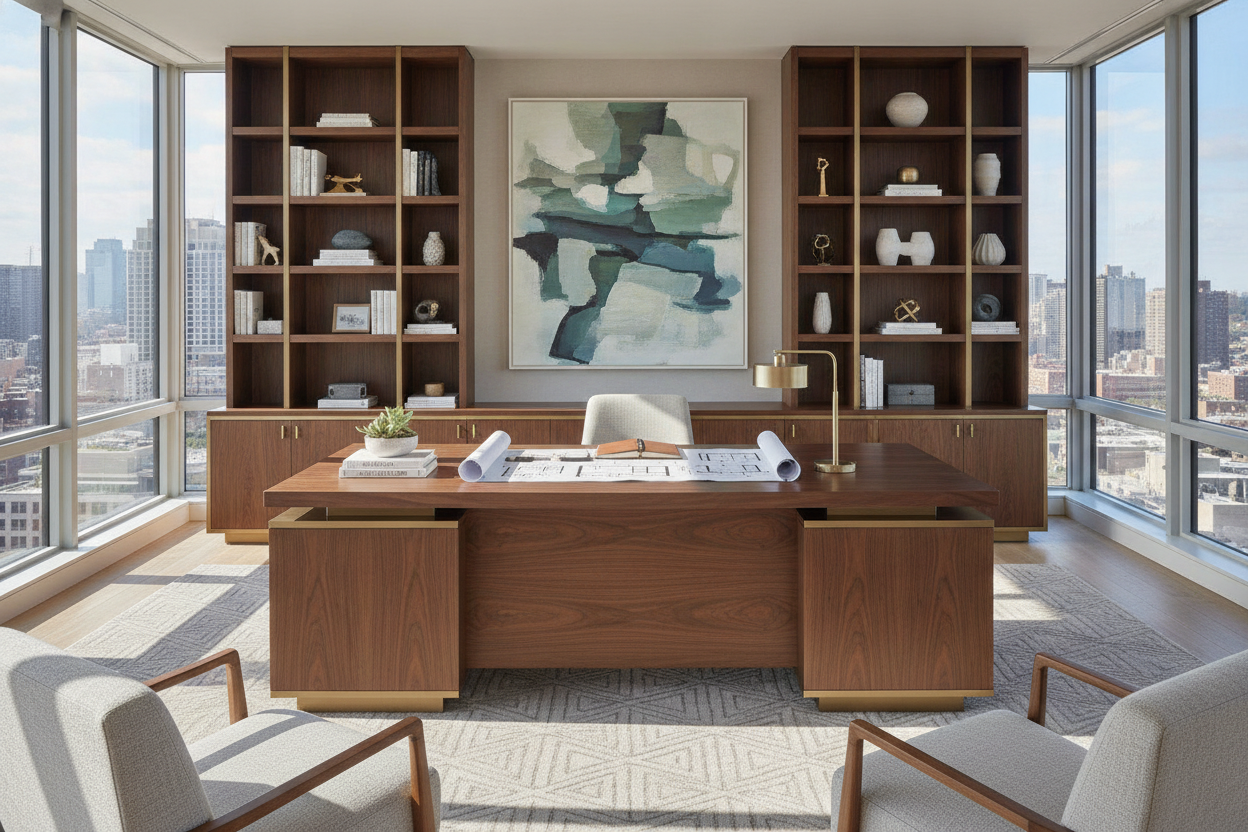
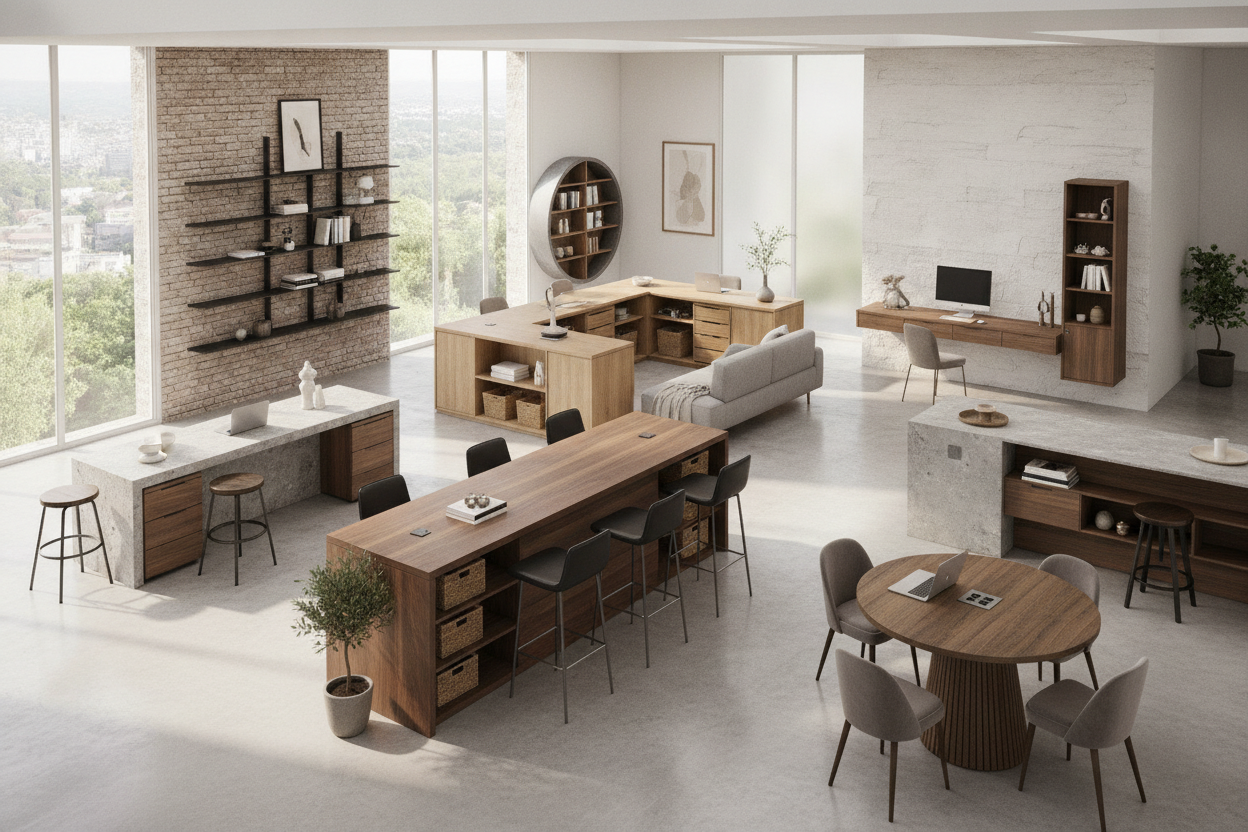
Mobile filing pedestals slide comfortably beneath the desk when lowered, provided they stay clear of lower crossbars, while low credenzas positioned along an adjacent wall offer extensive surface area for printers and files. For users whose organizational demands call for comprehensive fixed units rather than motorized tables, considering L-shaped corner desks with integrated storage or expansive computer desks with dedicated display cabinets provides robust architectural organization with built-in cabinetry.
Key Decision Checklist Before Finalizing Your 80-Inch Standing Desk Setup
Before purchasing and assembling an extra-wide standing workstation, review these essential planning criteria:
- Clearance Measurements: Confirm your room accommodates an 80-inch table with comfortable walking space on both sides.
- Frame Reinforcement: Ensure the frame features heavy-duty steel construction and wide crossbars to support distributed loads without flexing.
- Cable Lengths: Check that display, audio, and power cables have enough reach to traverse the wide desktop and vertical travel path.
- Modular Storage Integration: Plan complementary mobile pedestals or wall cabinets to keep desktop items neatly organized.

Leave a comment
This site is protected by hCaptcha and the hCaptcha Privacy Policy and Terms of Service apply.