


















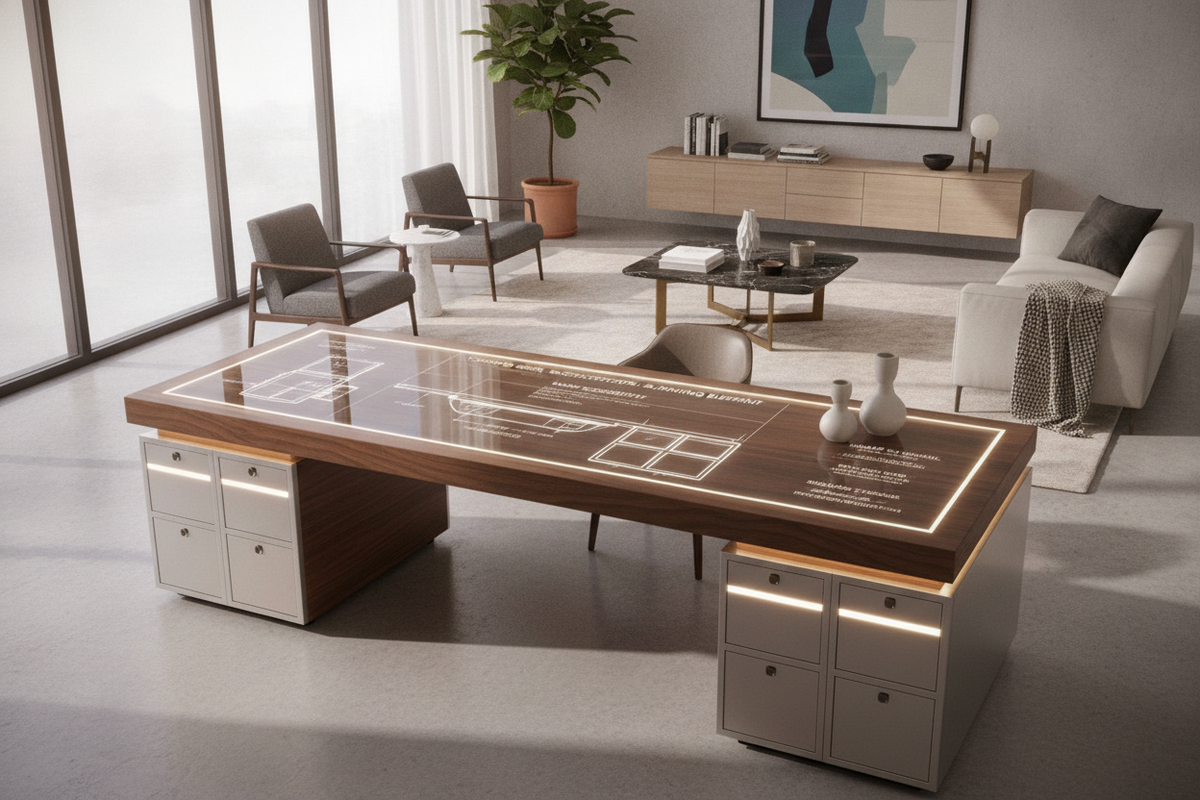
A 72 x 30 desk represents the definitive dimensional benchmark for high-performance executive workstations, multi-display command centers, and creative studio environments. Measuring six feet in width and two and a half feet in depth, this expansive footprint provides an expansive desktop canvas. However, successfully integrating a surface of this scale requires careful architectural planning, ergonomic focal zoning, and structural consideration.
The Spatial Anatomy of the 72 x 30 Desk: Sizing Ratios and Room Footprint
Integrating a large-format workstation into a dedicated office or shared living space begins with circulation planning. A standard 72x30 desk commands substantial presence, requiring sufficient perimeter clearance to maintain fluid room navigation. For optimal spatial balance, allow ample walkway space between the desk edge and adjacent walls or doorways, along with adequate push-back clearance behind your task chair.
When orienting a 72-inch workstation, consider sightlines and natural light sources. In open-concept rooms, floating the desk perpendicular to windows avoids harsh screen glare while presenting a commanding architectural anchor. For creative layout strategies that integrate broad surfaces seamlessly into residential floor plans, exploring standing desk guide resources can help you harmonize visual balance with functional traffic lanes. If your room dimensions are constrained, comparing this executive format against a moderately sized adjustable height standing product will clarify whether a compact or full-span footprint best preserves your room flow.
30-Inch Depth Ergonomics: Focal Distance and Multi-Zone Desktop Layouts
While width determines how much gear you can position side by side, depth governs posture, visual comfort, and physical reach. A 30-inch deep top provides a significant ergonomic advantage over narrower alternatives, establishing three distinct operational zones:
- Primary Reach Zone: The immediate foreground (approximately 12 to 14 inches from the front bevel), dedicated to your keyboard, mouse, active writing pad, or drawing tablet, allowing your forearms to rest naturally without excessive shoulder extension.
- Secondary Interaction Zone: The central corridor (14 to 22 inches deep), ideal for reference paperwork, desk pads, low-profile audio mixers, or docking stations that require intermittent access.
- Focal Utility Zone: The rear boundary (22 to 30 inches deep), engineered to support large ultrawide monitors, dual-display arms, or studio reference speakers at a comfortable visual focal length.
This tiered geometry prevents the visual fatigue common to shallow surfaces, where oversized monitors sit uncomfortably close to the user. For further advice on organizing desktop technology without visual clutter, consult our standing desk guide to achieve a clean, balanced aesthetic across broad surfaces.
Fixed vs. 72-Inch Standing Desk Architecture: Frame Stability and Kinematics
Choosing between a fixed-frame executive table and a motorized sit-to-stand workstation alters the structural demands of a 72-inch span. Because a six-foot desktop carries notable physical mass and frequently supports heavy peripherals, the underlying underframe must be engineered to resist lateral sway and torsional deflection.
For sit-stand setups, broad dual-motor frames with telescoping crossbeams distribute the dynamic lifting force across the outer thirds of the surface. Selecting a heavy-duty model, such as a height adjustable standing product, provides the robust column architecture and stable cross-support needed to maintain rigidity at standing heights. When planning for dynamic height adjustment, ensure that perimeter wall clearances account for vertical travel, preventing monitor mounts or desktop edges from scraping adjacent millwork, window sills, or artwork during elevation changes.
Surface Materials, Weight Distribution, and Core Construction
A broad 72-inch span is naturally susceptible to structural sag if the desktop material lacks sufficient internal density or proper framing support. When selecting your desktop, evaluate both material composition and reinforcement:
- High-Density Engineered Composites: High-pressure laminate or melamine over high-density fiberboard offers uniform structural integrity, resisting warping caused by ambient humidity shifts while providing a resilient, scratch-resistant writing plane.
- Solid Hardwoods: Edge-glued solid woods present timeless character and substantial mass, but they require robust undersurface mounting plates or longitudinal steel stiffener channels to accommodate seasonal expansion and prevent cupping across a 30-inch depth.
- Load Distribution: Concentrate heavier hardware—such as multi-screen clamp mounts, heavy PC chassis, or studio speakers—directly above or near the structural legs and subframe rather than dead center on an unsupported expanse.
Flanking and Under-Desk Storage Architecture for Wide Workstations
Because open 72x30 desks emphasize expansive legroom and clean lines, pairing them with perimeter cabinetry prevents everyday items from cluttering the working surface. Mobile pedestals tucked under the outer edge can hold active files and stationery without obstructing your central knee-well.
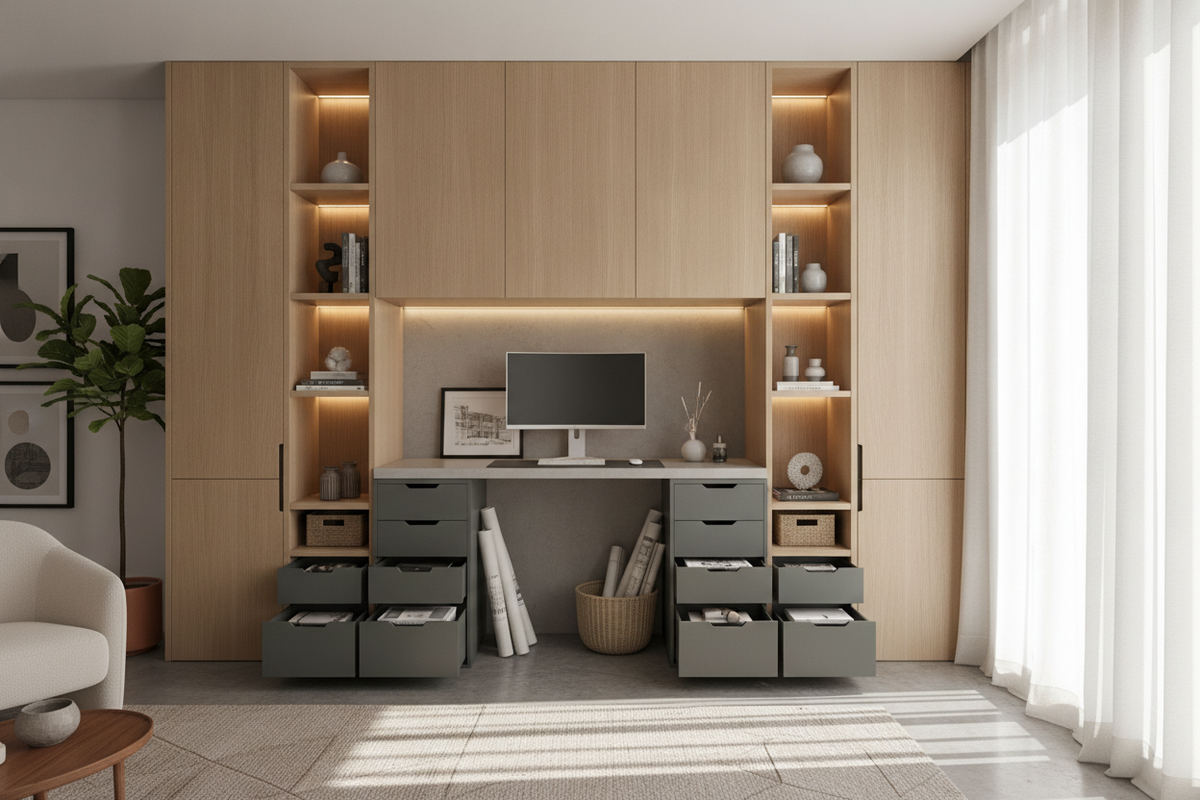
For broader storage needs, flanking the workstation with complementary credenzas, low lateral file cabinets, or modular shelving establishes a cohesive executive suite. Utilizing an adjustable collection behind or adjacent to the desk creates accessible housing for reference books, printers, and storage bins, maintaining an organized workstation while keeping the primary desktop dedicated entirely to active tasks.
Step-by-Step Setup Protocol: Assembly, Leveling, and Wire Routing
Proper installation ensures long-term stability and effortless daily operation for any large-format desk. Follow this systematic process during setup:
- Subframe Alignment: Assemble the base frame upside-down on a soft, protective surface. Center the expanding crossbeams evenly across the underside of the desktop, ensuring equal overhang on both left and right margins before fastening structural hardware.
- Dual-Axis Base Leveling: Once the desk is upright in its final footprint, use a spirit level along both the 72-inch width and 30-inch depth. Adjust the integrated foot levelers to eliminate floor wobble and prevent uneven strain on the frame columns.
- Dynamic Cable Management: Attach a high-capacity horizontal wire tray beneath the rear center of the desk. Consolidate power bricks, surge protectors, and display cords into flexible cable raceways, leaving sufficient wire slack from the wall outlet to accommodate the full upward range of motion on adjustable frames.
- Perimeter Safety Verification: Perform test height transitions to verify that cords do not snag on nearby storage units, chair armrests, or wall fixtures throughout the movement cycle.

Leave a comment
This site is protected by hCaptcha and the hCaptcha Privacy Policy and Terms of Service apply.