

















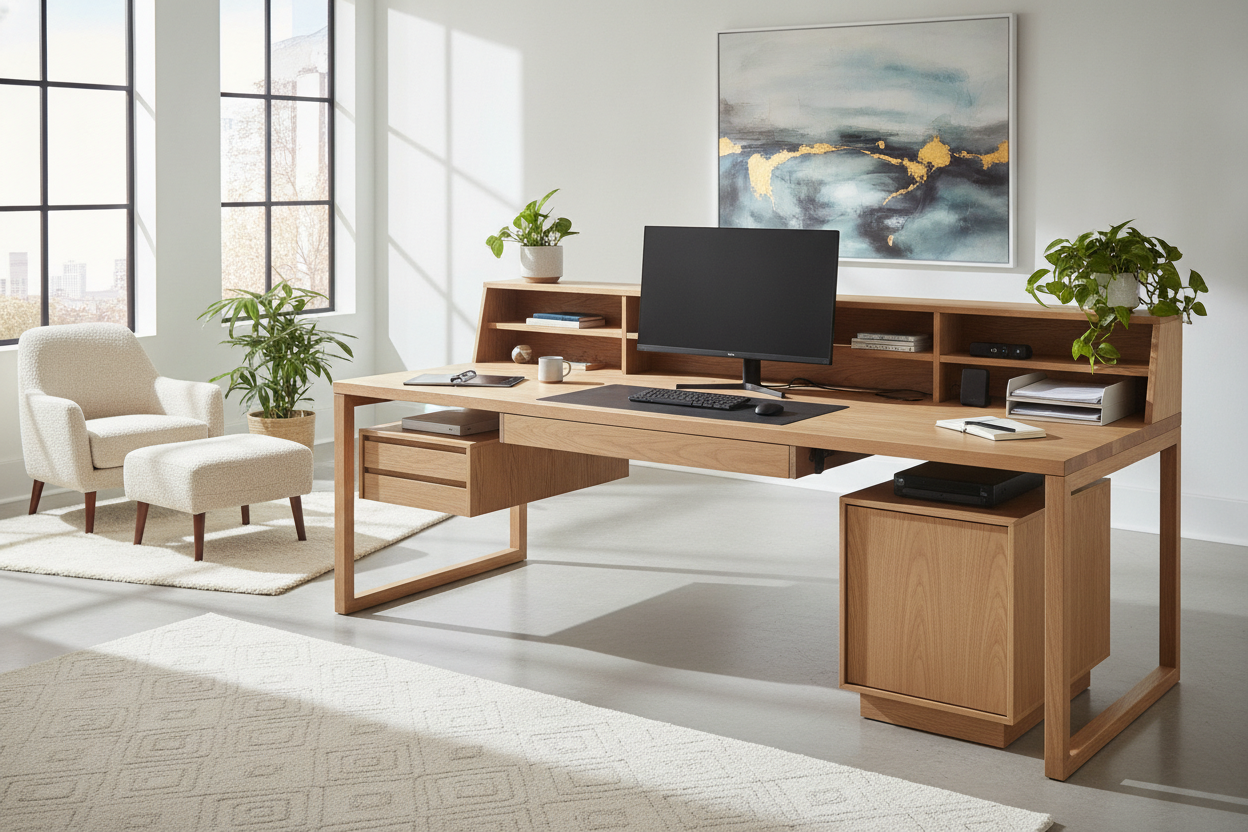
Why the 70 x 30 Desk Proportions Define an Executive-Tier Workstation
Selecting an expansive workspace requires balancing available horizontal width with sufficient operational depth. A 70 x 30 desk offers an expansive platform engineered for professionals managing complex multi-device workflows, large creative projects, and detailed administrative tasks. While standard compact desks often restrict movement and force peripherals into cramped arrangements, the generous proportions of a 70-inch span paired with 30 inches of depth establish a balanced, open environment suitable for high-demand workstations.
The key advantage of the 70x30 footprint lies in its depth-to-width ratio. A 30-inch depth allows users to position large computer displays at a comfortable visual distance while leaving ample room for keyboards, writing materials, and desktop tools. Meanwhile, the 70-inch horizontal plane accommodates multiple monitors, reference books, audio equipment, or desk lamps side-by-side without visual clutter. For those considering height-adjustable configurations, reviewing our guide on the 70 inch standing desk blueprint provides additional perspective on motorized frame mechanics and active sit-stand movement.
Surface Zoning: Mastering the 30-Inch Depth and 70-Inch Span
Organizing a wide-span desktop requires intentional surface zoning to prevent horizontal clutter from accumulating. Dividing the 30-inch depth into distinct ergonomic bands creates an intuitive workflow across daily tasks:
- Primary Foreground Zone: Occupying the front depth of the workspace, this area houses primary input devices such as keyboards, mice, trackpads, and immediate writing pads, ensuring elbows rest naturally without strain.
- Active Midground Zone: Situated in the center tier, this zone holds everyday desktop accessories, tablets, notepads, and active reference documentation within easy reach.
- Deep Rear Staging Zone: Spanning the back edge, this sector accommodates display mounts, large monitors, studio task lighting, and cable routing grommets, preserving uncluttered sightlines.
To maximize vertical clearance on your rear desktop tier, consider implementing a dedicated desk with monitor stand setup to keep accessories elevated and preserve open surface area beneath your displays.
Multi-Monitor and Peripheral Layout Configurations
A 70x30 desk provides substantial breadth, allowing diverse hardware arrangements tailored to distinct professional roles:
- Dual Standard Displays: Two large screens can be angled gently inward along the rear boundary, maintaining an unbroken panoramic view while leaving the perimeter wings free for peripheral hardware or document organizers.
- Ultrawide Curved Display with Studio Monitors: A single expansive curved monitor centered along the rear tier pairs naturally with bookshelf speakers or studio reference monitors positioned on isolation pads at the outer flanks.
- Hybrid Digital and Analog Workspace: Digital displays can be offset to one side while the opposite wing remains entirely clear for sketching, drafting, physical paperwork, or secondary laptop docking.
Spatial Clearance and Room Flow Considerations
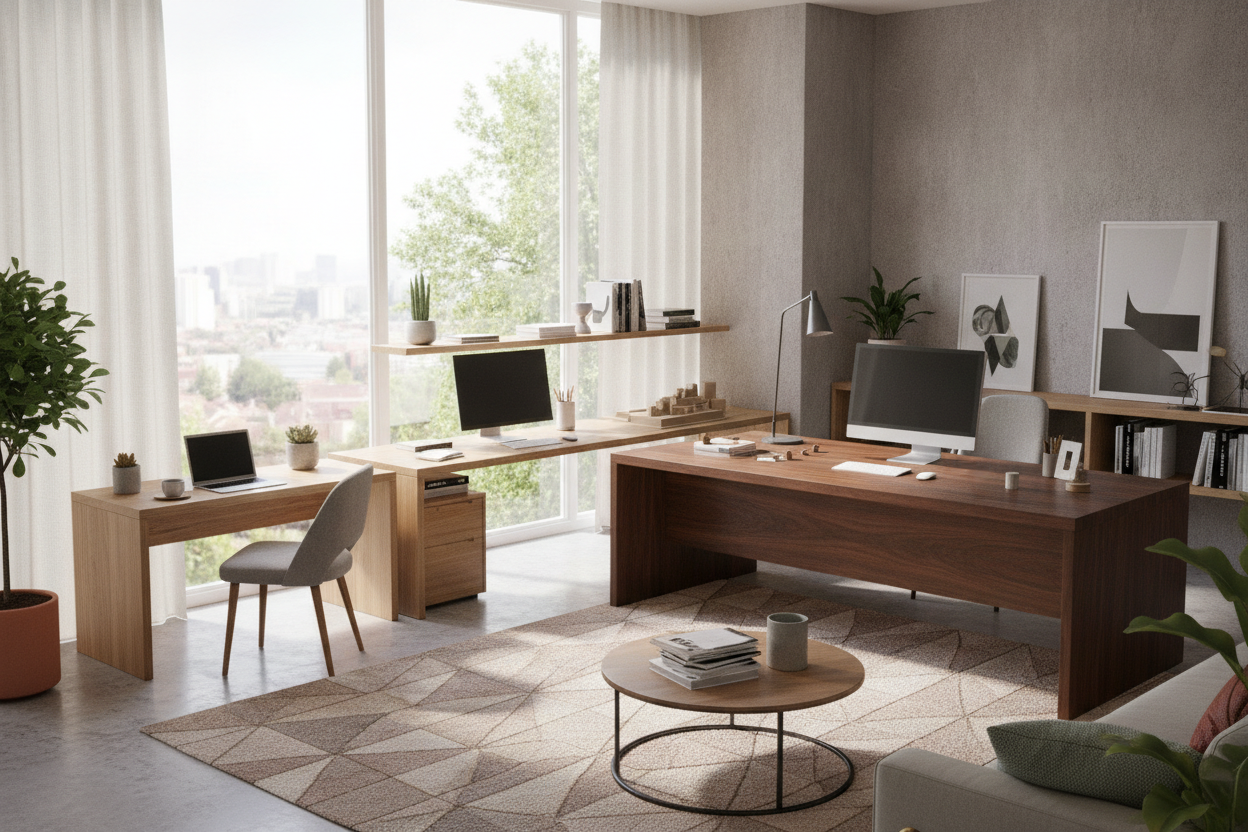
Integrating a large executive-sized desk into a home office or commercial workspace requires careful evaluation of ambient room circulation. Because a 70 x 30 desk possesses significant visual and physical mass, maintaining balanced clearance boundaries around the workstation prevents the room from feeling constricted.
Allow ample clearance behind the desk to accommodate task chair movement, reclining, and seated entry without brushing against walls or credenzas. When planning desk placement near doorways, ensure the entry path remains unobstructed and that opening doors do not interfere with desk corners or peripheral wiring. For larger architectural footprints, comparing your floor plan against our 6 foot standing desk guide can help you decide between standard extended profiles and extra-wide executive sizing.
Materiality, Finishes, and Color Palette Harmonization
The visual impact of an expansive desk depends heavily on tabletop textures, core construction, and base styling. Choosing cohesive finishes ensures the desk anchors the room gracefully rather than dominating the aesthetic:
- Modern Gray Woodgrains: Subtle gray wood textures and weathered oak finishes bridge the gap between contemporary tech gear and warm transitional interior design, softening high-contrast monitor bezels.
- Classic Warm Oak and Walnut: Natural timber tones add executive warmth and depth, pairing seamlessly with traditional bookshelves, leather seating, and brass accents.
- Crisp White and Matte Neutral Laminates: Light-reflective matte surfaces brighten home office environments, creating an airy atmosphere that makes expansive furniture appear light and unobtrusive.
Coordinating Storage and Cable Management Strategies
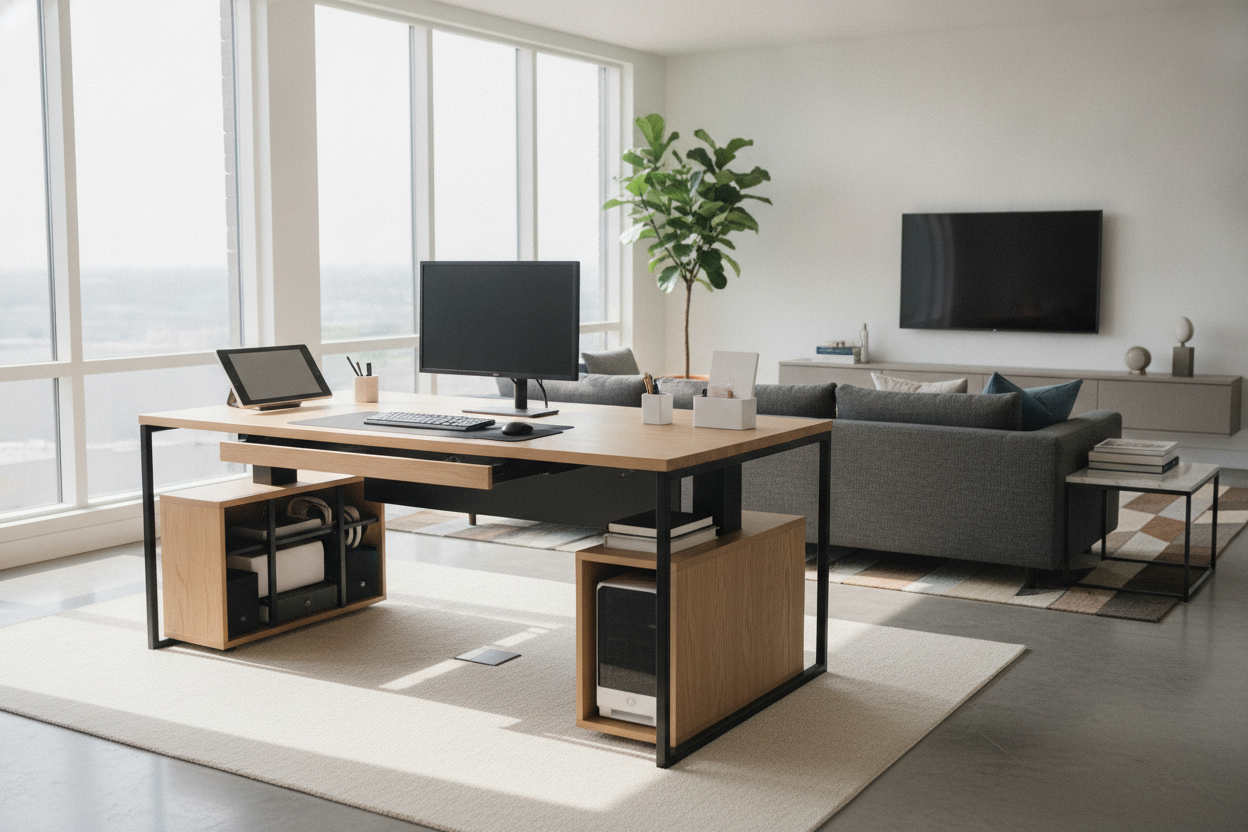
Maintaining a clean, executive aesthetic across a wide workstation relies on effective secondary storage and cable routing. Because a 70-inch width provides substantial under-desk clearance, pairing the table with dedicated storage units keeps daily clutter out of sight:
- Under-Desk Mobile Filing Cabinets: Low-profile mobile pedestals fit neatly beneath one side of the desktop without encroaching on knee space, providing quick access to files and supplies.
- Side Credenzas and Low Storage Consoles: Placing a matching sideboard or low credenza adjacent to the desk creates an L-shaped functional zone for printers, scanners, and archives.
- Integrated Cable Routing Trays: Installing high-capacity under-desk raceways, power strips, and wire sleeves along the rear apron prevents messy bundles from dangling across the open leg bay.
Selection Checklist: Choosing Your Ideal 70 x 30 Workstation
Before finalizing your desk selection, review these essential criteria to ensure long-term functionality and satisfaction:
- Frame Rigidity and Leg Architecture: Ensure the support legs or pedestal base provide solid cross-braced stability to eliminate horizontal wobble across the 70-inch span.
- Under-Desk Knee Well Width: Confirm the distance between support legs allows free leg movement, footrest placement, and comfortable chair positioning.
- Surface Durability: Look for scratch-resistant laminate, sealed veneer, or solid composite surfaces that withstand continuous mouse glide, device weight, and daily writing pressure.
- Accessory Compatibility: Check that the rear edge and desktop thickness support standard clamp-on monitor arms, privacy panels, and task lighting fixtures.

Leave a comment
This site is protected by hCaptcha and the hCaptcha Privacy Policy and Terms of Service apply.