

















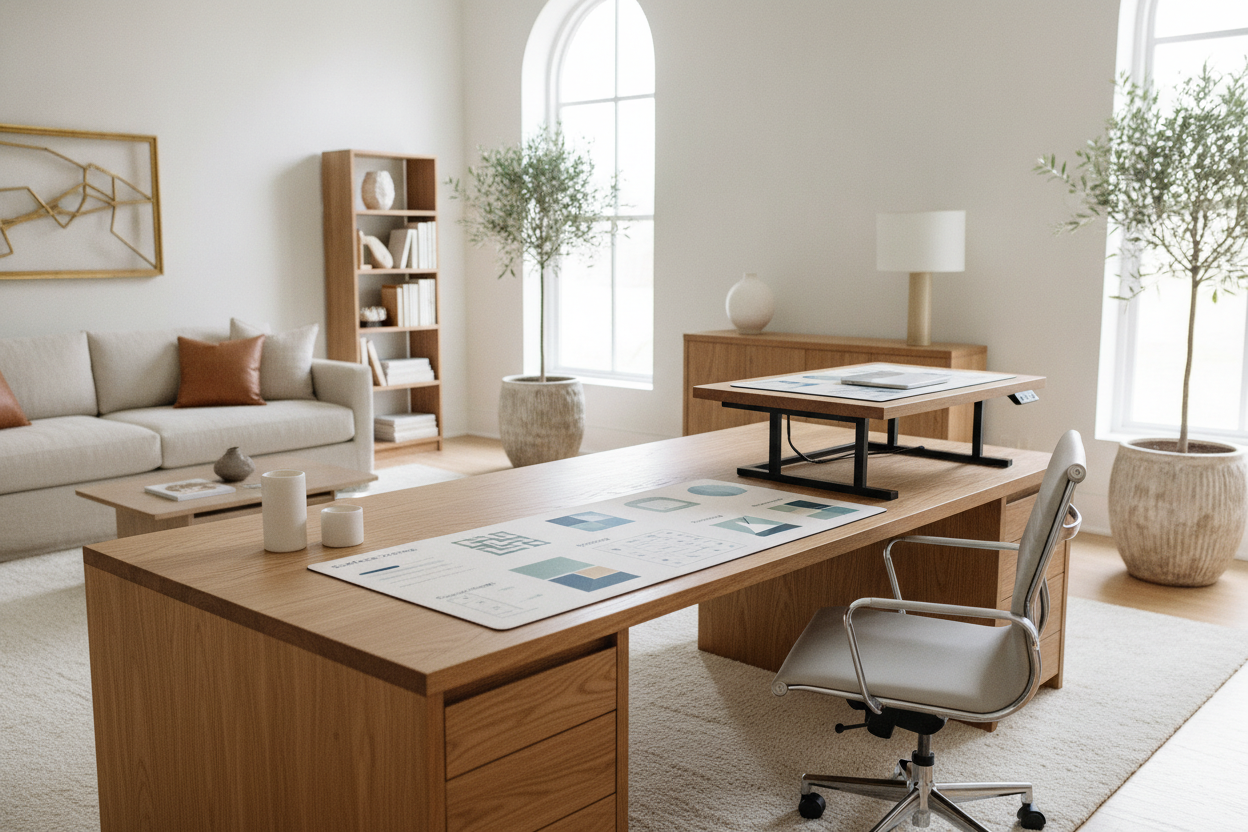
Finding the right work surface often feels like negotiating a compromise between room floor space and equipment capacity. Compact tables can feel crowded once monitors and peripherals arrive, while oversized executive tables easily overwhelm small or mid-sized rooms. The 55 x 30 desk has emerged as an exceptionally practical standard, providing generous focal depth and lateral width without commanding unnecessary floor territory.
Whether planning a fixed traditional workstation or a motorized sit-stand setup, understanding how to configure a desk 55 x 30 in size allows you to build an organized, functional environment suited for long daily sessions.
Why the 55 x 30 Desk Is a Golden Standard Dimension
The appeal of a 55-inch wide by 30-inch deep workstation lies in its balanced proportions. It accommodates modern digital setups while respecting the architectural realities of residential rooms.
Balancing 55-Inch Lateral Width with 30-Inch Focal Depth
Width and depth serve distinct ergonomic and functional purposes on a desktop:
- Lateral Width (55 inches): Provides comfortable spacing for a primary central display alongside vertical secondary screens, desktop speakers, notebook space, or a compact charging dock.
- Focal Depth (30 inches): Offers ample distance between the user and larger monitors, creating room for full-sized desk pads, mechanical keyboards, and resting forearm support.
- Under-Desk Knee Well: Leaves substantial horizontal clearance between legs or trestles, permitting smooth chair movement and natural posture shifts.
How It Compares to Narrower and Ultrawide Workstations
Desks with shallower 24-inch depths frequently force keyboards close to monitor stands, limiting writing room. Conversely, while multi-user or drafting setups may benefit from wider height adjustable standing desk options, those larger models require expansive floor plans and can complicate small room traffic paths. A 55 by 30 footprint occupies the ideal middle ground for single-user productivity.
Spatial Planning and Room Layouts for a 55 x 30 Desk
Properly situating your workstation depends on wall availability, natural lighting, and walkway circulation.
Wall-Facing vs. Floating Centerpiece Placements
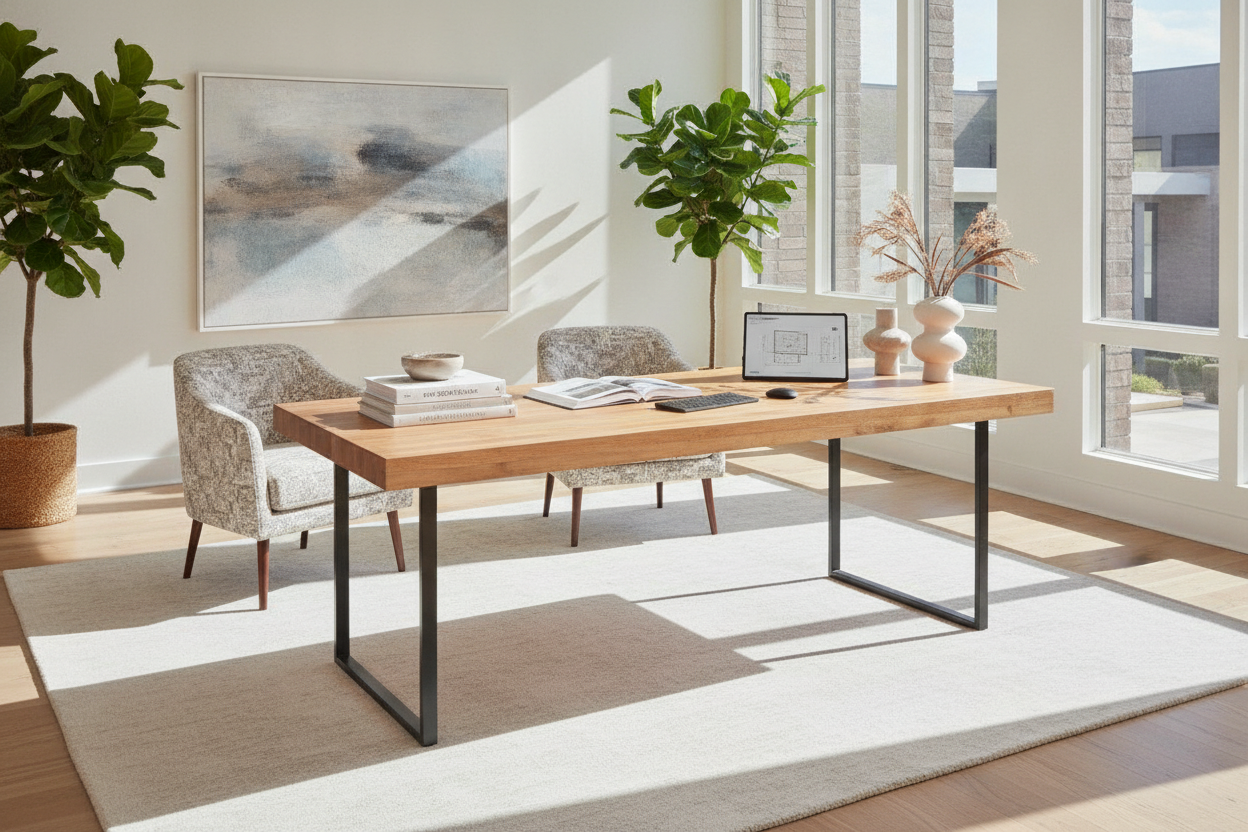
Positioning a desk against a primary wall remains the most space-efficient arrangement for bedrooms and compact dens. It anchors power cabling near baseboards and minimizes visual clutter. However, if your dedicated office features ample open floor space, placing the desk in a floating arrangement facing outward creates a commanding focal point and allows natural light to enter from the side rather than casting direct glare onto monitors.
For creative configurations and architectural balance, exploring designer ideas for standing desk layouts can help you integrate your furniture harmoniously with surrounding doors and architectural features.
Walkway Clearance and Chair Pushback Margins
When measuring your room, account for dynamic human movement around the furniture:
- Chair Pushback Margin: Plan adequate clearance behind the desk edge to allow an office chair to roll back freely without scraping baseboards or storage cabinets.
- Perimeter Circulation: Maintain an unobstructed walkway between the desk edges and neighboring furniture pieces or doorways.
- Door and Window Swings: Ensure nearby interior doors or low-hung casement windows operate smoothly without contacting tabletop corners.
Surface Architecture: Zoning a 55x30 Desktop for Maximum Productivity
A generous tabletop benefits greatly from intentional surface organization. Dividing the surface into dedicated zones keeps core tools accessible while minimizing clutter.
Primary Task Zone and Display Ergonomics
The central zone directly in front of you should support your main input tools and visual focal point:
- Center Display Line: Position monitors centrally, using adjustable monitor arms or sturdy risers clamped to the rear edge to free up desk space directly beneath the screens.
- Input Surface: Center your keyboard and mouse within comfortable reach, leaving several inches of resting space for wrists and forearms.
- Lighting Placement: Mount a slender desk lamp or monitor light bar overhead to maintain even task illumination without taking up base real estate.
For more visual styling techniques, review strategies for designing an attractive standing desk setup that combines visual simplicity with daily utility.
Secondary Peripherals and Analog Writing Space
The perimeter wings of the tabletop provide dedicated areas for supporting tools:
- Right Wing Utility: Useful for mouse movement, active project notebooks, or a dedicated writing pad.
- Left Wing Docking: A natural zone for closed laptop docks, headphone stands, reference documents, or a compact beverage coaster.
- Rear Utility Channel: The back five inches can hold power distribution strips, cable grommets, or ambient desk accents without interfering with active arm motion.
Fixed vs. 55 x 30 Standing Desk Considerations
Choosing between a static frame and an adjustable model depends on your daily workflow and posture habits.
Frame Stability, Crossbar Geometry, and Dynamic Loads
When selecting a 55 x 30 standing desk, structural integrity across height ranges is essential. Dual-stage or three-stage motorized lifting columns combined with broad steel base feet prevent side-to-side wobble during typing.
An electric adjustable height standing desk with integrated memory presets simplifies transitioning between seated focus and standing tasks throughout long workdays. High-torque dual motors ensure smooth ascents even when supporting heavier multi-monitor arrays and accessories.
Cable Routing and Movement Clearance in Standing Mode
A standing desk 55x30 requires deliberate cord management to accommodate elevation changes:
- Service Loops: Provide sufficient slack in main power cords to prevent tension when the frame reaches full extension.
- Under-Desk Cable Trays: Route display cables, power bricks, and peripheral lines through an underside channel attached beneath the tabletop.
- Wall Clearance: Leave a slight gap between the rear edge and the wall to prevent tabletop binding or scraping during vertical movement.
Integrated and Companion Storage for a 55 x 30 Setup
Because open frame desks emphasize leg clearance over built-in drawers, supplementary storage maintains desktop order.
Under-Desk Pedestals and Leg Clearance Trade-Offs
A slim mobile filing pedestal or two-drawer rolling cart can slide beneath one side of a standing desk 55 x 30. In my experience, keeping mobile pedestals narrow is key to preserving wide, comfortable legroom during long seated work stretches. Ensure the pedestal height clears the lowest travel limit of an adjustable desk frame to avoid accidental contact during downward movement.
Vertical Wall Storage, Credenzas, and Lateral Shelving
Pairing the desk with perimeter furniture relieves pressure on the desktop surface:
- Matching Low Credenzas: Placed along an adjacent wall, a low credenza stores printers, backup hard drives, and office supplies out of the direct line of sight.
- Wall-Mounted Floating Shelves: Install shelves above the desk perimeter to hold decorative items, reference books, and small task lighting.
- Free-Standing Bookcases: Provide deep vertical capacity for binders and tech accessories without consuming desk legroom.
Material Selection, Frame Build, and Assembly Best Practices
The durability and stability of your workstation depend heavily on desktop fabrication and hardware assembly.
Solid Wood, Engineered Wood, and Scratch-Resistant Laminates
Desktop surfaces come in several construction types, each offering distinctive functional benefits:
- High-Pressure Laminate (HPL): Highly resistant to daily abrasions, moisture rings, and light impacts, making it low-maintenance for high-use home offices.
- Dense Engineered Wood (MDF/Particleboard): Offers consistent structural flatness and resists warping caused by ambient temperature changes.
- Hardwood and Natural Veneer: Provides rich grain character and warm tactile appeal, requiring gentle cleaning agents and occasional conditioning.
Assembly Tips and Long-Term Stability Care
Follow a systematic approach during assembly to ensure long-term structural rigidity:
- Assemble the frame and tabletop upside down on a soft, carpeted surface to avoid cosmetic scuffs.
- Fasten all structural bolts loosely by hand before applying final torque, allowing holes to align naturally.
- Adjust the threaded leveling glides beneath the base feet once the desk is in its final position to eliminate floor unevenness.
- Periodically inspect and retighten motor mount bolts and leg fasteners to sustain peak frame stability over time.
Conclusion: Creating a Balanced, Long-Lasting Workstation
A 55 x 30 desk provides an optimal ratio of lateral space and focal depth for modern remote work setups. By selecting sturdy frame materials, organizing the surface into clear functional zones, and planning appropriate room clearances, you can build a clean, ergonomic workstation that supports productivity and comfort across years of daily use.


Leave a comment
This site is protected by hCaptcha and the hCaptcha Privacy Policy and Terms of Service apply.