

















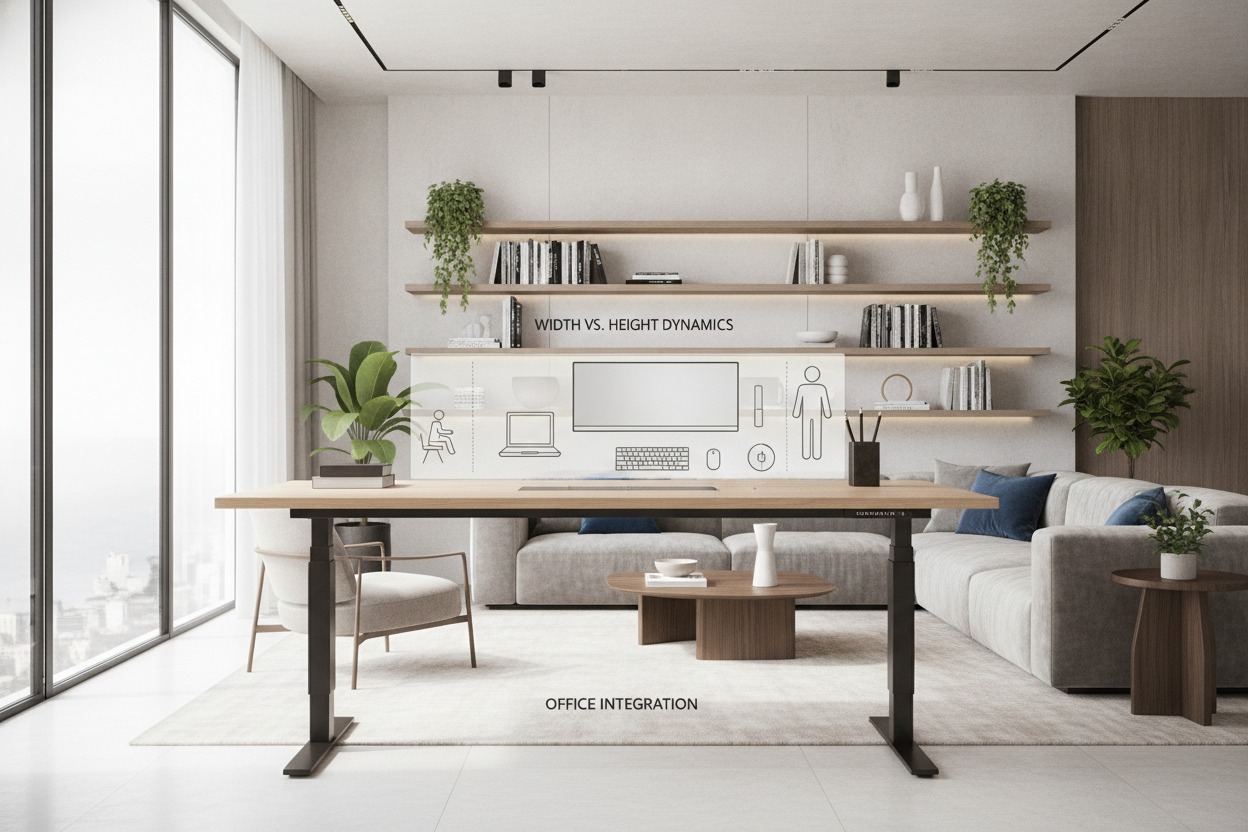
When planning an ergonomic office, the term 50 inch standing desk often refers to two entirely different dimensions: the horizontal width of the tabletop or the maximum vertical extension of the motorized lifting frame. Disambiguating these measurements is essential for selecting the correct furniture footprint, arranging your screens comfortably, and maintaining structural stability throughout daily posture changes.
Understanding the 50-Inch Standing Desk: Width vs. Height Dynamics
Choosing the right desk begins by determining whether your layout demands a mid-sized desktop footprint or a frame capable of extending to a comfortable standing elevation for taller users.
The 50-Inch Wide Desktop Profile
A standing desk 50 inch wide configuration occupies a balanced mid-tier position in home office design. It provides significantly more usable workspace than compact apartment writing tables while fitting neatly into standard room alcoves, spare bedrooms, and shared study corners. This width accommodates single monitors, ultrawide curved screens, or modest dual-screen setups without overwhelming the room's visual balance.
The 50-Inch Tall Elevation Capacity
Conversely, a 50 inch tall standing desk or a frame featuring standing desk 50 inch height travel focuses on vertical adjustability. Reaching an elevated height range near 50 inches allows taller individuals to work with their forearms resting parallel to the floor, preventing slouching or neck strain. High vertical range is also beneficial when pairing the desk with drafting stools or under-desk treadmills that raise your working standing baseline.
Ergonomic Layouts and Surface Zoning for a 50-Inch Desk Width
A 50-inch wide surface requires deliberate organization to keep daily essentials within reach while leaving clear room for typing and writing tasks.
Primary and Secondary Focal Zones
To optimize productivity, divide the desktop into primary, secondary, and tertiary zones:
- Primary Zone: Keep your keyboard, mouse, and central notebook directly within your natural forearm sweep to minimize reaching.
- Secondary Zone: Position an ultrawide monitor or dual displays centered on the desk, paired with adjustable monitor arms to preserve desktop real estate beneath the screens. For slightly larger multi-display requirements, exploring an alternative motorized height standing desk product can provide added breathing room.
- Tertiary Zone: Reserve the outer corners for compact task lighting, desktop organizers, or a drink coaster.
Weight Distribution and Frame Balance
Maintaining balance across the desktop prevents uneven mechanical strain on motorized lifting columns. Place heavy computer towers, heavy books, and multi-monitor clamping mounts centrally or distribute loads symmetrically between the two leg columns. Centered weight distribution helps electric motors operate smoothly during elevation cycles.
Frame Mechanics, Legroom, and Vertical Travel Stability
As an adjustable desk rises toward higher elevations, structural dynamics change. Selecting the right frame geometry ensures a steady, wobble-free work surface.
Column Stages and Upper-Height Stability
Lifting columns typically use two-stage or three-stage telescoping legs. Three-stage frames provide greater overlap between nested steel segments when extended toward peak heights, reducing micro-wobble during intensive typing. When spatial requirements call for expansive workstation setups across sprawling rooms, an extended executive option like a 71-inch height standing desk product offers expanded framing width and broad structural footing.
Under-Desk Knee and Footrest Clearance
An unobstructed lower frame ensures seamless transitions between seated and standing postures. Look for open crossbar-free designs that provide generous knee clearance for ergonomic task chairs when lowered, alongside ample floor space for anti-fatigue mats, balance boards, or ergonomic footrests when standing.
Room Planning and Companion Storage Integration
Because sit-stand desks continuously adjust in height, integrating stationary storage cabinets and managing cords requires careful planning.
Low-Profile Mobile Pedestals and Side Towers
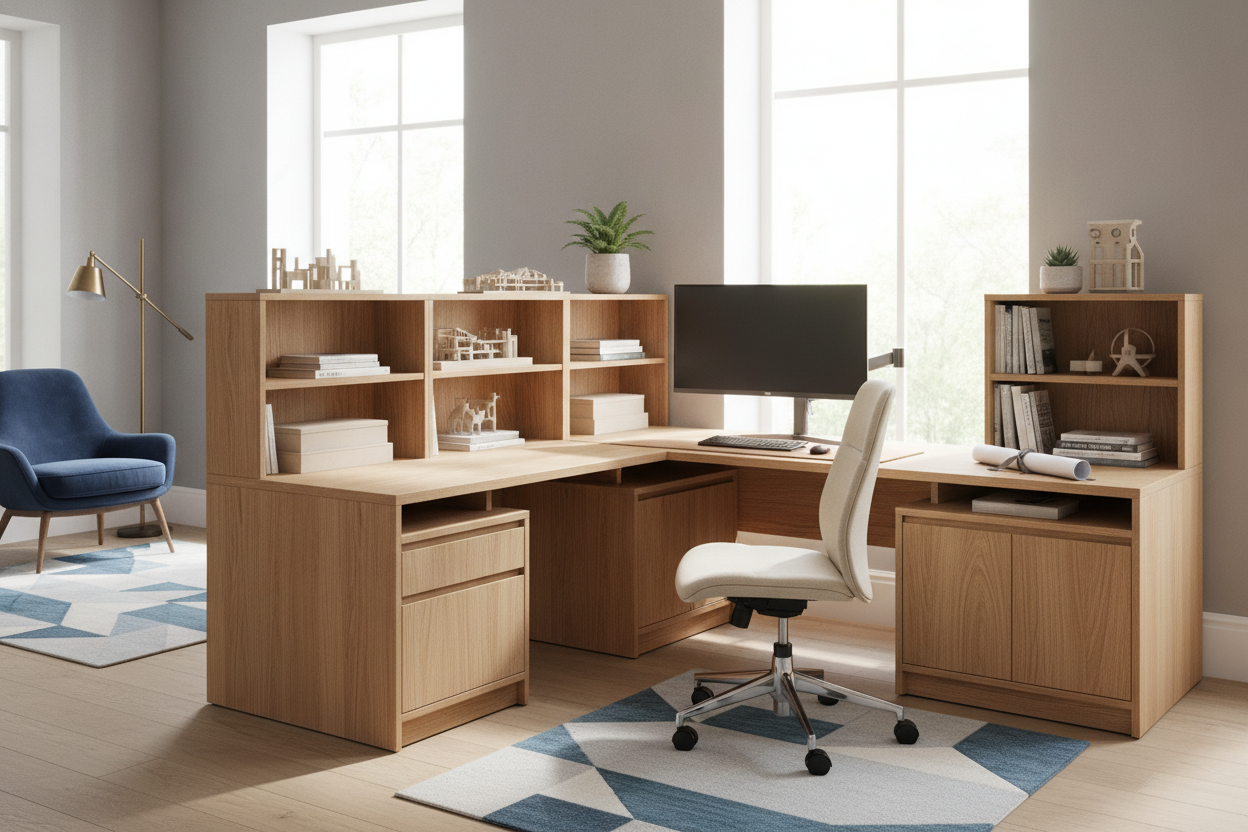
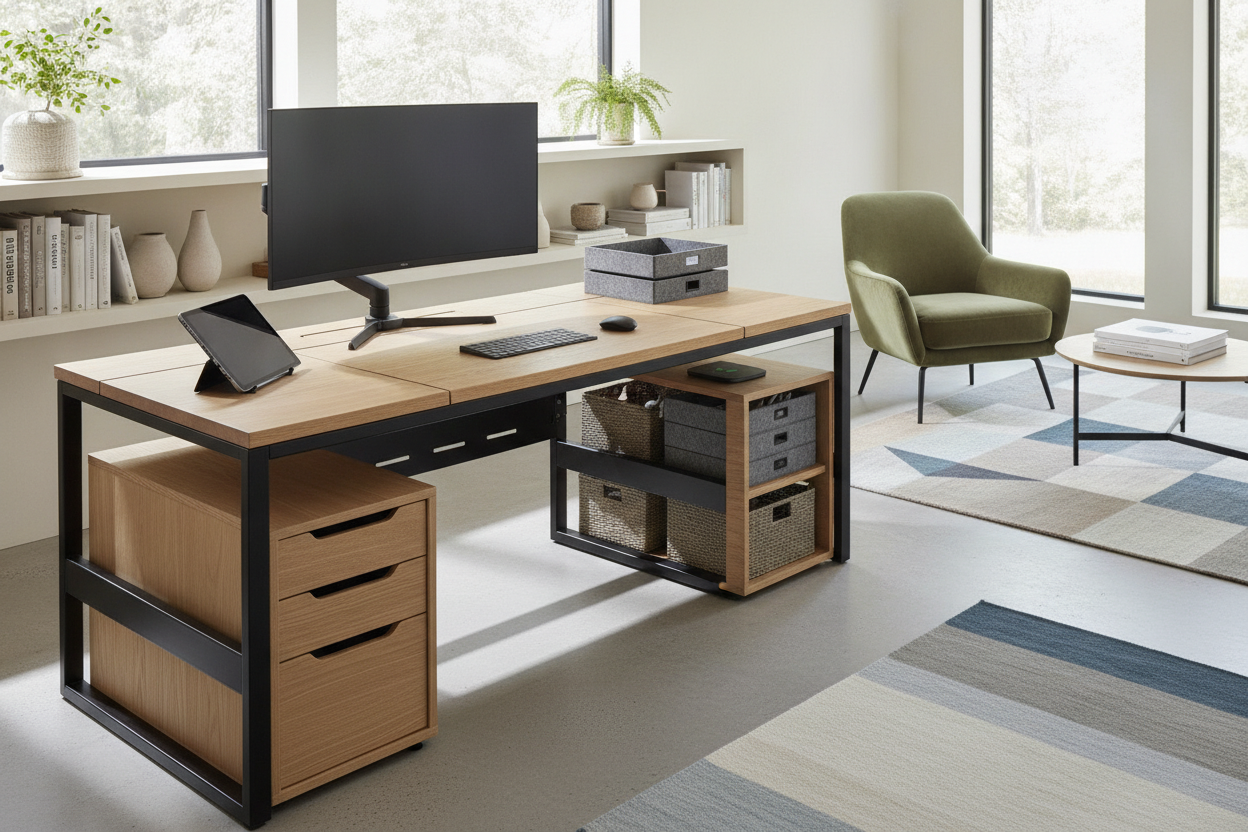
To maintain an uncluttered tabletop, pair your active workstation with dedicated auxiliary storage. Compact rolling filing carts can sit neatly beside the desk frame without obstructing vertical travel. For secondary home offices or compact spaces, referencing a dedicated wide desk guide helps align scaled furniture choices, while incorporating vertical side units outlined in a slim cabinet wide guide keeps stationary goods neatly tucked away.
Dynamic Cable Pathways and Wall Clearances
A motorized standing desk requires dynamic wire management. When running cables from wall outlets or floor power strips to your tabletop monitors, always include sufficient slack in the central cord bundle to account for full vertical lift. Additionally, maintain a slight buffer between the rear edge of the desktop and adjacent walls to prevent monitor arms or cable grommets from rubbing against drywall during motion.
Selection Checklist: Choosing Your 50-Inch Standing Workstation
Before purchasing your workstation, review this checklist to ensure all functional and dimensional requirements are met:
- Dimensional Alignment: Verify whether your space requires a 50-inch desktop width, a 50-inch vertical height range, or a combination of both.
- Monitor Compatibility: Measure the combined span of your screens to confirm they fit comfortably within a 50-inch horizontal envelope.
- Frame Stability: Choose telescoping columns designed to maintain stability at your specific standing elbow height.
- Auxiliary Storage: Plan independent side cabinets or rolling pedestals to keep the rising surface lightweight and organized.
- Cable Slack: Confirm dynamic cable sleeves have sufficient length for smooth vertical adjustments.

Leave a comment
This site is protected by hCaptcha and the hCaptcha Privacy Policy and Terms of Service apply.