

















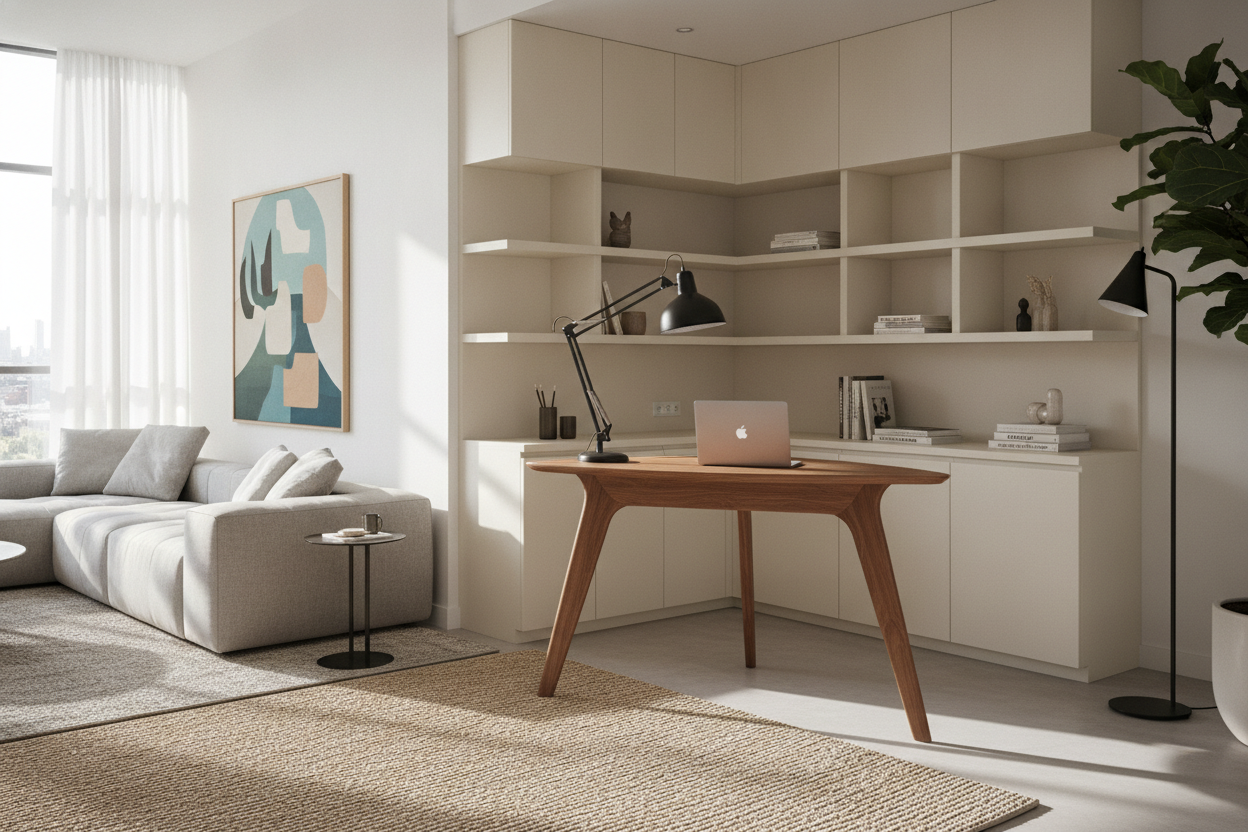
Configuring a modern home office often demands a balance between generous surface area and structural stability. Traditional two-leg rectangular desks provide straightforward utility, but they can quickly feel constrained when accommodating multi-monitor arrays, creative drafting tools, and daily administrative accessories. A 3 leg desk introduces a triangular foundation engineered to anchor expanded surface profiles, including corner returns, L-shaped expanses, and wraparound workstation pods.
By spreading the tabletop load across three dedicated support points, this design profile solves common workspace challenges like middle-span surface sag, cramped knee wells, and awkward corner gaps. Understanding the mechanical behavior, spatial footprint, and storage compatibility of a three-post frame ensures you build a productive, durable, and visually harmonious office environment.
Understanding 3 Leg Desk Architecture: Geometry and Structural Mechanics
The primary advantage of a three-leg configuration lies in how it redistributes downward force across asymmetric and extended desktop shapes. On standard dual-post workstations with an extended side wing, the return surface must often rely on cantilever brackets or lightweight auxiliary brackets, which can lead to vibration and structural fatigue under heavy peripherals.
A three-leg framework introduces an apex column positioned at the intersection where the primary desktop meets the secondary return. This central post acts as a load-bearing fulcrum, redirecting tabletop weight straight downward into the floor. As a result, both wings of the workstation maintain balanced support, minimizing deflection across seam joints and wide spans without requiring a continuous perimeter apron that would otherwise restrict legroom.
Spatial Fit and Corner Planning: Matching Your Room Layout
Integrating a multi-wing workstation into a residential room requires careful measurement of wall spans, traffic lanes, and clearance perimeters. Unlike straightforward rectangular furniture, three-leg layouts occupy two intersecting planes of room space.
- Dedicated Corner Placement: Snugging the apex of the frame into a room corner maximizes floor efficiency, turning an underutilized architectural angle into an expansive cockpit.
- Peninsula Room Dividers: Placing the main span against a wall while allowing the return wing to extend outward into the room creates an organic partition between work zones and living areas.
- Diagonal Floating Layouts: In open-concept studies, positioning the desk diagonally facing toward the room entrance offers an executive sightline while keeping primary cables sheltered behind the apex leg.
When planning your floor space alongside alternative desk ideas, always ensure a clear swivel radius for your task chair and unobstructed walkways around both desk outer edges.
Surface Sizing Tiers and Equipment Load Management
Three-leg workstations generally fall into distinct footprint profiles based on surface length and return proportions. Structuring your hardware placement to match the desk's mechanical layout protects long-term frame alignment and enhances ergonomic workflow.
Compact Corner Footprints
Designed for secondary bedrooms and dedicated nooks, compact variations feature symmetrical short wings. These surfaces excel at supporting a single ultrawide monitor centered over the apex column, leaving the outer wings clear for compact desktop speakers, notebooks, and reference materials.
Extended Executive and Creative Wings
Larger iterations feature an elongated primary side paired with a shorter utility return. Positioning primary display arms along the main crossbeam keeps the visual focal point directly aligned with your seated posture, while the secondary surface comfortably houses specialized equipment such as audio mixing boards, graphics tablets, or desktop printers.
Distributing heavier hardware directly over the frame crossbeams rather than extreme outer overhangs reinforces the qualities of a sturdy standing desk or fixed workstation, preventing uneven torque on floor glides.
Under-Desk Clearance and Mobile Storage Coordination
A notable layout advantage of a three-leg framework is the open knee well achieved by locating support columns at the perimeter boundaries rather than placing braces directly through the central seated path. By anchoring the inner corner seam with an apex post, the configuration allows users to pivot between the primary desktop and the secondary return with fewer structural obstructions.
To maintain an organized work environment without compromising lower-body clearance, consider these under-desk storage practices:
- Mobile File Pedestals: Position rolling drawer units under the extreme outer edge of the secondary wing, preserving open sweeping room for your feet in the central corner.
- Suspended CPU Caddies: Mount desktop towers to the outer perimeter framing to keep sensitive cooling vents elevated above floor dust.
- Low-Profile Credenzas: Back a low credenza against the open outer side of a peninsula wing to provide deep archival storage without crowding the seated workspace.
Cable Routing and Wire Management for Multi-Leg Workstations
Managing cords across an extended, multi-directional surface requires a structured cable management strategy. With equipment spread across two desktop axes, centralized wire consolidation prevents tangled cords and visual clutter.
Take advantage of the triangular leg placement by routing power strips along under-desk crossbeam trays. All peripheral cords can follow horizontal raceways underneath the tabletop toward the central apex column. Using an articulated vertical cable spine mounted alongside the corner leg allows multiple power lines to travel down to a single baseboard outlet in a neat, bundled channel. For those utilizing an adjustable height l-shaped standing desk, ensure cable raceways incorporate enough slack at the corner fulcrum to travel smoothly through dynamic height ranges.
Assembly and Alignment Framework: Ensuring Long-Term Stability
Assembling a three-leg workstation involves more multi-axis alignment than assembling a conventional two-post table. Adhering to a systematic assembly sequence ensures all frame components seat flush and level:
- Dry Fit the Desktop: Lay multi-piece desktop slabs upside down on a soft, protective blanket to align pre-drilled pilot holes and seam connectors.
- Attach Corner Structural Plates: Fasten the central mending plates and crossbeams loosely, allowing minor lateral adjustment before final tightening.
- Install the Three Leg Assemblies: Secure the primary, secondary, and apex corner legs to their respective frame channels.
- Torque Fasteners in Sequence: Tighten bolts outward from the center apex to the outer frame ends to prevent tension warping across the desktop seam.
- Level the Three Floor Glides: Once upright, adjust each independent leg glide with a bubble level to compensate for subtle floor slants and eliminate wobble.
Coordinating Complementary Storage and Room Aesthetics
Because a three-post corner desk makes a strong architectural statement, pairing it with complementary office furniture creates a balanced, cohesive workspace. Selecting storage units that match the frame finish—such as matte black steel, brushed silver aluminum, or clean white powder-coating—creates visual harmony throughout the room.
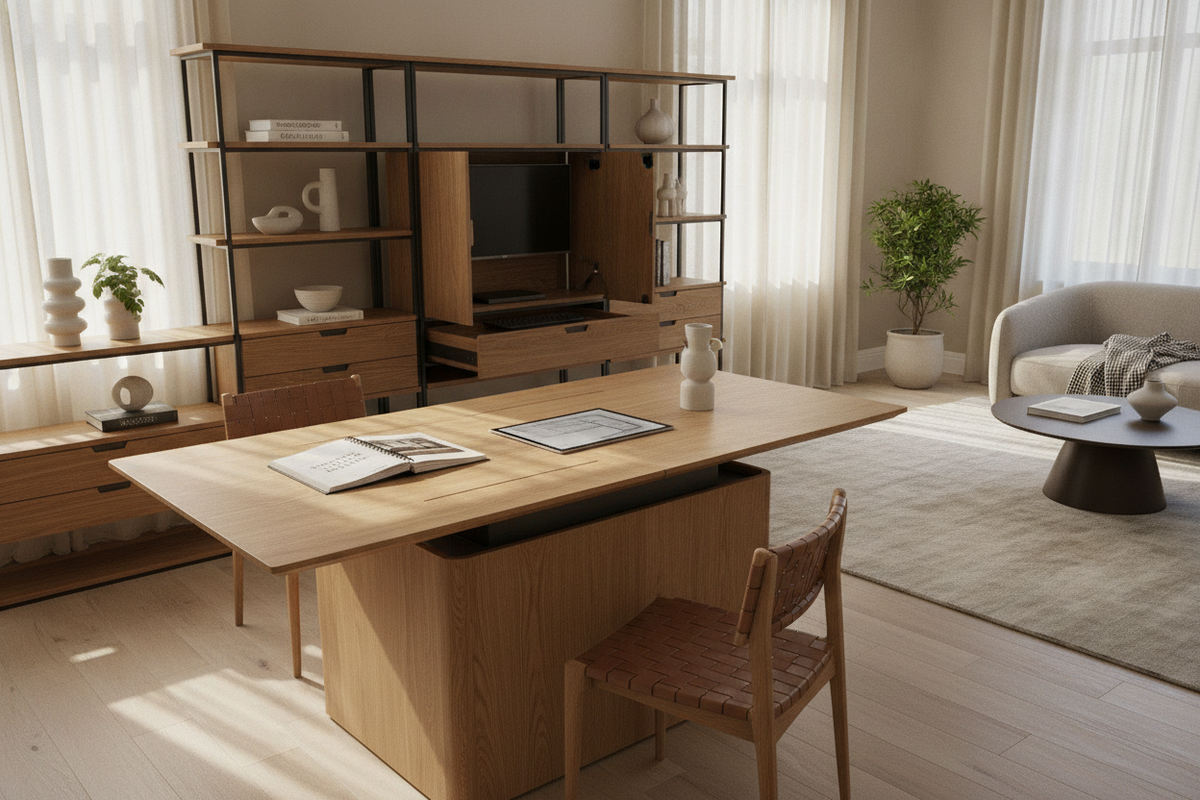
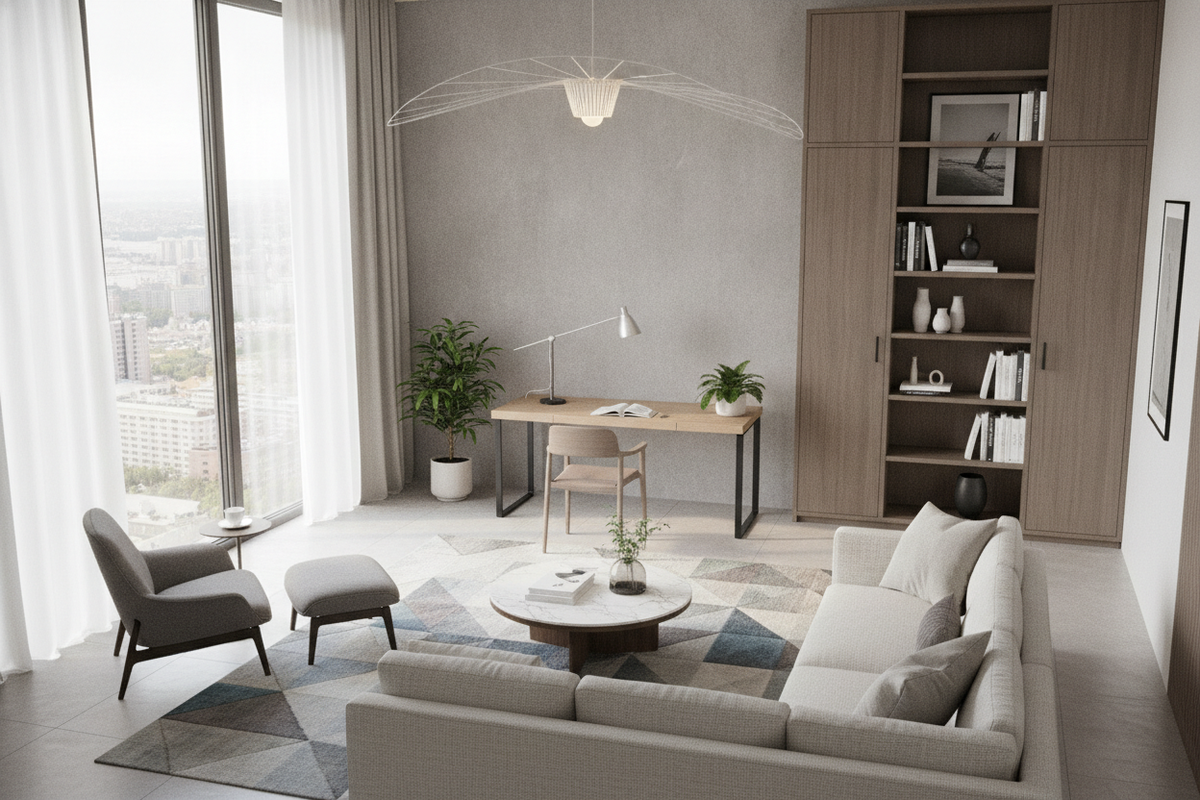
Flank the longer wall with tall, open bookcases to draw the eye upward and balance the wide horizontal footprint of the desktop. Placing lateral filing cabinets or matching accent buffets along adjacent walls provides ample space for office essentials, keeping the main work surfaces clear and focused on active projects.

Leave a comment
This site is protected by hCaptcha and the hCaptcha Privacy Policy and Terms of Service apply.