

















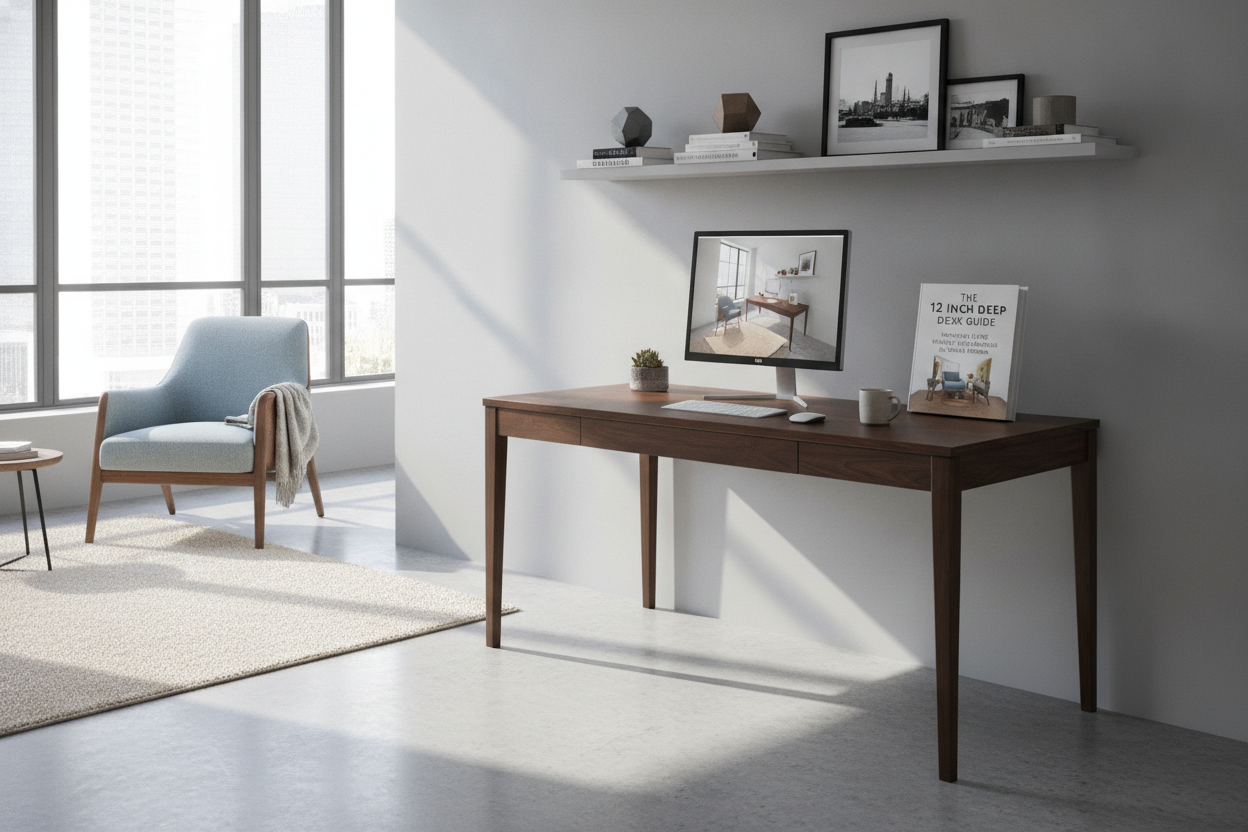
Understanding the 12 Inch Deep Desk Profile
Finding functional furniture for compact living spaces often requires rethinking traditional surface dimensions. A standard executive or computer desk typically commands substantial floor depth, which can easily overwhelm narrow rooms, shared living areas, or tight corridors. In contrast, an ultra-shallow profile such as a 12 inch deep desk offers a streamlined footprint designed specifically to preserve open walkway clearance while still delivering a dedicated task surface.
Often functioning similarly to a console or wall ledge, a 12 deep desk shifts the focus of a workspace from sprawling horizontal spread to efficient, linear utility. While it may not host bulky multiple-monitor arrays or oversized desk pads, it provides an organized zone for laptops, writing notebooks, tablets, and daily paperwork. For urban apartments, studio flats, and multipurpose rooms, choosing an ultra-slim depth allows you to transform unused wall perimeter into an active study or work station without encroaching on primary foot traffic routes.
Understanding this profile means viewing your furniture layout through the lens of floor preservation. When you select a slim workstation, you reduce visual bulk and prevent the cramped, cluttered feeling common in small-space layouts. Whether referred to as an ultra-shallow workstation or a specialized 12 inch wide desk profile for narrow alcoves, this furniture style prioritizes lean efficiency above all else.
Ideal Room Layouts for an Ultra-Narrow 12" Deep Desk
The greatest strength of a 12" deep desk lies in its adaptability across unconventional room configurations. Because it occupies minimal depth, you can position it in areas where traditional office furniture simply cannot fit.
- Hallway and Corridor Workstations: Long passageways frequently suffer from underutilization. Positioning a shallow desk against an open hallway wall establishes a quick check-in hub for checking email, sorting mail, or managing household calendars without obstructing passage.
- Behind-the-Sofa Consoles: In open-concept living rooms, placing a slim desk directly behind a floating couch creates a dual-purpose room divider. It acts as an accent table when styled with small decor and seamlessly converts into a remote work perch during office hours.
- Bedroom Perimeter Nooks: Small bedrooms often struggle to balance bed clearance with functional storage. A shallow desk positioned along the foot of the bed or in a narrow corner nook provides a focused study zone that leaves closet and doorway paths clear.
- Entryway Landing and Study Zones: In studio apartments where an entryway opens directly into main living quarters, an ultra-slim desk serves as a drop spot for keys and essentials by morning and a dedicated laptop desk by afternoon.
Maximizing Storage and Usable Area on a Shallow Surface
Because horizontal surface area is intentionally condensed on an ultra-slim tabletop, managing tabletop accessories demands a deliberate organization strategy. Without thoughtful planning, small items can quickly crowd the typing surface.
To maintain an open, uncluttered workspace, vertical expansion is key. Pairing your desk with floating wall shelves, pegboards, or wall-mounted magnetic rails lifts task lighting, pencil cups, and daily planners off the main surface. If you need enclosed storage for files or electronics, pairing the workspace alongside a narrow cabinet storage layout helps contain office supplies without protruding further into the room than the desk itself.
Under-desk storage represents another valuable opportunity. Incorporating low-profile drawer modules or slender waste bins keeps your footprint contained. You can also utilize slim desktop risers designed specifically for shallow depths, allowing a laptop or tablet to sit elevated while slips of paper or a compact keyboard slide neatly underneath when not in active use.
Hardware Fit and Usability: Setting Up Laptops and Peripherals
Setting up technology on an ultra-narrow desk requires careful selection of hardware and accessories to ensure comfort and functionality. Because depth is limited, standard large-footprint computer monitors and wide desktop towers require alternative arrangement tactics.
A modern ultra-slim desk pairs most naturally with laptop-first workflows. Slim laptops, compact tablets with keyboard cases, or all-in-one devices maximize the available workspace without hanging over the edge. If you prefer using an external screen, selecting a wall-mounted display or a low-profile monitor arm with a flat clamp keeps the desk surface clear for typing and writing.
Cable management is equally critical on shallow furniture. Because the rear edge sits close to your seating position, loose cords can easily disrupt the clean look of the station. Utilizing adhesive cable tracks along the rear frame legs or attaching a slim under-desk wire basket keeps power bricks and charging cords concealed and out from underfoot.
Stability, Anchoring, and Material Considerations
Given the tall and narrow proportions of a shallow desk, structural stability deserves thoughtful attention during planning and assembly. Desks with a narrow base can have a higher center of gravity when loaded with equipment, making wall anchoring an essential best practice.
Most well-engineered slim desks feature reinforced frames composed of sturdy metal tubing, durable engineered wood, or solid timber crossbars designed to prevent side-to-side wobble. Securing the rear apron or frame directly to wall studs using discreet bracket hardware ensures that the desk remains rigid during vigorous typing, accidental bumps, or drawer use.
When evaluating materials, consider surfaces that resist daily wear while maintaining a light aesthetic. Smooth laminate tops, durable powder-coated metal legs, and rounded edge profiles provide both tactile comfort for your wrists and long-term durability in high-traffic zones of the home.
Decision Matrix: Is a 12-Inch Depth Right for Your Workflow?
Choosing between an ultra-shallow workstation and a standard desk depends on your daily tasks, room dimensions, and equipment needs. Use this decision matrix to determine if an ultra-slim profile suits your living space:
- Select a 12-inch profile if: Your tasks primarily involve laptop work, digital reading, journaling, or casual computing in high-traffic walkways, micro-apartments, or multipurpose guest rooms where preserving floor space is the absolute top priority.
- Consider a compact standard desk if: You require dedicated drawer banks, dual large monitors, or extensive desktop stationery. In those cases, consulting a compact 28 inch desk guide can help you evaluate slightly deeper alternatives that balance modest dimensions with extra built-in storage.
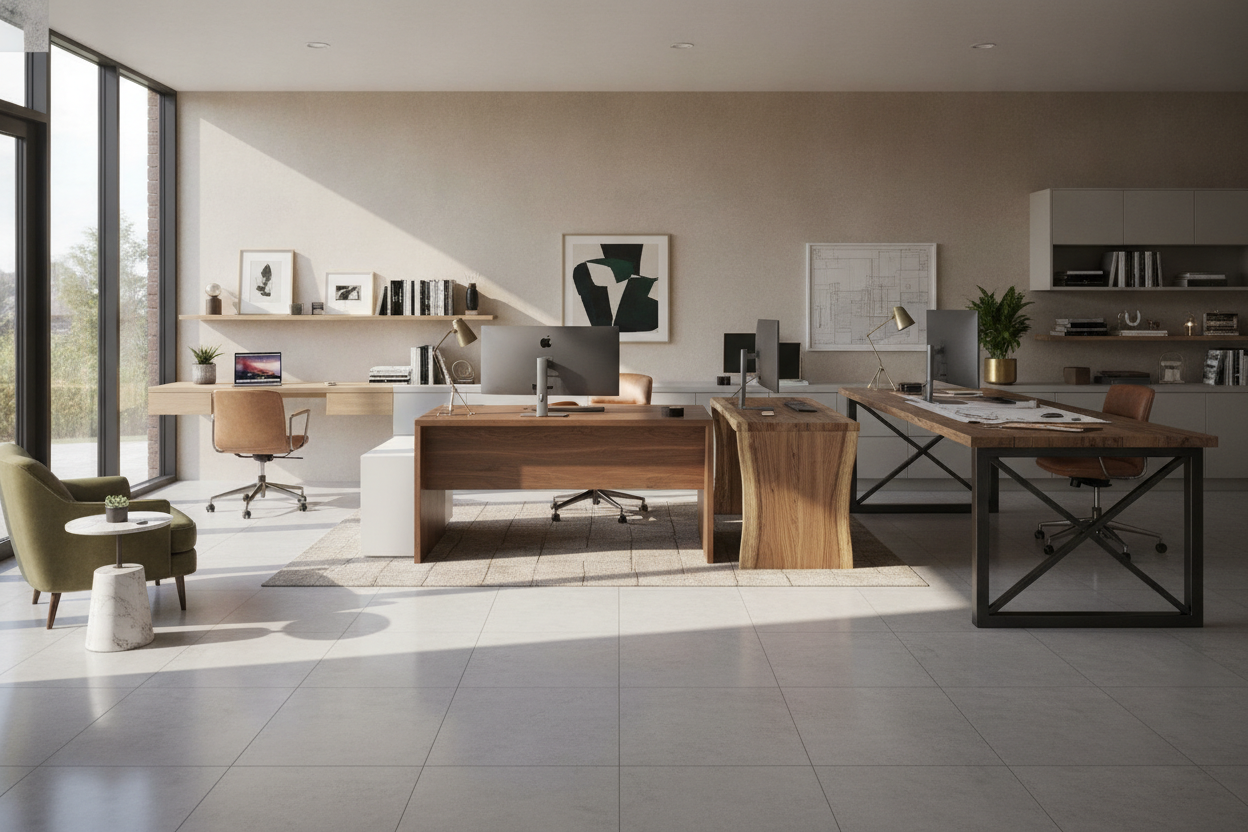
- Consider an expanded workstation if: You manage complex creative projects, heavy desktop computer towers, or wide paper archives, where a wide computer desk with storage provides the necessary horizontal breadth and enclosed shelving.
By assessing your spatial constraints and computing requirements, an ultra-shallow desk can transform previously wasted square footage into an efficient, comfortable, and beautifully integrated home workstation.

Leave a comment
This site is protected by hCaptcha and the hCaptcha Privacy Policy and Terms of Service apply.